 Lumesson
Warehouse pick and pack training template
A 20-minute warehouse course on picking the right item and packing it safely: the four-step pick routine, reading the pick list on the scanner, deciding what needs extra protection, three checks before a box ships and a hazard hunt — then a quiz and a badge. Play it below, then make it yours.
- 20 minto complete
- 14slides in 4 parts
- 3questions, 2 kinds
- SCORMxAPI · cmi5 · HTML5
Already have Lumesson? Open this template in the app
 Play the course
Take “Picking and Packing Accuracy” as a learner
This is the real course, published from Lumesson as HTML5. Click through it, try every activity and take the test — nothing you do is recorded.
Open full screenWorks on phones and tablets too
14 slides in 4 parts
A free warehouse pick and pack course: the scan-check-pick-confirm routine, the pick list, safe packing, a hazard hunt, a quiz and a badge. Play it now.
Introduction
3 slidesPick it right
3 slidesPack it safely
4 slidesQuiz
4 slidesA look at the course
Learning by doing, not by reading
Picture this
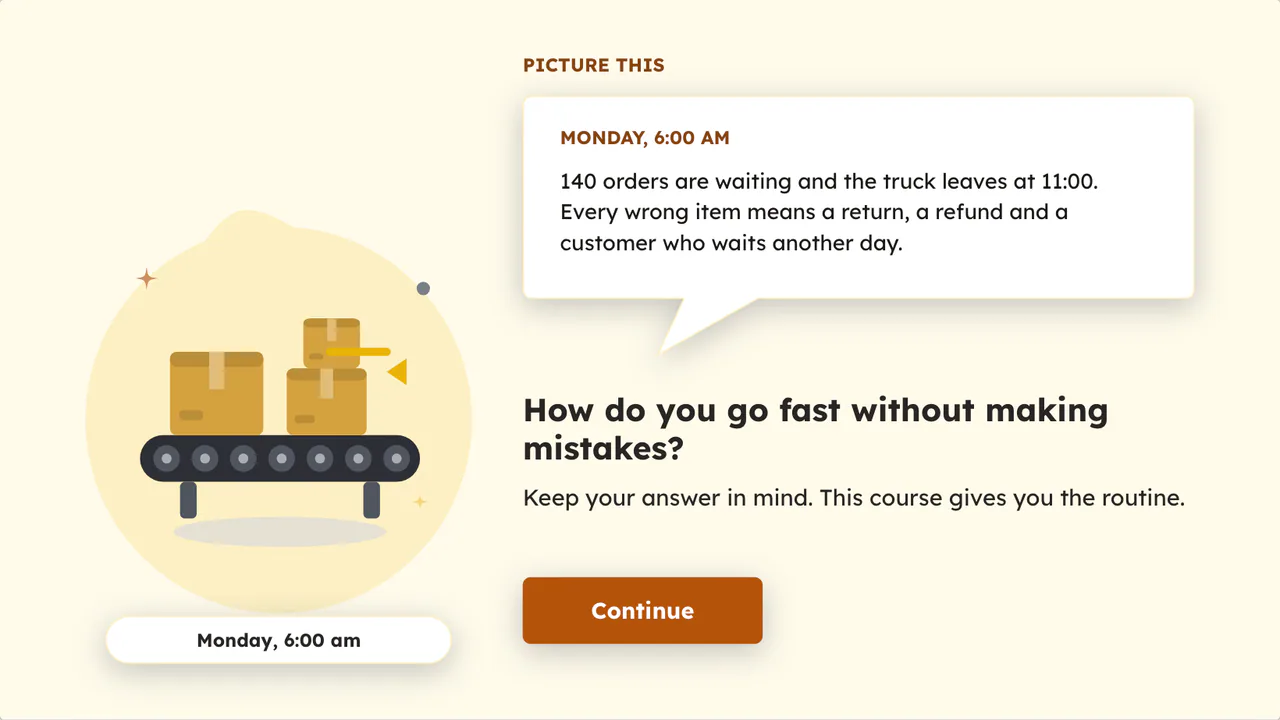
Monday, 6:00 am: 140 orders and a truck at 11:00. How do you go fast without mistakes? Learners keep their answer in mind.
Three zones, one flow
Receiving, storage and dispatch, each in a picture with what happens there.
Scan, check, pick, confirm
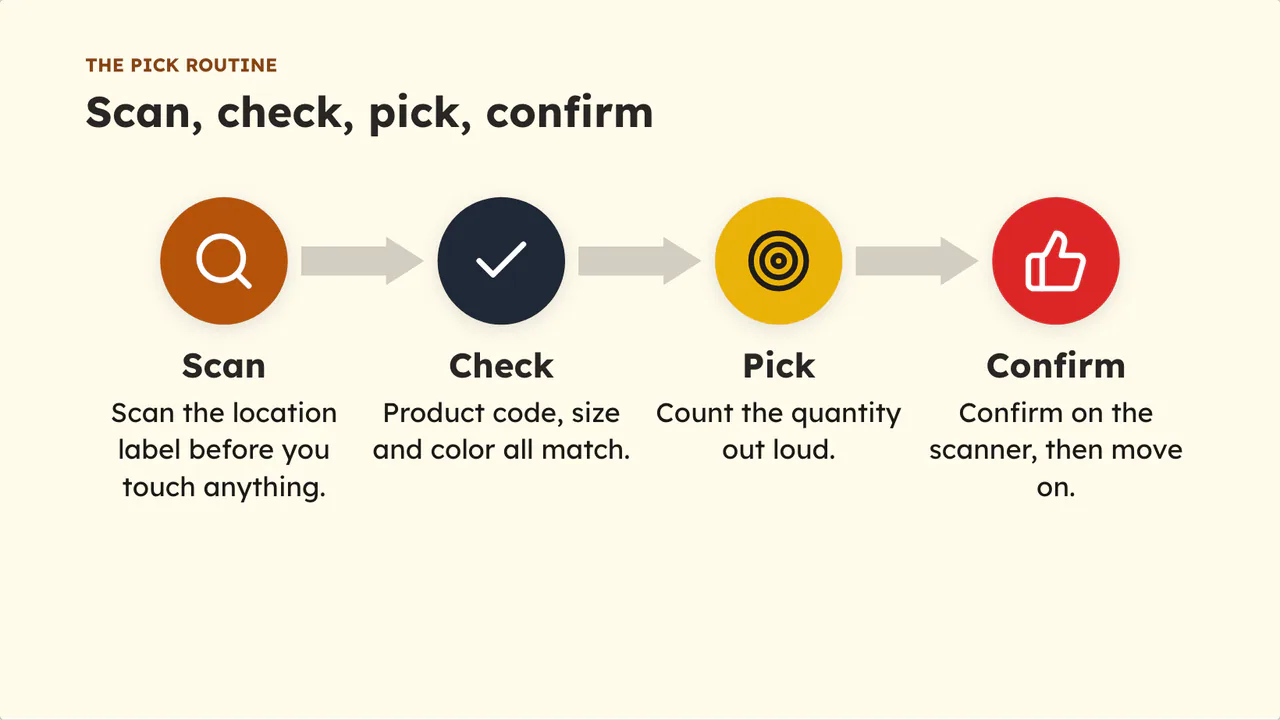
The pick routine in four steps, from scanning the location label to confirming on the scanner.
Read your pick list
The pick list on the scanner screen with four numbered notes: the next pick, the status, the menu to report a problem and the zone filter.
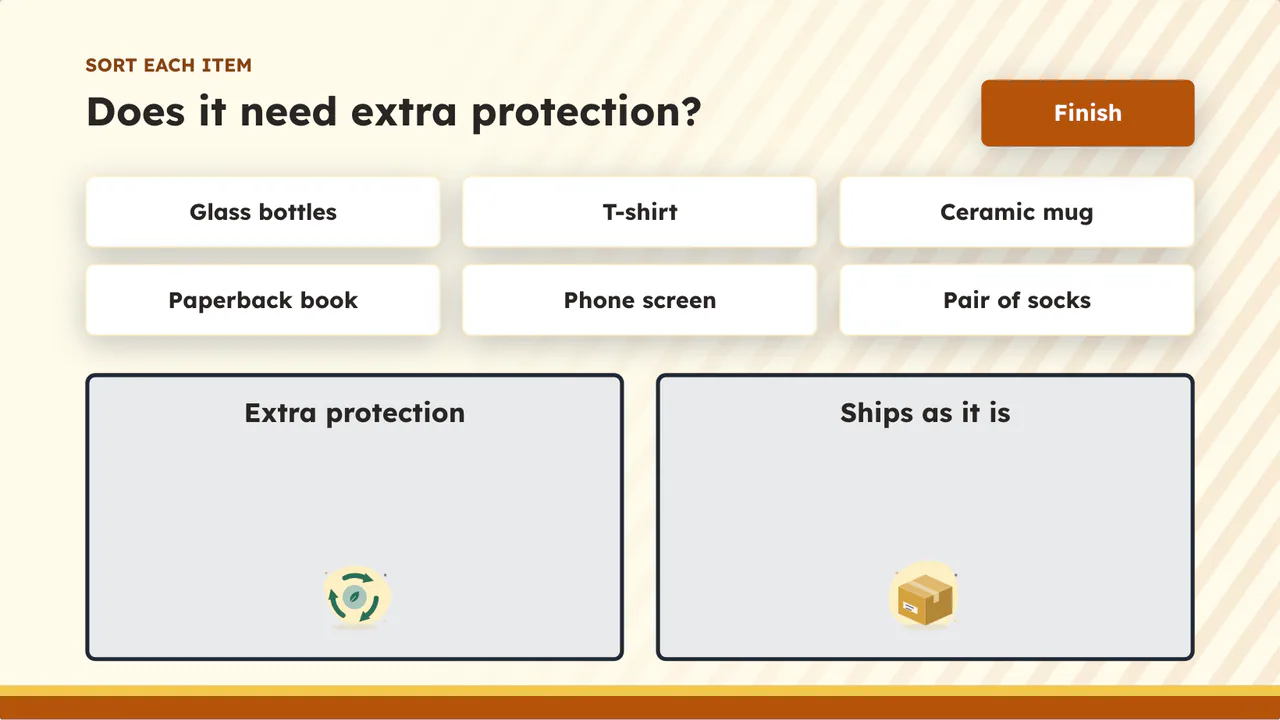
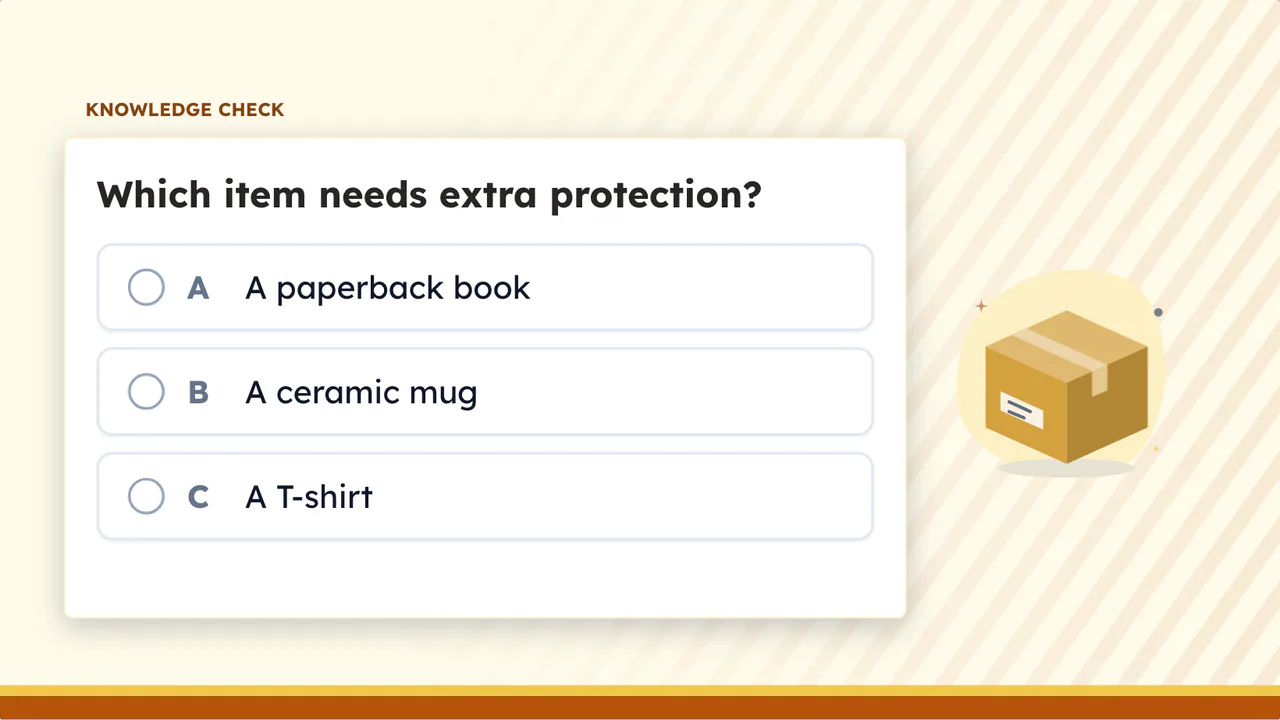
Does it need extra protection?
A sorting game: glass bottles, a T-shirt, a ceramic mug and more, sorted into extra protection or ships as it is.
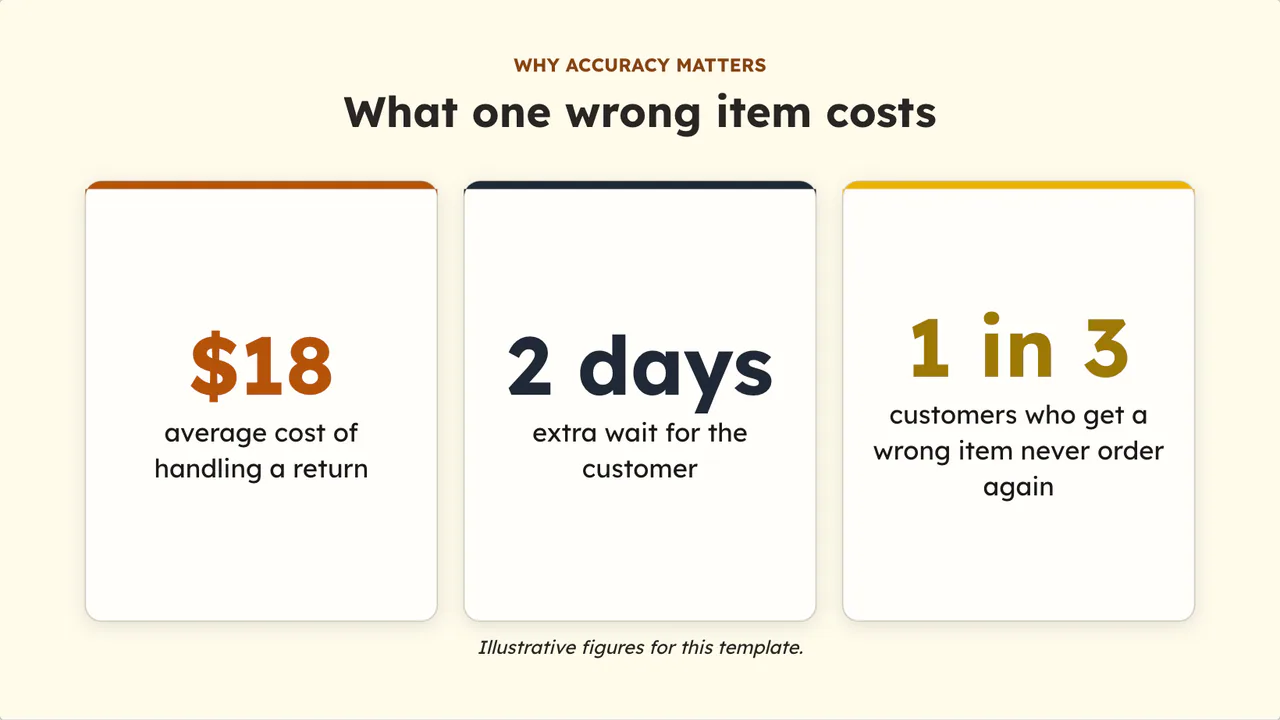
What one wrong item costs
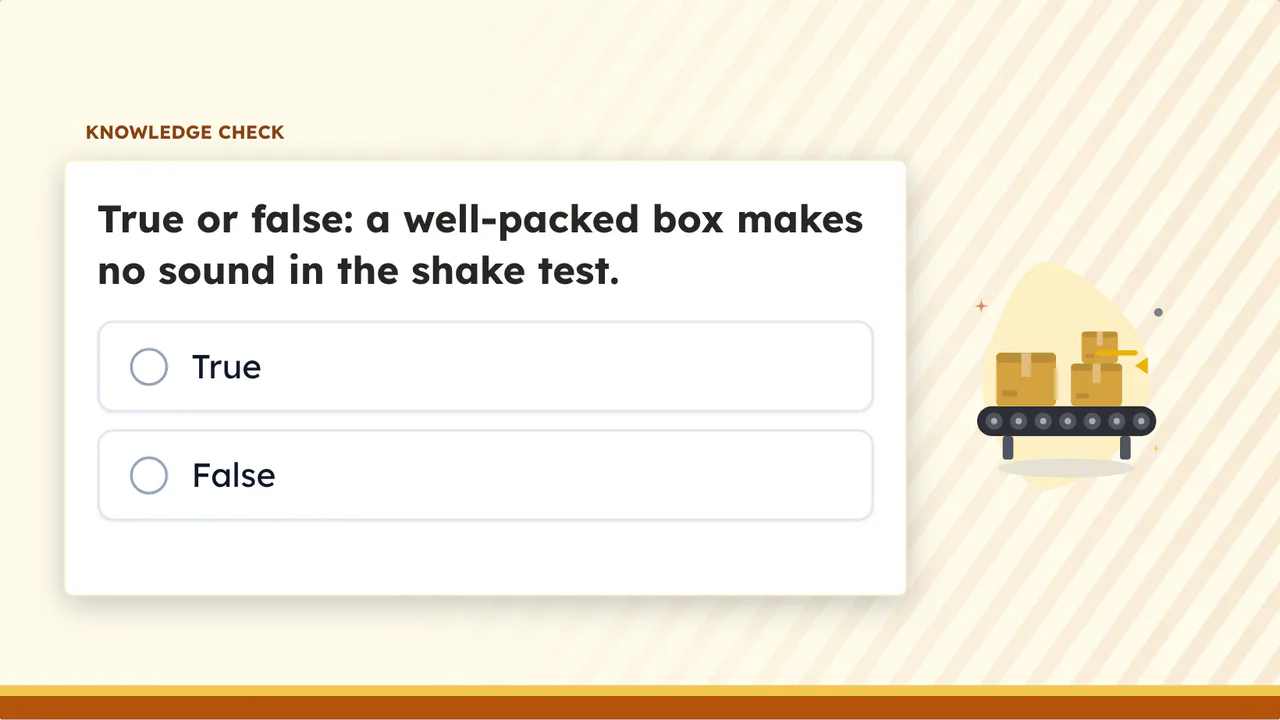
Three checks before a box ships — right box, nothing moves, right label — then three numbers on the cost of a mistake.
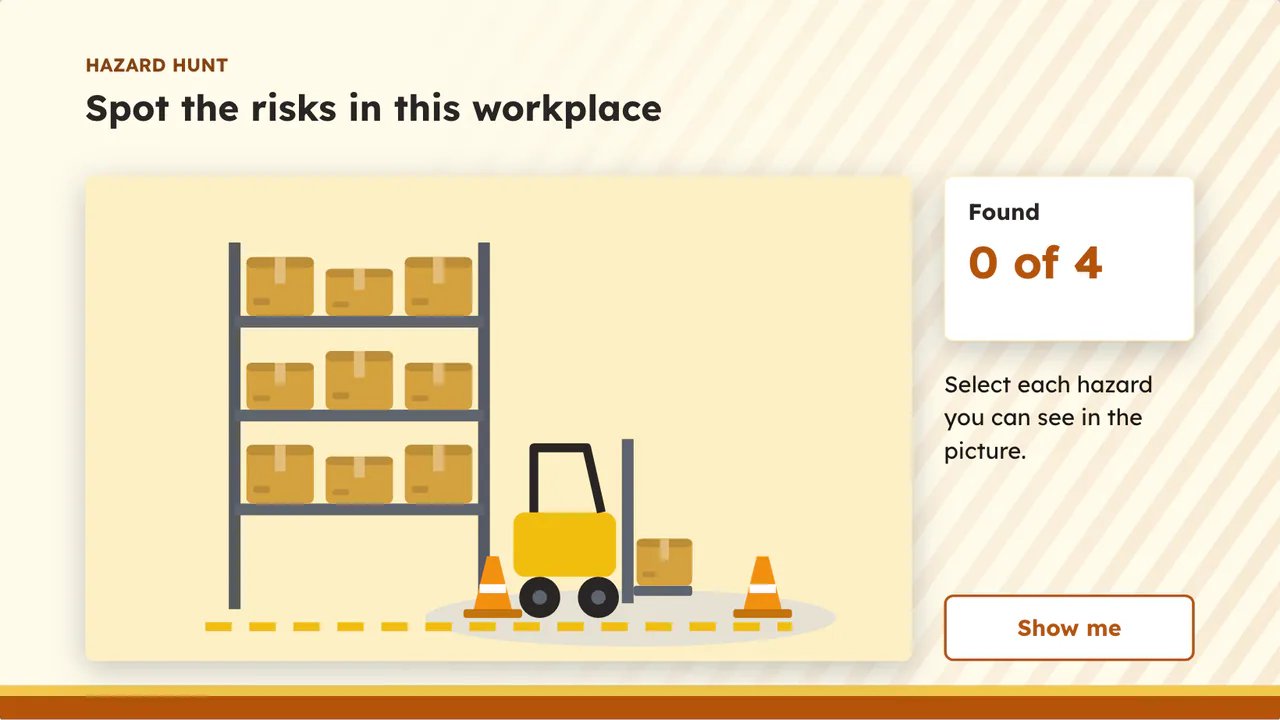
Spot the risks
A hazard hunt on a warehouse picture: find the four risks, from boxes blocking the walkway to a spill on the floor.
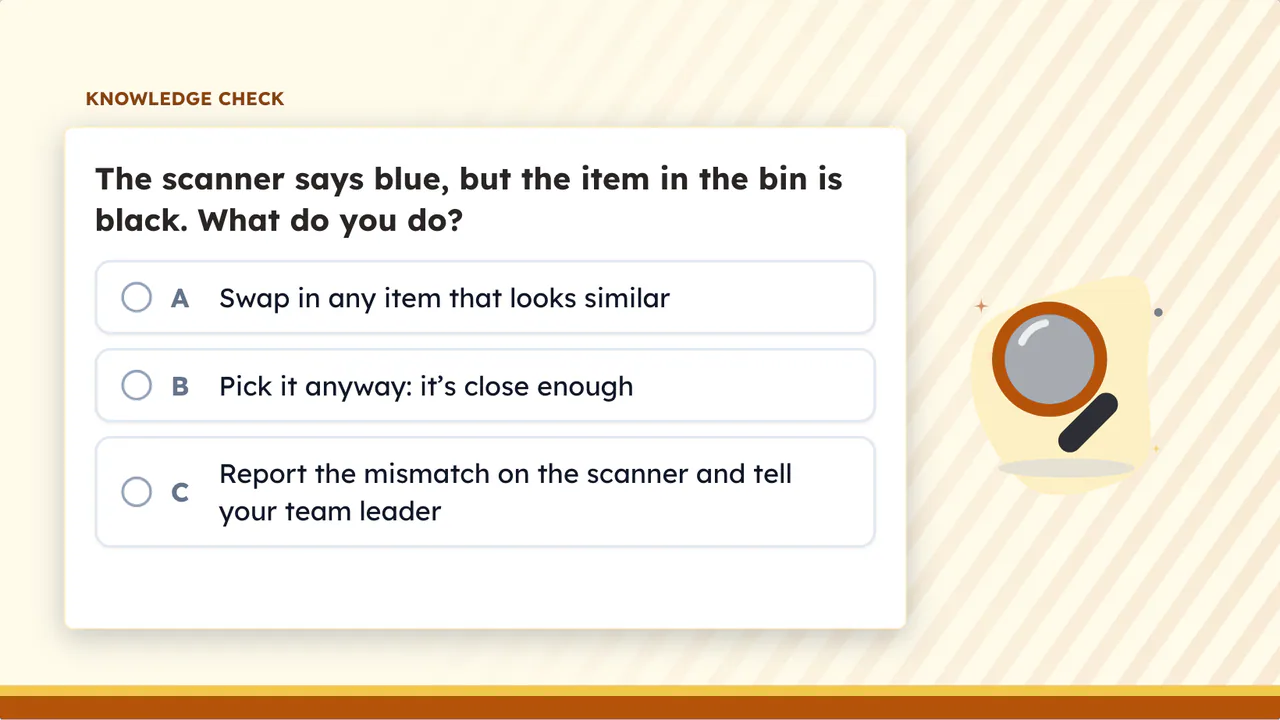
A quiz and a badge
Three questions with an 80% pass mark; learners who pass earn the Accuracy Champion badge.
After the course, learners can
- Follow the pick routine every time: scan, check, pick, confirm
- Read the pick list on the scanner and report a damaged or missing item
- Report a mismatch instead of guessing
- Decide which items need extra protection and pack them so nothing moves
- Check the box, the padding and the label before it ships
- Spot common hazards on the floor
Made for
- New pickers and packers
- The routine before their first shift on the floor.
- Agency and seasonal staff
- Up to speed fast before peak, with the same rules as everyone.
- Team leaders
- A ready-made refresher when mistakes and returns start to rise.
- Fulfilment and e-commerce teams
- Fewer wrong items, fewer returns, happier customers.
From template to your own course in minutes
Everything in the template can be changed in Lumesson — by hand, or by asking Lume AI.
- 1
Open it in Lumesson
Home ▸ Templates ▸ Picking and packing accuracy. Every slide, question and picture can be changed — on the Free plan too.
Learn more - 2
Make it about your warehouse
Ask the Assistant: “Use our zones A to D, add our rule for picking fragile items to tote 3, and add a question on what to do when a location is empty.” It edits the real course and lists what it changed.
Learn more - 3
Add a safety officer
Carlos, in a hard hat and hi-vis vest, can explain the routine and the hazards — with 16 expressions, and full-body poses such as walking and standing.
Learn more - 4
Show your own scanner
Swap the sample pick list for a photo or screenshot of your scanner, then place the numbered notes on it.
Learn more - 5
Narrate and caption it
Natural AI voices or your Mac’s own voices for every slide, and captions for the whole course in one step — for noisy floors.
Learn more - 6
Translate it for every crew
A copy in Spanish, Romanian or Polish, with its narration voiced again and a list of anything to check.
Learn more - 7
Check it on a phone
One click gives every slide a phone layout, so people can take it on the floor without a desk.
Learn more - 8
Publish to your LMS
SCORM 1.2 or 2004, xAPI, cmi5 or HTML5. Completion and the quiz score go to your LMS, so you know who is trained before peak.
Learn more
Picking and packing accuracy: the details
| Length | About 20 minutes |
|---|---|
| Structure | 4 parts, 14 slides |
| Interactions | Diagram, Hotspot |
| Assessment | 3 questions: Multiple choice, True or false |
| Results | A results slide with the learner’s score and pass or fail |
| Publish to | SCORM 1.2, SCORM 2004, xAPI, cmi5, HTML5 — or a video, Word or PDF |
| Phones | A phone layout for every slide in one click |
| Language | English — translate the whole course with AI in one step |
| Editing | Every slide, picture, question and setting can be changed |
| Price | Free with Lumesson (the Free plan adds a small “Made with Lumesson” mark) |
Other courses to start from
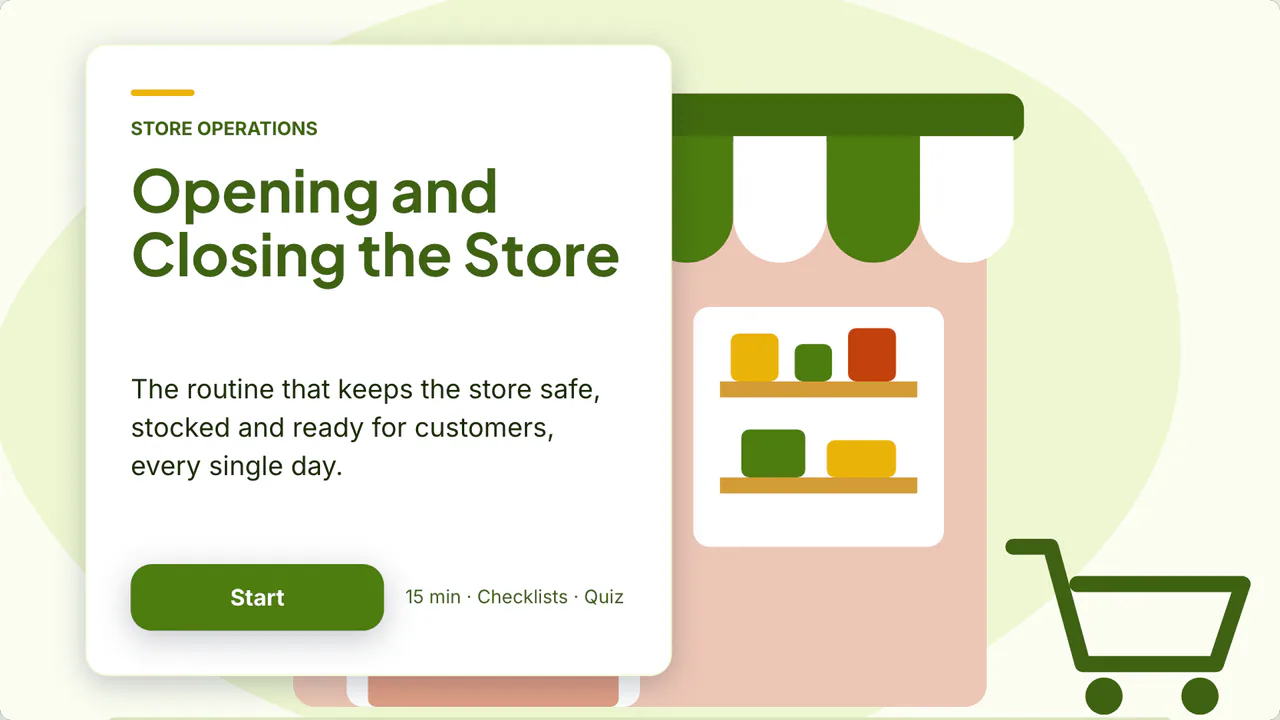 Retail & warehouseOpening and closing the storeA free retail course on opening and closing the store: the first 45 minutes, the shop front, cash handling, a closing checklist and a quiz. Play it now.
 OnboardingEmployee onboardingA free employee onboarding course for a new hire’s first week: values, a buddy, the first 90 days, a first-day plan, a scenario and a quiz. Play it now.
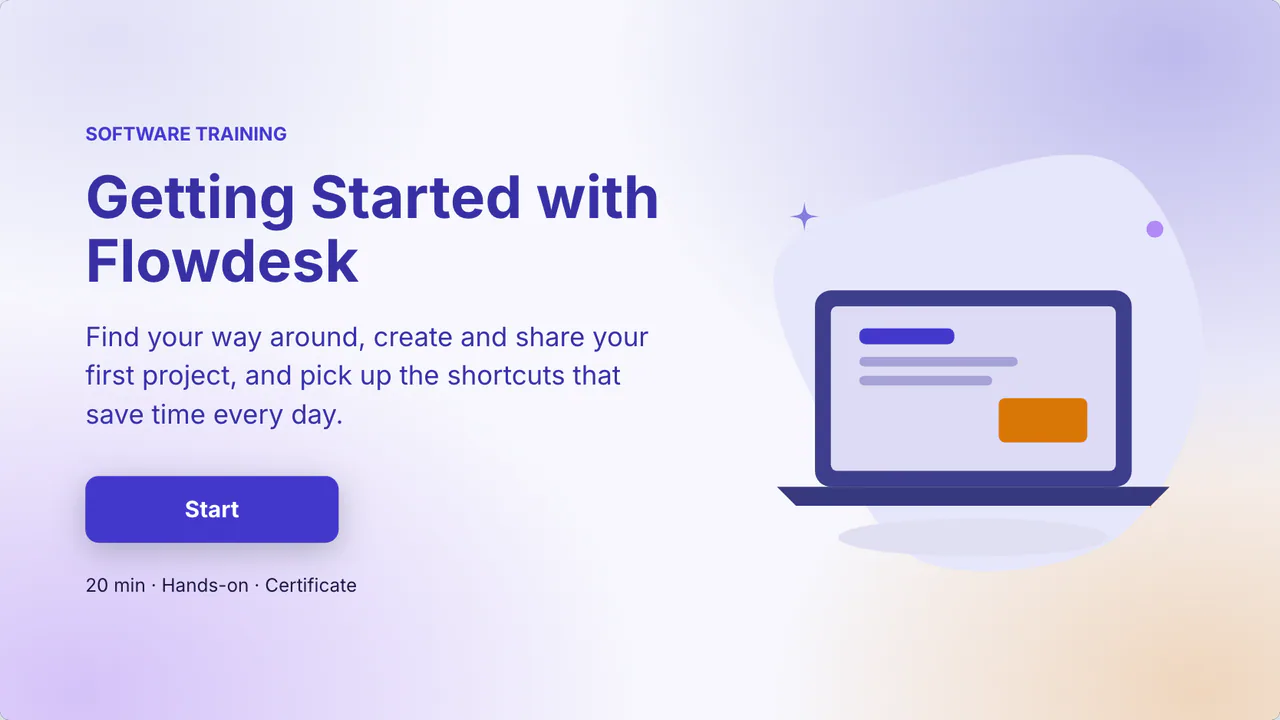 IT & softwareGetting started with a new appA free software training course for any new app: a screen tour, tasks on screenshots, click-on-the-screen practice, shortcuts and a graded quiz. Play it now.
Read more
Work instructions and step-by-step guides: how to write them, with templates
How to write work instructions and step-by-step guides people actually follow: one task, numbered steps, one action each, pictures, warnings and templates.
Read the guideGuideSafety training that sticks: how to create an online safety training course
How to create safety training people remember: hazard spotting, PPE, scenarios, quizzes and certificates, on phones and in every language your crew speaks.
Read the guideGuideWhat is microlearning? A definition, 10 examples and how to make it
What is microlearning? A clear definition, when it works and when it doesn’t, 10 microlearning examples, and how to design short lessons for phones and an LMS.
Read the guideFrequently asked questions
Is this warehouse pick and pack training template free?
Yes. Every course template comes with Lumesson, including the Free plan, which has every authoring feature. Courses published on Free carry a small “Made with Lumesson” mark; a one-time Lifetime licence removes it.
Can I upload it to my LMS?
Yes. Publish it as SCORM 1.2, SCORM 2004, xAPI or cmi5 and upload the package to your LMS: it reports completion and the quiz score. You can also publish HTML5 for a website or intranet.
Does it match our warehouse management system?
The routine — scan, check, pick, confirm — works with most scanners and systems. Replace the sample pick list with your own screens and add your own rules for shorts, damages and fragile items before you use it.
Does it cover warehouse safety too?
It includes a hazard hunt with four common risks. For a full safety induction, pair it with the Workplace safety template, which covers hazards, PPE, safe lifting and emergencies.
Can I translate it for a multilingual workforce?
Yes. Lumesson makes a translated copy of the whole course with AI, voices the narration again in the new language and lists anything worth checking.
How long does the course take?
About 20 minutes, including the quiz. Split it into a picking lesson and a packing lesson for short sessions before a shift.
Make “Picking and Packing Accuracy” your own
Download Lumesson free for Mac, open the template from Home ▸ Templates and change anything — by hand or by asking Lume AI.