 Lumesson
Interactive eLearning authoring, without the blank page
Layers, states, interactions and variables when you need depth; design styles, ready-made layouts and an AI Assistant when you need speed. No code, on your Mac.

Everything you need, in one app
Interactivity without code
Pop-ups, feedback, hover and visited states, conditions and variables, so learners explore instead of clicking Next. JavaScript if you want it.
Motion that guides the eye
14 entrance and 8 emphasis effects, motion paths and 11 transitions including morph — timed to the narration with cue points.
Design that stays tidy
24 design styles, 28 themes, slide masters and brand kits with your fonts, colors and logo.
Explain ideas, data and maths
52 diagram styles in 12 families, 10 chart types, tables, code and equations — clear explanations instead of walls of text.
Know what learners know
20 graded and survey question types, drag-and-drop, hotspots, question banks and 7 results layouts.
Readable on every phone
An automatic phone layout for every slide, kept in step with your edits.
Let learners practise, not just read
Clicking Next is not learning. Build role-plays, pop-ups and feedback that react to what learners do — here each tone of voice brings the guest’s reaction and a coach’s note — without writing code. Buttons that lead nowhere are found before your learners find them.
- Learners’ names and scores in any text
- Check the timing as learners will hear it: a slide plays with its narration, sound and video while you edit
- Tabs, accordions, flip cards, hotspots and guided tours ready to fill in
- 6 ready-made game slides, or your own

Professional design in a click
Pick a design style and every slide follows: fonts, colors, layouts and diagrams. Diagrams keep themselves tidy as you type, and brand kits carry your look to every course.
- 24 design styles and 28 themes
- About 120 designed slide layouts
- The full Lucide icon set and 160+ illustration packs in 13 art styles

Type maths the way you write it
Maths usually means fiddly menus or pasted pictures that blur. Here you type a/b for a fraction, x^2 for a power, sqrt or pi as words — or pick one of about 50 ready formulas — and see it as learners will.
- A spoken description for screen readers, written from the formula
- Paste from Word (MathML / Office Math) or type LaTeX
- Equations in imported PowerPoint decks stay editable

Set it once; every place uses it
Course details tend to get typed three times — on the cover, in the package, in the LMS — and drift apart. Set the title, description, author, language and cover, the look, voice, captions and tracking once, and the course uses them everywhere.
- The start screen, the published package and the LMS show the same details
- Change your mind any time: every change can be undone
- Know how long and how heavy the course is before you publish

Ask Lume AI to build or change any slide
- Turn a list into a diagram, or text into a drag-and-drop
- Add a knowledge check after each section
- Fix overflow, contrast, alignment and spacing everywhere
- Rebuild phone layouts and add narration

See it in a ready-made course
Free, complete courses made in Lumesson. Play one in your browser, then open it in the app and make it yours.
 Product knowledgeProduct essentialsA free product knowledge training course: features into benefits, the range compared, three buyer types, objections, a customer chat and a quiz. Play it now.
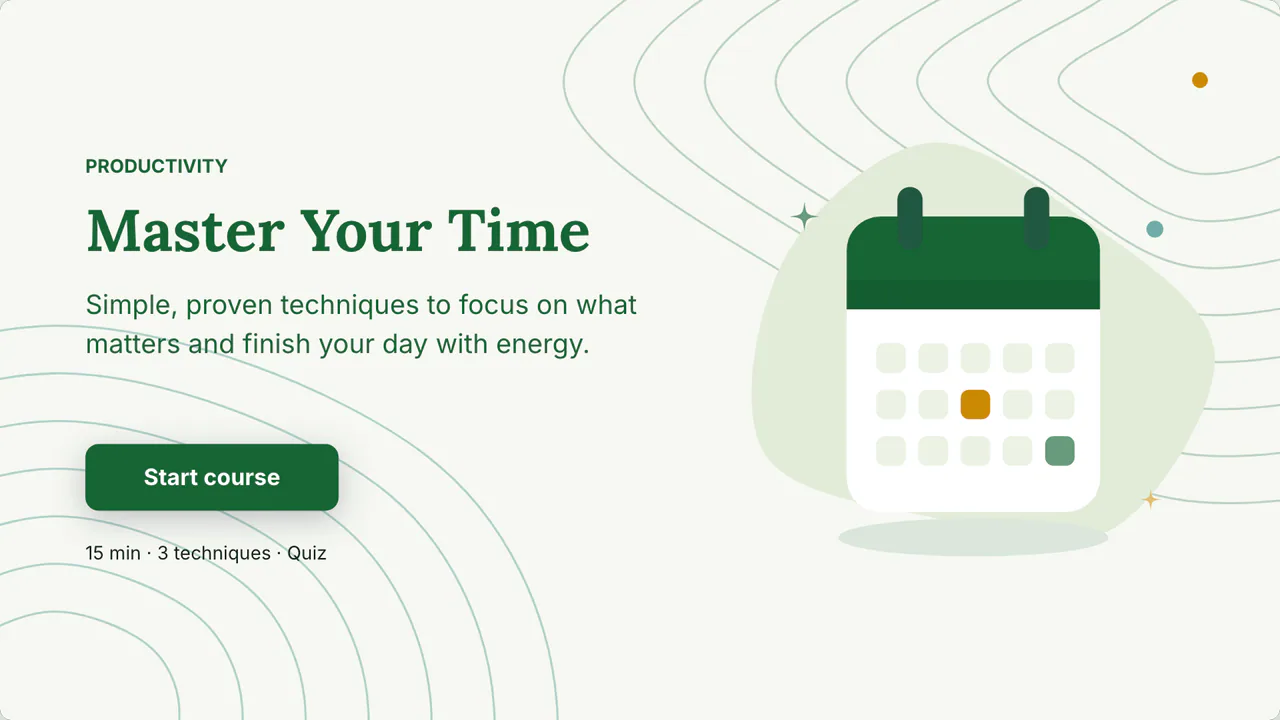 ProductivityTime ManagementA free time management training course: the Eisenhower matrix, the Pomodoro technique, protecting focus time, a self-check and a graded quiz. Play it now.
 WellbeingRemote Work & WellbeingA free remote work and wellbeing training course: an ergonomic home workspace, staying connected, healthy boundaries, a poll and a quick check. Play it now.
Works hand in hand with
Lume AI
The AI course creator and editor built into Lumesson: from a prompt to a finished, editable course.
Learn moreQuizzes & games
A quiz maker with 20 question types, drag-and-drop, hotspots, question banks and learning games.
Learn moreTemplates & brand kits
30 eLearning templates, 24 design styles, 28 themes, brand kits, characters and illustrations.
Learn moreFrequently asked questions
Can Lumesson replace my desktop authoring tool?
Lumesson covers the core of desktop authoring — slides, layers, states, interactions, variables, quizzes, software simulations and SCORM publishing — on the Mac (Windows coming soon), with AI built in.
Do I need to code?
No. Interactions are built from events, actions and conditions. JavaScript is there if you want it.
Can I write maths?
Yes. The equation editor takes formulas the way you write them (or LaTeX), and gives each one a spoken description for screen readers.
Can I work on a Mac?
Yes. Lumesson is a Mac app (Apple silicon and Intel). A Windows version is coming soon.
Make your first course this afternoon
Lumesson is free to download for the Mac — Windows is coming soon. Add AI whenever you need it.