 Lumesson
A player every learner can find their way around
Learners should never wonder where they are or how to go on. Every published course plays in the Lumesson player: a start screen, a menu with search, notes, resources and a glossary, captions and a transcript — accessible, and in your brand.

Everything you need, in one app
Themes and your brand
Modern, classic or minimal themes, light or dark, in your brand kit’s colors, fonts and logo.
Start screen and resume
A cover page with the course length and Start; returning learners get Resume or Start over.
Menu, notes, resources, glossary
A menu with search and sections, slide notes, links and files to download, and a glossary of terms.
Captions and transcript
Captions on and off, a transcript to read along that jumps where you click, playback speed.
Accessible
Keyboard and screen readers, keyboard shortcuts, text size up to 150 %, reduce motion and a high-contrast switch.
22 languages
Player labels in 22 languages, right-to-left included — and any word reworded to fit your audience.
A proper welcome, and a way back in
Turn on the start screen and the course opens on a cover page: the title, a few words, how long it takes and a Start button. Learners who come back see Resume and Start over.
- The click on Start also lets narration and music play
- Course length estimated for you, or typed in
- An Exit button that asks before closing

Let learners set it up their way
Learners choose what helps them: playback speed, high contrast and Start over when you allow them — and always text size up to 150 %, less motion, keyboard shortcuts and caption size and language.
- High contrast: black-and-white controls with a yellow focus ring
- Start over clears progress after asking first
- Their choices are remembered on their device

A glossary and resources, one click away
Add terms with their meaning, links and files to download, and background music with an on/off switch for learners.
- A glossary and resources for learners in the player
- Background music that dips under narration
- Every label can be reworded

See it in a ready-made course
Free, complete courses made in Lumesson. Play one in your browser, then open it in the app and make it yours.
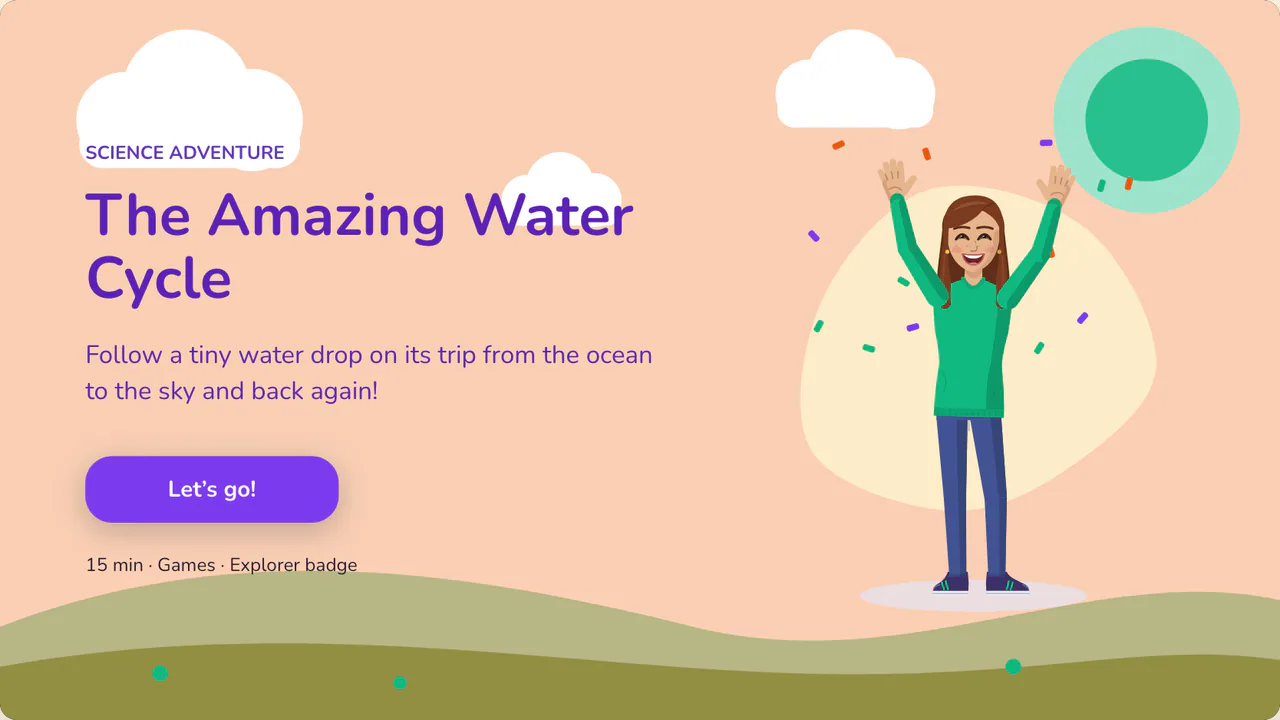 EducationThe Water Cycle (Kids Science)A free interactive water cycle lesson for ages 8–11: evaporation, condensation, precipitation and collection, with games, a quiz and a badge. Play it now.
 OnboardingEmployee onboardingA free employee onboarding course for a new hire’s first week: values, a buddy, the first 90 days, a first-day plan, a scenario and a quiz. Play it now.
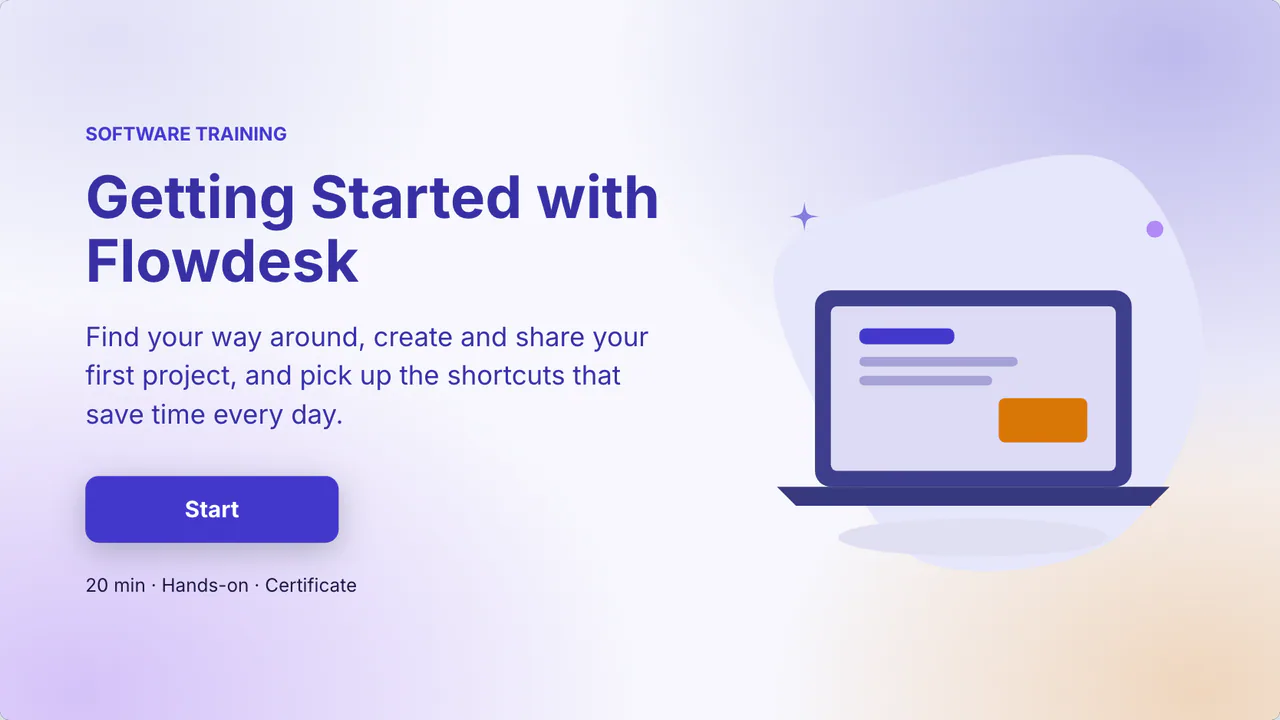 IT & softwareGetting started with a new appA free software training course for any new app: a screen tour, tasks on screenshots, click-on-the-screen practice, shortcuts and a graded quiz. Play it now.
Works hand in hand with
Publish
A SCORM authoring tool that also exports HTML5, Word, PDF and MP4.
Learn moreResponsive & mobile
Responsive eLearning: a phone layout for every slide in one click, fine-tuned by Lume AI.
Learn moreAI voiceover & captions
AI voiceover that says your names right, auto captions for the whole course, sound fixed without re-recording.
Learn moreFrequently asked questions
Do learners need an account or an app?
No. The player runs in any modern browser, in your LMS or on your website, on computers, tablets and phones.
Is the player accessible?
It works with the keyboard and screen readers, has captions and a transcript, a high-contrast switch, and the built-in checker tests your course against WCAG 2.1.
Does it remember where learners stopped?
Yes. Resume works in the LMS and on your website; with the start screen on, learners choose Resume or Start over.
Make your first course this afternoon
Lumesson is free to download for the Mac — Windows is coming soon. Add AI whenever you need it.