 Lumesson
A branching scenario builder where every reply changes the story
Let learners practise conversations and decisions where mistakes cost nothing. No code and no flowchart tool: pick a character, write what they say, and give each reply its coaching, its points and where it leads.

Everything you need, in one app
Write a conversation, not slides
Steps, replies and endings side by side with the slide they become; up to four replies per step, each with coaching and points.
10 illustrated characters
Each in half body — a large, clear face with 16 expressions, from explaining and thinking to worried and happy — and full body for scenes. Swap a character in one click.
Studio characters
15 more characters drawn in your theme’s colours, 12 poses each: a doctor, a nurse, a chef, a site worker, pupils, a wheelchair user and more.
Talking characters
Studio characters can move their mouth with the narration.
Phone layouts
Scenarios get phone layouts like every other slide.
Scored in your LMS
Graded scenarios keep the best score and report it like a quiz through SCORM, xAPI or cmi5.
How to build a branching scenario in Lumesson
From a blank slide to a scored scenario in your LMS, without code or a separate flowchart tool.
Writing the scenario itself? Read how to write branching scenarios that change what people do.
Write the conversation; Lumesson builds the slides
Each step is a slide with the character, a speech bubble and the replies. Choose the pose for the moment — worried, angry, relieved — and connect each reply to the next step or to an ending.
- Up to four replies per step, each with points and coaching
- Good, neutral and bad endings with the learner’s path
- “Try again” and “Continue” built in

Normal slides you can still change by hand
A scenario is made of ordinary slides, layers and triggers, so you can restyle it, add media or narration, or open it again in the scenario editor.
- The course theme and brand kit apply
- Narration on every slide; lip-sync with Studio characters
- Upgrade a slide to an editable interaction when you need more

Describe the situation; Lume AI writes the scenario
- Choose “Scenario” when you create a course with AI
- The Assistant drafts steps, coaching and endings
- Pick a character and let narration bring it to life

See it in a ready-made course
Free, complete courses made in Lumesson. Play one in your browser, then open it in the app and make it yours.
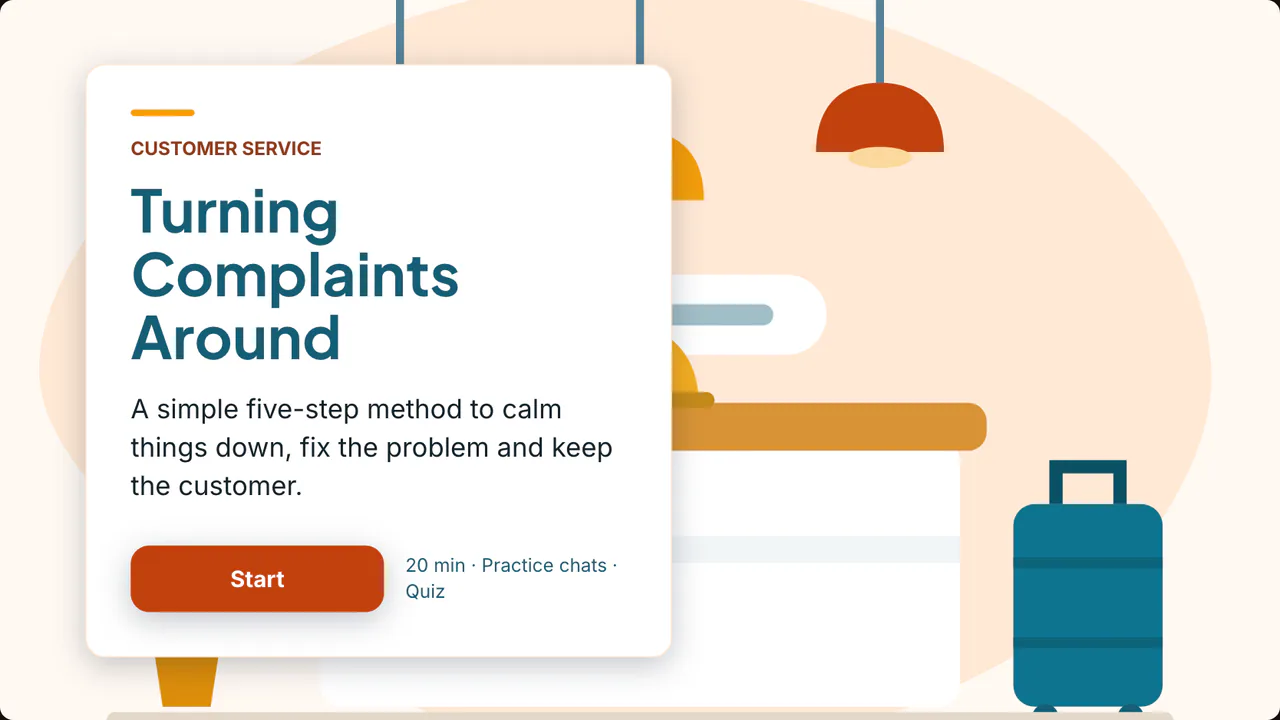 Customer serviceTurning complaints aroundA free complaint handling course built on the HEARD method: words that help, a live chat to answer, a timed game, a branching scenario and a quiz. Play it now.
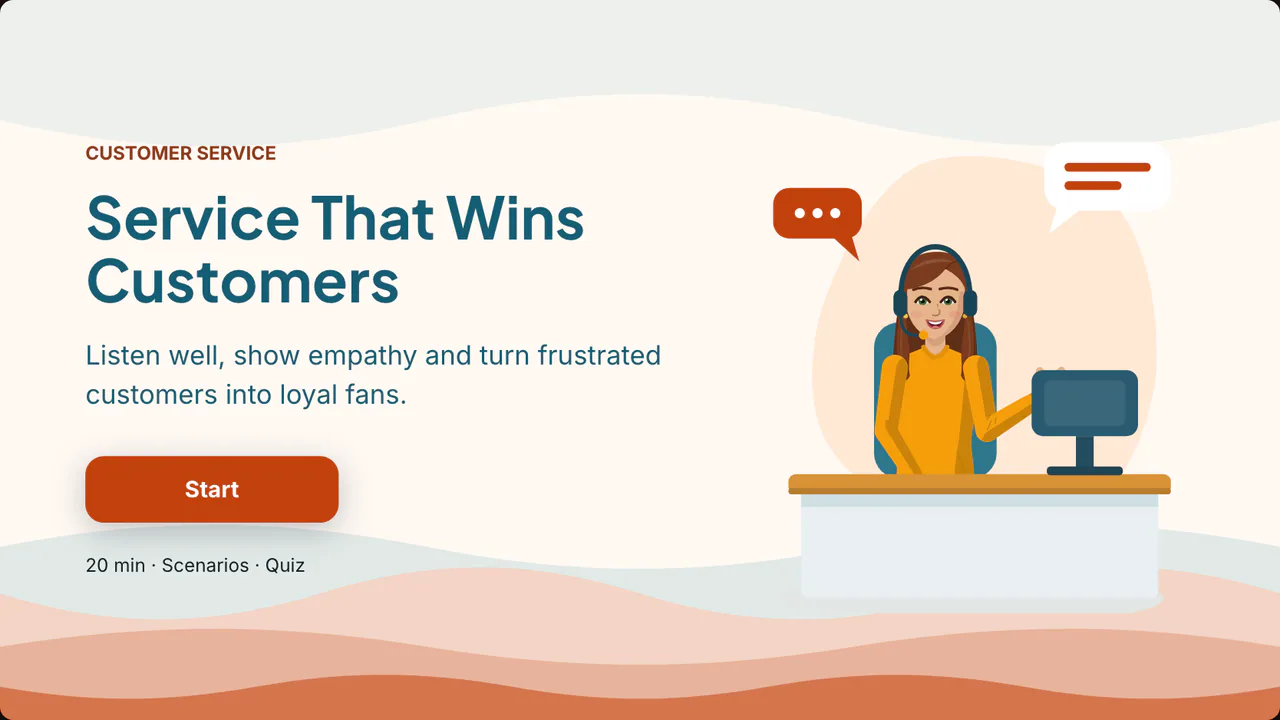 Soft skillsCustomer service skillsA free customer service training course: the LEAP method for complaints, words that help, a late-delivery scenario and a live conversation to practise.
 Soft skillsGiving effective feedbackA free feedback training course for managers: the SBI model, specific vs. vague feedback, two scenarios and a role-play to choose your tone. Play it now.
Works hand in hand with
Quizzes & games
A quiz maker with 20 question types, drag-and-drop, hotspots, question banks and learning games.
Learn moreTemplates & brand kits
30 eLearning templates, 24 design styles, 28 themes, brand kits, characters and illustrations.
Learn moreLume AI
The AI course creator and editor built into Lumesson: from a prompt to a finished, editable course.
Learn moreFrequently asked questions
What are branching scenarios used for?
Scenario-based learning for conversations and decisions — sales, customer service, leadership, healthcare and compliance — where choices have consequences.
Can scenarios be graded?
Yes. Graded scenarios score each path, keep the best score and report it to your LMS.
Do I need to code or draw a flowchart?
No. You write the steps, replies and endings in the scenario editor, and Lumesson builds the slides, layers and triggers. The slides stay editable if you want to change them by hand.
How many replies and endings can a scenario have?
Up to four replies per step, each leading to another step or an ending, and as many good, neutral and bad endings as the story needs.
Can AI write a branching scenario?
Yes. Choose “Scenario” when you create a course with Lume AI, or ask the Assistant: it drafts the steps, replies, coaching and endings, and you edit them.
Do branching scenarios work on phones?
Yes. Scenario slides get phone layouts like every other slide, so learners can practise on a phone.
How do I write a good branching scenario?
Pick one moment that matters, map the conversation before you write, make every reply believable and coach every choice. See how to write branching scenarios.
Make your first course this afternoon
Lumesson is free to download for the Mac — Windows is coming soon. Add AI whenever you need it.