 Lumesson
Customer service training template
A 20-minute customer service course built around practice: the LEAP method for handling complaints, the words that calm a conversation and the ones that inflame it, an angry customer whose order is late again and a three-turn conversation to talk through — then a short quiz and a reflection. Play it below, then make it yours.
- 20 minto complete
- 16slides in 4 parts
- 3questions, 2 kinds
- SCORMxAPI · cmi5 · HTML5
Already have Lumesson? Open this template in the app
 Play the course
Take “Service That Wins Customers” as a learner
This is the real course, published from Lumesson as HTML5. Click through it, try every activity and take the test — nothing you do is recorded.
Open full screenWorks on phones and tablets too
16 slides in 4 parts
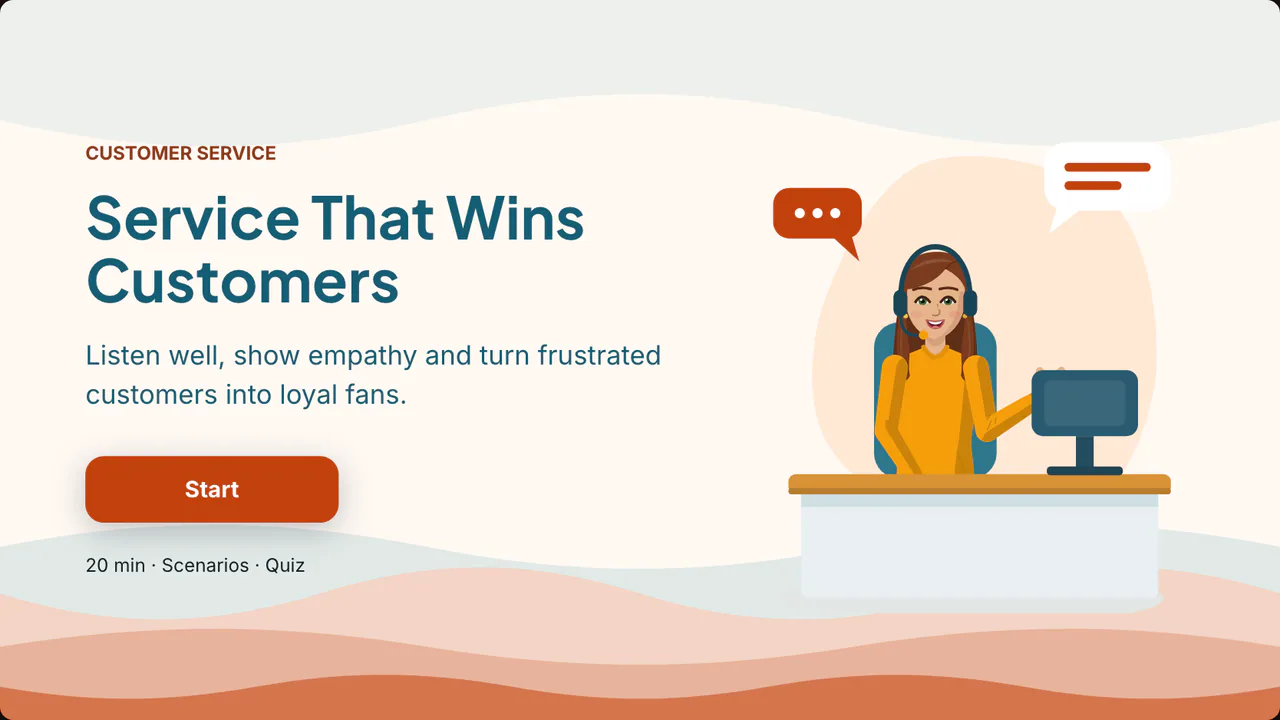
A free customer service training course: the LEAP method for complaints, words that help, a late-delivery scenario and a live conversation to practise.
Introduction
2 slidesCore skills
5 slidesPractice
4 slidesAssessment
5 slidesA look at the course
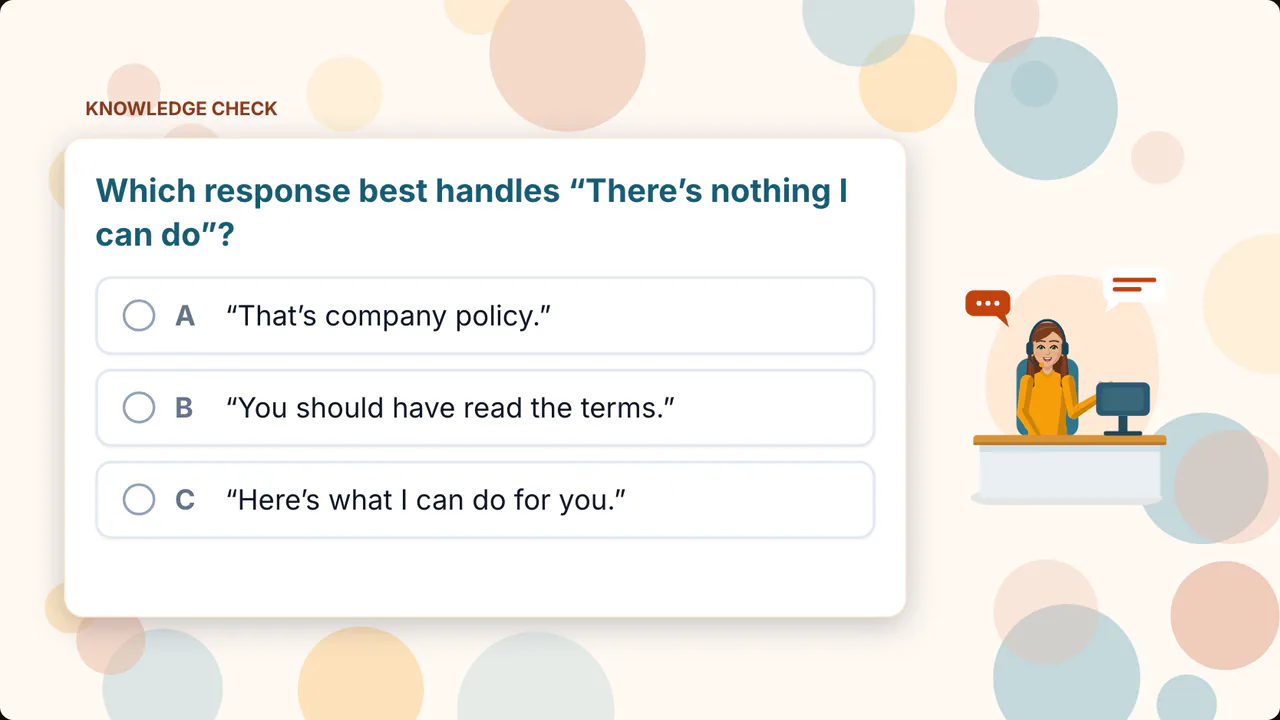
Learning by doing, not by reading
Why service matters
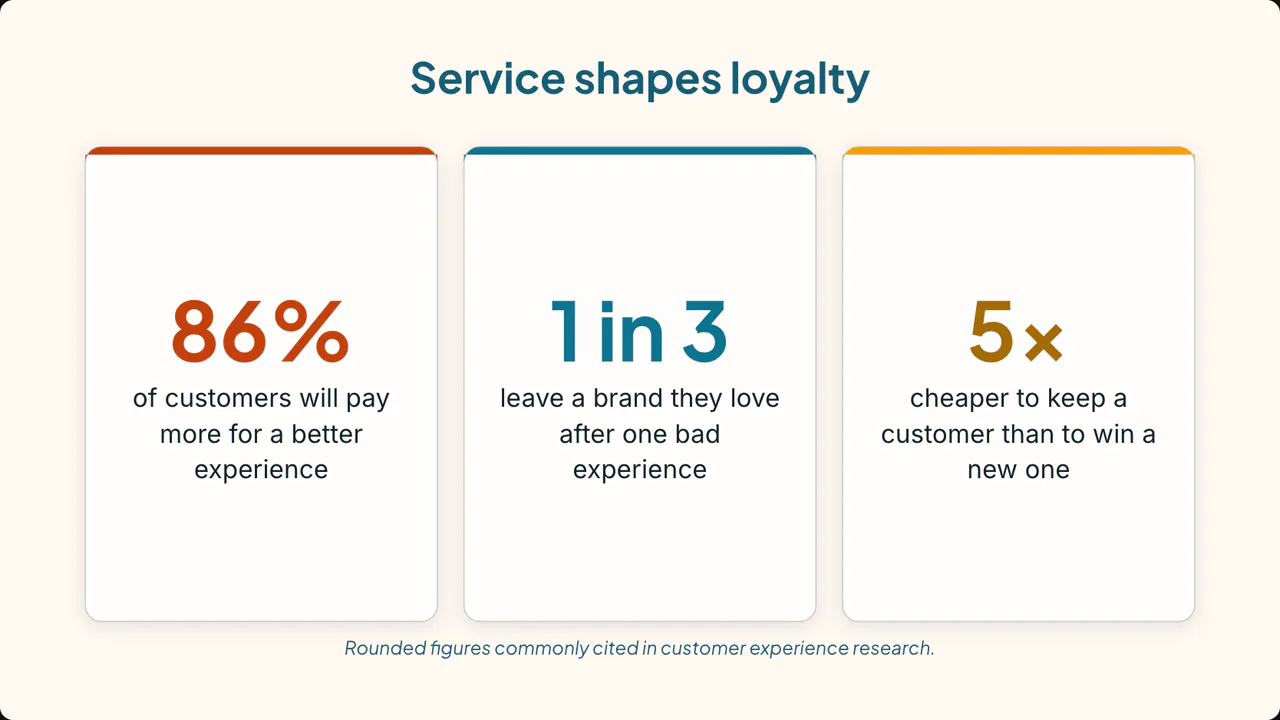
86% of customers will pay more for a better experience, 1 in 3 leave after one bad one, and keeping a customer is 5× cheaper than winning a new one.
The LEAP method
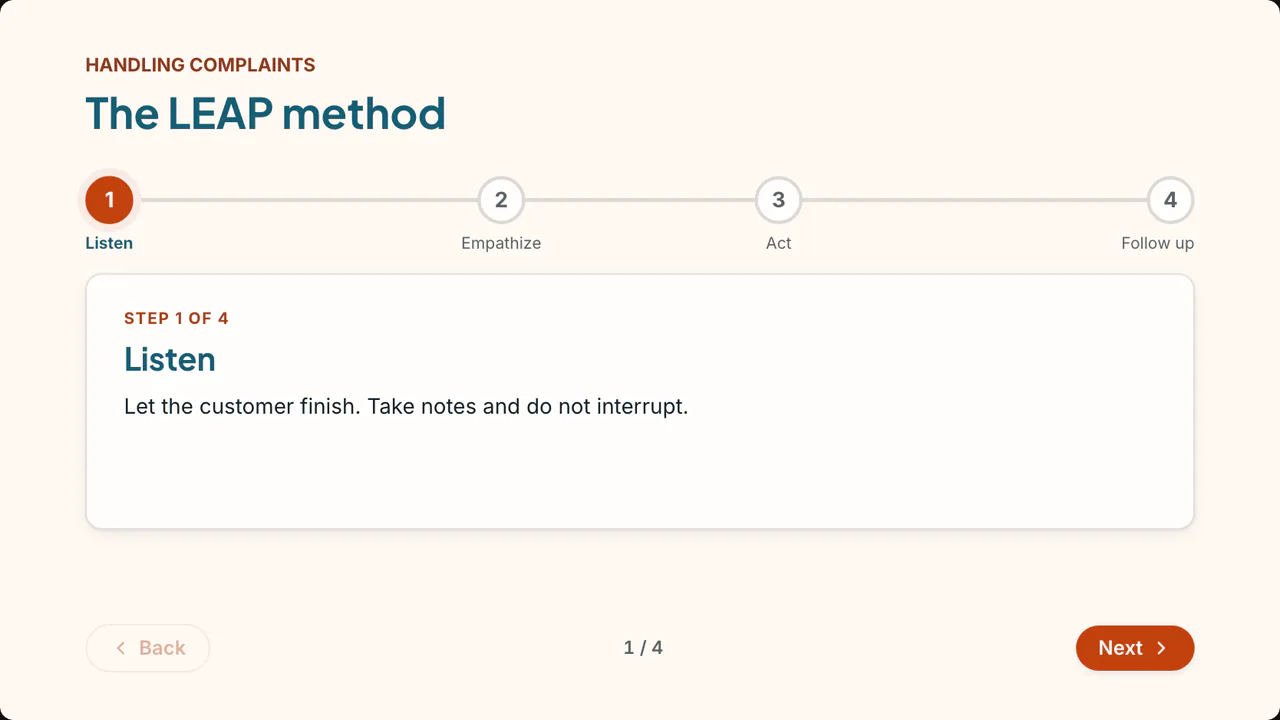
Listen, Empathize, Act, Follow up: one step at a time, each with what to do and what to say.
Listen first
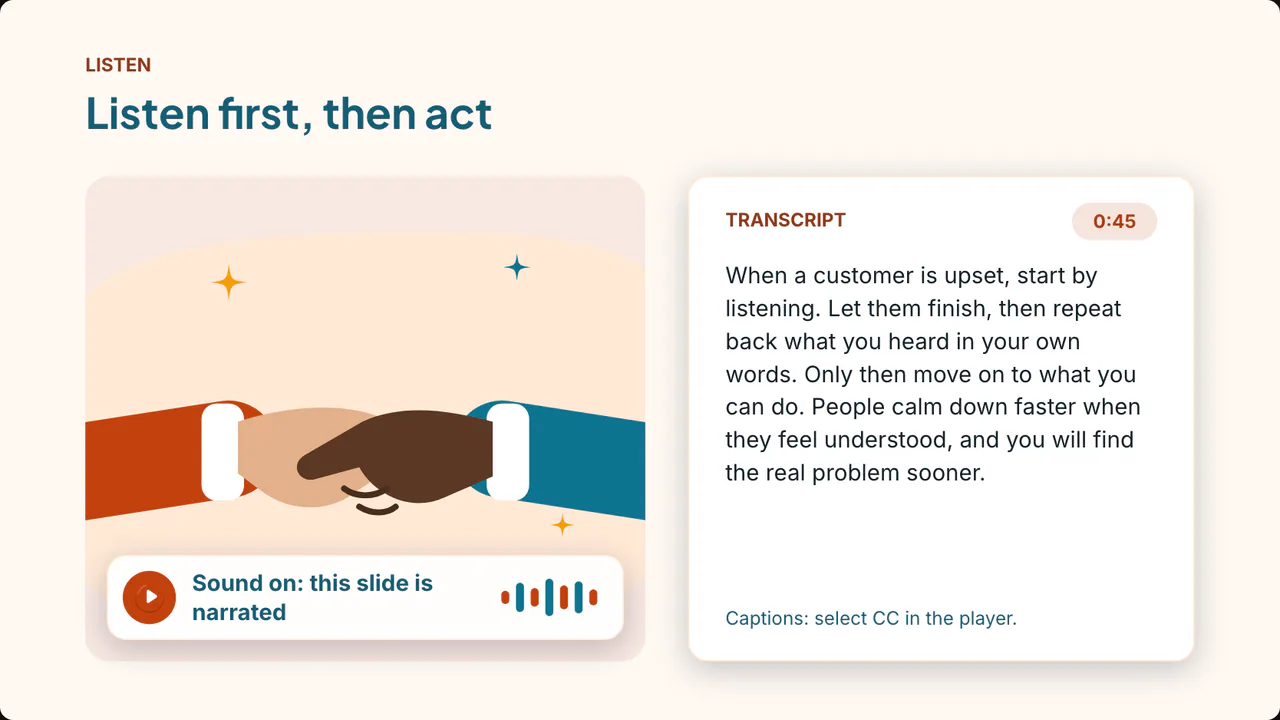
A narrated slide with its transcript beside the picture: why repeating back what you heard calms people faster.
Say this, not that
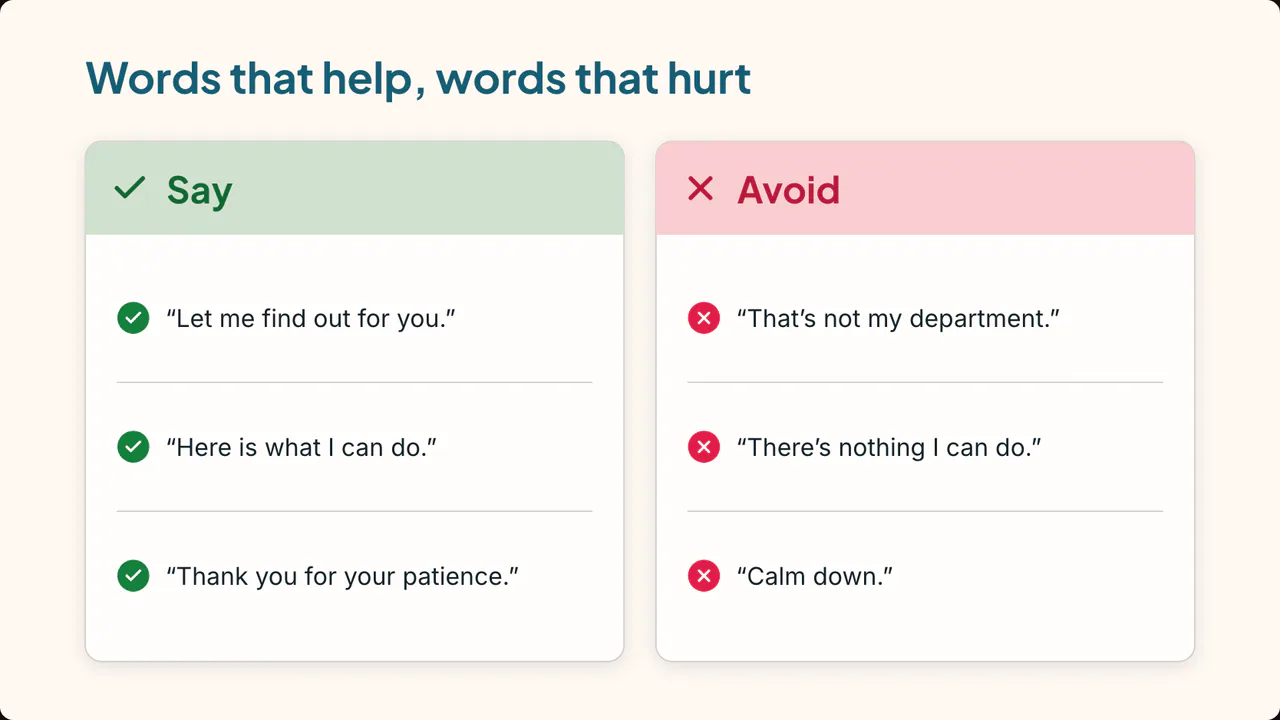
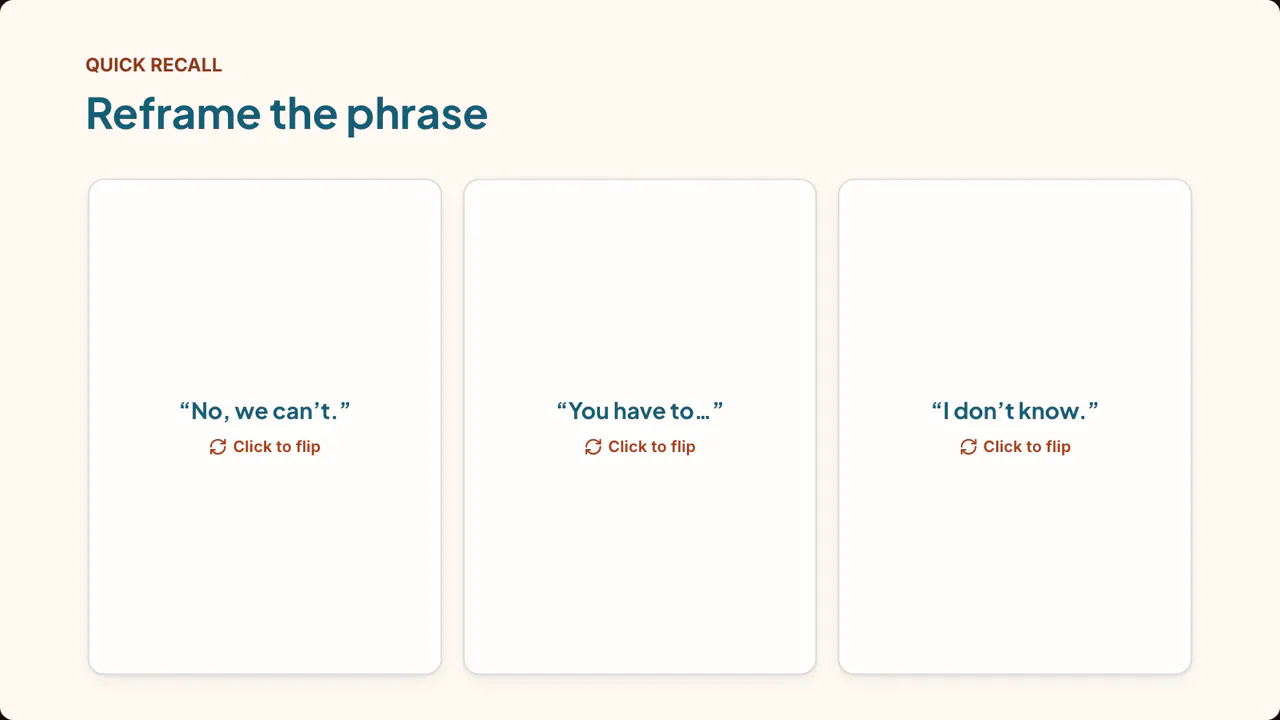
Three phrases to say and three to avoid, side by side, then flip cards that turn “No, we can’t” into “What we can do is…”.
A video to watch
A frame for a 3-minute video of a call turned around — listening without interrupting, naming the emotion, promising only what you can deliver.
The late delivery
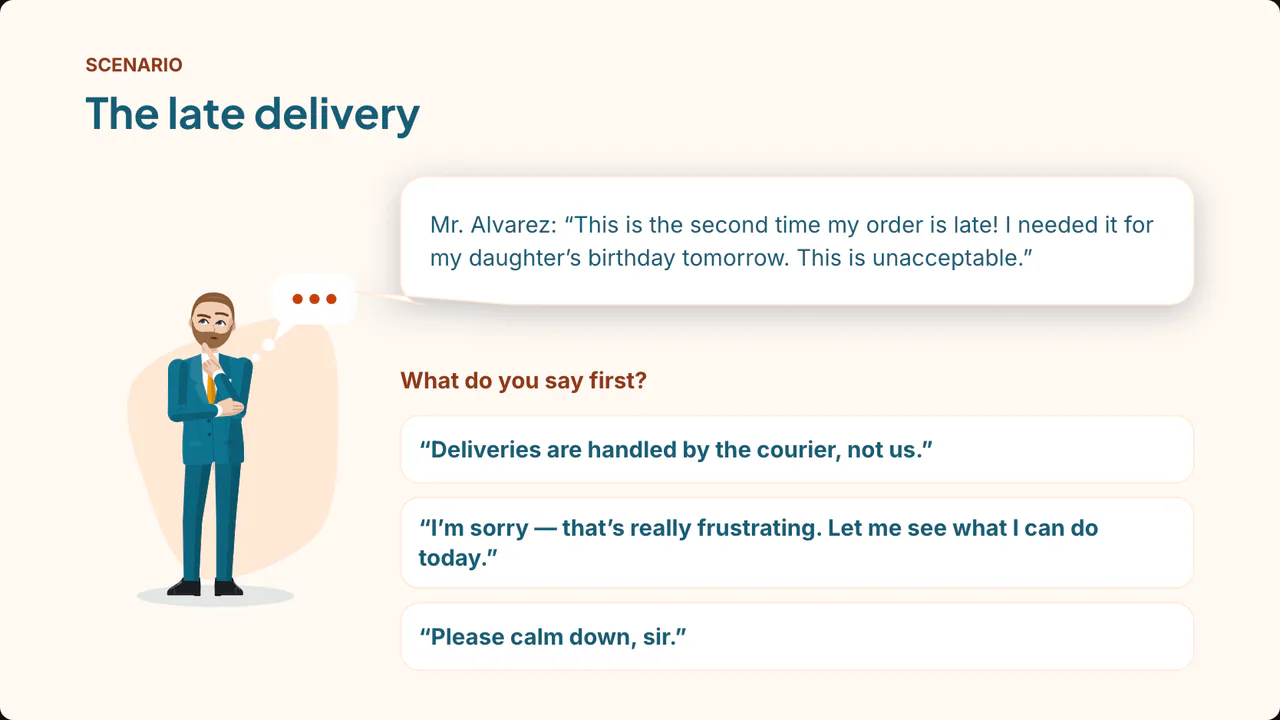
Mr. Alvarez’s order is late again, the day before his daughter’s birthday. Learners pick their first words; each wrong choice explains why it escalates.
Talk it through
A conversation in three turns with a customer on hold for 40 minutes: learners choose each reply and get coaching on their choices.
A quiz and a reflection
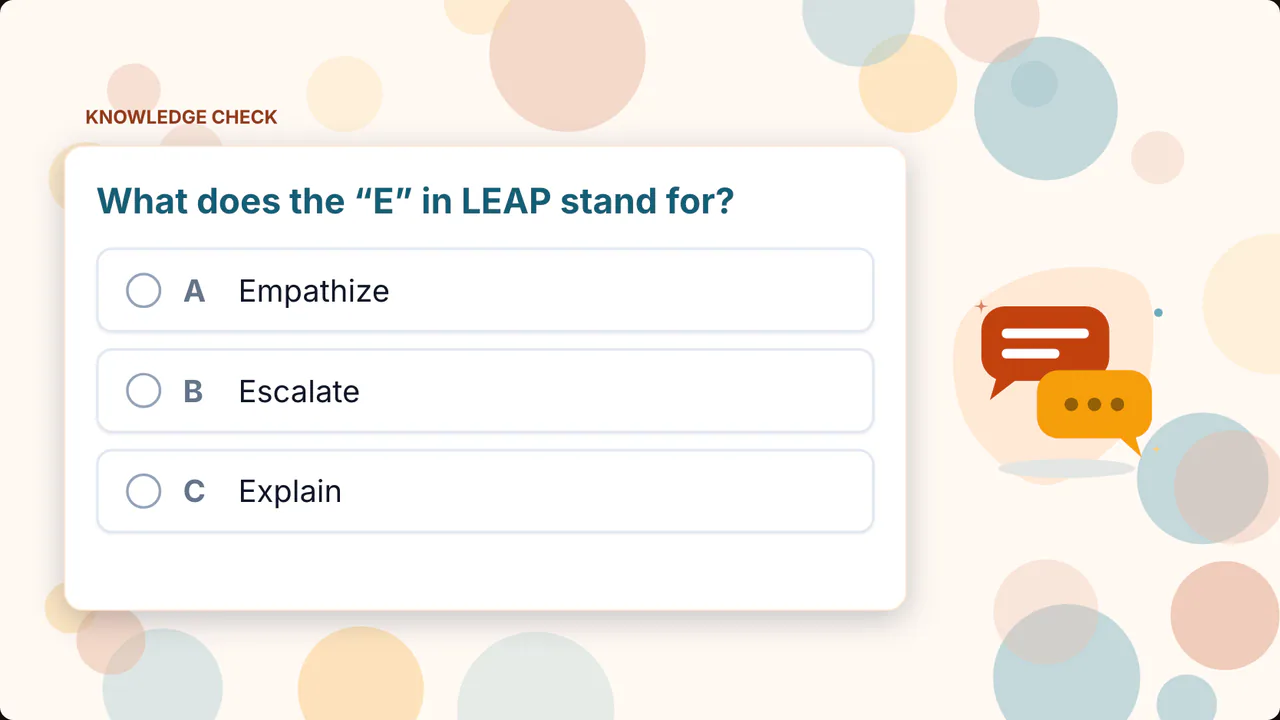
Three questions — multiple choice and true or false — with an 80% pass mark, then a reflection: what would you do differently with LEAP?
After the course, learners can
- Handle a complaint with LEAP: Listen, Empathize, Act and Follow up
- Listen fully before responding, and repeat back what the customer said
- Choose words that help — “Here is what I can do” — and avoid the ones that hurt, like “Calm down”
- Reframe a “no” into what you can do
- Turn an upset customer around in one conversation, and follow up to make sure the fix worked
Made for
- Frontline & support staff
- Call centre, chat and email agents who handle complaints every day.
- Retail & hospitality teams
- People at the counter, the front desk or on the shop floor who face customers in person.
- New service hires
- A first course in how to listen, empathise and fix things before they take their first call.
- Team leaders
- A shared method — LEAP — to coach against after real conversations.
From template to your own course in minutes
Everything in the template can be changed in Lumesson — by hand, or by asking Lume AI.
- 1
Open it in Lumesson
Home ▸ Templates ▸ Customer service skills. Every slide, question and picture can be changed — on the Free plan too.
Learn more - 2
Put it in your brand
Pick a brand kit and your logo, colours and fonts go onto every slide at once.
Learn more - 3
Make it about your customers
Ask the Assistant: “Make the scenarios about our hotel front desk — a noisy room, a late check-in and a wrong bill — and keep the LEAP method.” It edits the real course and lists what it changed.
Learn more - 4
Add a service character
Amara, a retail associate in a mustard polo with a name badge, can play your agent in every scenario — with 16 expressions to react to learners’ choices.
Learn more - 5
Make the scenario longer
Turn the late delivery into a conversation of several steps, with coaching and points on every reply and good, neutral and bad endings.
Learn more - 6
Fill the video frame
Record a real call walkthrough with your screen, your voice and your camera, then drop the video into the frame.
Learn more - 7
Narrate and caption it
Natural AI voices or your Mac’s own voices for every slide and every customer line, and captions for the whole course in one step.
Learn more - 8
Publish to your LMS
SCORM 1.2 or 2004, xAPI, cmi5 or HTML5. Completion and the quiz score go to your LMS.
Learn more
Customer service skills: the details
| Length | About 20 minutes |
|---|---|
| Structure | 4 parts, 16 slides |
| Interactions | Step by step, Flip Cards, Diagram |
| Assessment | 3 questions: Multiple choice, True or false |
| Results | A results slide with the learner’s score and pass or fail |
| Publish to | SCORM 1.2, SCORM 2004, xAPI, cmi5, HTML5 — or a video, Word or PDF |
| Phones | A phone layout for every slide in one click |
| Language | English — translate the whole course with AI in one step |
| Editing | Every slide, picture, question and setting can be changed |
| Price | Free with Lumesson (the Free plan adds a small “Made with Lumesson” mark) |
Other courses to start from
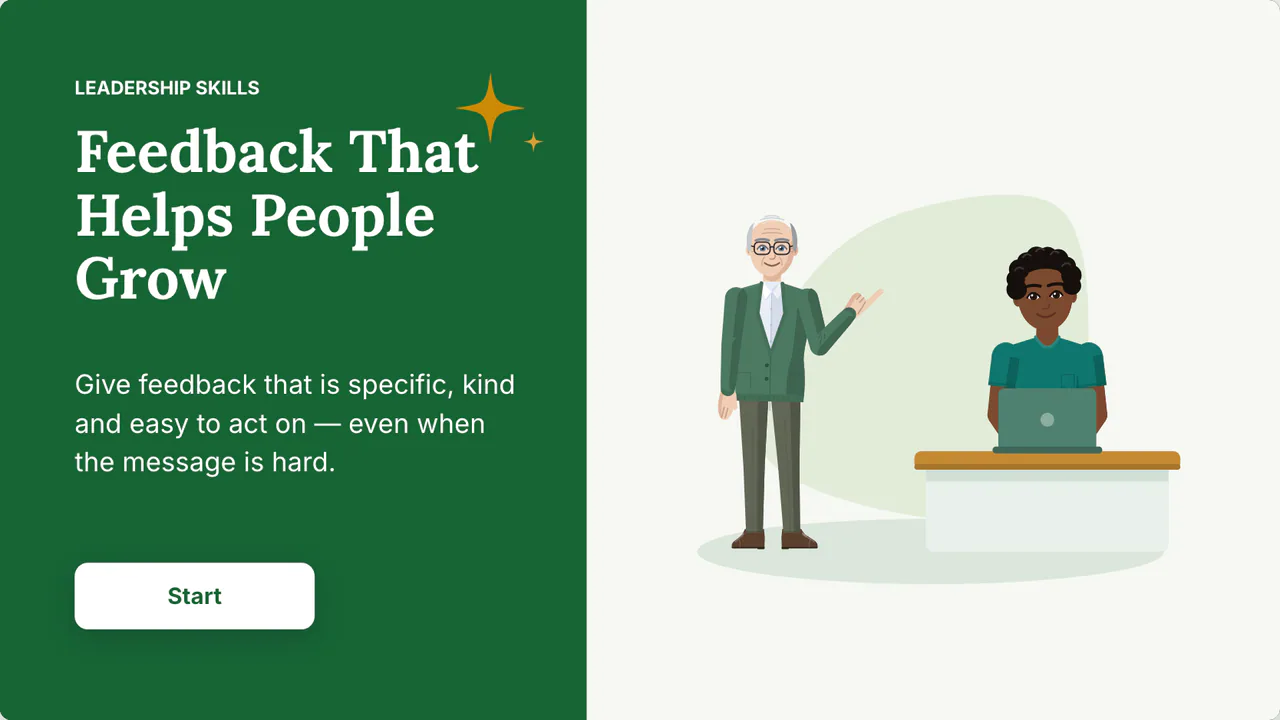 Soft skillsGiving effective feedbackA free feedback training course for managers: the SBI model, specific vs. vague feedback, two scenarios and a role-play to choose your tone. Play it now.
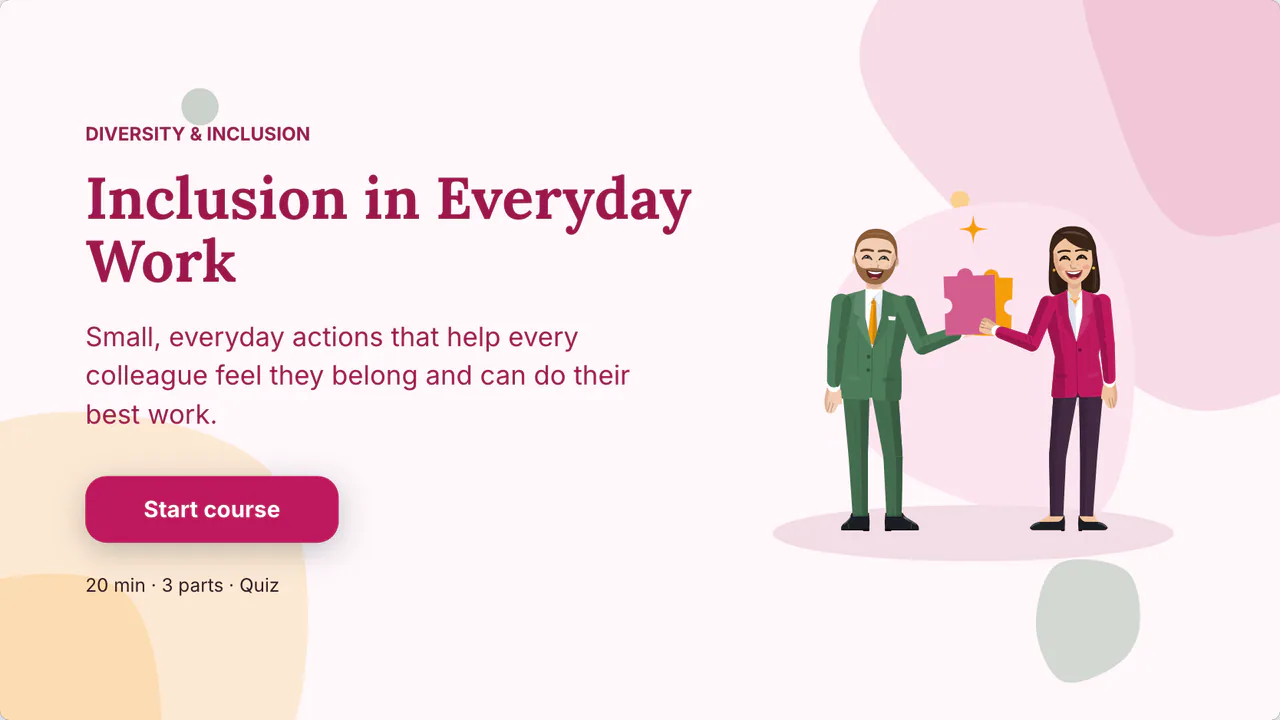 Soft skillsDiversity & InclusionA free diversity and inclusion training course: unconscious bias, inclusive language and meetings, an allyship scenario and a graded quiz. Play it now.
 OnboardingEmployee onboardingA free employee onboarding course for a new hire’s first week: values, a buddy, the first 90 days, a first-day plan, a scenario and a quiz. Play it now.
Read more
Customer service training that changes conversations: ideas, examples and a course you can build
Customer service training that works: practise real conversations in branching scenarios, an empathy method, role-play and quizzes for frontline staff.
Read the guideGuideHow to write branching scenarios that change what people do
A practical guide to branching scenarios for training: choose the moment, map the conversation, write believable replies, coaching and endings.
Read the guideGuideInteractive video: what it is, examples, and how to create one
What is interactive video? Types, examples for training, and how to create interactive video with questions, hotspots, chapters and practice from recordings.
Read the guideFrequently asked questions
Is this customer service training template free?
Yes. Every course template comes with Lumesson, including the Free plan, which has every authoring feature. Courses published on Free carry a small “Made with Lumesson” mark; a one-time Lifetime licence removes it.
Can I upload it to my LMS?
Yes. Publish it as SCORM 1.2, SCORM 2004, xAPI or cmi5 and upload the package to your LMS: it reports completion and the quiz score. You can also publish HTML5 for a website or intranet.
What is the LEAP method?
A simple way to handle a complaint: Listen without interrupting, Empathize with how the customer feels, Act with a clear solution and say what happens next, then Follow up to check the problem is solved. The course teaches it step by step and practises it in two conversations.
Does it work for call centres, retail and hospitality?
Yes. The method fits any customer conversation. The examples are a late delivery and a customer on hold, so ask the Assistant to rewrite the scenarios for your counter, front desk or help desk.
Can I add more scenarios?
Yes. Add scenarios with several steps, coaching on every reply and different endings, voice each customer line and score them in your LMS like a quiz.
How long does the course take?
About 20 minutes. Keep only the LEAP method and one scenario for a ten-minute team huddle.
Make “Service That Wins Customers” your own
Download Lumesson free for Mac, open the template from Home ▸ Templates and change anything — by hand or by asking Lume AI.