 Lumesson
One course, every language your learners speak
Reach learners in their own language without rebuilding the course: translate it with Lume AI into a copy, or send XLIFF to your translators — then re-voice the narration and dub the videos.

Everything you need, in one app
Translate with AI
A translated copy of the whole course, with a list of anything left untranslated.
XLIFF & bilingual table
XLIFF 1.2 export and import for agencies, or a bilingual table to review.
Re-voice and dub
Narration re-voiced in the new language; videos translated and re-voiced.
Simulations too
Simulation steps are carried into translated copies.
Player in 22 languages
Player labels in 22 languages, right-to-left (Arabic, Hebrew) included.
App in 10 languages
Lumesson itself speaks English, Spanish, Portuguese, French, German, Indonesian, Vietnamese, Japanese, Korean and Chinese.
See it in a ready-made course
Free, complete courses made in Lumesson. Play one in your browser, then open it in the app and make it yours.
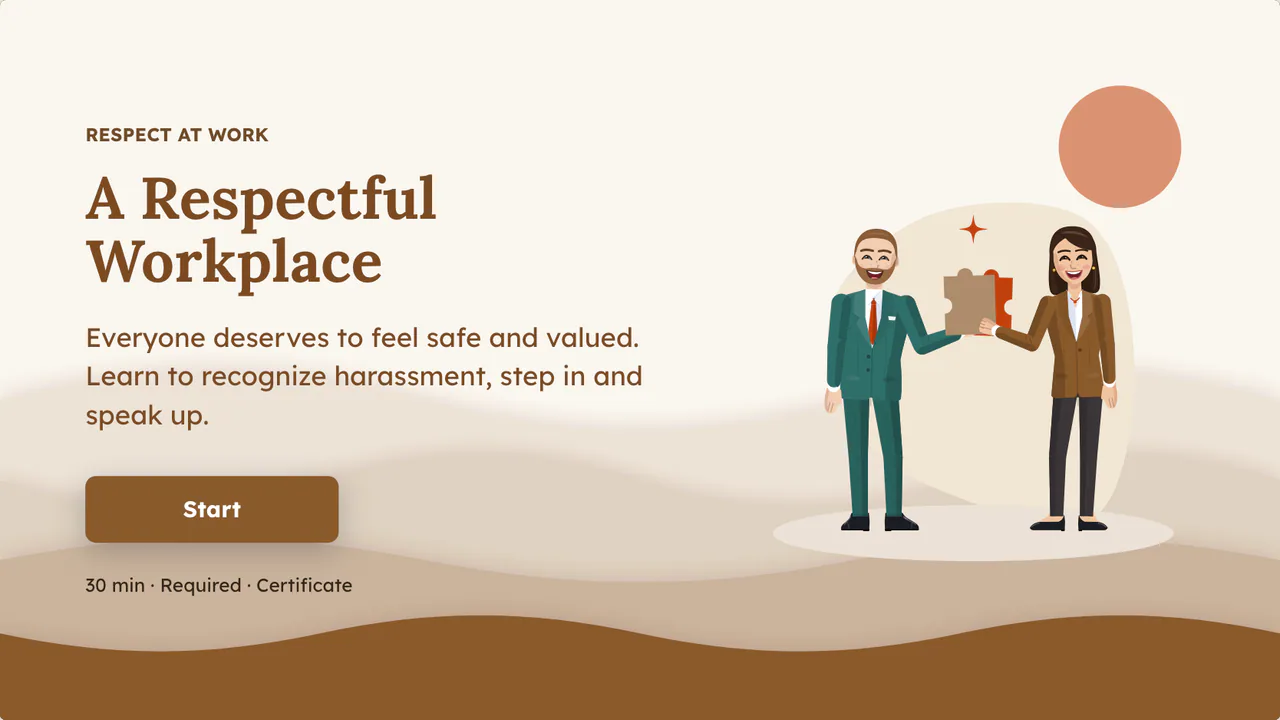 ComplianceRespectful workplaceA free anti-harassment training course: forms of harassment, the 4 Ds of being an upstander, how to report, a team-chat scenario and a quiz. Play it now.
 HealthcareHand Hygiene in HealthcareA free hand hygiene training course for healthcare: the five moments, rub or wash, glove myths and a graded quiz, ready for your LMS. Play it now.
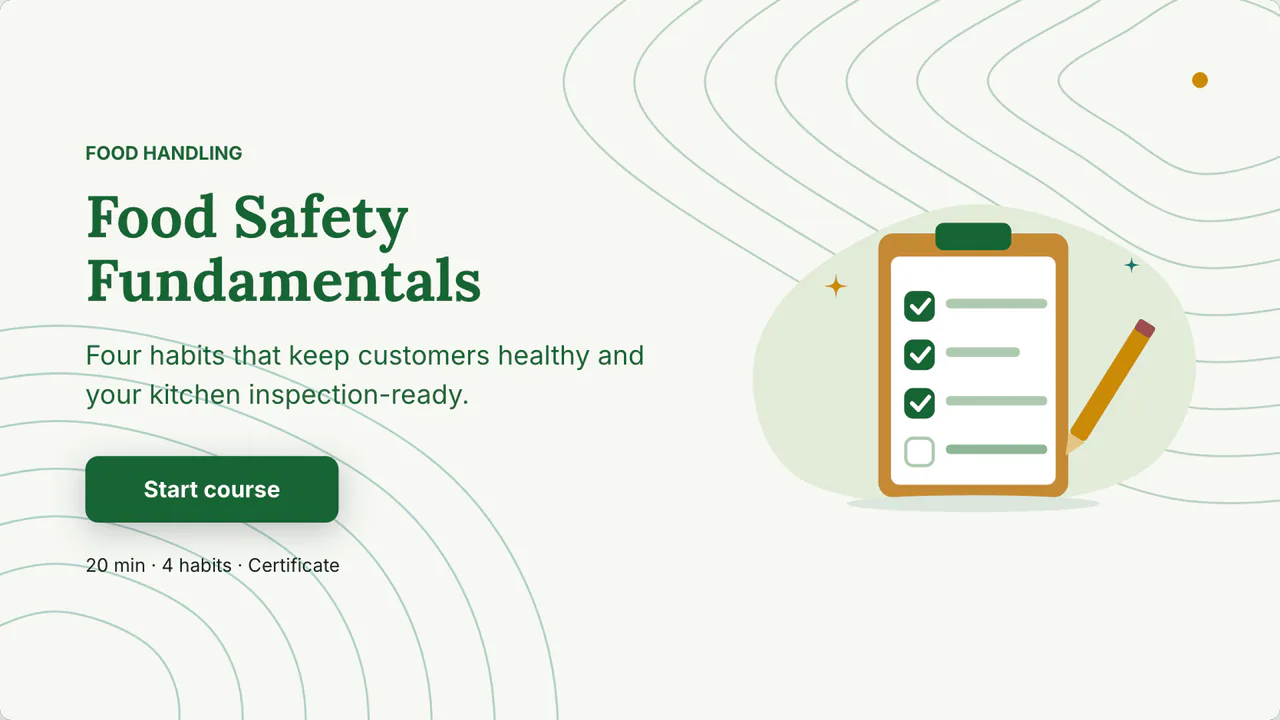 SafetyFood Safety BasicsA free food safety training course: clean, separate, cook and chill, the danger zone, a kitchen hazard hunt, a memory game and a graded quiz. Play it now.
Works hand in hand with
AI voiceover & captions
AI voiceover that says your names right, auto captions for the whole course, sound fixed without re-recording.
Learn moreLume AI
The AI course creator and editor built into Lumesson: from a prompt to a finished, editable course.
Learn morePublish
A SCORM authoring tool that also exports HTML5, Word, PDF and MP4.
Learn moreFrequently asked questions
Does translation keep my layout?
Yes. The translated copy keeps slides, interactions and design; text that grows can be checked with the design review.
Can my agency translate?
Yes. Export XLIFF 1.2, have it translated in any CAT tool, and import it back.
Make your first course this afternoon
Lumesson is free to download for the Mac — Windows is coming soon. Add AI whenever you need it.