 Lumesson
Food safety training template
A 20-minute course for anyone who handles food: learners guess the temperature where bacteria grow fastest, spot four hazards in a commercial kitchen, sort safe from unsafe habits and match key terms in a memory game — then a graded quiz on the four habits: clean, separate, cook and chill. Play it below, then make it yours.
- 20 minto complete
- 13slides in 3 parts
- 3questions, 2 kinds
- SCORMxAPI · cmi5 · HTML5
Already have Lumesson? Open this template in the app
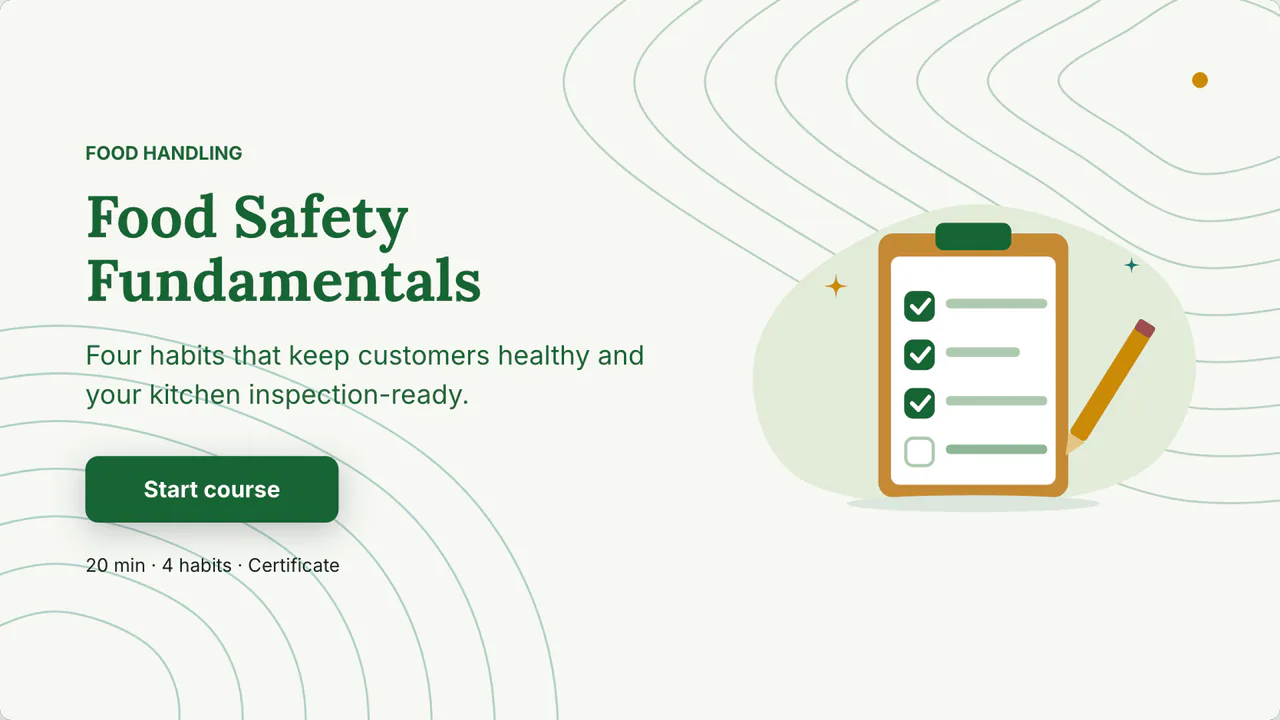 Play the course
Take “Food Safety Fundamentals” as a learner
This is the real course, published from Lumesson as HTML5. Click through it, try every activity and take the test — nothing you do is recorded.
Open full screenWorks on phones and tablets too
13 slides in 3 parts
A free food safety training course: clean, separate, cook and chill, the danger zone, a kitchen hazard hunt, a memory game and a graded quiz. Play it now.
Introduction
4 slidesIn the kitchen
4 slidesQuiz
5 slidesA look at the course
Learning by doing, not by reading
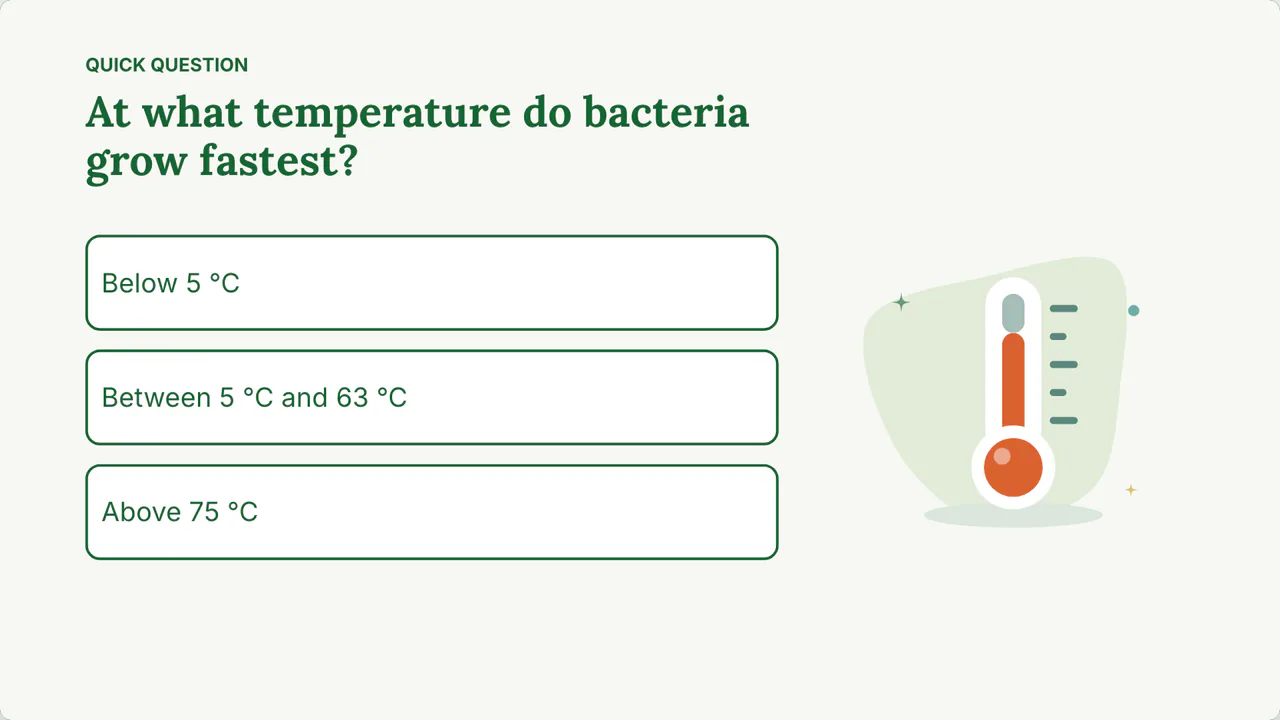
A question before anything else
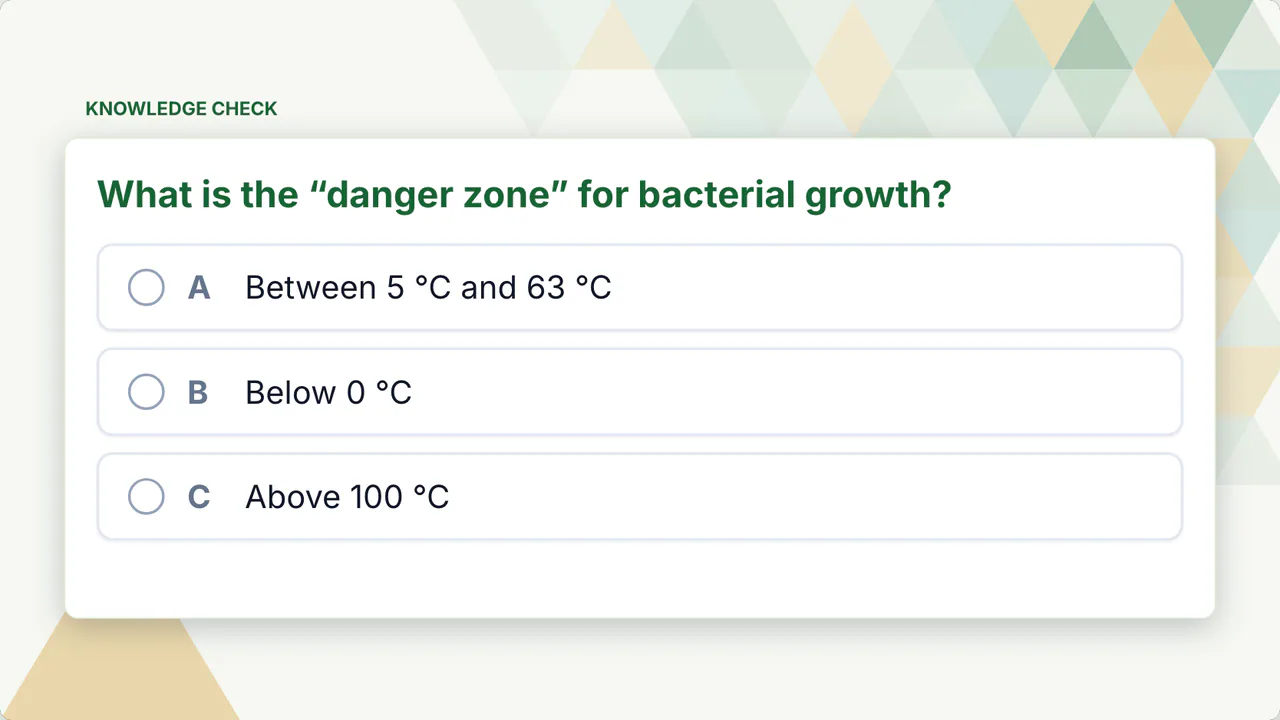
“At what temperature do bacteria grow fastest?” Learners guess first, then see the danger zone: between 5 °C and 63 °C, bacteria can double every 20 minutes.
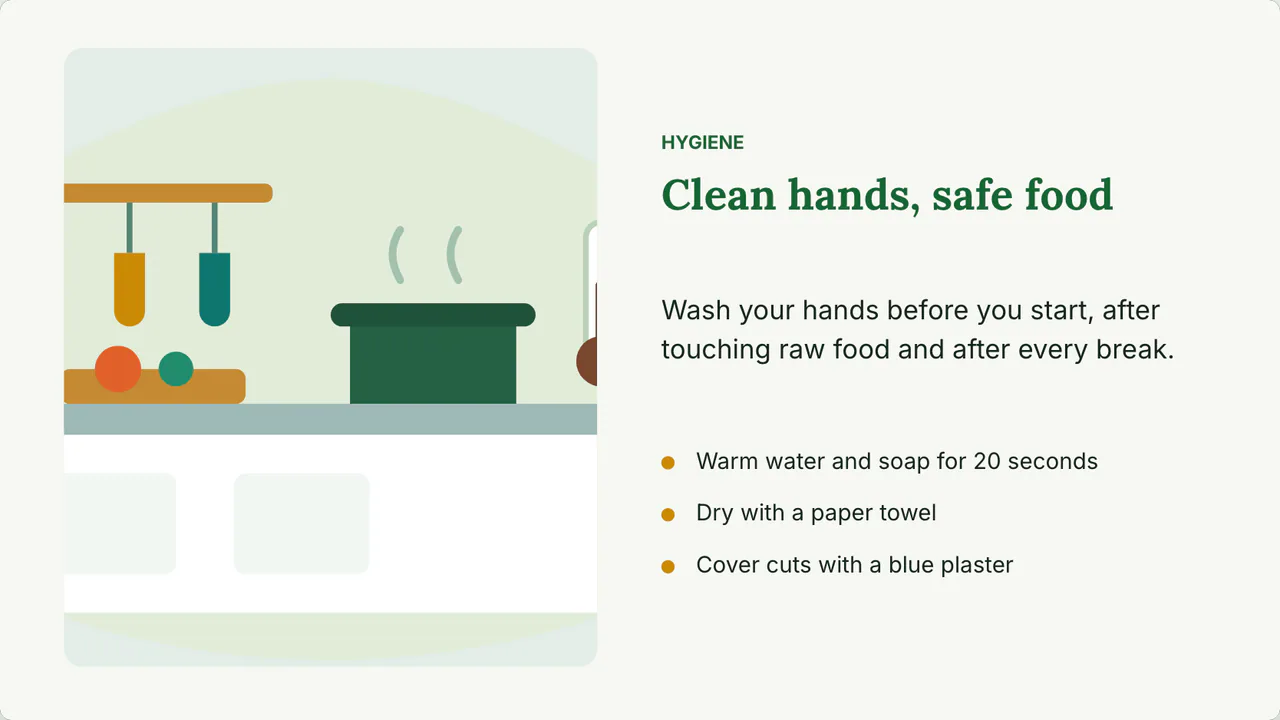
Clean hands, safe food
When to wash — before you start, after raw food, after every break — and how: warm water and soap for 20 seconds.
Spot the hazards
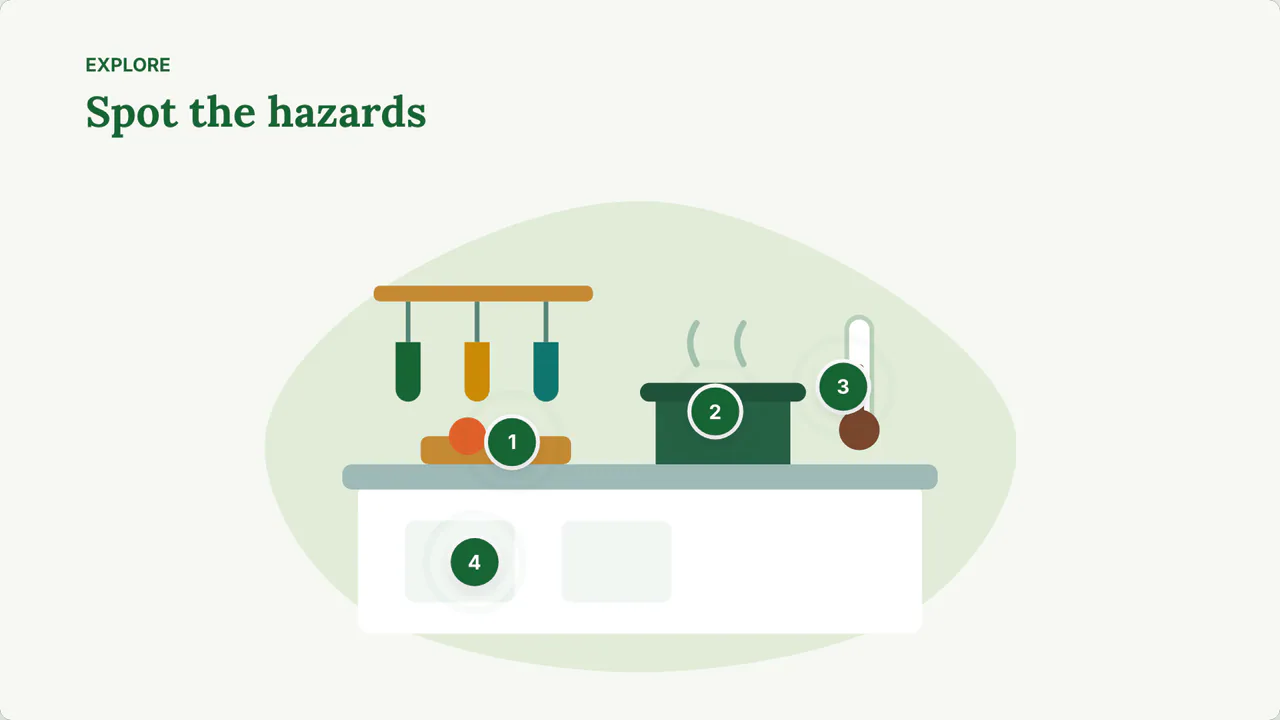
A commercial kitchen with four hotspots: the cutting board, the leftovers, the cooking and the raw meat. Each one opens what to do about it.
Temperatures to remember
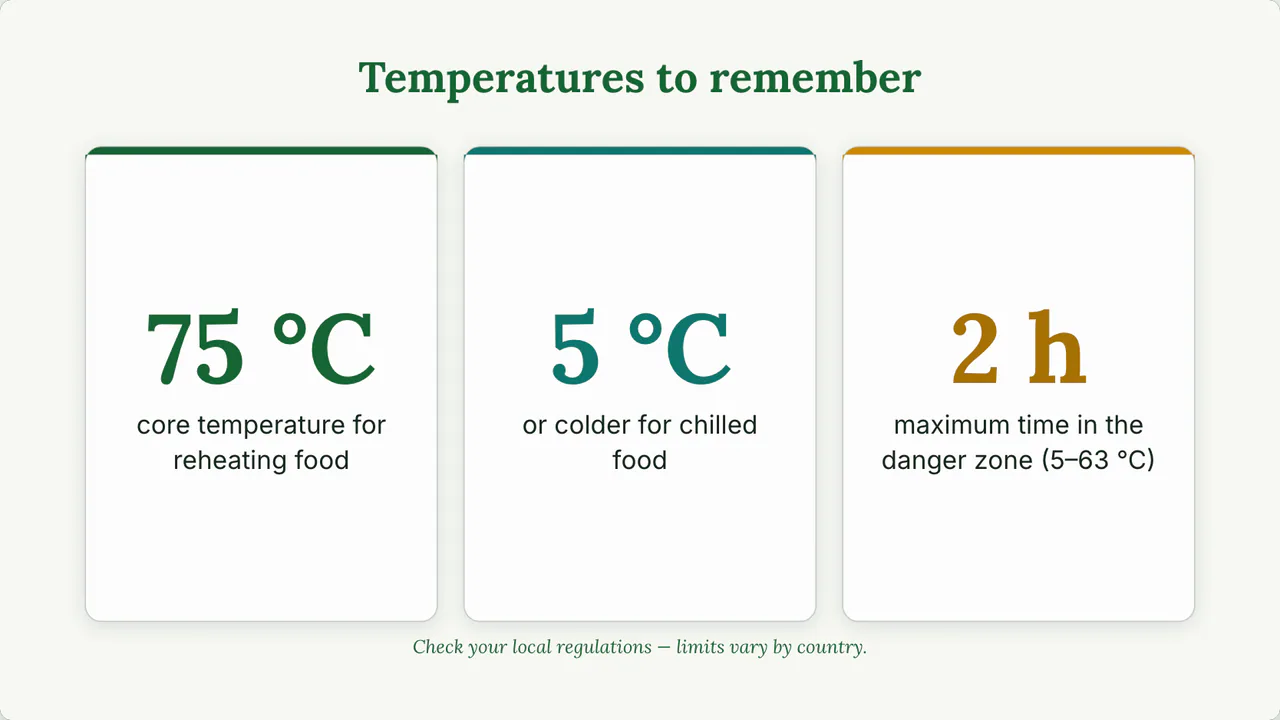
75 °C to reheat, 5 °C or colder for chilled food, two hours at most in the danger zone.
Safe or unsafe?
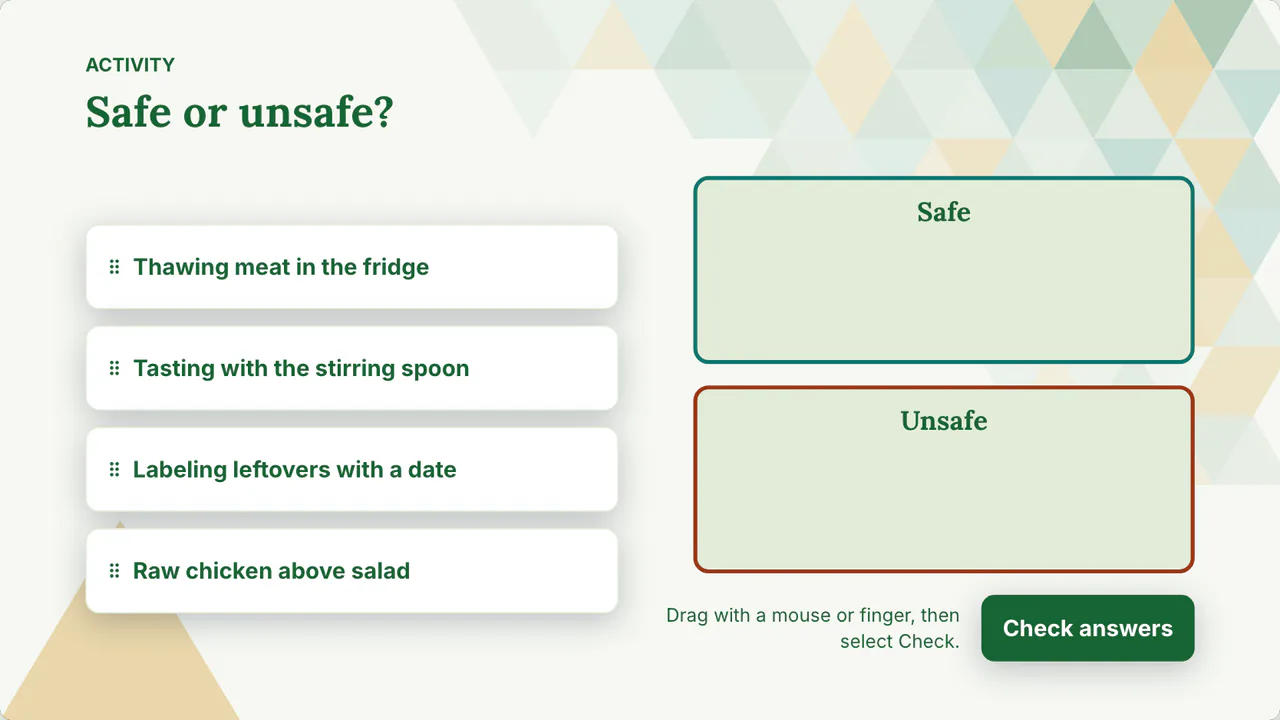
A sorting activity: drag each habit — thawing meat in the fridge, raw chicken above salad — to the right side.
A memory game
Turn over two cards at a time to match four terms with their meanings, from the danger zone to the use-by date.
A graded quiz
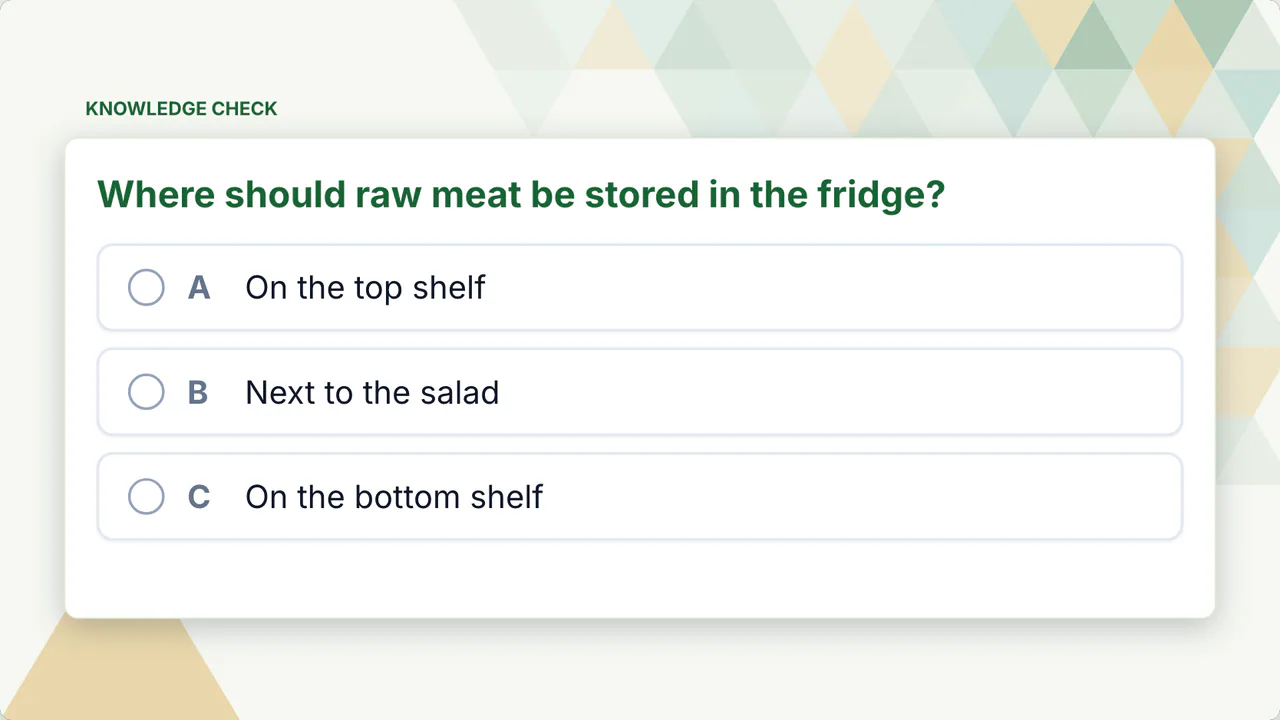
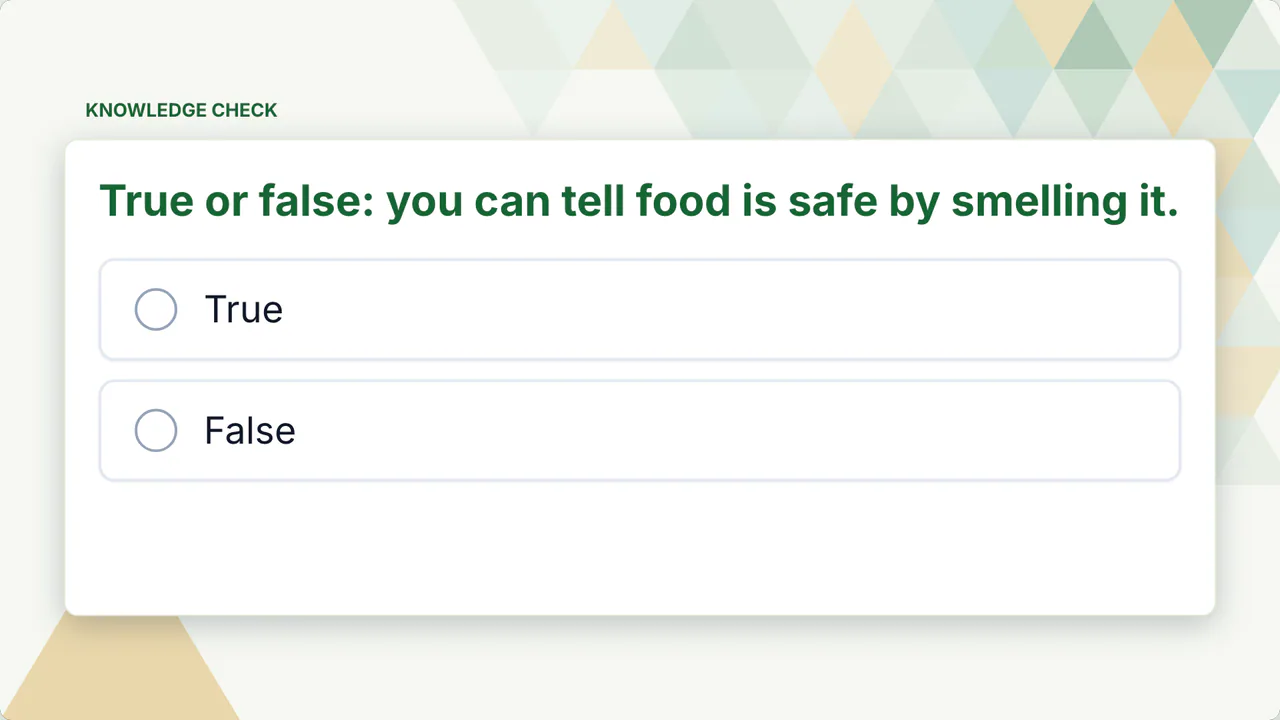
Three questions — multiple choice and true or false — on fridge storage, smell tests and the danger zone. 80% to pass, and a certificate.
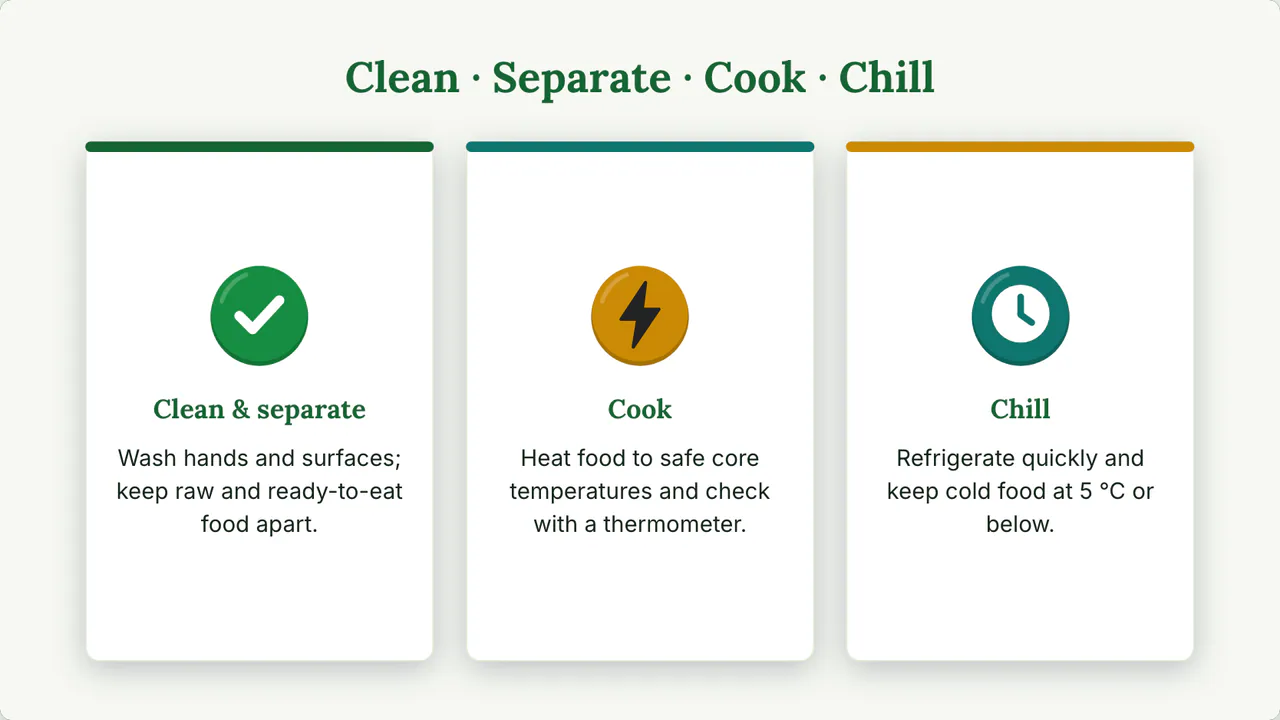
Four habits, every service
The course ends with the four habits on one slide: clean, separate, cook and chill.
After the course, learners can
- Keep food out of the danger zone, between 5 °C and 63 °C
- Wash hands the right way and at the right times
- Keep raw and ready-to-eat food apart, on boards and in the fridge
- Reheat food to a safe core temperature — 75 °C, checked with a probe
- Keep chilled food at 5 °C or below, and label leftovers with a date
Made for
- Kitchen and restaurant staff
- An induction for cooks, kitchen porters and front-of-house staff before their first service.
- Cafés, bakeries and caterers
- The same four habits for small teams and seasonal staff.
- Supervisors
- A quick refresher to run before an inspection, with a quiz that records who passed.
- Care homes, schools and canteens
- For anyone who prepares or serves food to others.
From template to your own course in minutes
Everything in the template can be changed in Lumesson — by hand, or by asking Lume AI.
- 1
Open it in Lumesson
Home ▸ Templates ▸ Food Safety Basics. Every slide, question and picture can be changed — on the Free plan too.
Learn more - 2
Put it in your brand
Pick a brand kit and your logo, colours and fonts go onto every slide at once.
Learn more - 3
Make it about your kitchen
Ask the Assistant: “Show temperatures in Fahrenheit, add our allergen procedure and a slide on our cleaning schedule.” It edits the real course and lists what it changed.
Learn more - 4
Add a friendly guide
Amara, in her polo shirt and name badge, can talk learners through each habit — with 16 poses and expressions.
Learn more - 5
Narrate and caption it
Natural AI voices or your Mac’s own voices for every slide, and captions for the whole course in one step — for noisy kitchens and for learners who read better than they listen.
Learn more - 6
Translate it for every crew
A copy in Spanish, Portuguese or Arabic, with its narration voiced again and a list of anything to check.
Learn more - 7
Check it on a phone
One click gives every slide a phone layout, so staff can take it before a shift without a desk.
Learn more - 8
Publish to your LMS
SCORM 1.2 or 2004, xAPI, cmi5 or HTML5. Completion and the quiz score go to your LMS, so you can show who was trained.
Learn more
Food Safety Basics: the details
| Length | About 20 minutes |
|---|---|
| Structure | 3 parts, 13 slides |
| Interactions | Explore hotspots, Diagram |
| Assessment | 3 questions: Multiple choice, True or false |
| Results | A results slide with the learner’s score and pass or fail |
| Publish to | SCORM 1.2, SCORM 2004, xAPI, cmi5, HTML5 — or a video, Word or PDF |
| Phones | A phone layout for every slide in one click |
| Language | English — translate the whole course with AI in one step |
| Editing | Every slide, picture, question and setting can be changed |
| Price | Free with Lumesson (the Free plan adds a small “Made with Lumesson” mark) |
Other courses to start from
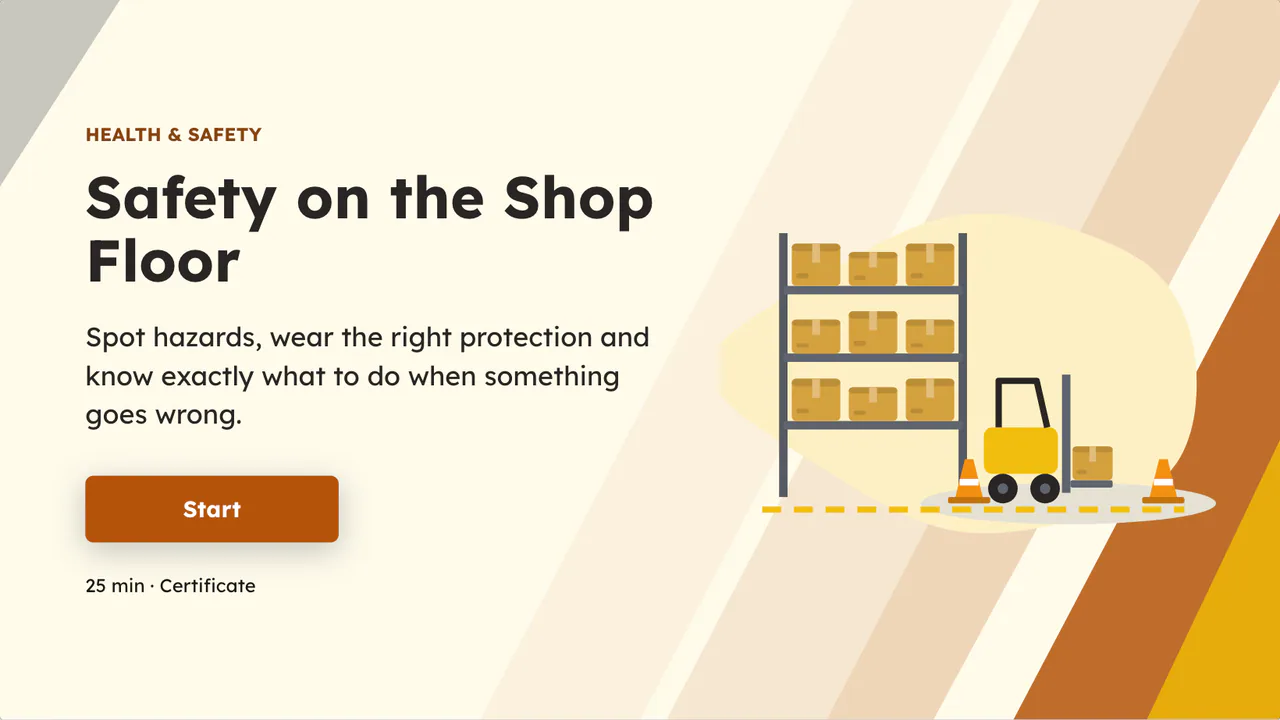 SafetyWorkplace safetyA free, ready-to-run workplace safety training course: hazards, PPE, safe lifting, near misses and emergencies, a graded test and a certificate. Play it now.
 OnboardingEmployee onboardingA free employee onboarding course for a new hire’s first week: values, a buddy, the first 90 days, a first-day plan, a scenario and a quiz. Play it now.
 IT & softwareGetting started with a new appA free software training course for any new app: a screen tour, tasks on screenshots, click-on-the-screen practice, shortcuts and a graded quiz. Play it now.
Read more
Safety training that sticks: how to create an online safety training course
How to create safety training people remember: hazard spotting, PPE, scenarios, quizzes and certificates, on phones and in every language your crew speaks.
Read the guideGuideCompliance training people actually finish: what it is and how to build it
What compliance training is, what employee compliance training must cover, and how to build a compliance training program people finish — with LMS tracking.
Read the guideGuideWhat is microlearning? A definition, 10 examples and how to make it
What is microlearning? A clear definition, when it works and when it doesn’t, 10 microlearning examples, and how to design short lessons for phones and an LMS.
Read the guideFrequently asked questions
Is this food safety training template free?
Yes. Every course template comes with Lumesson, including the Free plan, which has every authoring feature. Courses published on Free carry a small “Made with Lumesson” mark; a one-time Lifetime licence removes it.
Can I upload it to my LMS?
Yes. Publish it as SCORM 1.2, SCORM 2004, xAPI or cmi5 and upload the package to your LMS: it reports completion and the quiz score. You can also publish HTML5 for a website or intranet.
Does it meet the food hygiene rules where I work?
It is general food safety training that covers the habits most kitchens share. Temperature limits and legal requirements differ by country — the course itself says to check local regulations — so add your own procedures, allergen rules and local limits before you use it. It is not legal advice or a food hygiene certificate.
Can I switch the temperatures to Fahrenheit?
Yes. Every number is ordinary text: edit it by hand, or ask the Assistant to convert every temperature in the course to Fahrenheit, quiz answers included.
How long does the course take?
About 20 minutes, including the quiz. Keep the kitchen part on its own for a short refresher before service.
Can I translate it for a multilingual kitchen?
Yes. Lumesson makes a translated copy of the whole course with AI, voices the narration again in the new language and lists anything worth checking.
Make “Food Safety Fundamentals” your own
Download Lumesson free for Mac, open the template from Home ▸ Templates and change anything — by hand or by asking Lume AI.