Lumesson
Safety training that sticks: how to create an online safety training course
Most safety training is a slideshow people click through once a year and forget by lunch. Good safety training is different: people practise spotting hazards, choose what to do when something goes wrong, and can still do it on a busy shift months later. This guide shows how to create an online safety training course that works for frontline crews — on their phones, in their language, with proof of completion for your records.

What safety training is — and why so much of it does not stick
Safety training (often called health and safety training or workplace safety training) teaches people to recognise the hazards of their work, protect themselves and others, and respond correctly to incidents and emergencies. In most countries some of it is a legal duty: employers must show that people were trained before they do risky work, and again when the work or the rules change.
That legal side is why so many safety courses look the same — a policy read aloud, a list of rules, a ten-question test. They tick the box but rarely change behaviour, for three reasons:
- They teach facts, not decisions. Knowing that forklifts are dangerous is not the same as stopping before a blind corner when you are late.
- They are built for a desk. Many frontline workers have no desk and no work computer, only a phone and a ten-minute break.
- They assume everyone reads fluently in one language. Crews are often multilingual, and some members read with difficulty in any language.
Online safety training can fix all three — if you design for the people who will actually take it.
Which safety training courses do you need?
Before you build anything, list the safety training courses your people need. Most organisations end up with a small core plus a few role-specific modules:
| Course | Who takes it | What it must cover |
|---|---|---|
| Safety induction | Every new starter, contractors and visitors | Site rules, common hazards, PPE, reporting, emergency steps |
| Construction and site safety training | Site workers, supervisors, subcontractors | Working at height, moving plant, excavations, permits, housekeeping |
| Fire safety training | Everyone; fire wardens in more depth | Prevention, raising the alarm, evacuation routes, assembly points, extinguishers |
| Food safety training | Kitchen, catering and retail food staff | Hygiene, cross-contamination, cooking and chilling temperatures, allergens |
| Manual handling and PPE | Warehouse, logistics, production | Safe lifting, when to get help, choosing and checking PPE |
| Task-specific training | Anyone using specific equipment or substances | The procedure, its hazards, its checks — step by step |
Keep each course short and focused. A 20–25 minute induction plus five-minute refreshers works better than one 90-minute marathon — see our guide to microlearning for how to split topics.
1. Start from incidents and near misses, not the manual
Your safety manual tells you what the rules are. Your incident log tells you where people actually get hurt. Start there:
- Pull the last year of incidents and near misses. Which three or four situations come up again and again?
- Ask two supervisors: “When do people take shortcuts, and why?” Their answers — “the step platform is at the other end of the aisle”, “the gloves make scanning slow” — become your scenarios.
- Write each learning goal as something you could watch: “Stops and makes eye contact with the forklift driver before crossing a marked aisle.”
Anything that does not serve one of those goals can move to a resource the learner can download from the player, rather than sitting on a slide.
2. Teach hazard spotting and PPE with pictures, not paragraphs
Hazard spotting is a visual skill, so practise it visually. Show a realistic scene — a warehouse aisle, a building site, a kitchen — and let learners find what is wrong. In Lumesson, a hotspot slide lets learners click each hazard to reveal what to do about it, and the Spot the risk layout hides hazards in a scene with a counter that tracks how many have been found. At the end, a hotspot question in the test asks them to find the hazard on their own.
For PPE and procedures, show rather than tell:
- Do and don’t side by side: “wear hi-vis in vehicle areas” next to “remove PPE to work faster”.
- Process steps learners click through: plan, position, lift, place.
- A sorting activity: drag “blocking a fire exit” and “using a step platform” into Hazard or Safe practice.
Every one of these is a normal slide with layers and triggers, so you can swap in photos of your own site and your own equipment.
3. Use scenarios for the decisions that matter
The most serious incidents usually start with a small decision under pressure. A branching scenario lets people make that decision safely. Keep it short — three to five steps, two to four replies each — and make every reply believable. For example:
End of shift. Carlos, the safety officer, sees a new picker climbing the racking to reach a box on the top shelf: “The step platform’s at the other end. It’s one box — I’ll be quick.”
- A. “Come down, I’ll get the platform with you.” — Coaching: You stopped the risk and helped fix the reason for it.
- B. “Be careful up there.” — Coaching: Friendly, but the risk is still there.
- C. Say nothing; it is not your area. — Coaching: Near misses like this are how falls happen. Speak up.
Each reply leads somewhere different, with points and coaching, and the scenario can be graded and reported to your LMS like a quiz. Our guide on how to write branching scenarios walks through the whole process.
Two examples: fire safety training and food safety training
The same pattern — see it, decide, prove it — works for almost any topic. Two quick sketches:
Fire safety training (15 minutes). Open with a question: “Where is the nearest fire exit from where you are standing right now?” Then a floor plan of your building as a hotspot slide: exits, alarm points, extinguishers and the assembly point. A short scenario follows — smoke in the stockroom, a colleague wants to grab their bag first — and an ordering question puts the evacuation steps in the right sequence. Finish with three questions from a bank and a certificate. Fire wardens get an extra module on sweeping their area and reporting to the incident controller.
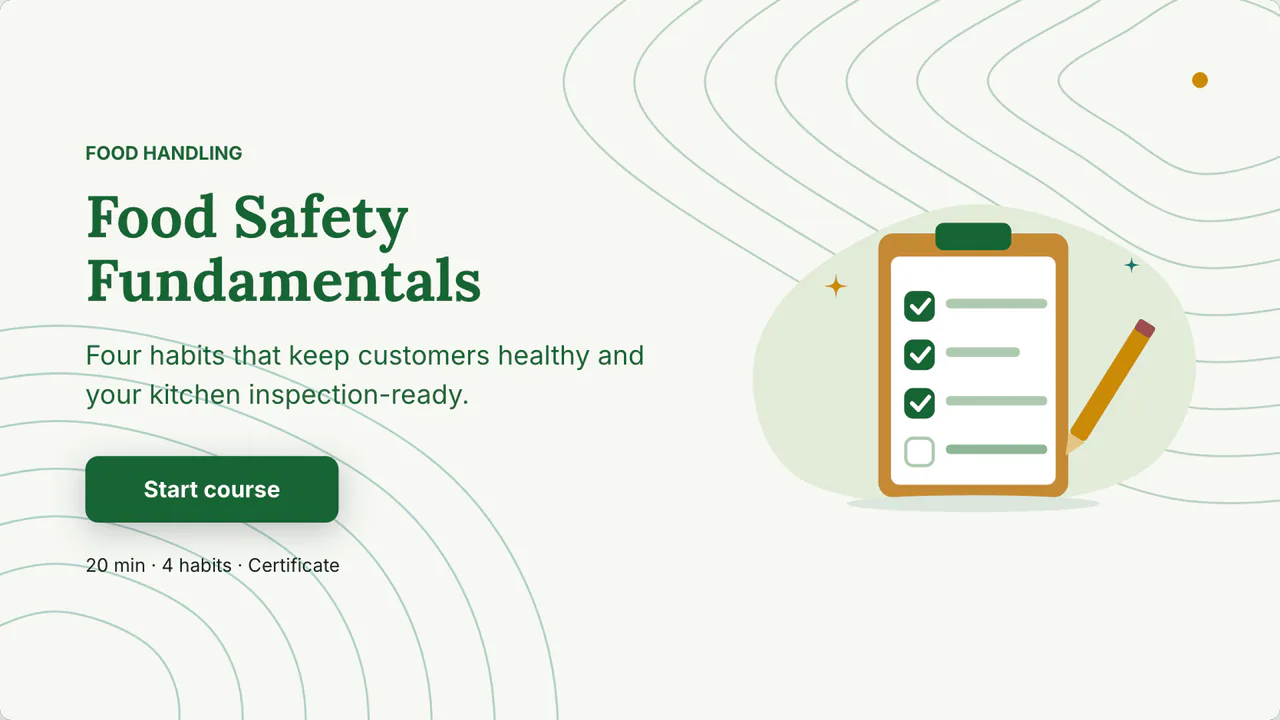
Food safety training (20 minutes). Build it around four habits: clean, separate, cook and chill. Flip cards turn temperatures into quick recall (“chilled food is kept at…”), a drag-and-drop sorts raw and ready-to-eat foods onto the right shelves, and a hotspot slide finds the cross-contamination risks in a kitchen photo. A scenario with a customer asking about allergens tests the moment that matters most. Lumesson’s Food Safety Basics template gives you this structure to start from.
In both cases the test is short, the practice is long, and every slide answers one question: what should I do?
4. Design online safety training for phones and frontline workers
If your crew does not sit at computers, your online safety training has to work on a phone — not as a shrunken desktop slide, but laid out for a narrow screen. In Lumesson, one switch gives every slide its own phone layout: cards grouped, reading order kept, body text at least 15 px and buttons with 44 px tap targets, which matters when people wear gloves. Hotspots, drag-and-drop, quizzes and scenarios all get phone layouts too, and Preview shows the course on phones and tablets before anyone else sees it.
Three more ideas for the shop floor:
- A shared tablet in the break room. The Kiosk / Presentation player look has large touch targets and no menu.
- Toolbox talks. Publish the course as an MP4 and play it on a screen at the start of a shift; question slides pause and can show the answer.
- No LMS on site. Publish HTML5 to your intranet, or give supervisors a PDF handout.

Check every slide on a phone before you publish — that is where most frontline workers will take it.
5. Narration and captions for every reading level
Some of your best workers read slowly, or read better in another language. Narration lets them listen instead. With Lumesson Voice you type or paste the script — from slide notes or the slide text — and a natural AI voice reads it, with a pronunciation list so product names, site names and chemical names come out right. If you are offline, the computer’s own voices narrate for free.
Then caption the whole course in one go, from the narration, the notes or the slide text, so people can follow in a noisy canteen with the sound off. Keep the words on the slide short — a heading, an icon and a picture — and let the voice carry the explanation. That alone makes a course far easier for low-literacy learners.

Narration from your slide notes, with a pronunciation list for the names your crew uses.
6. Translate safety training for multilingual crews
A safety rule only protects someone who understands it. If your crew speaks several languages, translate the course rather than hoping everyone follows the English version. Lumesson translates a whole course with AI into a copy that keeps its slides, interactions and design, lists anything left to check, and re-voices the narration in the new language. If your translations go through an agency, export XLIFF 1.2 and import their work back.
The course player itself shows its buttons and labels in 22 languages, right-to-left included. Ask a fluent supervisor to review each translation for site vocabulary before you publish — “racking”, “banksman” or “lockout” may need your local words.

A translated copy of the course, with narration voiced again in the new language.
7. Test, certify and track completion
For safety training you usually need proof: who took which course, when, and whether they passed. Build that in from the start:
- A short test with a passing score — six to ten questions is plenty. Mix multiple choice with a hotspot, an ordering question (“the fire alarm sounds — put the steps in order”) and a short answer.
- Question banks so every attempt draws different questions, and a limit on attempts if you need one.
- A certificate with the learner’s name that they can print, on the results slide.
- Tracking: publish to SCORM 1.2 or 2004, xAPI or cmi5, and choose when the course counts as complete — slides viewed, a passed results slide, or both. Your LMS gets the score and pass or fail.
Give the package a version number when you publish, so your records show exactly which version of the course each person passed after a procedure changes.
Choosing safety training software
If you are comparing safety training software, judge it by what your crew will experience, not by the feature list. A short set of questions:
- Does every slide really work on a phone, including the interactions?
- Can you add narration and captions without a recording studio?
- Can you translate a course and keep its layout?
- Does it publish to the standards your LMS reads, with scores and certificates?
- Can a safety officer update one procedure in minutes, without a developer?
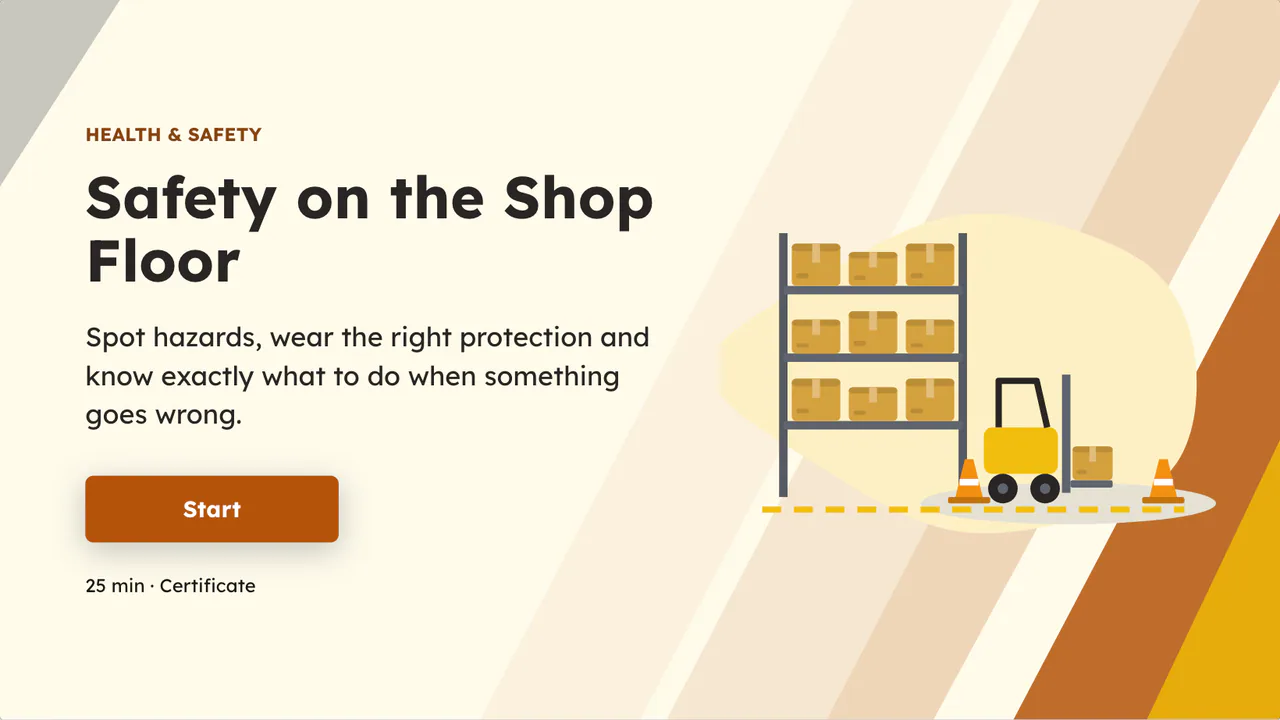
Lumesson is a Mac app that does all of this in one place. Start from the Workplace safety template — “Safety on the Shop Floor”, a 25-minute course with hazard spotting, PPE, safe lifting, near-miss reporting, emergency steps, a six-question test and a certificate — or Food Safety Basics for kitchens. Or give Lume AI your risk assessment or procedure document and let it propose an outline for you to approve. Add Carlos, the safety officer in a hard hat and hi-vis vest, as the guide: like every one of the 10 illustrated characters he comes in half body with 16 or more expressions, and in full body. For hospitals and kitchens, the Studio characters include a doctor, a nurse, a chef and a site worker.

Carlos and the other illustrated characters, each in half body for talking and full body for scenes.
A quick safety training checklist
- Goals taken from real incidents and near misses, written as things you could watch.
- Hazards spotted in pictures; PPE and procedures shown, not described.
- At least one short scenario for a decision people get wrong.
- Every slide checked on a phone; large tap targets for gloved hands.
- Narration and captions for low-literacy learners and noisy places.
- A translated copy for each language your crew speaks, reviewed by a fluent supervisor.
- A test with a passing score, question banks, a certificate and LMS tracking.
- A version number and a date for the next review.
Ready to build yours? Download Lumesson for Mac — the Free plan has every feature.