 Lumesson
AI voiceover that says your names right — and captions for every slide
Recording narration takes a studio and a free afternoon. Narrate slides from your notes or slide text with Lumesson Voice, keep product and people names pronounced the way you say them, caption the whole course in one go, and fix the sound without recording again.

Everything you need, in one app
Lumesson Voice
Natural AI voices in many languages — or the computer’s own voices, free.
Delivery marks
Mark lines as calm, excited and more; narrate from notes or slide text.
Pronunciation list
Spell names as they sound or use IPA, for the whole course.
Auto captions, also offline
Caption speech on your computer with three model sizes, free — or with Lumesson Captions.
Fix speech by text
Retype a sentence and a voice says it, in place of the old words. Remove “um”s from course audio.
Talking characters
Studio characters move their lips with the narration.
Caption the whole course in one go
Choose where the words come from — speech in videos and audio, the narration, the slide notes or the text on the slides — and see what will change before anything is made.
- Speech to text on your computer (free) or in the cloud
- Captions styled by your brand kit
- Learners turn captions on in the player, and read along in the transcript

Fix the sound without recording again
A cough or a slip shouldn’t mean another recording session. Cut a part out, silence it, add a pause, fade in and out, make parts louder or quieter and match the course volume — and go back to the original any time.
- Captions move with your cuts
- Clean Up: reduce noise and echo, even out volume, voice-tone presets
- Fix Speech: retype words and a voice says them

See it in a ready-made course
Free, complete courses made in Lumesson. Play one in your browser, then open it in the app and make it yours.
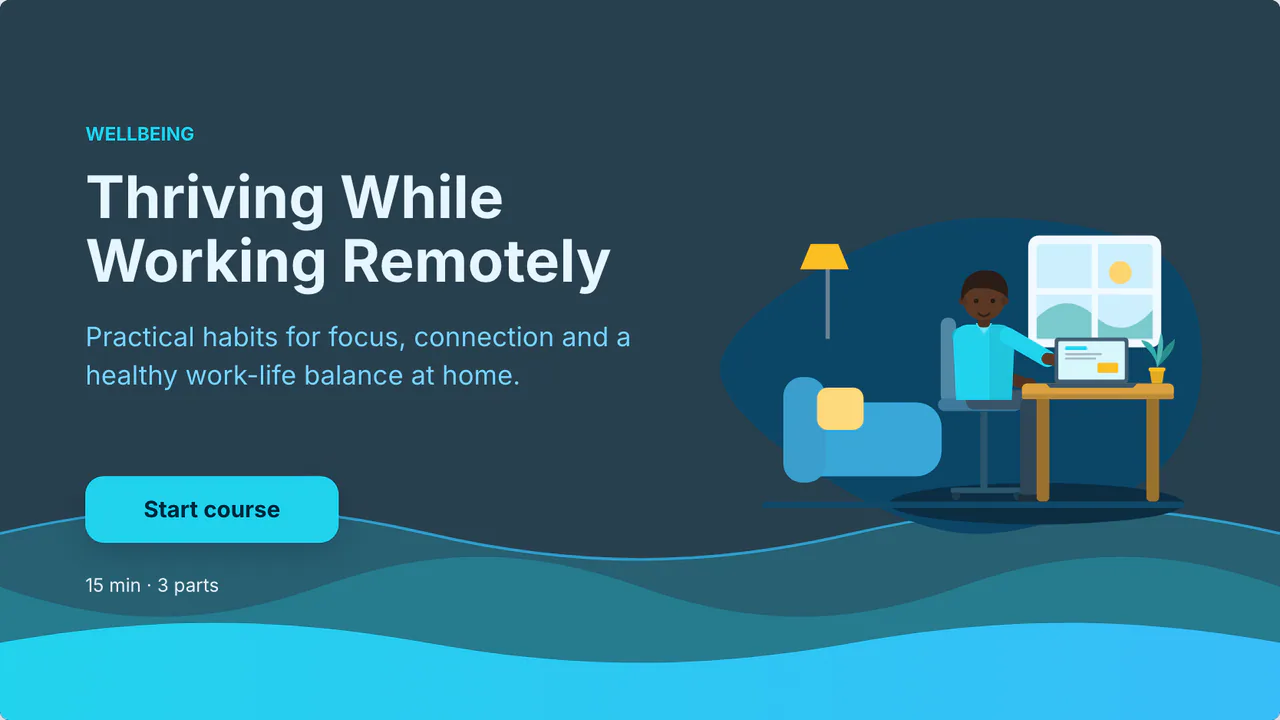 WellbeingRemote Work & WellbeingA free remote work and wellbeing training course: an ergonomic home workspace, staying connected, healthy boundaries, a poll and a quick check. Play it now.
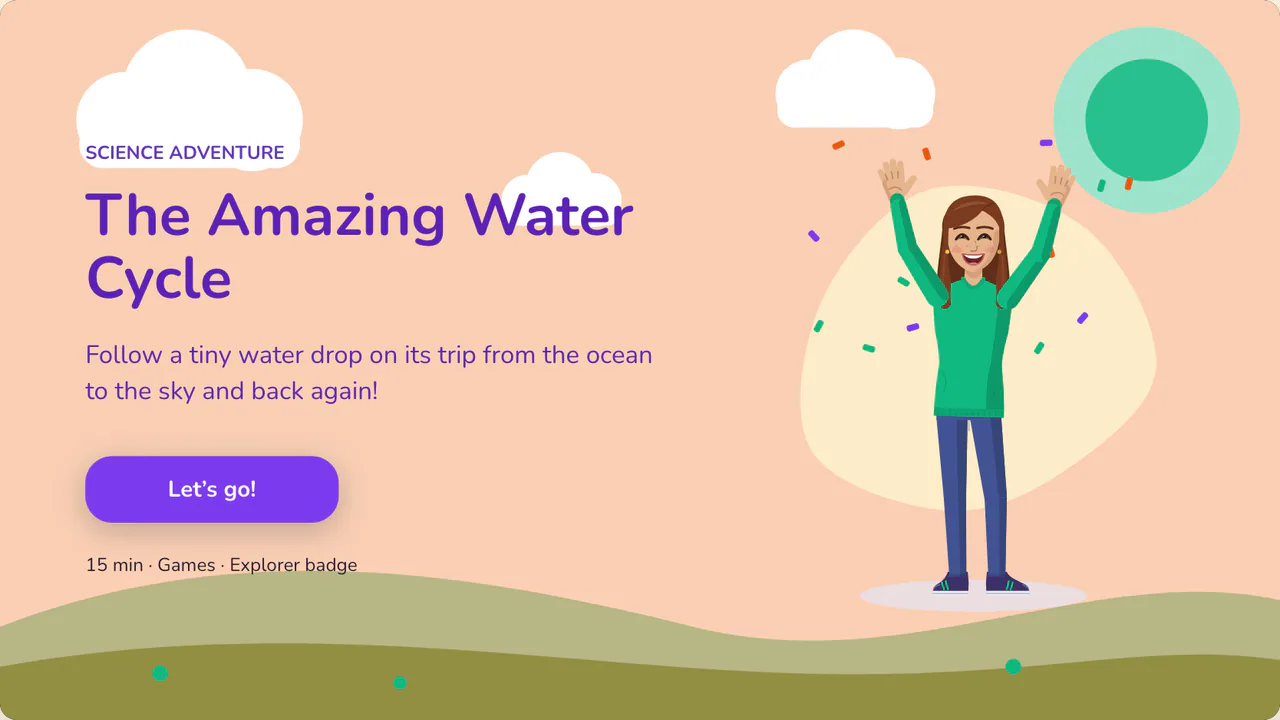 EducationThe Water Cycle (Kids Science)A free interactive water cycle lesson for ages 8–11: evaporation, condensation, precipitation and collection, with games, a quiz and a badge. Play it now.
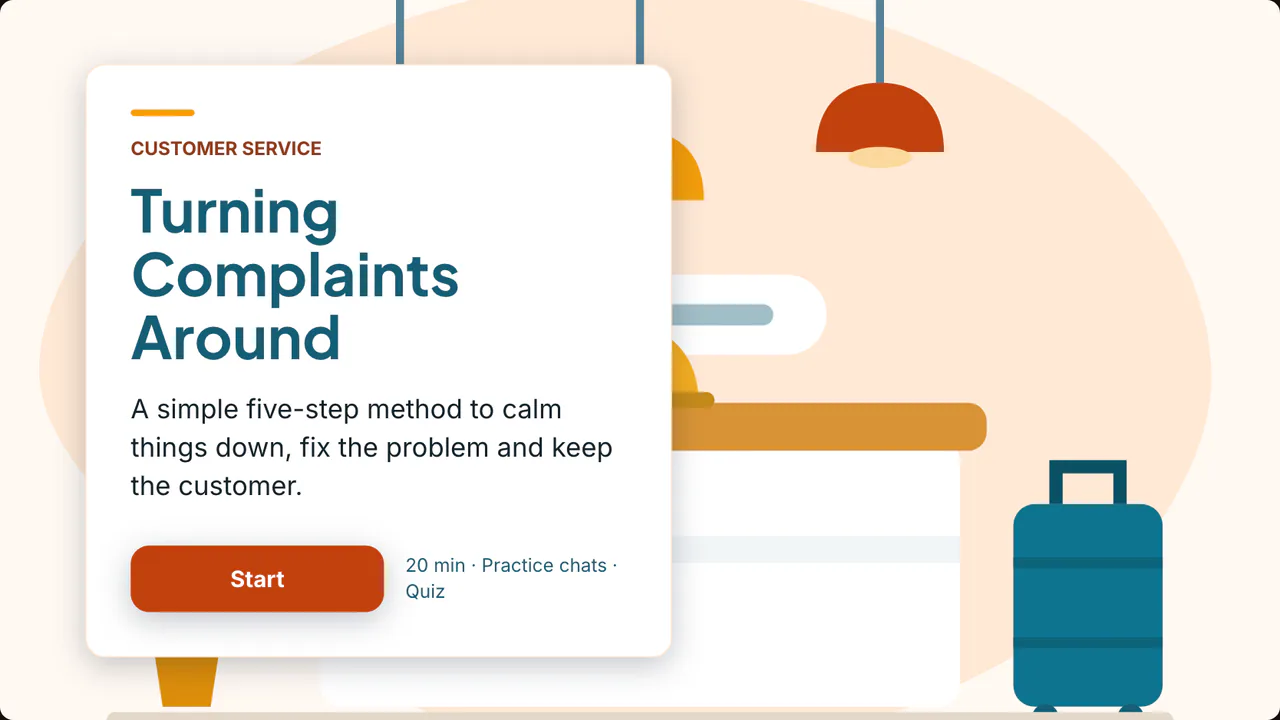 Customer serviceTurning complaints aroundA free complaint handling course built on the HEARD method: words that help, a live chat to answer, a timed game, a branching scenario and a quiz. Play it now.
Works hand in hand with
Translation
Course translation with AI, XLIFF for agencies, re-voiced narration and video dubbing.
Learn moreScreen recorder & video
A screen recorder with auto-zoom, smooth cursor, click effects, captions, chapters and voice-over.
Learn moreLume AI
The AI course creator and editor built into Lumesson: from a prompt to a finished, editable course.
Learn moreFrequently asked questions
Which languages can it narrate?
Lumesson Voice reads many languages — English, Spanish, French, German, Portuguese, Japanese, Korean, Chinese, Vietnamese and more. The computer’s own voices work too, free.
Are captions free?
Captions made on your computer are free and offline. Lumesson Captions in the cloud uses AI credits.
Which audio tools use credits?
Cloud voices, cloud captions, removing hesitations and Fix Speech use AI credits. Edit Audio, noise and echo reduction and captions made on your computer are free.
Make your first course this afternoon
Lumesson is free to download for the Mac — Windows is coming soon. Add AI whenever you need it.