 Lumesson
Remote work and wellbeing training template
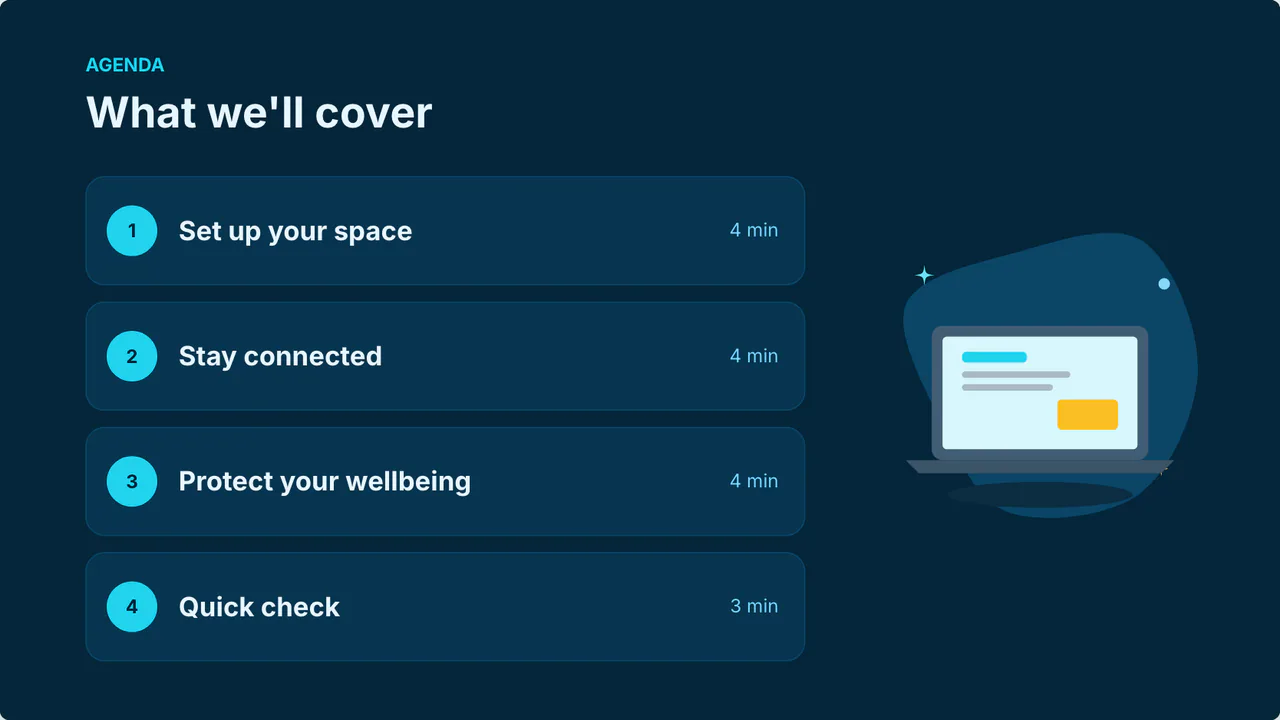
A 15-minute course for people who work from home: learners explore a home desk to set up the screen, chair and lighting, weigh the pros and cons of remote work, pick up habits for staying connected and switching off, and share how they feel in a quick poll — then two check questions. Play it below, then make it yours.
- 15 minto complete
- 14slides in 3 parts
- 3questions, 3 kinds
- SCORMxAPI · cmi5 · HTML5
Already have Lumesson? Open this template in the app
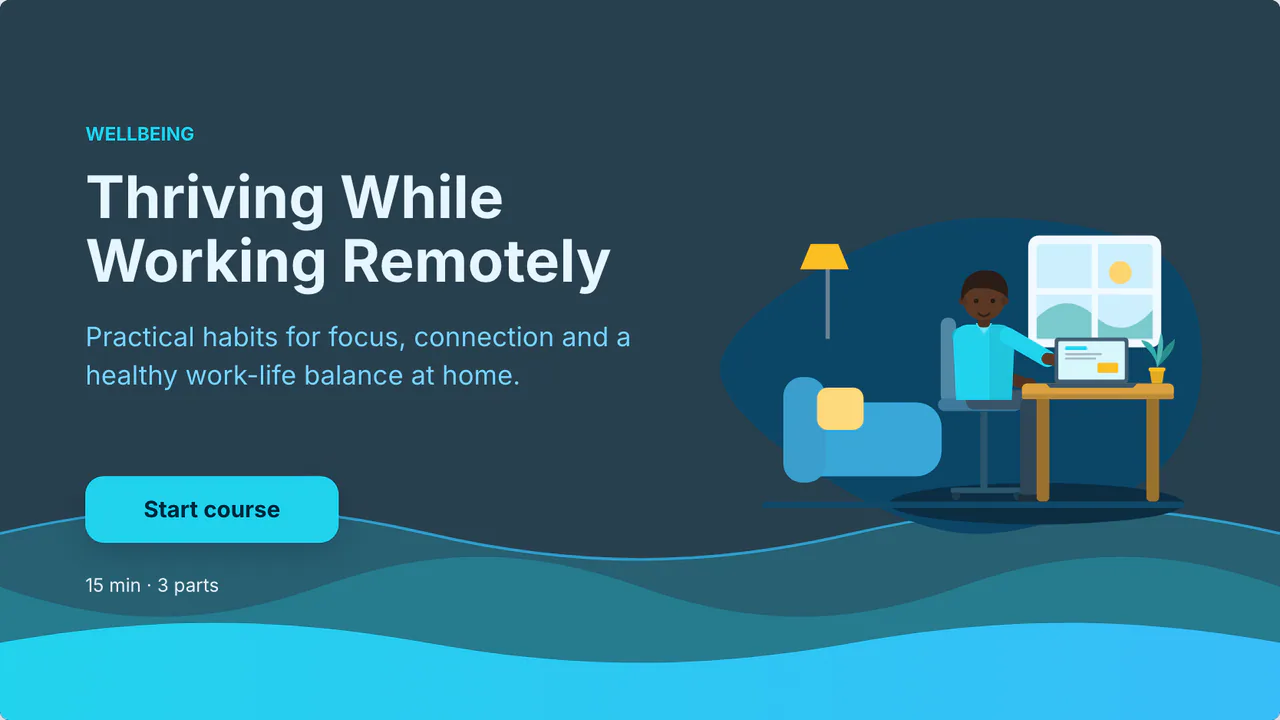 Play the course
Take “Thriving While Working Remotely” as a learner
This is the real course, published from Lumesson as HTML5. Click through it, try every activity and take the test — nothing you do is recorded.
Open full screenWorks on phones and tablets too
14 slides in 3 parts
A free remote work and wellbeing training course: an ergonomic home workspace, staying connected, healthy boundaries, a poll and a quick check. Play it now.
Introduction
3 slidesYour workday
7 slidesCheck
4 slidesA look at the course
Learning by doing, not by reading
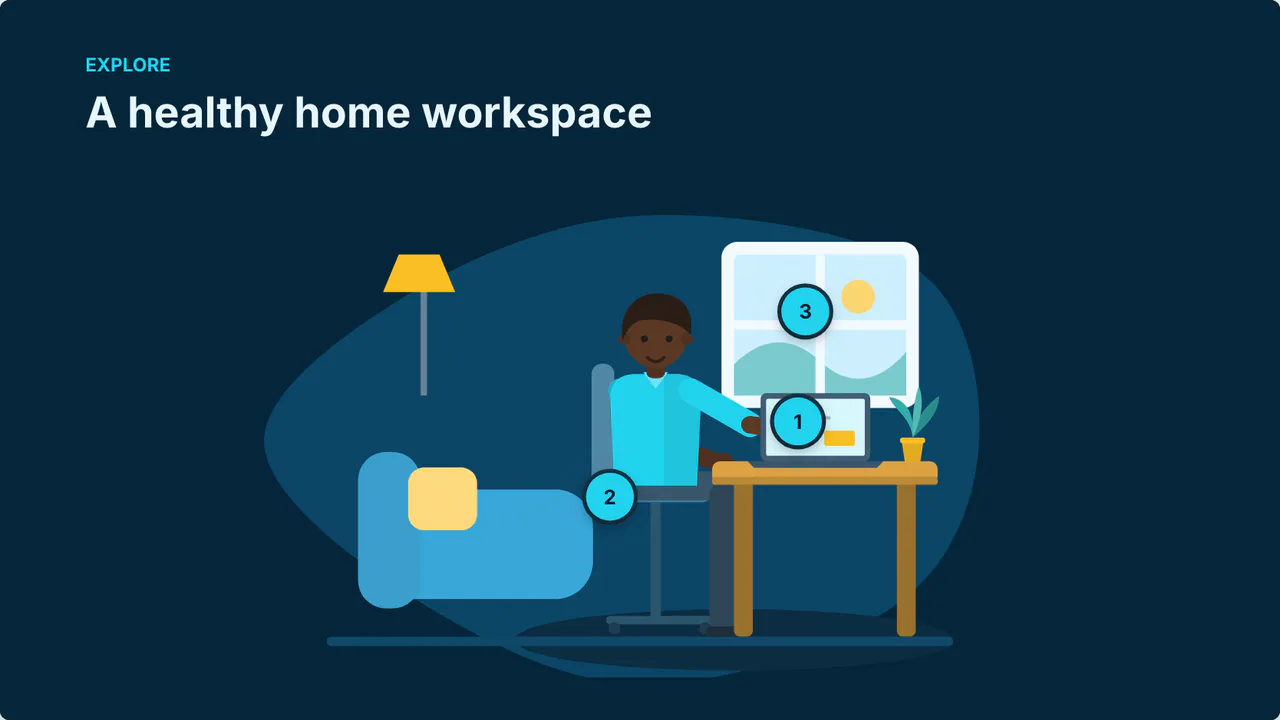
A healthy home workspace
A home desk with three hotspots — screen height, chair and lighting — each with what to adjust.
Pros and cons
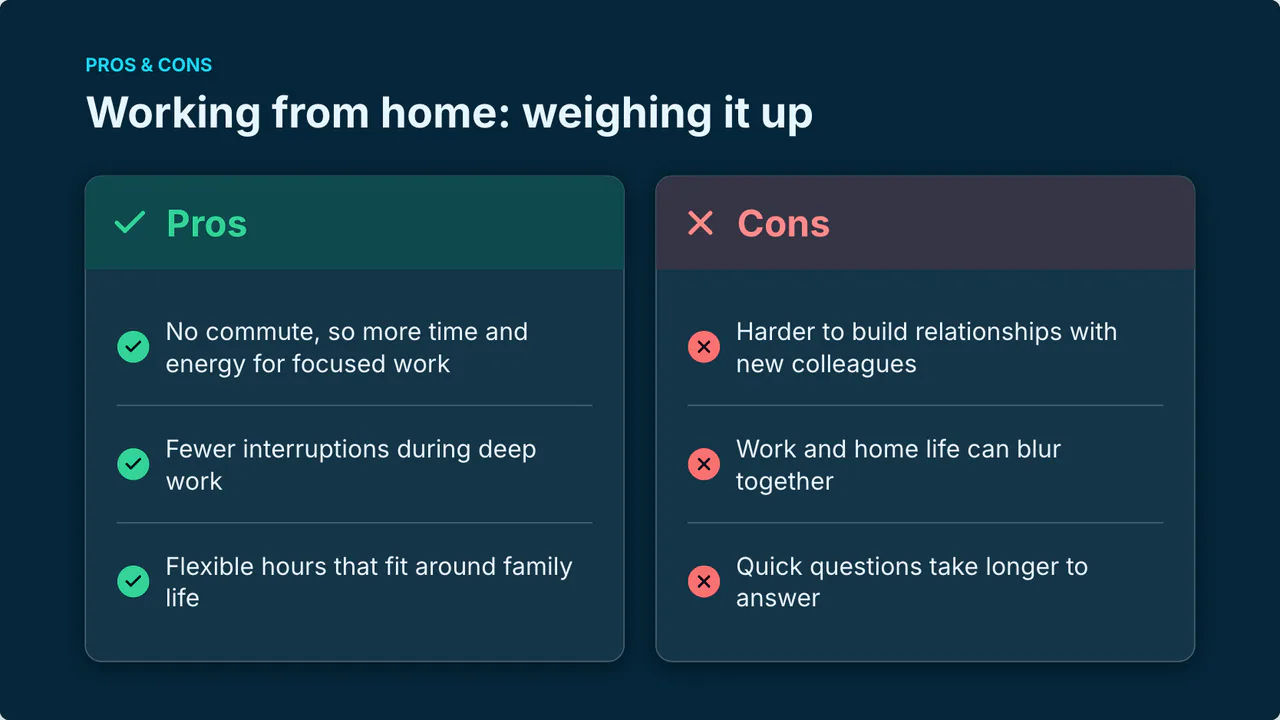
Working from home, weighed up: no commute and fewer interruptions, against blurred lines between work and home.
Remote work at a glance
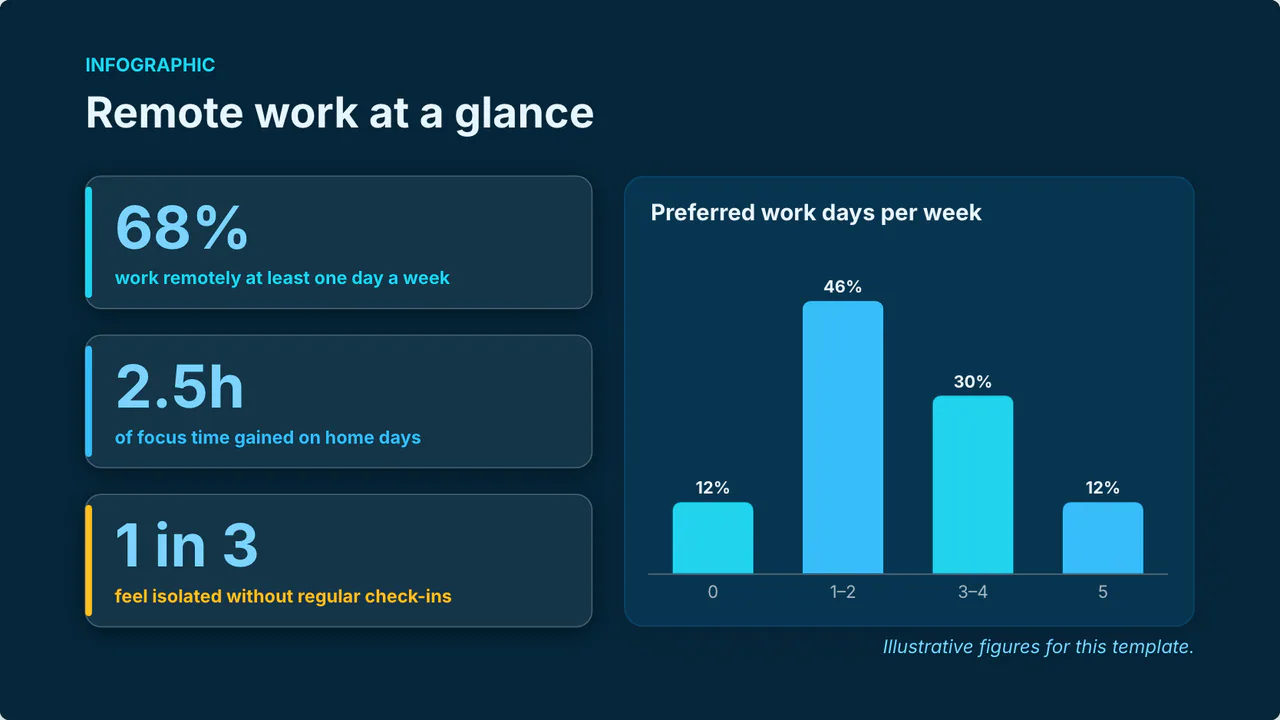
An infographic with three key figures beside a bar chart of preferred work days per week.
Stay connected
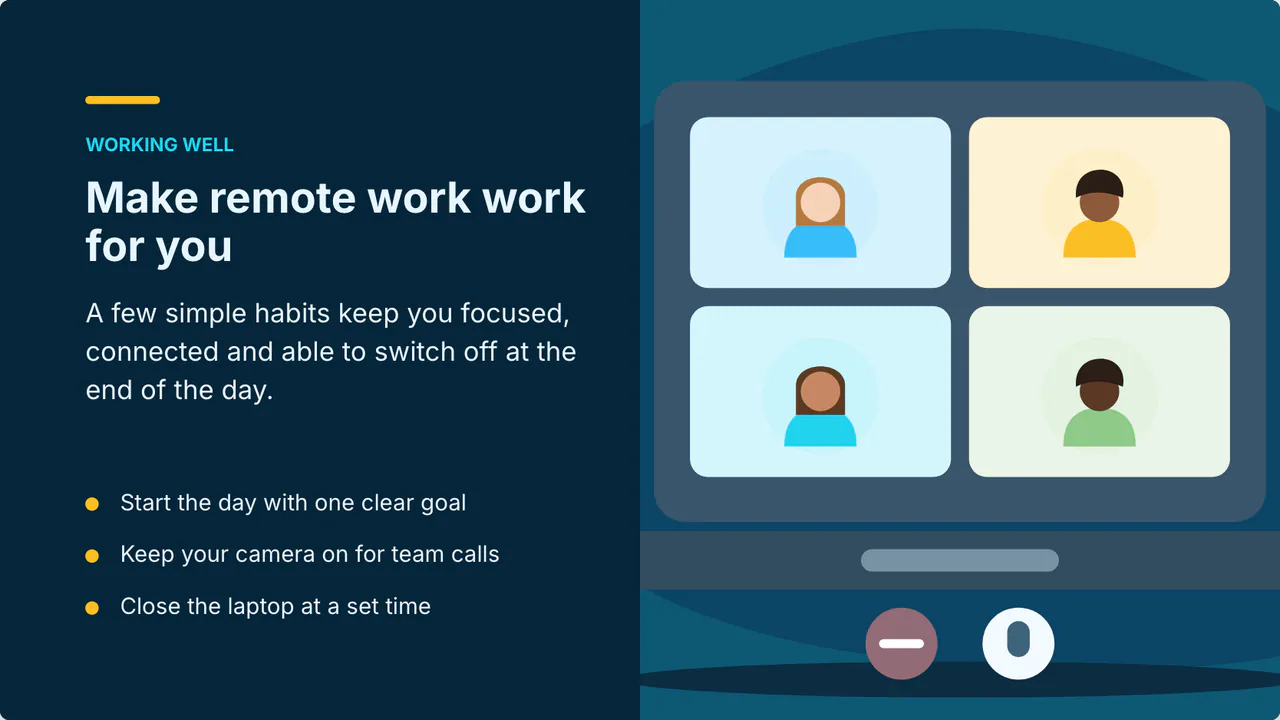
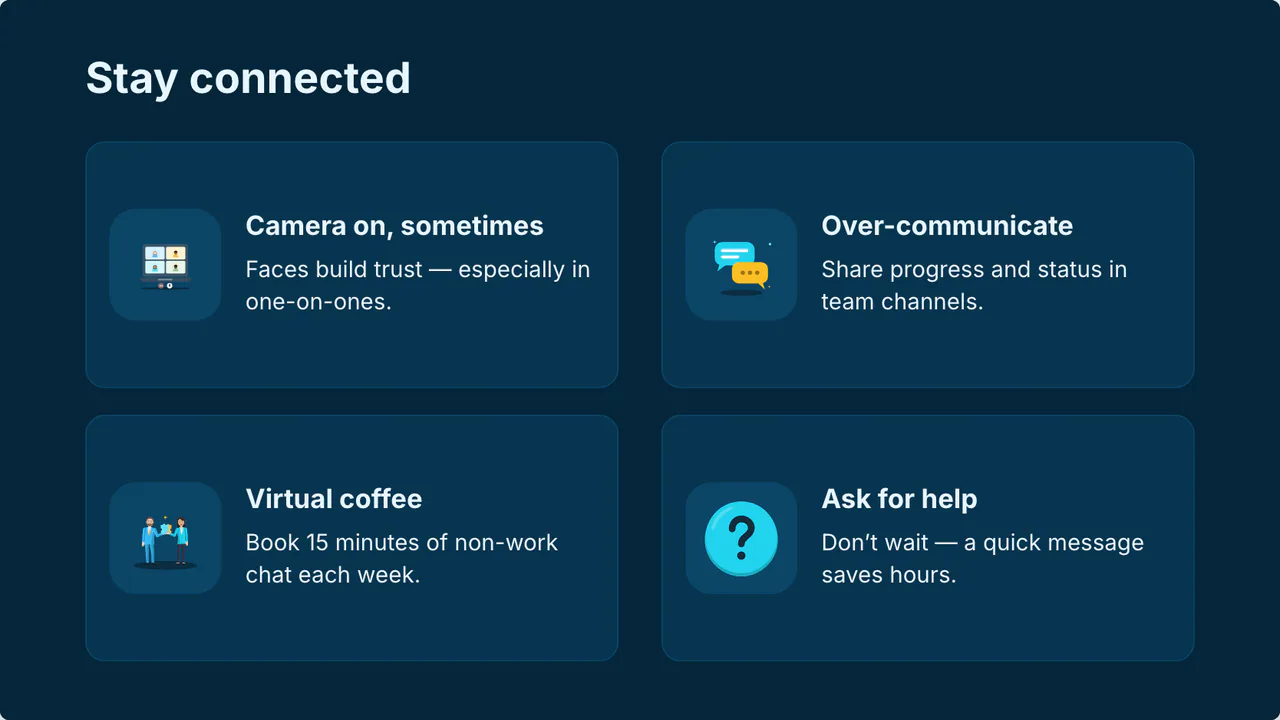
Four habits: camera on sometimes, over-communicate, a virtual coffee each week and asking for help.
Healthy boundaries
Three things to do and three to avoid — close your laptop at the end of the day, don’t work from bed.
A quick poll
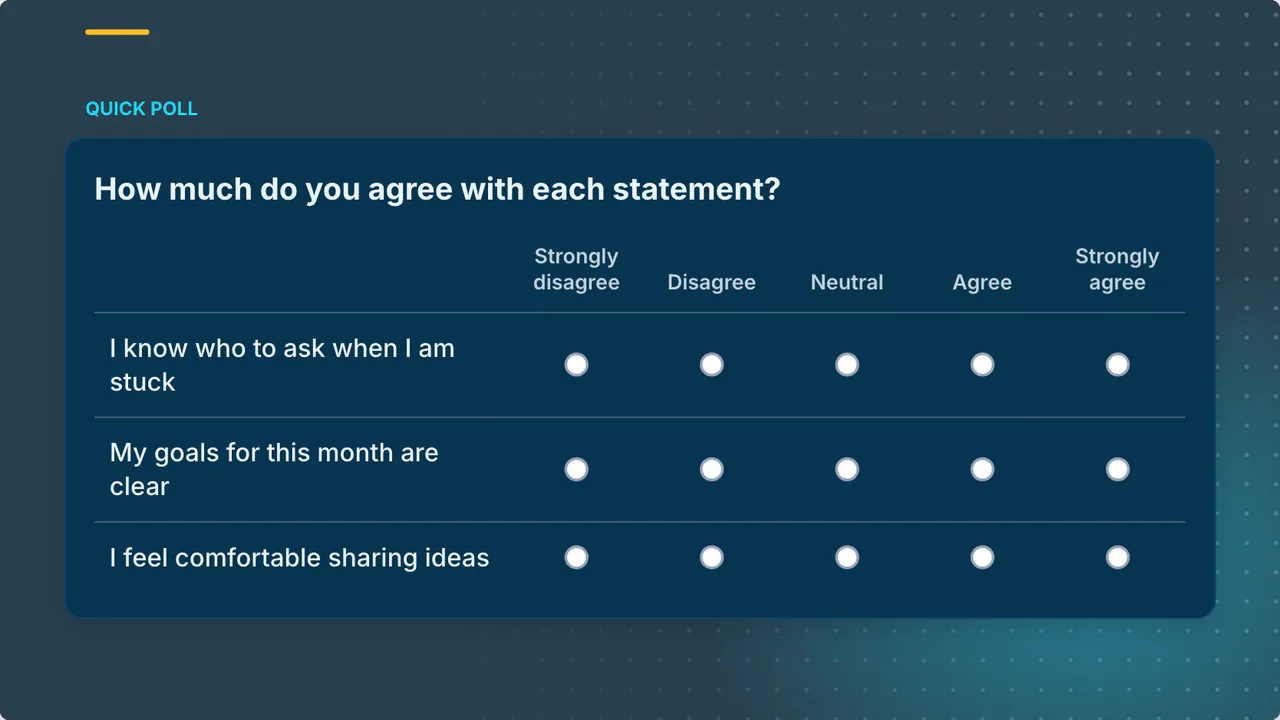
Three statements rated from strongly disagree to strongly agree — not graded, just a way to hear how people are doing.
A quick check
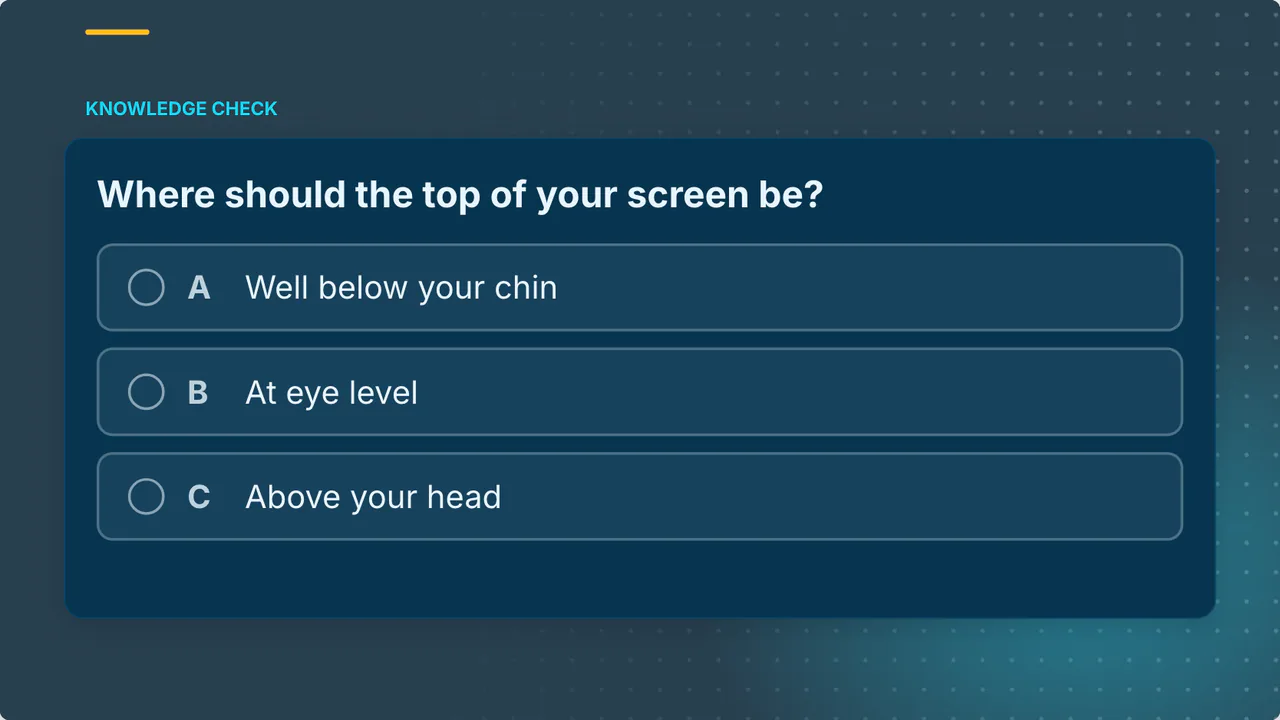
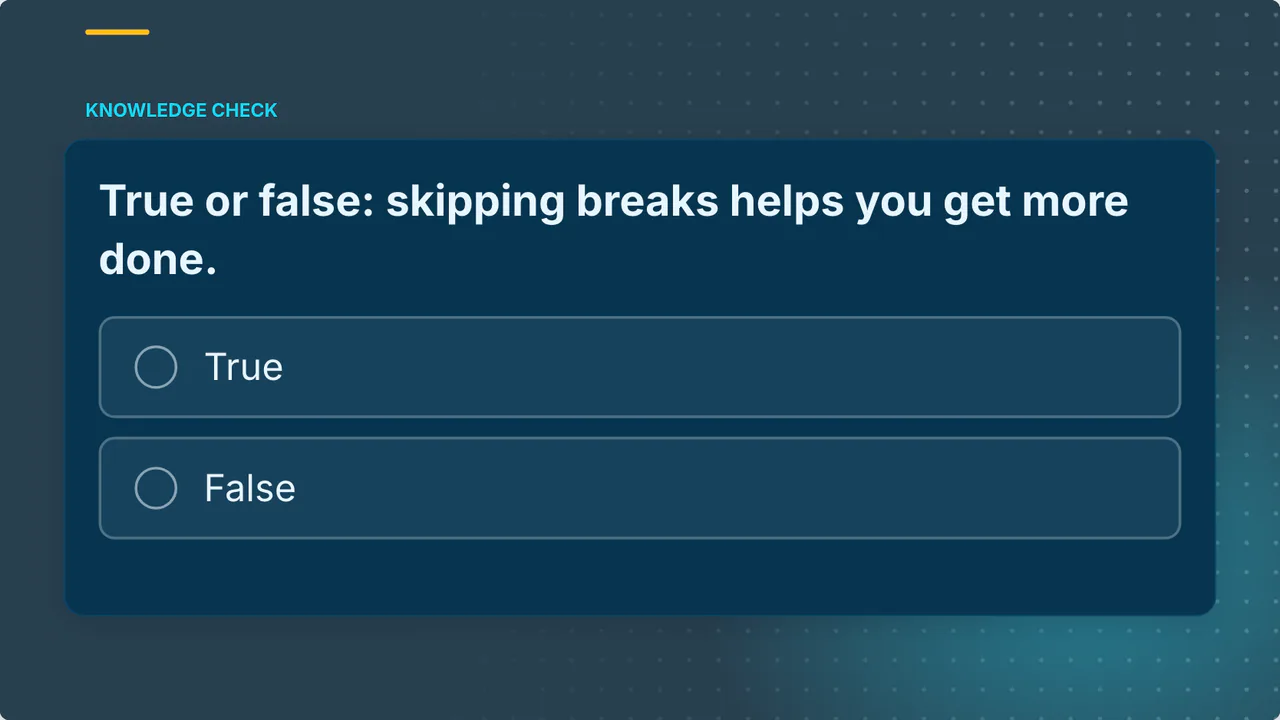
Two questions, multiple choice and true or false, on screen height and breaks, with feedback on each.
After the course, learners can
- Set up an ergonomic home workspace: screen at eye level, a supportive chair and good lighting
- Weigh the pros and cons of working from home
- Stay connected with cameras, regular updates and a weekly virtual coffee
- Keep healthy boundaries: regular hours, a real lunch break and a laptop that closes
- Ask for help early instead of waiting
Made for
- Remote and hybrid teams
- Habits for focus, connection and switching off, wherever people work.
- New remote starters
- How to set up a home desk and stay in touch, from the first week.
- Managers of distributed teams
- A shared starting point for team habits — and a poll to see how people are doing.
- HR and wellbeing teams
- A short course for a wellbeing programme, ready to brand and send to every laptop.
From template to your own course in minutes
Everything in the template can be changed in Lumesson — by hand, or by asking Lume AI.
- 1
Open it in Lumesson
Home ▸ Templates ▸ Remote Work & Wellbeing. Every slide, question and picture can be changed — on the Free plan too.
Learn more - 2
Put it in your brand
Pick a brand kit and your logo, colours and fonts go onto every slide at once.
Learn more - 3
Make it about your company
Ask the Assistant: “Add our home-working allowance, our core hours and the wellbeing support we offer, and make the poll about our hybrid policy.” It edits the real course and lists what it changed.
Learn more - 4
Add a score and a certificate
The check has no results slide yet: add one to grade the two questions and send a score to your LMS, and a certificate for finishing.
Learn more - 5
Narrate and caption it
Natural AI voices or your Mac’s own voices for every slide, and captions for the whole course in one step.
Learn more - 6
Translate it for every team
A copy in Spanish, French or Portuguese, with its narration voiced again and a list of anything to check.
Learn more - 7
Check it on a phone
One click gives every slide a phone layout — a short course to take away from the desk, for once.
Learn more - 8
Publish to your LMS
SCORM 1.2 or 2004, xAPI, cmi5 or HTML5 — for your LMS, intranet or wellbeing hub.
Learn more
Remote Work & Wellbeing: the details
| Length | About 15 minutes |
|---|---|
| Structure | 3 parts, 14 slides |
| Interactions | Explore hotspots, Diagram, Chart |
| Assessment | 3 questions: Rating scale, Multiple choice, True or false |
| Publish to | SCORM 1.2, SCORM 2004, xAPI, cmi5, HTML5 — or a video, Word or PDF |
| Phones | A phone layout for every slide in one click |
| Language | English — translate the whole course with AI in one step |
| Editing | Every slide, picture, question and setting can be changed |
| Price | Free with Lumesson (the Free plan adds a small “Made with Lumesson” mark) |
Other courses to start from
 OnboardingEmployee onboardingA free employee onboarding course for a new hire’s first week: values, a buddy, the first 90 days, a first-day plan, a scenario and a quiz. Play it now.
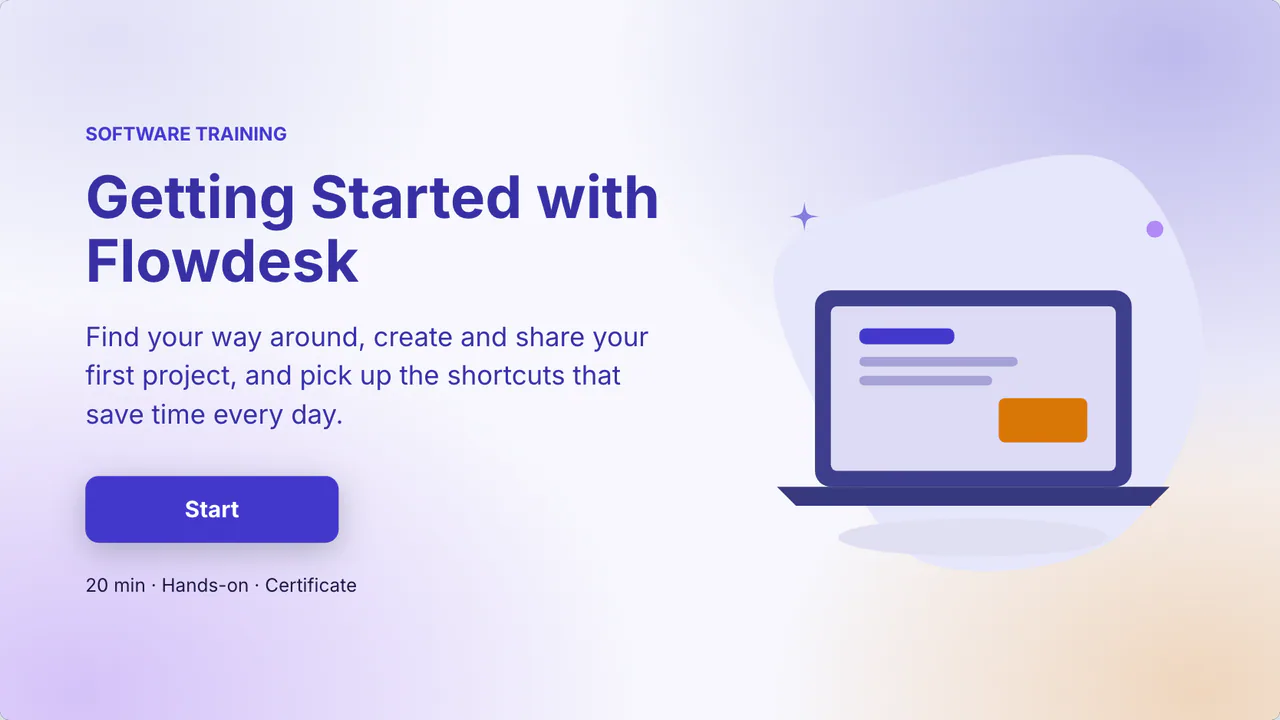 IT & softwareGetting started with a new appA free software training course for any new app: a screen tour, tasks on screenshots, click-on-the-screen practice, shortcuts and a graded quiz. Play it now.
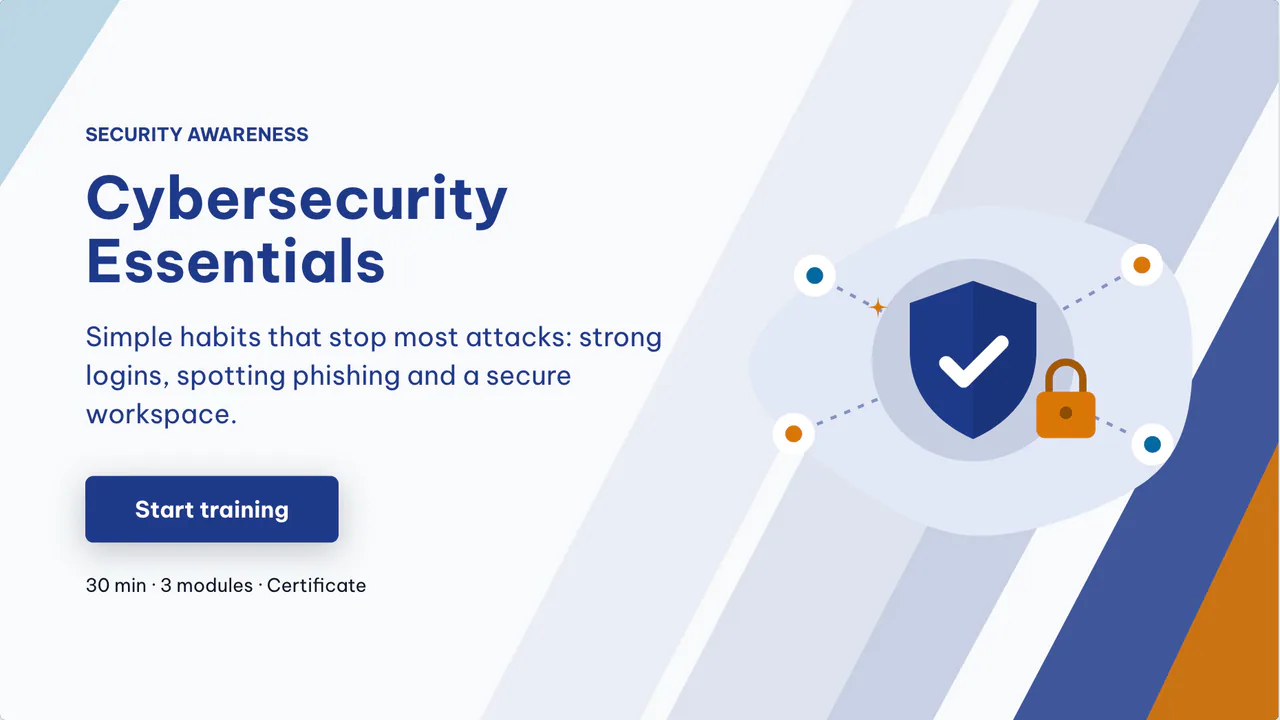 ComplianceCybersecurity awarenessA free cybersecurity awareness training course: passwords, MFA, spotting phishing, a secure desk, a timed game and a four-question quiz. Play it now.
Read more
What is microlearning? A definition, 10 examples and how to make it
What is microlearning? A clear definition, when it works and when it doesn’t, 10 microlearning examples, and how to design short lessons for phones and an LMS.
Read the guideGuideEmployee onboarding training: a course, a welcome video and a 30-day plan
Plan employee onboarding training that works: an onboarding course, a welcome video, software walkthroughs, a checklist and a sample 30-day onboarding outline.
Read the guideGuideText to speech for eLearning: AI voiceover that sounds natural
Text to speech for eLearning: when AI voiceover beats recording, how to write for the ear, fix pronunciation, pick voices per language and re-narrate fast.
Read the guideFrequently asked questions
Is this remote work training template free?
Yes. Every course template comes with Lumesson, including the Free plan, which has every authoring feature. Courses published on Free carry a small “Made with Lumesson” mark; a one-time Lifetime licence removes it.
Can I upload it to my LMS?
Yes. Publish it as SCORM 1.2, SCORM 2004, xAPI or cmi5 and upload the package to your LMS, or publish HTML5 for an intranet. The two check questions are not graded yet: add a results slide if you want a score recorded.
Is this health or medical advice?
No. It shares general habits for working well from home — a comfortable desk, boundaries, breaks and staying in touch. Add your own home-working policy, wellbeing support and who to contact for help before you use it.
Can I change the poll?
Yes. Rewrite the three statements, add more, or change the five-point scale — to ask about your hybrid policy or a recent change, for example.
How long does the course take?
About 15 minutes. The workspace hotspots and the boundaries slide also work on their own as a two-minute reminder.
Can I translate it for an international team?
Yes. Lumesson makes a translated copy of the whole course with AI, voices the narration again in the new language and lists anything worth checking.
Make “Thriving While Working Remotely” your own
Download Lumesson free for Mac, open the template from Home ▸ Templates and change anything — by hand or by asking Lume AI.