 Lumesson
Cybersecurity awareness training template
A 30-minute security awareness course for every employee: strong logins and multi-factor authentication, phishing spotted in four checks, a desk with four hidden risks, a race against the clock and a password request from a colleague — then a four-question quiz and a checklist to keep. Play it below, then make it yours.
- 30 minto complete
- 21slides in 4 parts
- 4questions, 3 kinds
- SCORMxAPI · cmi5 · HTML5
Already have Lumesson? Open this template in the app
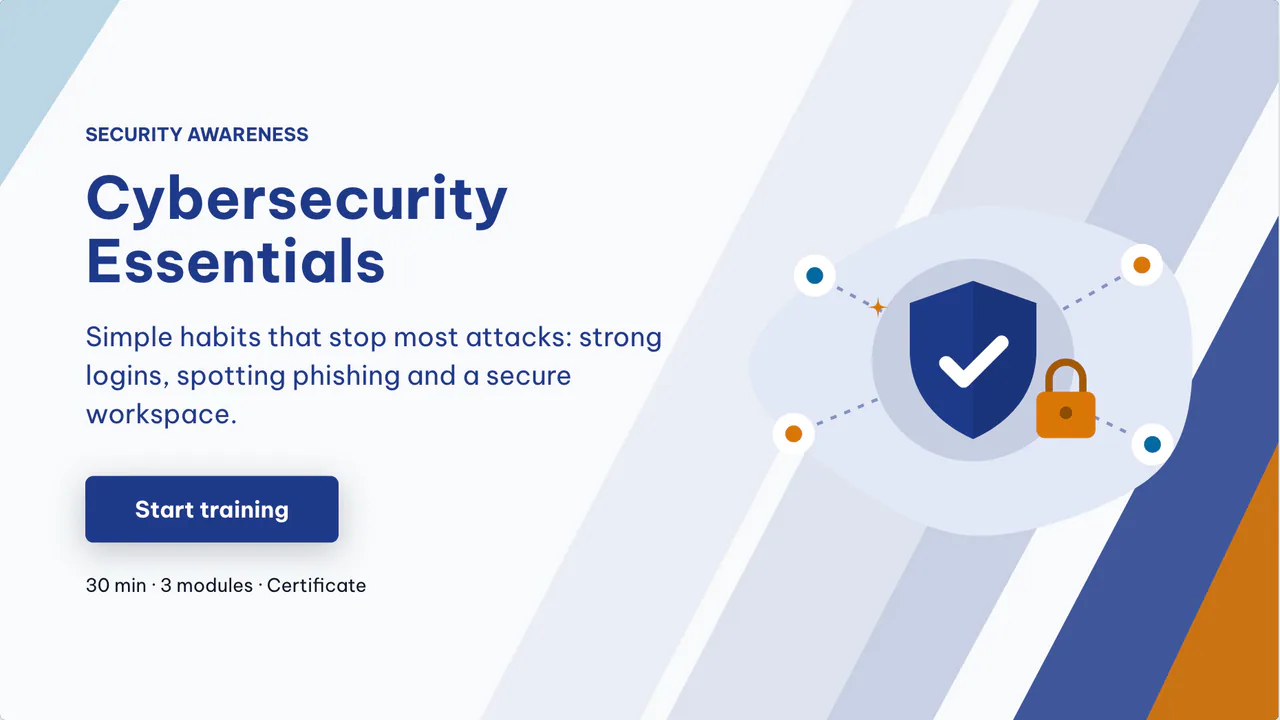 Play the course
Take “Cybersecurity Essentials” as a learner
This is the real course, published from Lumesson as HTML5. Click through it, try every activity and take the test — nothing you do is recorded.
Open full screenWorks on phones and tablets too
21 slides in 4 parts
A free cybersecurity awareness training course: passwords, MFA, spotting phishing, a secure desk, a timed game and a four-question quiz. Play it now.
Introduction
3 slidesPasswords & phishing
6 slidesSecure workspace
6 slidesAssessment
6 slidesA look at the course
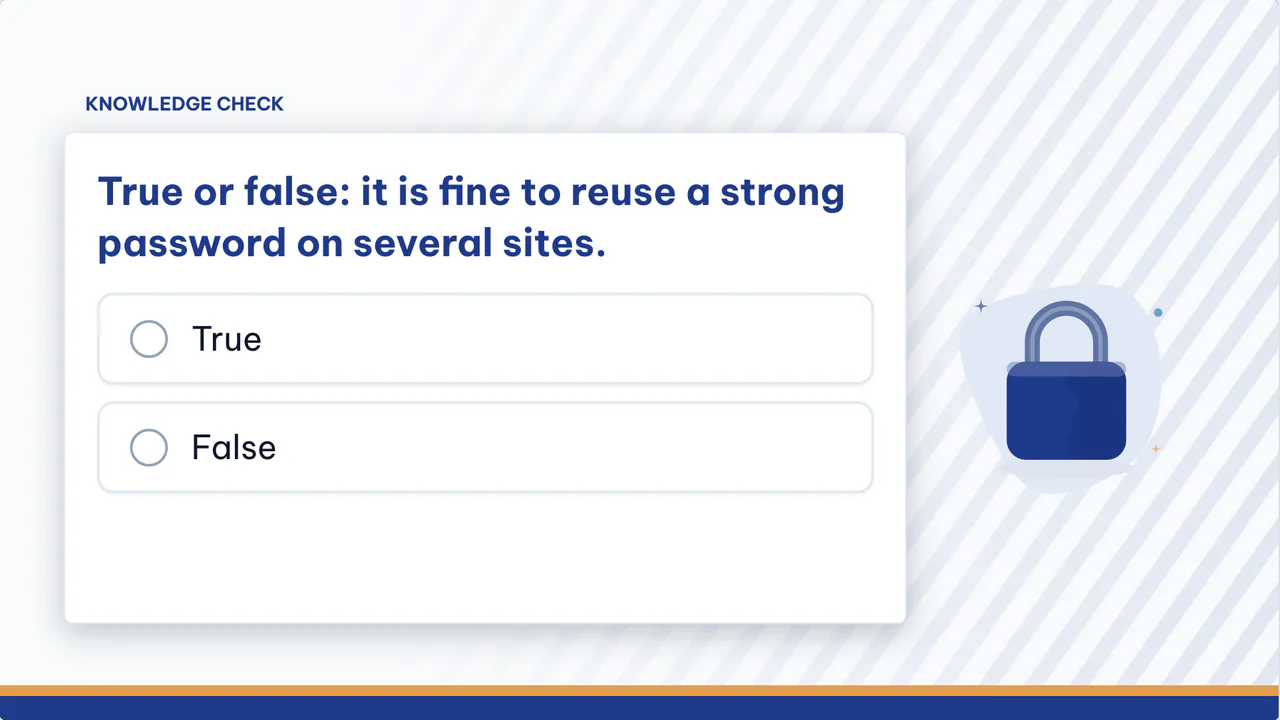
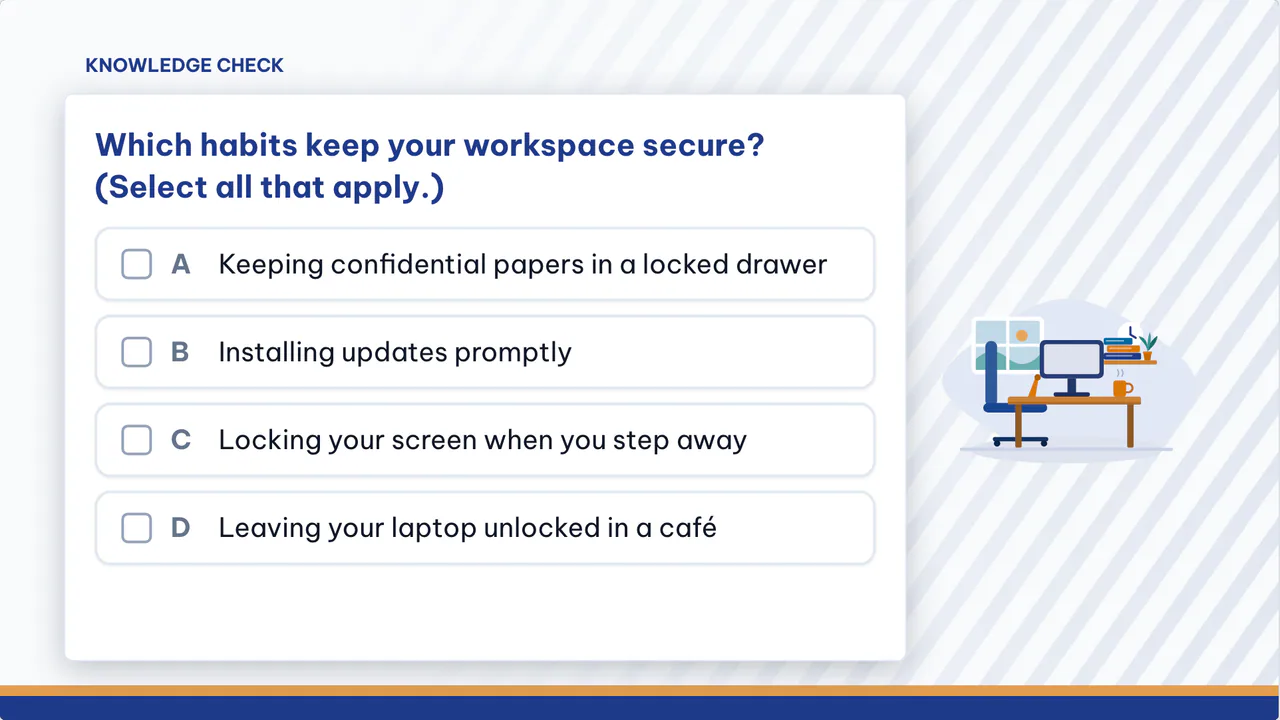
Learning by doing, not by reading
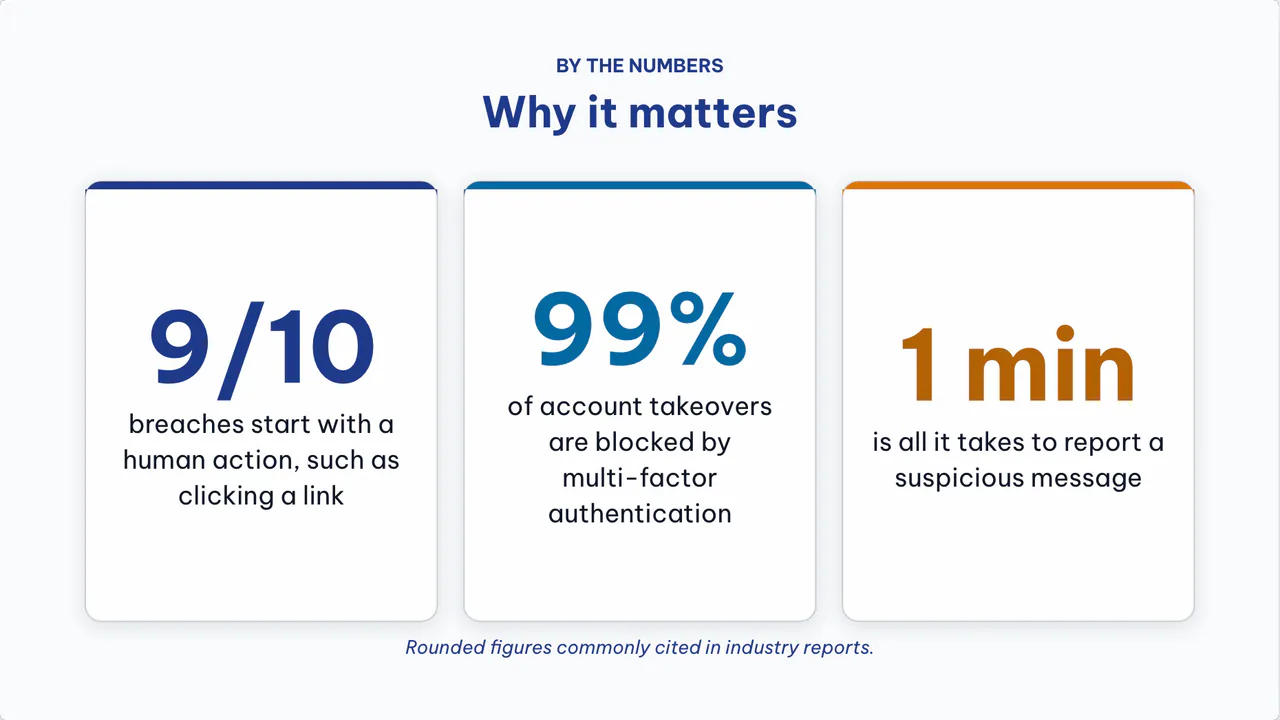
Why it matters, in numbers
9 in 10 breaches start with a human action; multi-factor authentication blocks 99% of account takeovers; reporting takes a minute.
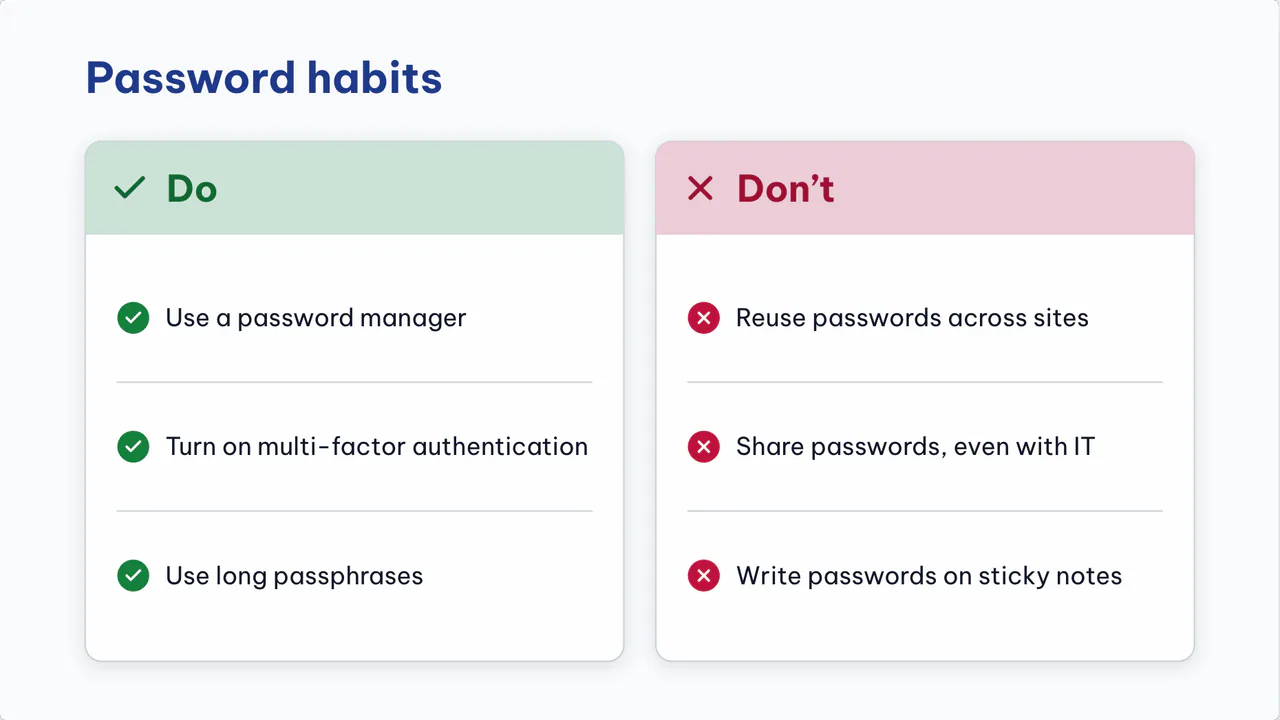
Password habits
Three things to do and three never to do, side by side — use a password manager, never share a password, even with IT.
Spot phishing in 4 checks
Sender, urgency, links, report: one step at a time, each with what to look for.
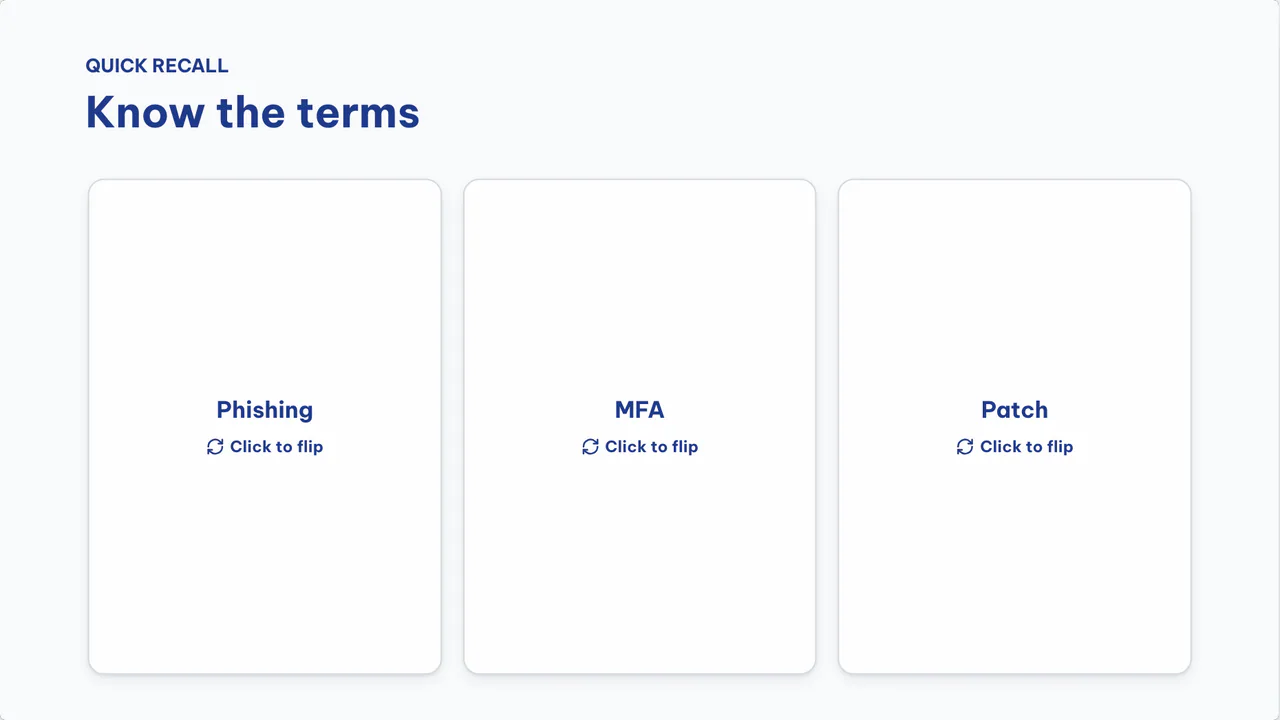
Flip cards and myths
Flip Phishing, MFA and Patch to see what they mean, then reveal the fact behind three common myths — like “only big companies get attacked”.
Spot the risks
An office desk with four hotspots: the screen, the window, the folders and the empty chair. Each one opens the habit that fixes it.
Safe or risky?
A sorting activity: drag each habit — locking your screen, clicking a prize link — to the right side.
Beat the clock
A game: five security questions in 45 seconds, one try each — from the strongest password to what to do after a bad click.
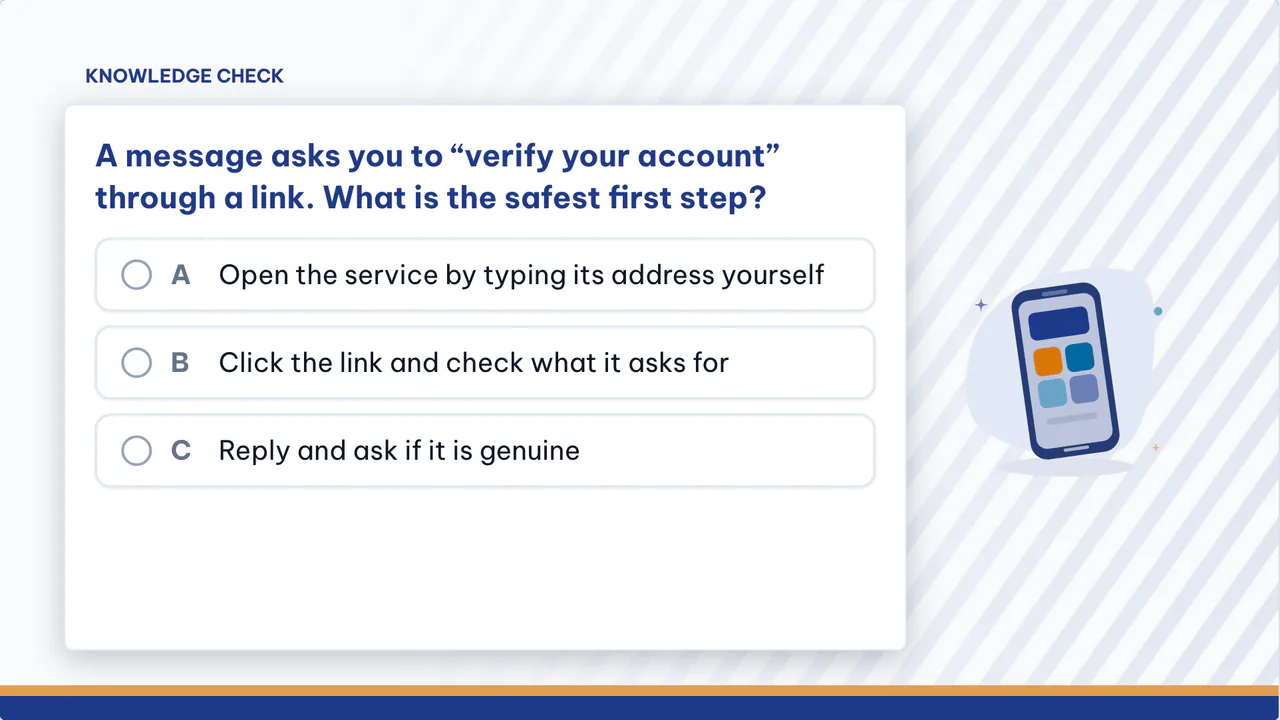
A scenario and a quiz
Sam is locked out and asks for your password. Then four questions — multiple choice, true or false and multiple response — and a two-column checklist to keep.
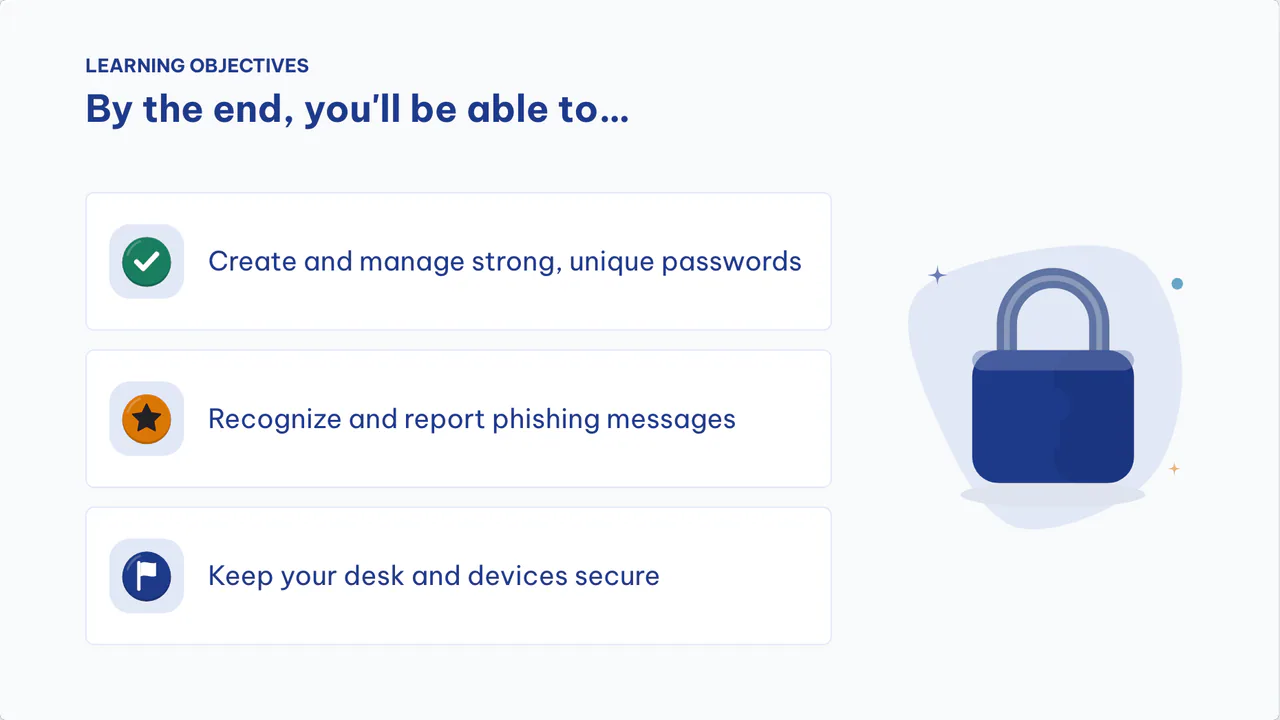
After the course, learners can
- Create and manage strong, unique passwords with a password manager and multi-factor authentication
- Spot a phishing message in four checks — sender, urgency, links — and report it
- Keep a desk and devices secure: lock the screen, angle it away from windows, lock papers away
- Refuse to share a password, even with a colleague in a hurry, and point them to IT instead
- Explain the words that matter: phishing, malware, ransomware, MFA, patch and social engineering
Made for
- Every employee
- The habits that stop most attacks, for people who don’t work in IT.
- Annual awareness training
- A yearly refresher with a quiz that records who passed, for audits and insurers.
- IT & security teams
- A ready-made course to send after a phishing test, or before a new tool goes live.
- New starters
- Security basics on day one, before they get access to anything that matters.
From template to your own course in minutes
Everything in the template can be changed in Lumesson — by hand, or by asking Lume AI.
- 1
Open it in Lumesson
Home ▸ Templates ▸ Cybersecurity awareness. Every slide, question and picture can be changed — on the Free plan too.
Learn more - 2
Put it in your brand
Pick a brand kit and your logo, colours and fonts go onto every slide at once.
Learn more - 3
Make it about your systems
Ask the Assistant: “Add how to use the Report phishing button in Outlook, put our IT service desk number on the checklist and add a slide on USB sticks and public Wi-Fi.” It edits the real course and lists what it changed.
Learn more - 4
Show it in your real apps
Record turning on multi-factor authentication or reporting a phishing email once; learners watch it, try it and prove it in a software simulation, with private data blurred for you.
Learn more - 5
Add more questions
Draw questions at random from a question bank, so next year’s refresher isn’t the same test — and set the pass mark and the number of tries.
Learn more - 6
Narrate and caption it
Natural AI voices or your Mac’s own voices for every slide, and captions for the whole course in one step.
Learn more - 7
Translate it for every office
A copy in German, French or Spanish, with its narration voiced again and a list of anything to check.
Learn more - 8
Publish to your LMS
SCORM 1.2 or 2004, xAPI, cmi5 or HTML5. Completion and the quiz score go to your LMS, so you can show who was trained.
Learn more
Cybersecurity awareness: the details
| Length | About 30 minutes |
|---|---|
| Structure | 4 parts, 21 slides |
| Interactions | Flip Cards, Step by step, Glossary, Reveal, Explore hotspots, Diagram |
| Assessment | 4 questions: Multiple choice, True or false, Multiple response |
| Results | A results slide with the learner’s score and pass or fail |
| Publish to | SCORM 1.2, SCORM 2004, xAPI, cmi5, HTML5 — or a video, Word or PDF |
| Phones | A phone layout for every slide in one click |
| Language | English — translate the whole course with AI in one step |
| Editing | Every slide, picture, question and setting can be changed |
| Price | Free with Lumesson (the Free plan adds a small “Made with Lumesson” mark) |
Other courses to start from
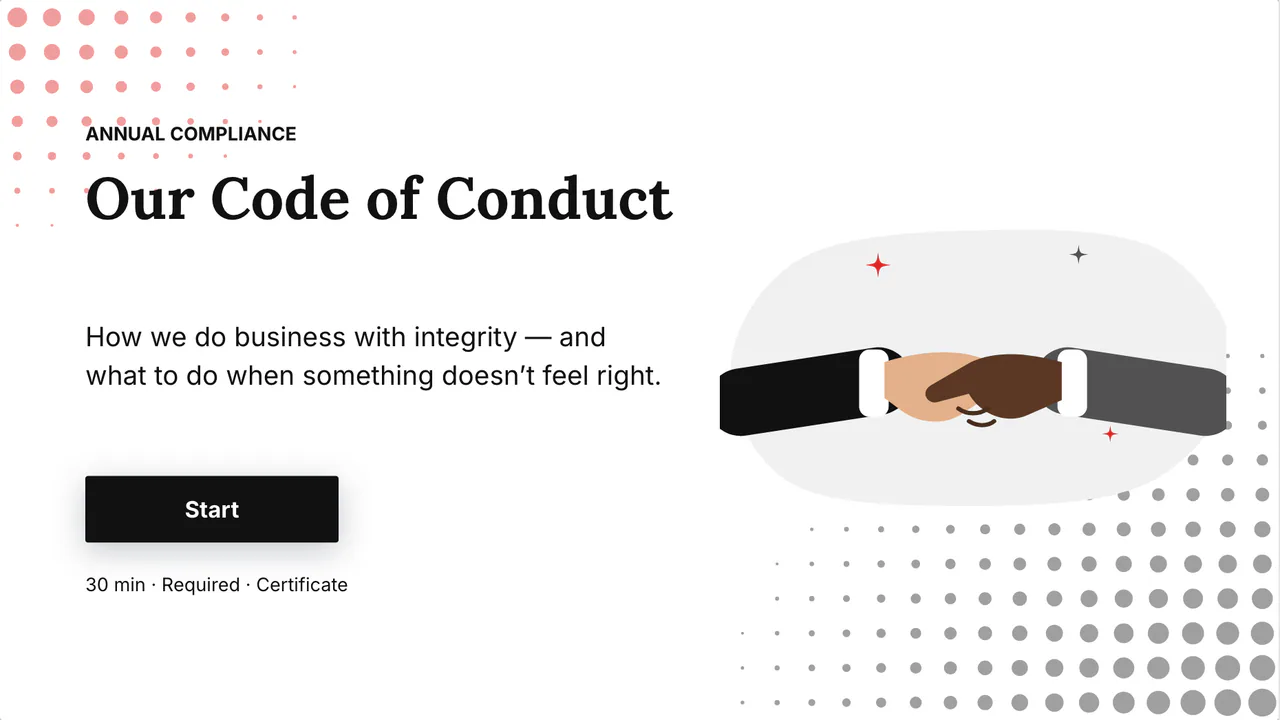 ComplianceCode of conductA free code of conduct training course: integrity, conflicts of interest, gifts and speaking up, a supplier scenario, a quiz and a signed acknowledgement.
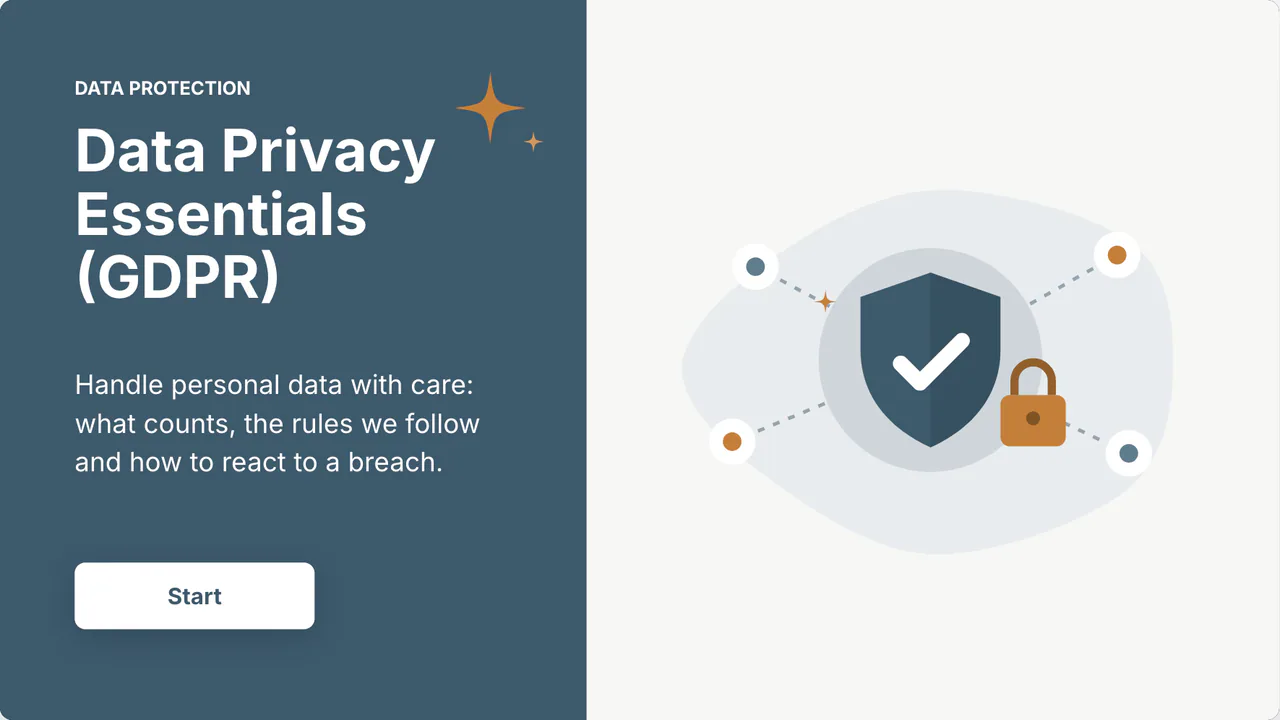 ComplianceData privacy & GDPRA free GDPR training course: personal and sensitive data, four core principles, data subject rights and a data breach in 72 hours, with a quiz. Play it now.
 ComplianceRespectful workplaceA free anti-harassment training course: forms of harassment, the 4 Ds of being an upstander, how to report, a team-chat scenario and a quiz. Play it now.
Read more
Compliance training people actually finish: what it is and how to build it
What compliance training is, what employee compliance training must cover, and how to build a compliance training program people finish — with LMS tracking.
Read the guideGuideHow to create a software simulation from one screen recording
A step-by-step guide to software simulations: plan the task, record it once, clean up the steps, hide private data and publish View, Try and Test modes.
Read the guideGuideWhat is SCORM? SCORM 1.2, SCORM 2004, xAPI and cmi5 explained
What is SCORM? A plain-English guide to SCORM packages, SCORM 1.2 vs SCORM 2004, xAPI and cmi5: what each one tracks and which one your LMS needs.
Read the guideFrequently asked questions
Is this cybersecurity awareness training template free?
Yes. Every course template comes with Lumesson, including the Free plan, which has every authoring feature. Courses published on Free carry a small “Made with Lumesson” mark; a one-time Lifetime licence removes it.
Can I upload it to my LMS?
Yes. Publish it as SCORM 1.2, SCORM 2004, xAPI or cmi5 and upload the package to your LMS: it reports completion and the quiz score. You can also publish HTML5 for a website or intranet.
Does it meet ISO 27001, NIS2 or other security training requirements?
It covers the awareness topics most frameworks expect — passwords, MFA, phishing and a secure workspace — and records who completed it and their score. It does not make you compliant by itself: add your own security policies, reporting channels and any topics your framework or auditor asks for. It is not legal advice.
Where do the statistics come from?
The figures on “Why it matters” are rounded numbers commonly cited in industry reports, and the slide says so. Replace them with figures from your own phishing tests or incidents for a stronger message.
Can I change the questions and the pass mark?
Yes. Edit any of the four questions or add more from 20 question types, draw questions at random from a question bank, and set the pass mark and the number of tries.
How long does the course take?
About 30 minutes. For a short monthly reminder, keep one module and its questions, or turn the “beat the clock” game into a five-minute refresher.
Make “Cybersecurity Essentials” your own
Download Lumesson free for Mac, open the template from Home ▸ Templates and change anything — by hand or by asking Lume AI.