 Lumesson
GDPR training template
A 25-minute data privacy course for everyone who handles personal data: what counts as personal data, four core GDPR principles, the rights people have, and what to do in the first minutes of a breach — with an email sent to the wrong person, a sorting game and a three-question quiz. Play it below, then make it yours.
- 25 minto complete
- 17slides in 4 parts
- 3questions, 2 kinds
- SCORMxAPI · cmi5 · HTML5
Already have Lumesson? Open this template in the app
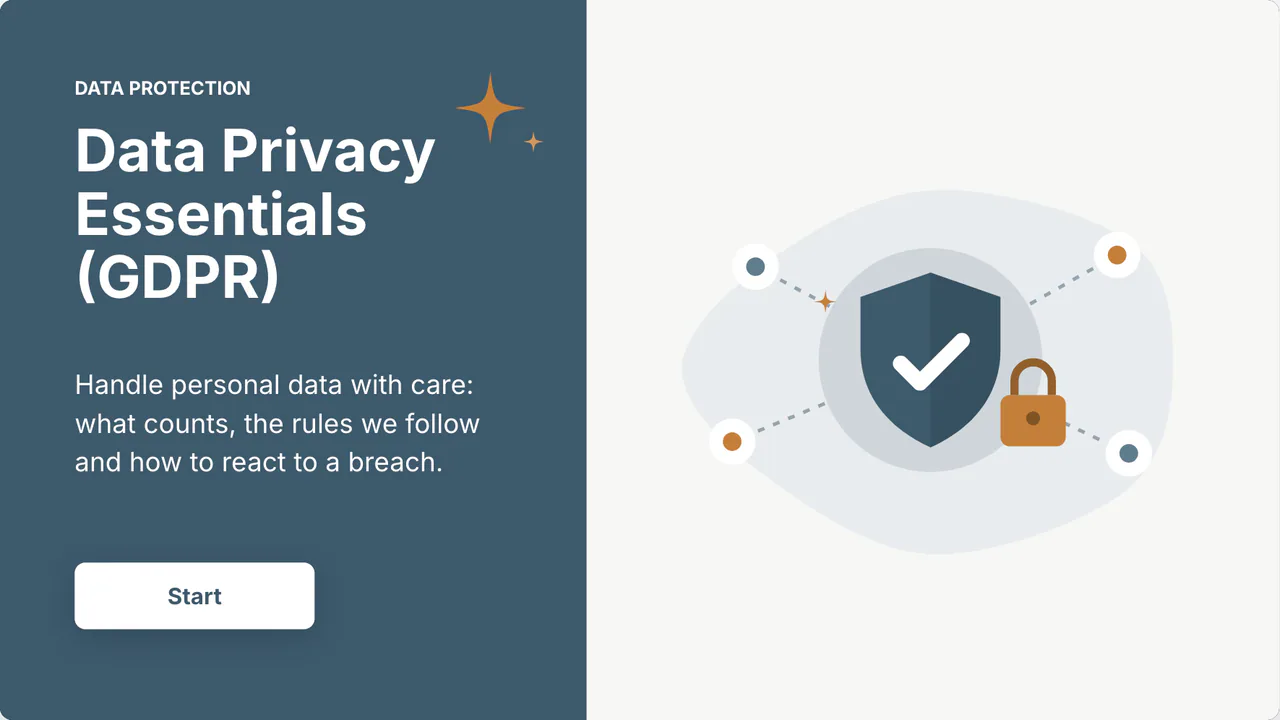 Play the course
Take “Data Privacy Essentials (GDPR)” as a learner
This is the real course, published from Lumesson as HTML5. Click through it, try every activity and take the test — nothing you do is recorded.
Open full screenWorks on phones and tablets too
17 slides in 4 parts
A free GDPR training course: personal and sensitive data, four core principles, data subject rights and a data breach in 72 hours, with a quiz. Play it now.
Introduction
3 slidesThe basics
4 slidesIn practice
5 slidesAssessment
5 slidesA look at the course
Learning by doing, not by reading
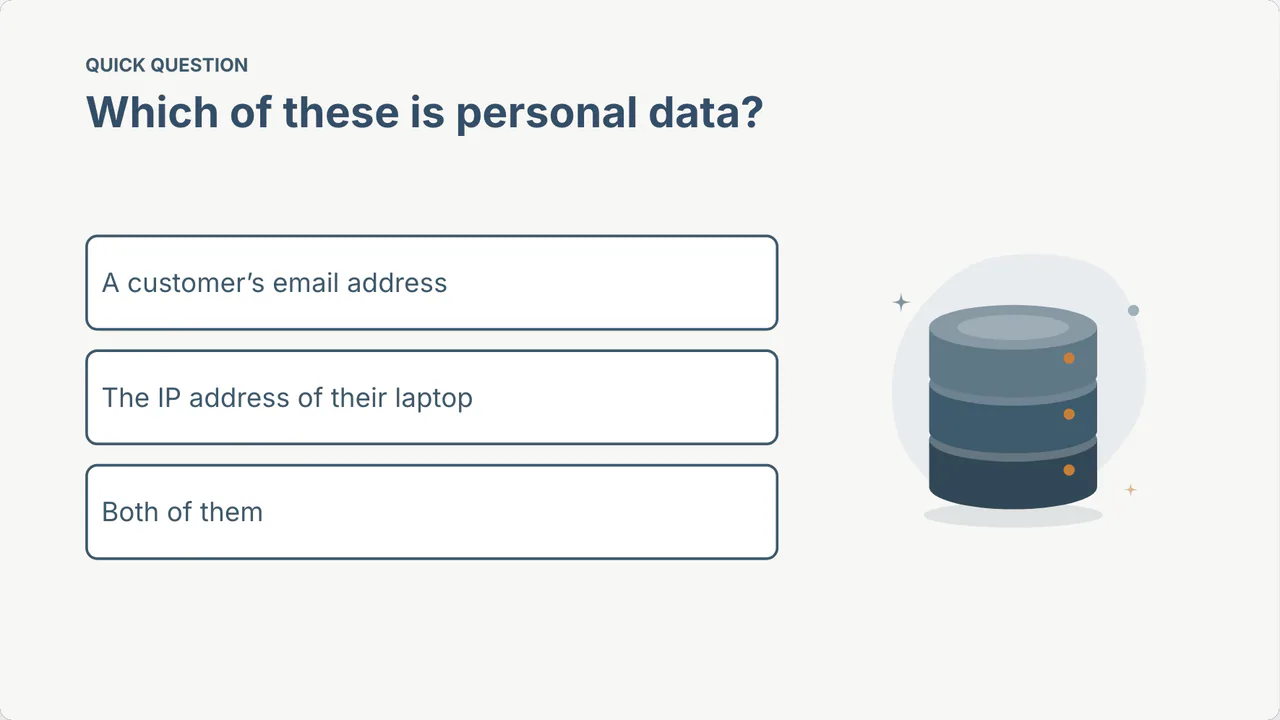
A question before anything else
“Which of these is personal data: an email address, an IP address, or both?” Learners guess first — both, as it turns out.
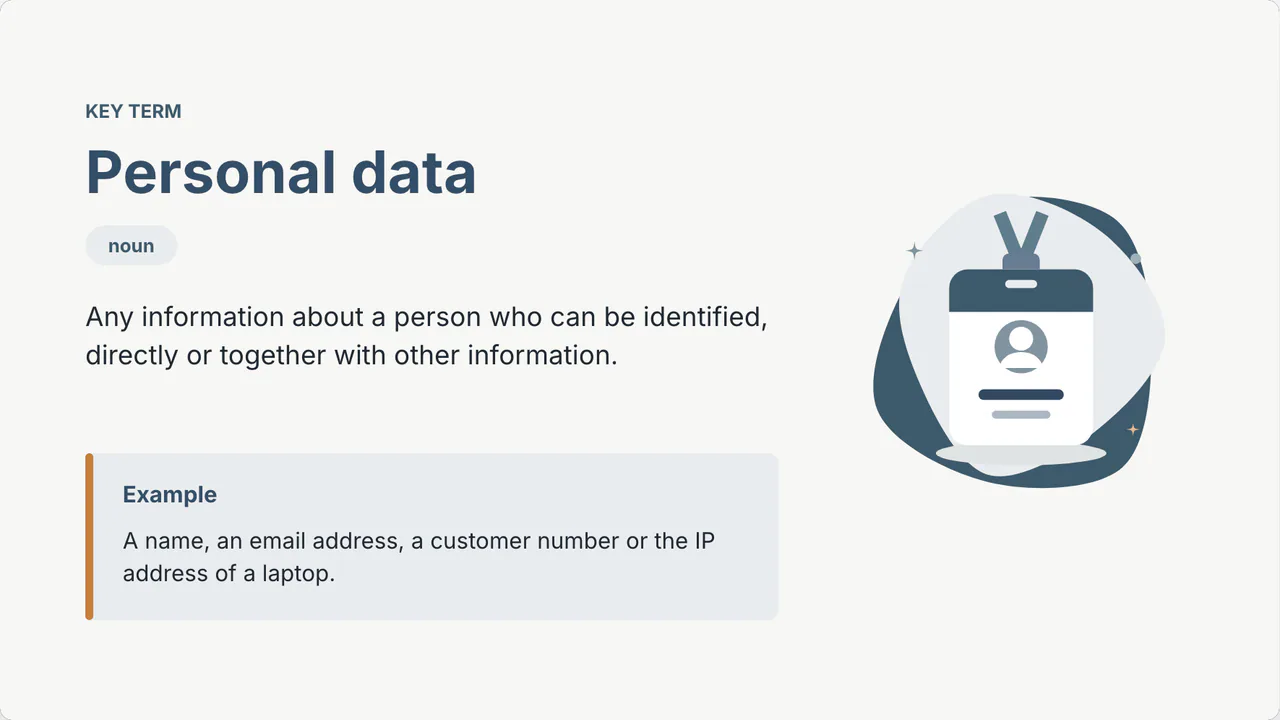
What counts as personal data
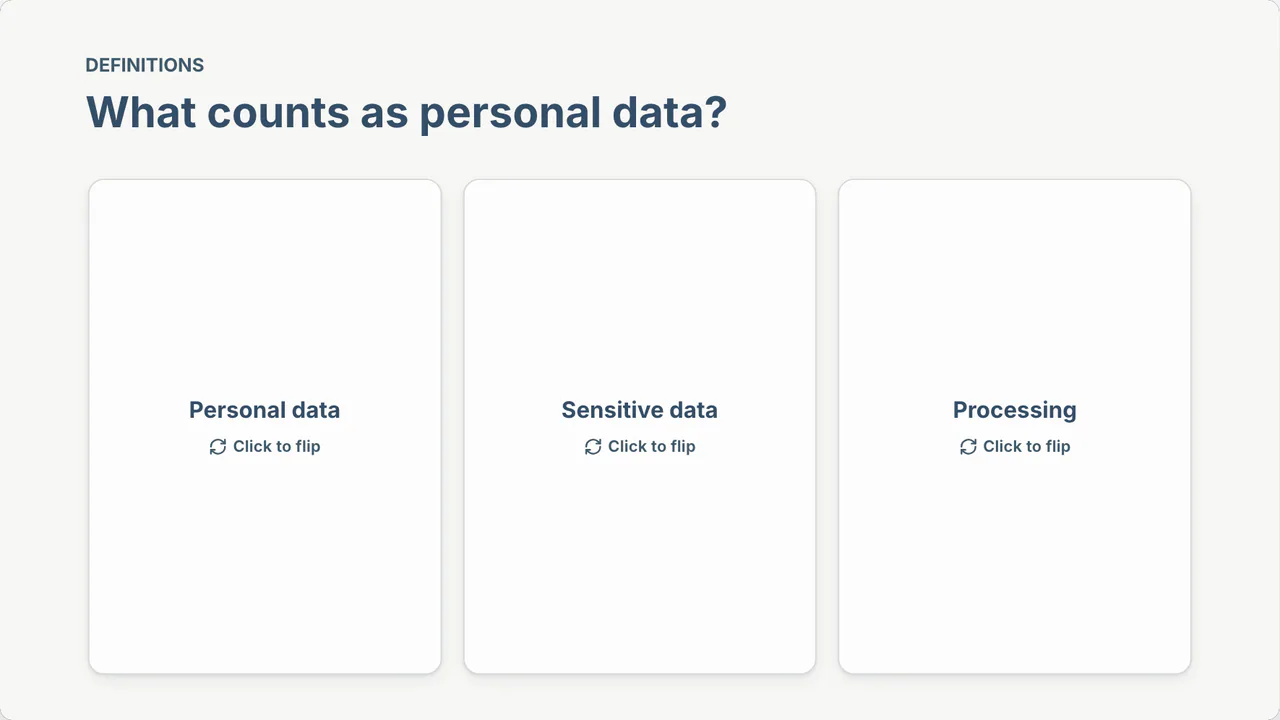
A definition card with examples, then flip cards for personal data, sensitive data and processing.
Four core principles
Lawful and transparent, purpose limitation, data minimisation and storage limitation, each in one line.
Rights in tabs
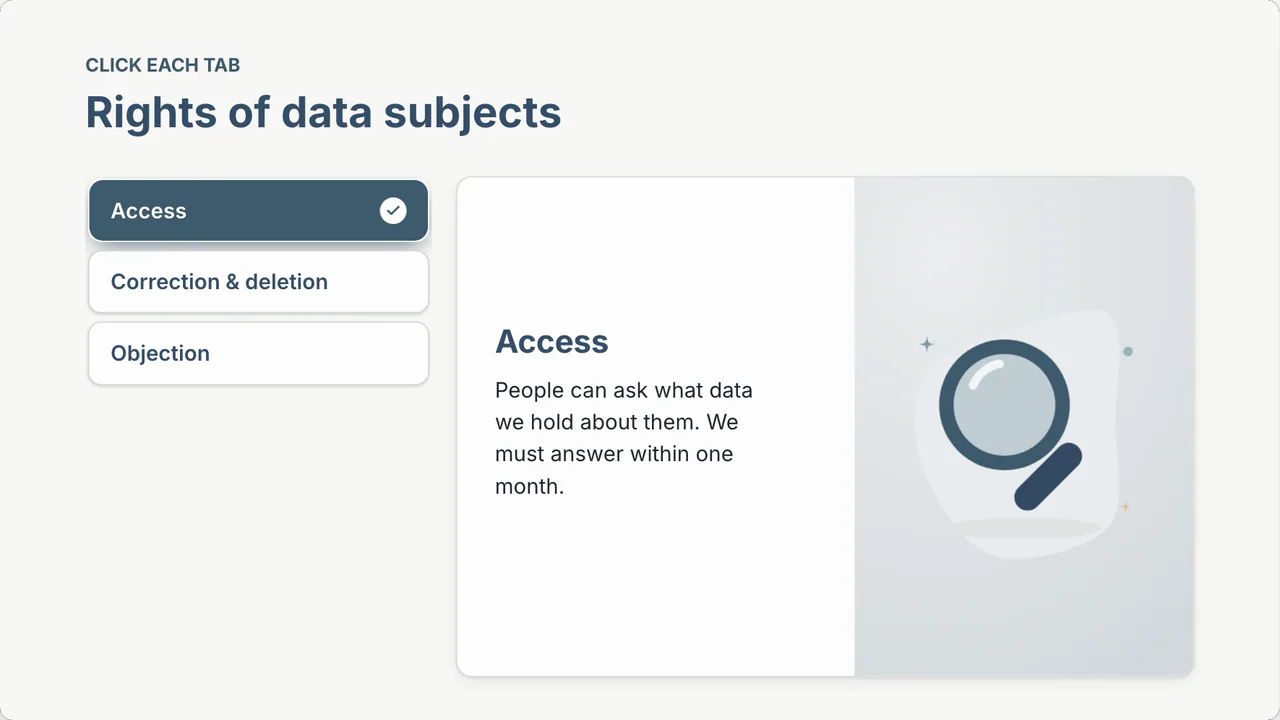
Access, correction and deletion, objection: learners open each tab, and Continue unlocks only when they have seen all three.
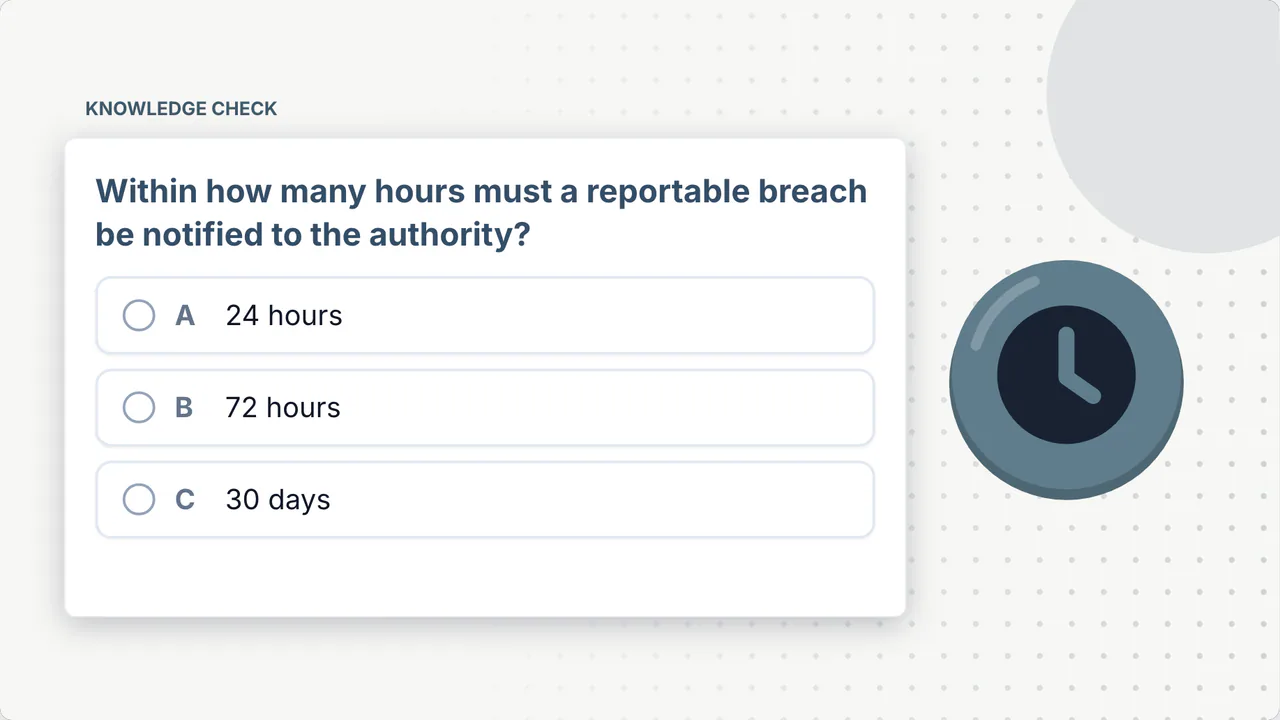
A breach in 72 hours
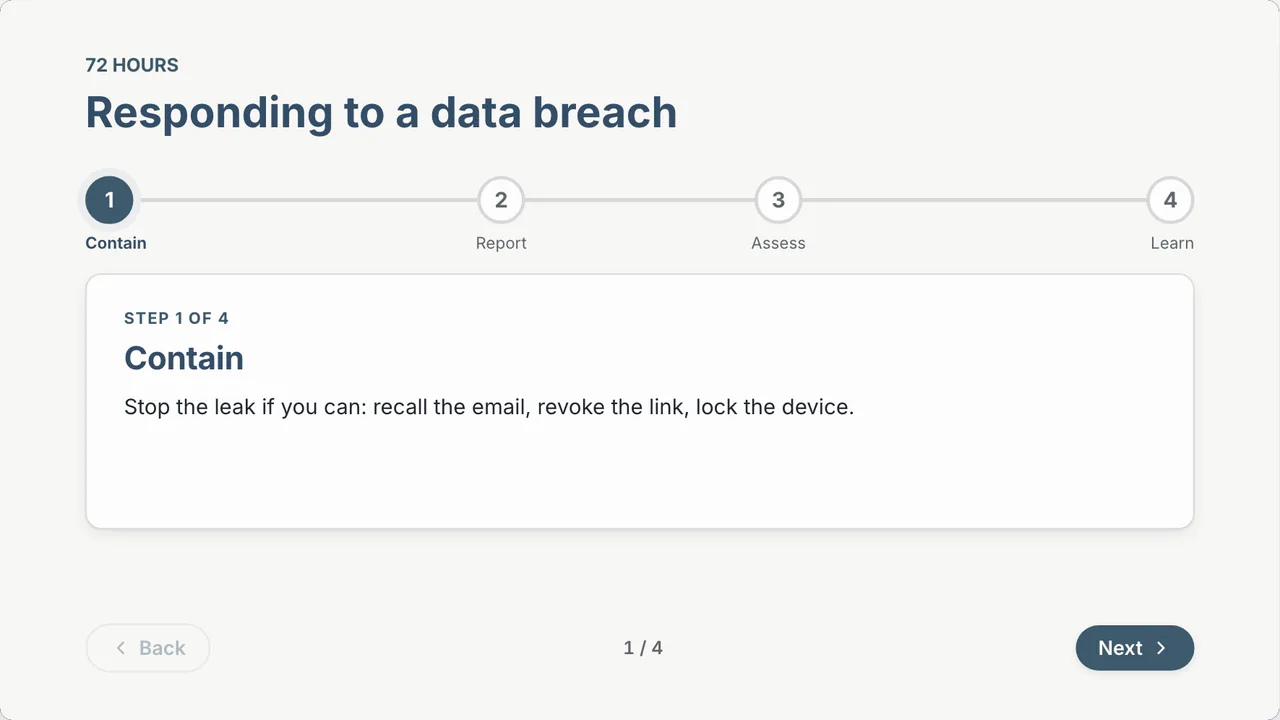
Contain, report, assess, learn: what to do the moment something goes wrong, one step at a time.
Wrong recipient
Tom has just emailed 200 customer addresses to the wrong contact. Learners decide what he should do — and see why waiting a week fails.
Myths and a sorting game
Reveal the facts behind three privacy myths, then sort six cards — a press release, salaries, card numbers — into public, internal and confidential.
A quiz of two kinds
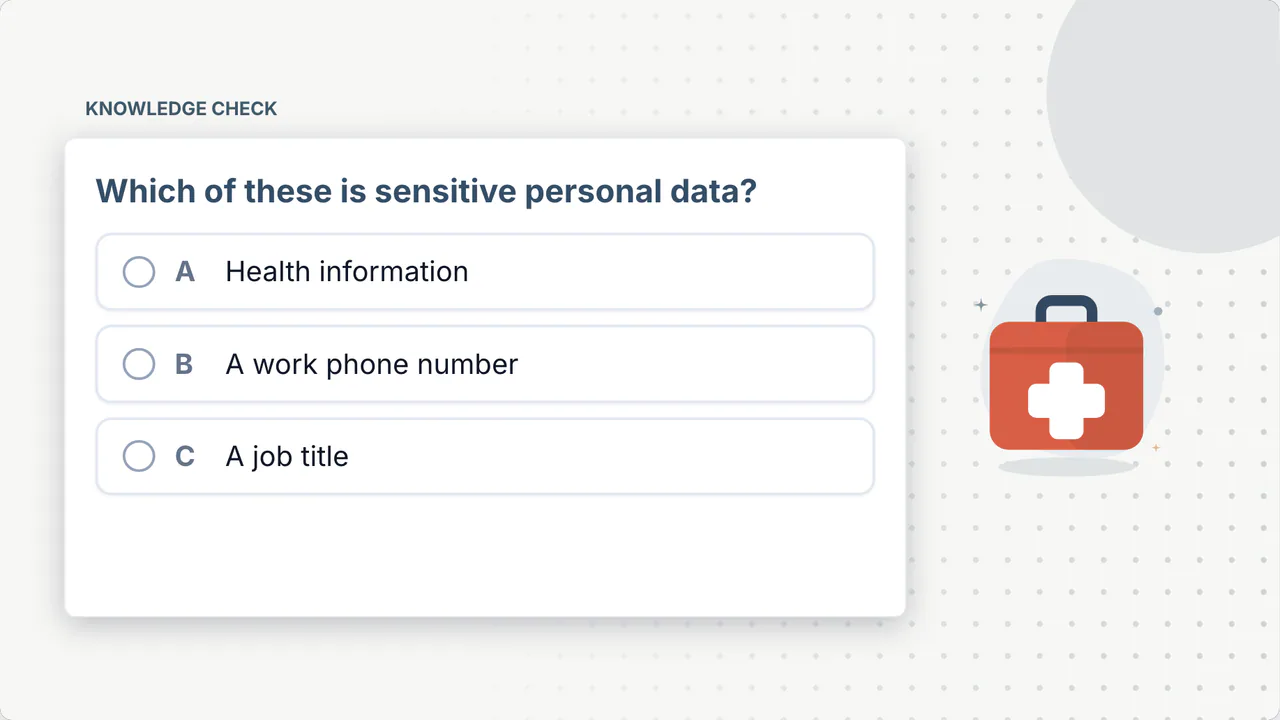
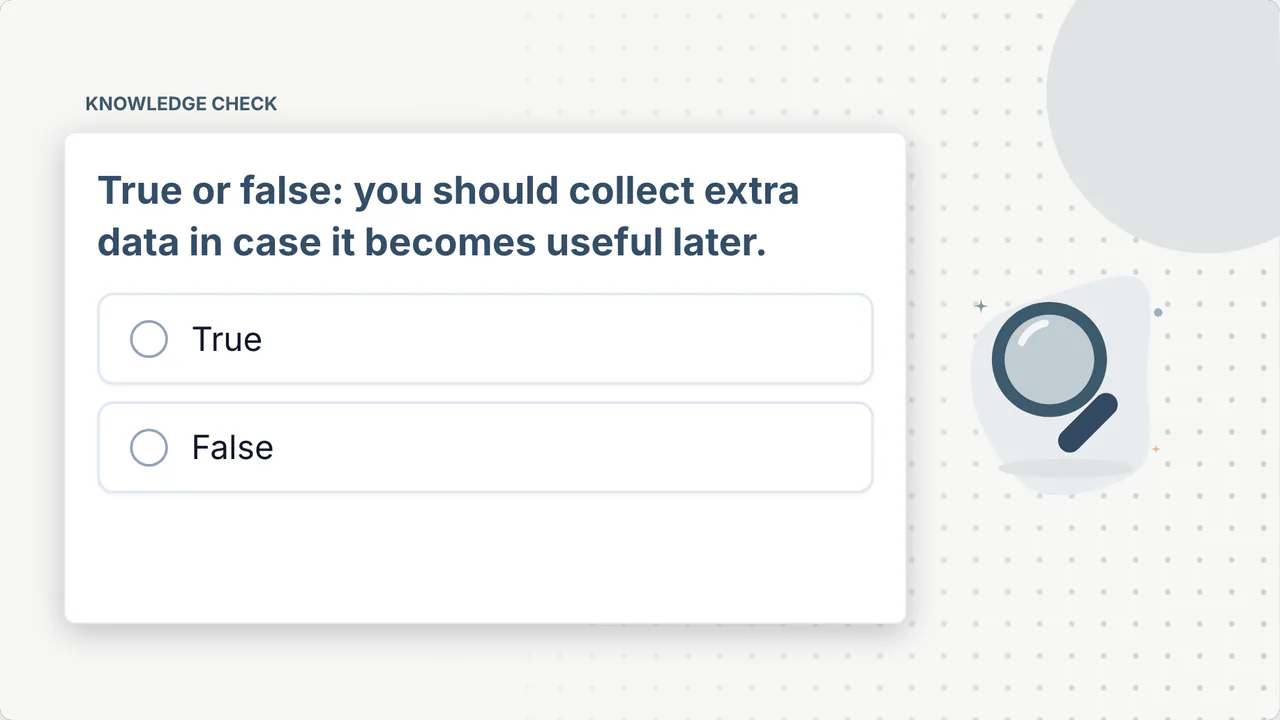
Three questions — multiple choice and true or false — with an 80% pass mark, review and retry.
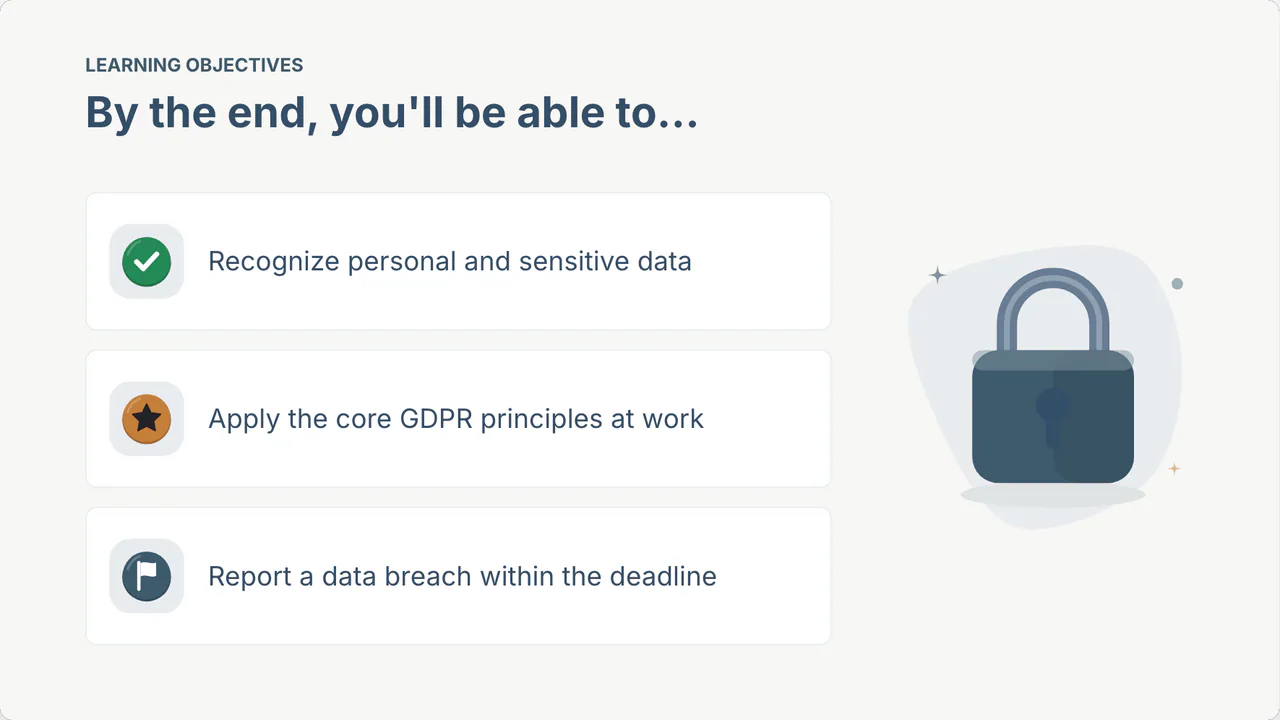
After the course, learners can
- Recognise personal data — including email addresses, IP addresses and device IDs — and sensitive data
- Apply four core GDPR principles: lawful and transparent, purpose limitation, data minimisation, storage limitation
- Explain the rights people have: access, correction and deletion, and objection to direct marketing
- Respond to a data breach in four steps — contain, report, assess, learn — within the 72-hour deadline
- Tell public, internal and confidential information apart
Made for
- Every employee
- Anyone who sees a customer’s name, email or order — which is almost everyone.
- Customer-facing teams
- Sales, support and marketing, who collect and use personal data every day.
- HR & finance
- Teams that handle sensitive data about colleagues: health, pay, ID numbers.
- Data protection officers
- A ready-made awareness course to add your own procedures and contacts to.
From template to your own course in minutes
Everything in the template can be changed in Lumesson — by hand, or by asking Lume AI.
- 1
Open it in Lumesson
Home ▸ Templates ▸ Data privacy & GDPR. Every slide, question and picture can be changed — on the Free plan too.
Learn more - 2
Put it in your brand
Pick a brand kit and your logo, colours and fonts go onto every slide at once.
Learn more - 3
Add your own procedures
Ask the Assistant: “Add our DPO’s name and email to the breach steps, a slide on how we answer access requests, and a question on our retention periods.” It edits the real course and lists what it changed.
Learn more - 4
Add scenarios for your teams
A customer asks for their data; a colleague wants to export a list to a personal laptop. Build scenarios with several steps, coaching and endings.
Learn more - 5
Grow the test
Add questions from 20 question types, draw them at random from a question bank and set the pass mark and the number of tries.
Learn more - 6
Narrate and caption it
Natural AI voices or your Mac’s own voices for every slide, and captions for the whole course in one step.
Learn more - 7
Translate it for every EU office
A copy in German, French, Spanish or Polish, with its narration voiced again and a list of anything to check.
Learn more - 8
Publish to your LMS
SCORM 1.2 or 2004, xAPI, cmi5 or HTML5. Completion and the quiz score go to your LMS, so you can show who was trained.
Learn more
Data privacy & GDPR: the details
| Length | About 25 minutes |
|---|---|
| Structure | 4 parts, 17 slides |
| Interactions | Flip Cards, Tabs, Step by step, Reveal |
| Assessment | 3 questions: Multiple choice, True or false |
| Results | A results slide with the learner’s score and pass or fail |
| Publish to | SCORM 1.2, SCORM 2004, xAPI, cmi5, HTML5 — or a video, Word or PDF |
| Phones | A phone layout for every slide in one click |
| Language | English — translate the whole course with AI in one step |
| Editing | Every slide, picture, question and setting can be changed |
| Price | Free with Lumesson (the Free plan adds a small “Made with Lumesson” mark) |
Other courses to start from
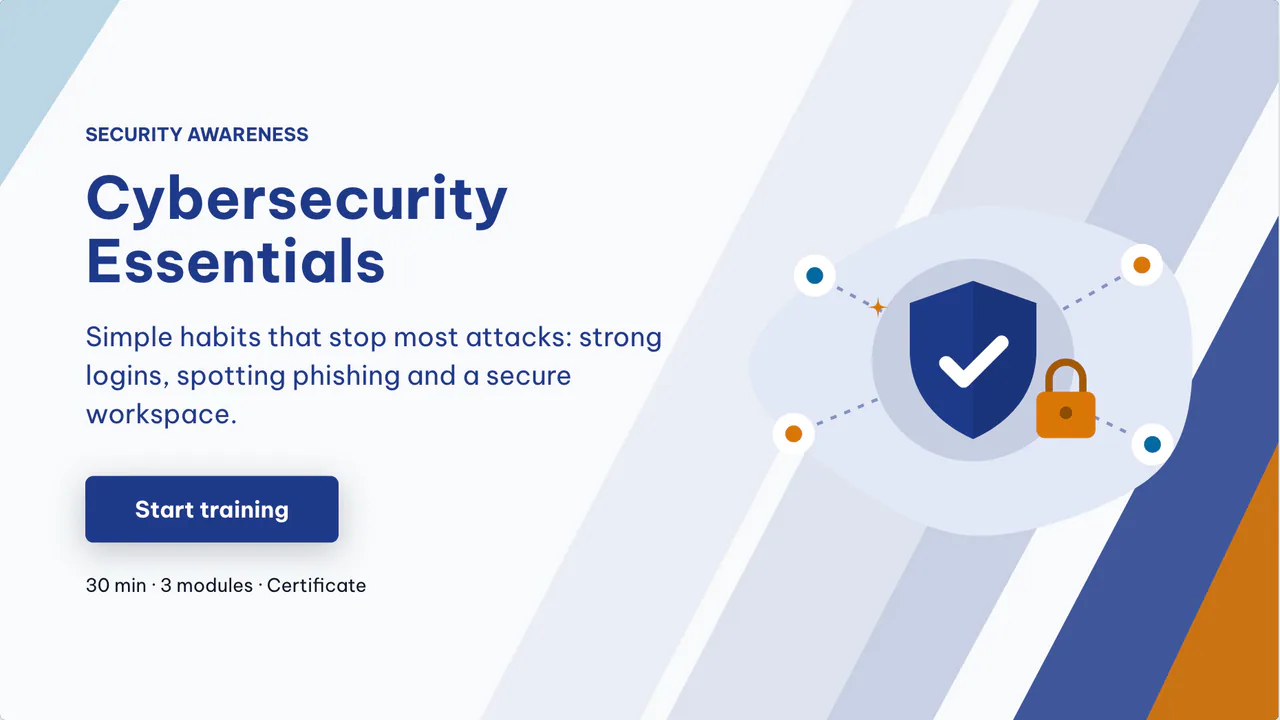 ComplianceCybersecurity awarenessA free cybersecurity awareness training course: passwords, MFA, spotting phishing, a secure desk, a timed game and a four-question quiz. Play it now.
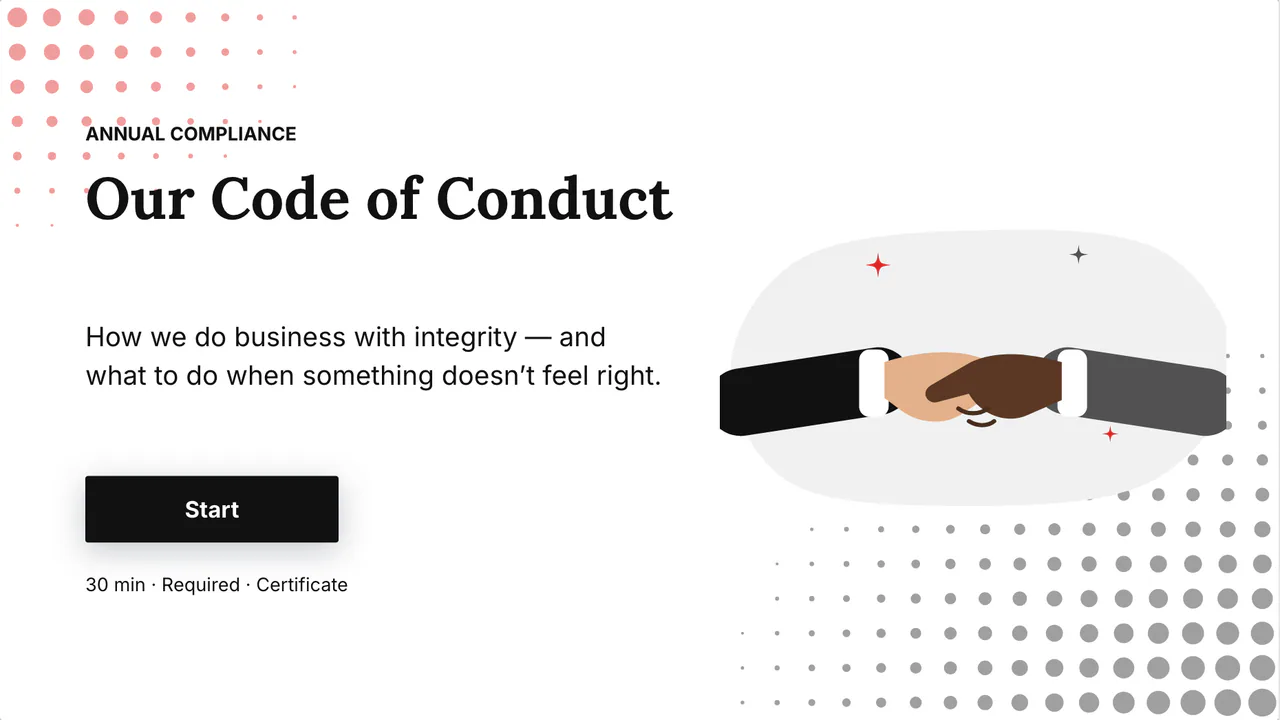 ComplianceCode of conductA free code of conduct training course: integrity, conflicts of interest, gifts and speaking up, a supplier scenario, a quiz and a signed acknowledgement.
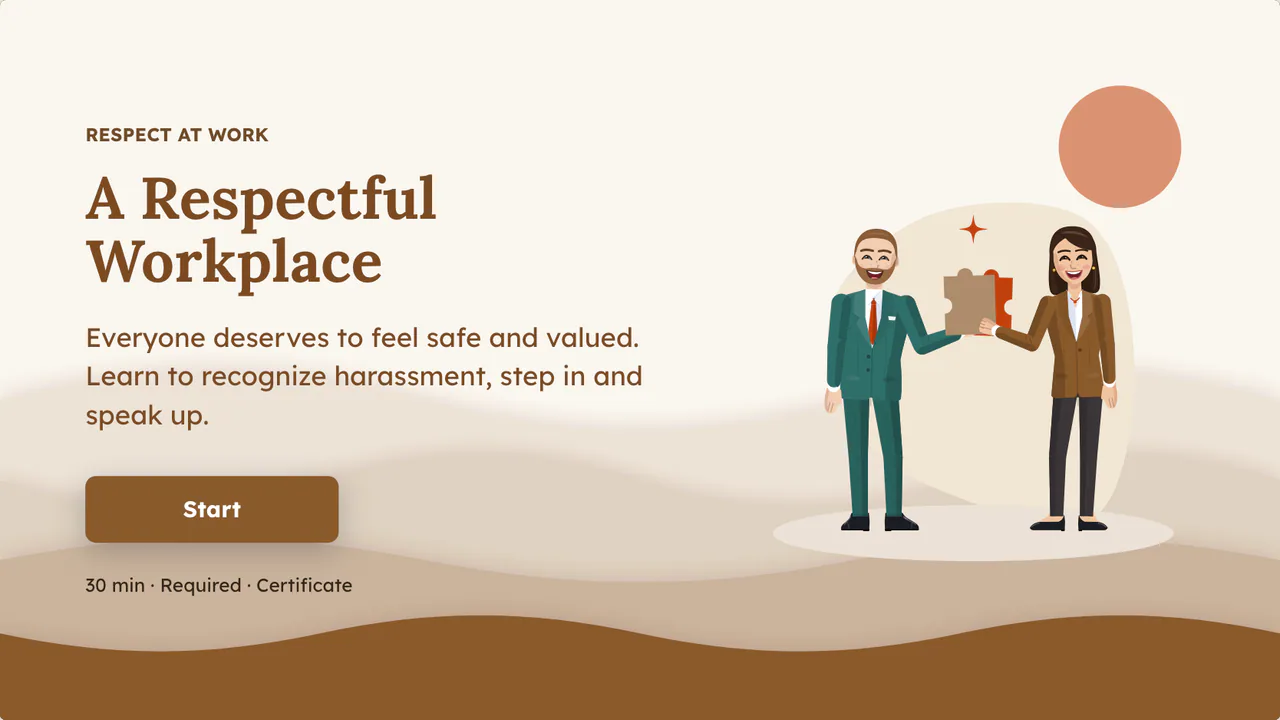 ComplianceRespectful workplaceA free anti-harassment training course: forms of harassment, the 4 Ds of being an upstander, how to report, a team-chat scenario and a quiz. Play it now.
Read more
Compliance training people actually finish: what it is and how to build it
What compliance training is, what employee compliance training must cover, and how to build a compliance training program people finish — with LMS tracking.
Read the guideGuideHow to write branching scenarios that change what people do
A practical guide to branching scenarios for training: choose the moment, map the conversation, write believable replies, coaching and endings.
Read the guideGuideWhat is SCORM? SCORM 1.2, SCORM 2004, xAPI and cmi5 explained
What is SCORM? A plain-English guide to SCORM packages, SCORM 1.2 vs SCORM 2004, xAPI and cmi5: what each one tracks and which one your LMS needs.
Read the guideFrequently asked questions
Is this GDPR training template free?
Yes. Every course template comes with Lumesson, including the Free plan, which has every authoring feature. Courses published on Free carry a small “Made with Lumesson” mark; a one-time Lifetime licence removes it.
Can I upload it to my LMS?
Yes. Publish it as SCORM 1.2, SCORM 2004, xAPI or cmi5 and upload the package to your LMS: it reports completion and the quiz score, so you have a record of who was trained. You can also publish HTML5 for an intranet.
Is this enough to make us GDPR compliant?
No course can do that on its own. This is general data privacy awareness training covering personal data, four core principles, people’s rights and breach response. Add your own policies, your DPO’s contact details and procedures, and have your privacy team check it. It is not legal advice.
Does it work outside the EU?
The basics — what personal data is, collecting only what you need, reporting a breach at once — apply under most privacy laws. Ask the Assistant to adapt the course to the law you work under, then have it checked by someone who knows it.
Can I change the questions and the pass mark?
Yes. Edit any of the three questions or add more from 20 question types, draw questions at random from a question bank, and set the pass mark and the number of tries.
How long does the course take?
About 25 minutes. For a yearly refresher, keep the breach steps, the scenario and the quiz.
Make “Data Privacy Essentials (GDPR)” your own
Download Lumesson free for Mac, open the template from Home ▸ Templates and change anything — by hand or by asking Lume AI.