 Lumesson
Responsive eLearning: every slide, laid out again for the phone
Not a shrunken desktop slide, not a second course to maintain. Turn on Phone and Lumesson lays every slide out again for a phone — readable, tappable, in reading order — and Lume AI fixes the rest when you ask.
Why it looks right on a phone
Real phone layouts
Every slide is laid out again on a phone-width canvas that scrolls when it needs to.
Smart grouping
Text on a card, an icon on a tile, hotspots on a picture move together as one unit.
Reading order kept
Rows that fit stay side by side; everything else stacks in the order people read.
Readable and tappable
Body text stays at least 15 px, titles shrink to fit, buttons and controls keep 44 px tap targets.
Interactions included
Layers, quizzes, drag-and-drop, charts, diagrams, scenarios and simulations all get phone layouts.
Preview 11 devices
Phones, a foldable and tablets, upright or turned sideways — or a desktop window.
See every screen before your learners do
Preview plays the real course on the device model you pick — a phone, a foldable or a tablet, turned sideways if you like — or in a desktop window.
- 6 phones, a foldable (folded and open) and 3 iPads
- The player picks the right layout on each device
- Learners need no app: it plays in the browser or your LMS

Fine-tune it by hand — or just ask
Want something different on phones? Move, resize or hide things there only — or tell Lume AI what you want; it sees the phone layout and changes it without touching the desktop slide.
- “Hide the decorative picture on phones”
- “Make the cards two columns”
- “Check every slide on a phone and fix what’s off”
- Hand-made phone edits are kept when layouts are rebuilt

See it in a ready-made course
Free, complete courses made in Lumesson. Play one in your browser, then open it in the app and make it yours.
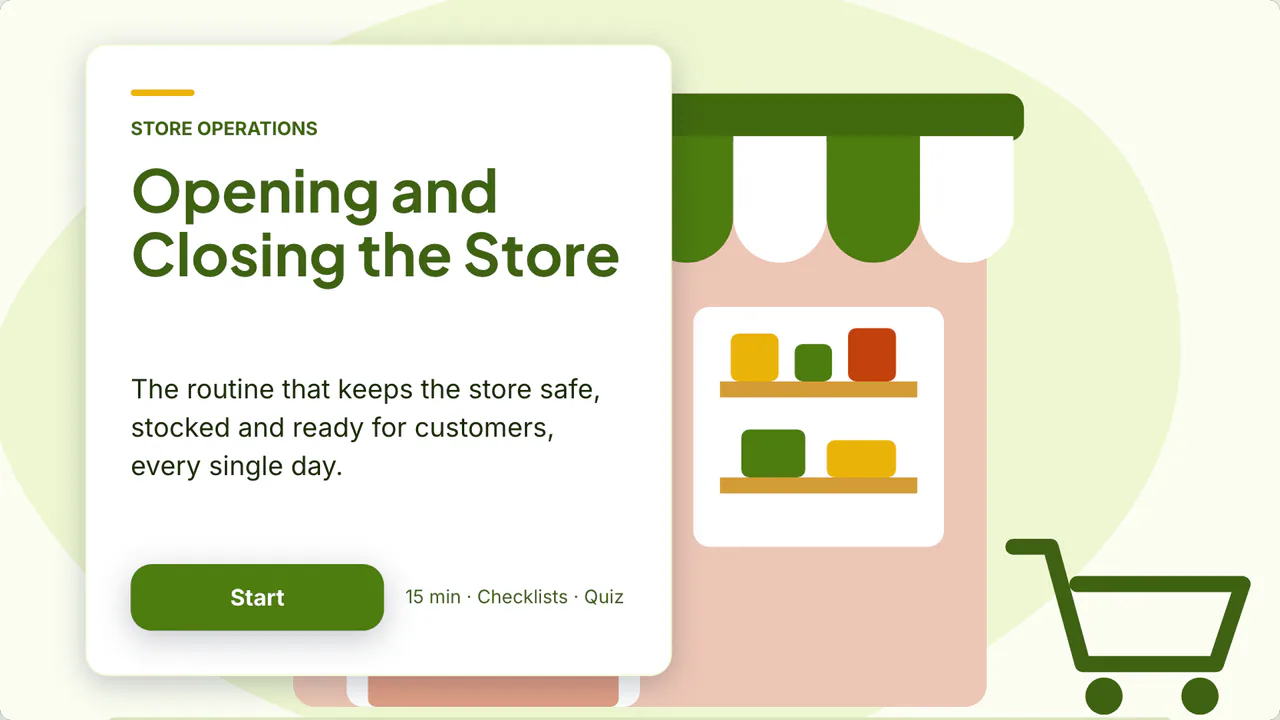 Retail & warehouseOpening and closing the storeA free retail course on opening and closing the store: the first 45 minutes, the shop front, cash handling, a closing checklist and a quiz. Play it now.
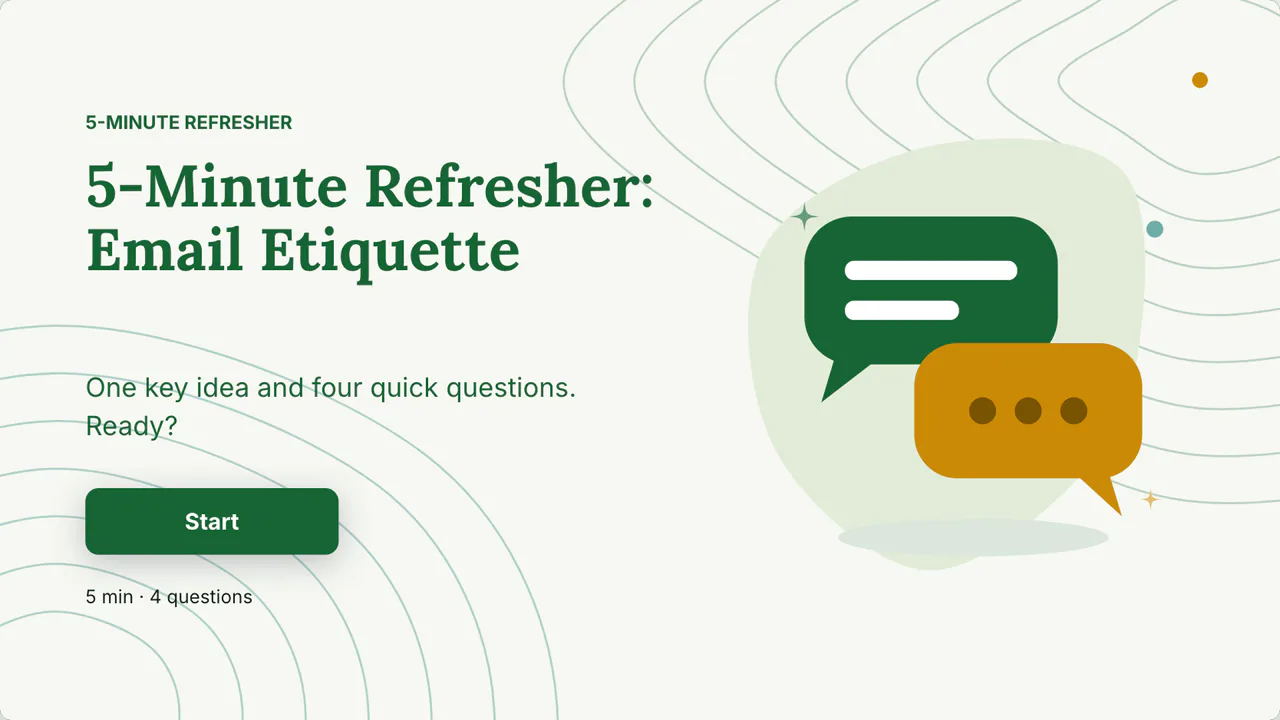 EducationMicrolearning quizA free microlearning template: a 5-minute refresher with one key idea and four quick questions with a score — here on email etiquette. Play it, then reuse it.
 Customer serviceGreat service by chat and emailA free live chat and email support course: robotic vs human replies, a four-step reply, a chat to answer, a timed game, a checklist and a quiz. Play it now.
Works hand in hand with
Publish
A SCORM authoring tool that also exports HTML5, Word, PDF and MP4.
Learn moreLume AI
The AI course creator and editor built into Lumesson: from a prompt to a finished, editable course.
Learn moreCourse authoring
An interactive eLearning authoring tool: slides, layers, states, interactions, variables, diagrams and equations.
Learn moreFrequently asked questions
Is it really one click?
Yes. One switch (or Mobile-friendly when creating with AI) gives every slide its own phone layout at once. You can then adjust any slide by hand or ask Lume AI.
Do I have to maintain two versions?
No. Text, triggers and states are shared; only position, size and visibility can differ on the phone. Desktop edits flow to the phone layout automatically.
What happens to quizzes and interactions on phones?
They get phone layouts too: choices get room, drag-and-drop and hotspots stay usable, controls keep 44 px tap targets.
Does the learner need an app?
No. Published courses play in the phone’s browser or in your LMS, and the player uses the phone layout automatically.
Make your first course this afternoon
Lumesson is free to download for the Mac — Windows is coming soon. Add AI whenever you need it.