 Lumesson
Microlearning quiz template
A complete microlearning lesson in five minutes and seven slides: one key idea — four rules for better email — then four quick questions with feedback on every answer and a score. Play it below, then reuse the format for any topic.
- 5 minto complete
- 7slides in 2 parts
- 4questions, 2 kinds
- SCORMxAPI · cmi5 · HTML5
Already have Lumesson? Open this template in the app
 Play the course
Take “5-Minute Refresher: Email Etiquette” as a learner
This is the real course, published from Lumesson as HTML5. Click through it, try every activity and take the test — nothing you do is recorded.
Open full screenWorks on phones and tablets too
7 slides in 2 parts
A free microlearning template: a 5-minute refresher with one key idea and four quick questions with a score — here on email etiquette. Play it, then reuse it.
Refresher
2 slidesQuiz
5 slidesA look at the course
Learning by doing, not by reading
One key idea
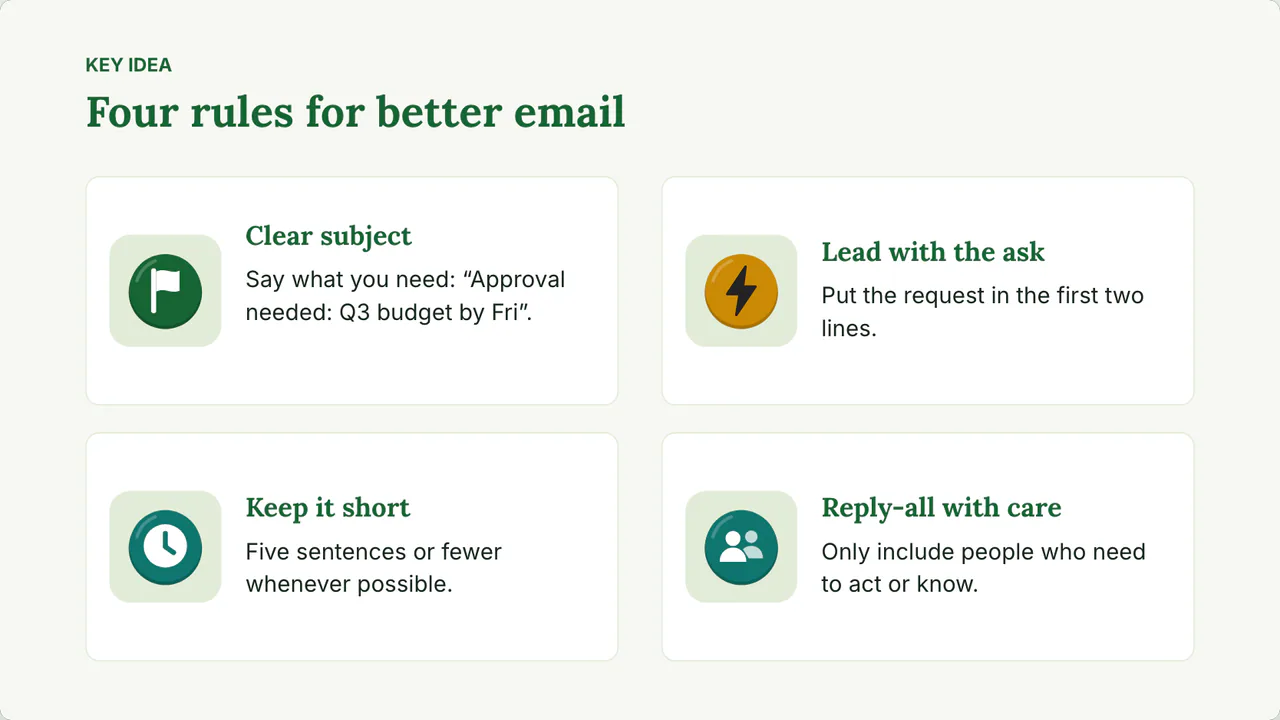
Four rules for better email on a single slide: a clear subject, lead with the ask, keep it short and reply all with care.
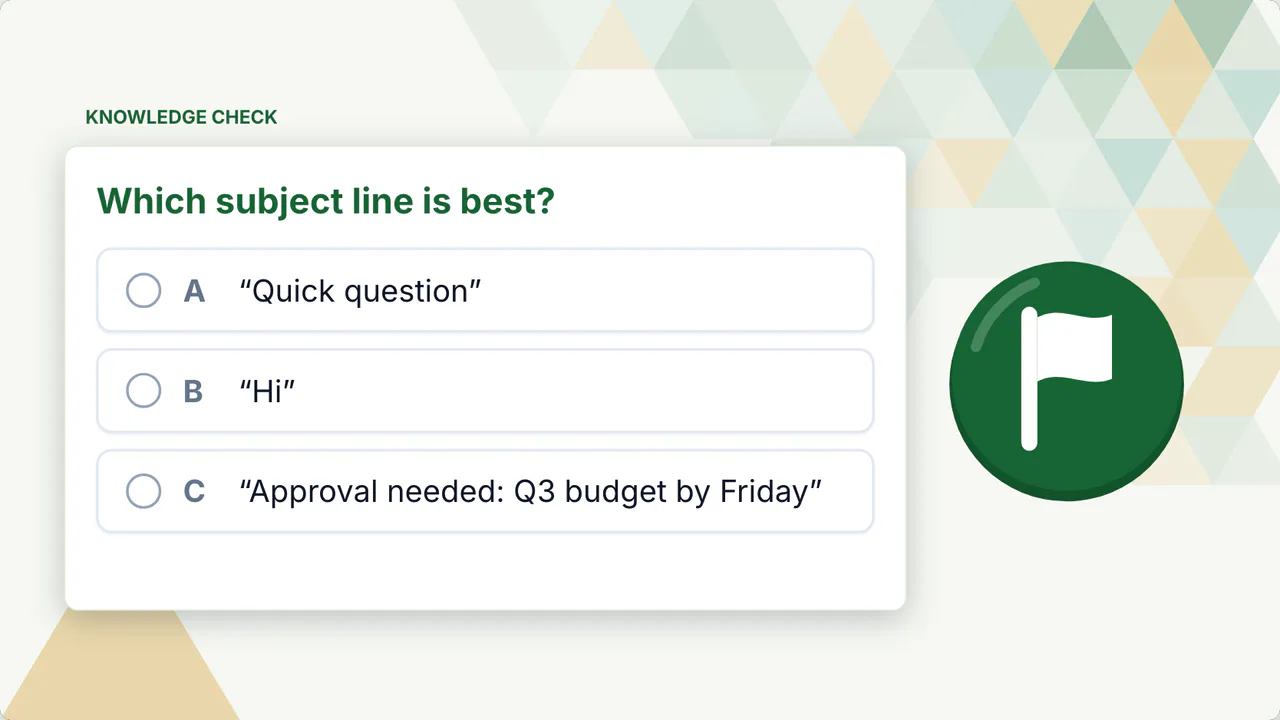
Pick the best subject line
“Quick question”, “Hi” or “Approval needed: Q3 budget by Friday”? A multiple-choice question on the first rule.
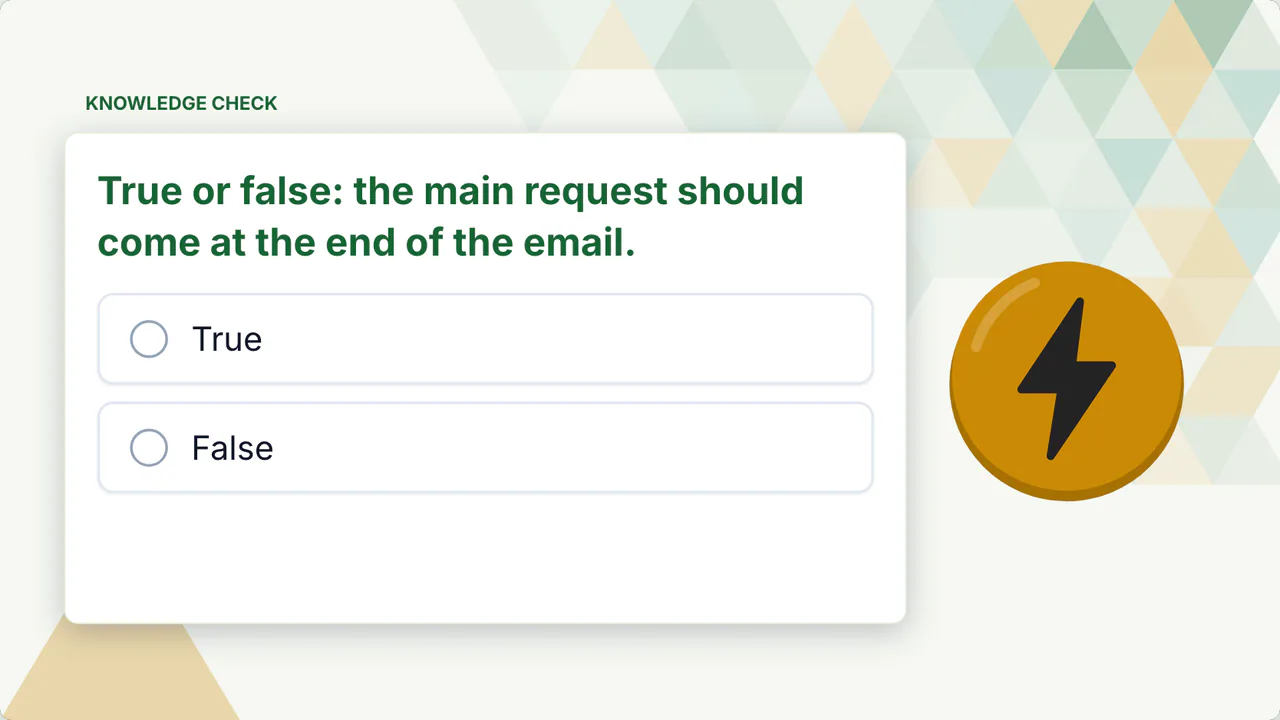
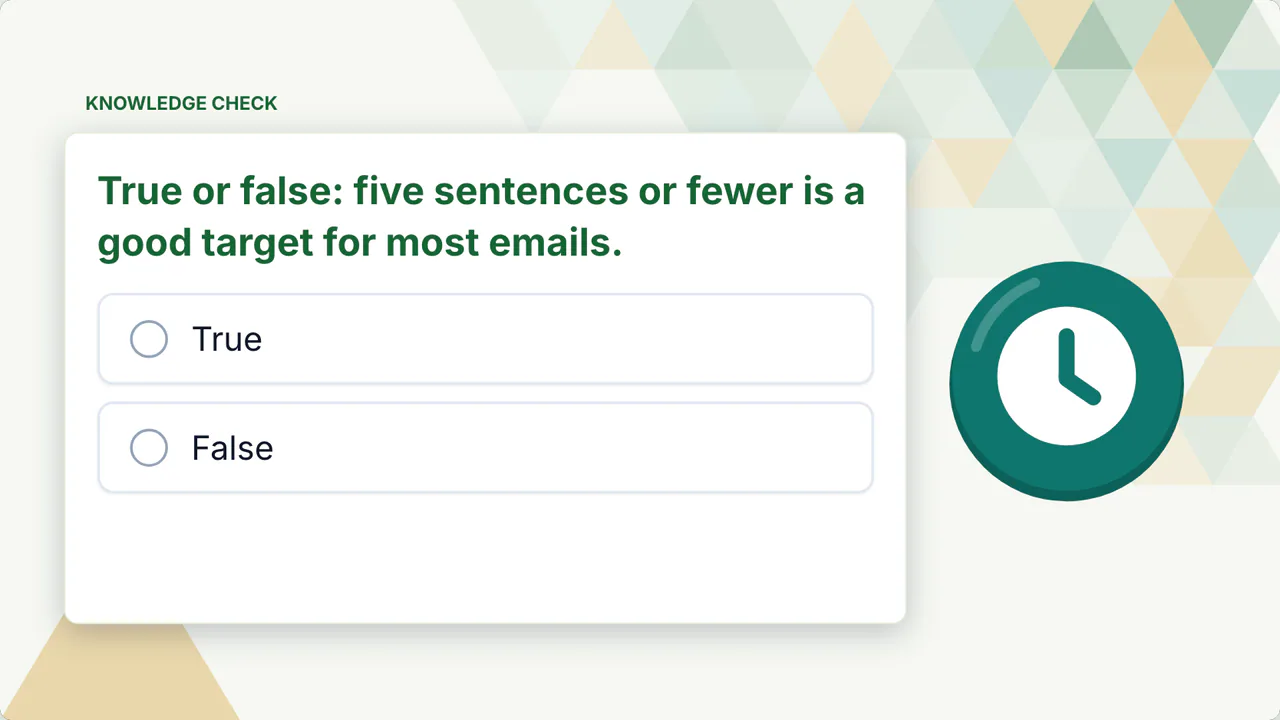
True or false
Two true-or-false questions: where the main request belongs, and whether five sentences is a good target.
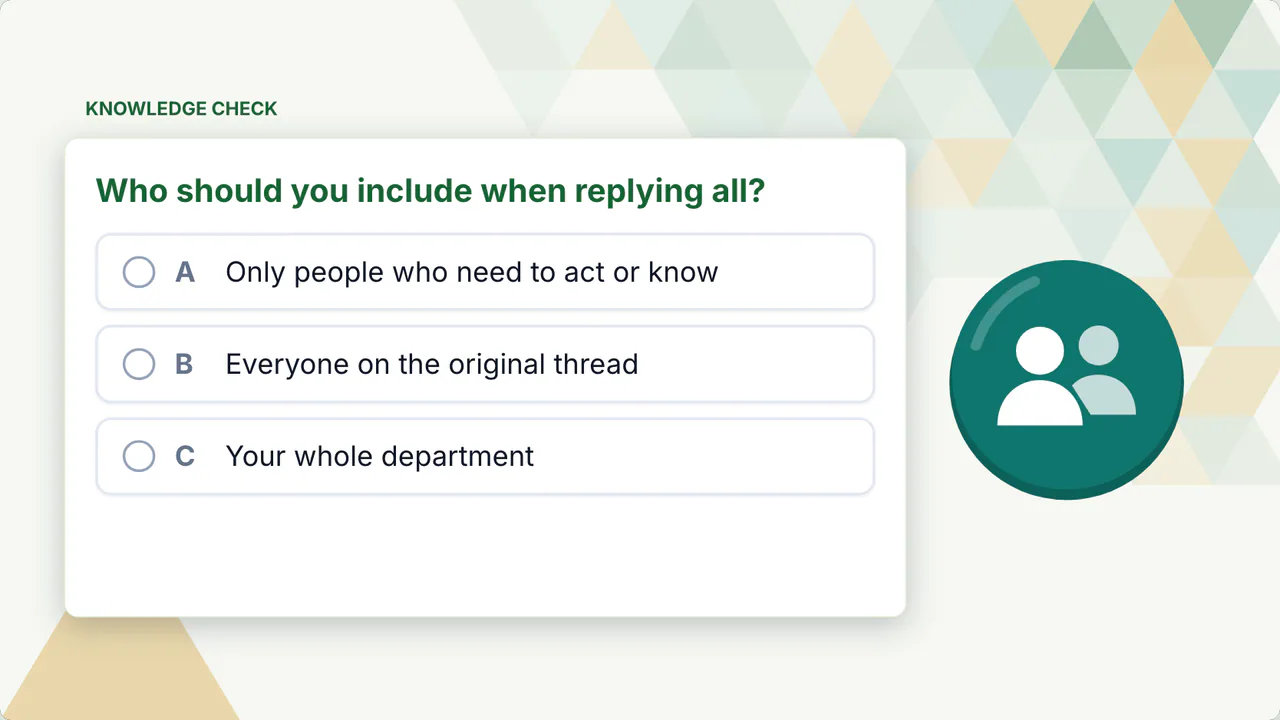
Who to reply to
Everyone on the thread, only the people who need to act or know, or the whole department?
Feedback on every answer
Each question says right away why the answer is right — or what to remember if it isn’t.
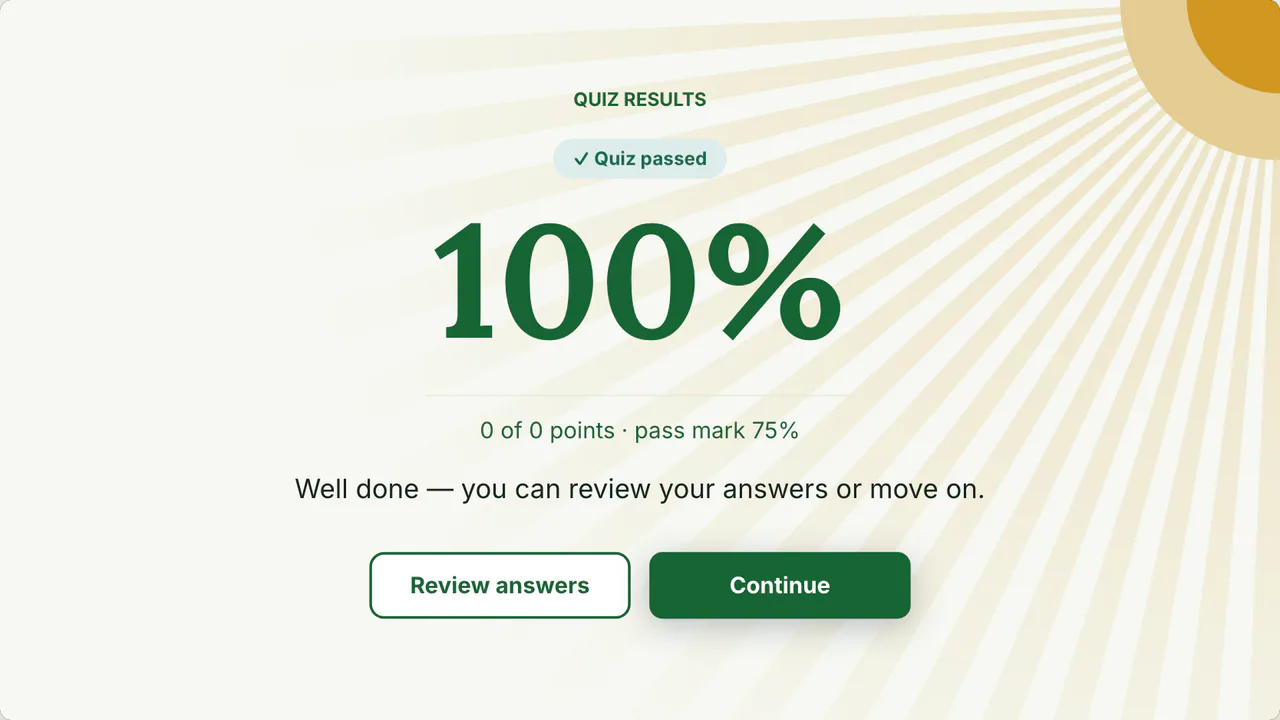
A score at the end
A results slide with the score against a 75% pass mark, a review of the answers and a retry.
After the course, learners can
- Write a subject line that says what is needed and by when
- Put the request in the first two lines of an email
- Keep most emails to five sentences or fewer
- Reply all only to people who need to act or know
Made for
- Busy teams
- Five minutes between meetings or at the start of a shift, on a phone or a laptop.
- L&D teams
- A pattern to repeat: one idea, four questions, a score — a refresher series in an afternoon.
- After longer training
- A spaced reminder a week or a month after a full course, so it sticks.
- Managers
- A quick check before a team meeting, on whatever the team needs to remember.
From template to your own course in minutes
Everything in the template can be changed in Lumesson — by hand, or by asking Lume AI.
- 1
Open it in Lumesson
Home ▸ Templates ▸ Microlearning quiz. Every slide, question and picture can be changed — on the Free plan too.
Learn more - 2
Put it in your brand
Pick a brand kit and your logo, colours and fonts go onto every slide at once.
Learn more - 3
Make it about any topic
Ask the Assistant: “Turn this into a 5-minute refresher on our returns policy, in the same format: one key idea and four quick questions.” It edits the real course and lists what it changed.
Learn more - 4
Make a series
Duplicate the course for each topic — one a week — and keep the same look, length and scoring across the series.
Learn more - 5
Change the questions
Use any of 20 question types, draw questions at random from a question bank so each try is different, and set the pass mark.
Learn more - 6
Check it on a phone
One click gives every slide a phone layout — where most five-minute lessons are taken.
Learn more - 7
Narrate it
A natural AI voice for the key idea, and captions in one step, for learners on the move.
Learn more - 8
Publish to your LMS
SCORM 1.2 or 2004, xAPI, cmi5 or HTML5. The score goes to your LMS, or share it as a link.
Learn more
Microlearning quiz: the details
| Length | About 5 minutes |
|---|---|
| Structure | 2 parts, 7 slides |
| Assessment | 4 questions: Multiple choice, True or false |
| Results | A results slide with the learner’s score and pass or fail |
| Publish to | SCORM 1.2, SCORM 2004, xAPI, cmi5, HTML5 — or a video, Word or PDF |
| Phones | A phone layout for every slide in one click |
| Language | English — translate the whole course with AI in one step |
| Editing | Every slide, picture, question and setting can be changed |
| Price | Free with Lumesson (the Free plan adds a small “Made with Lumesson” mark) |
Other courses to start from
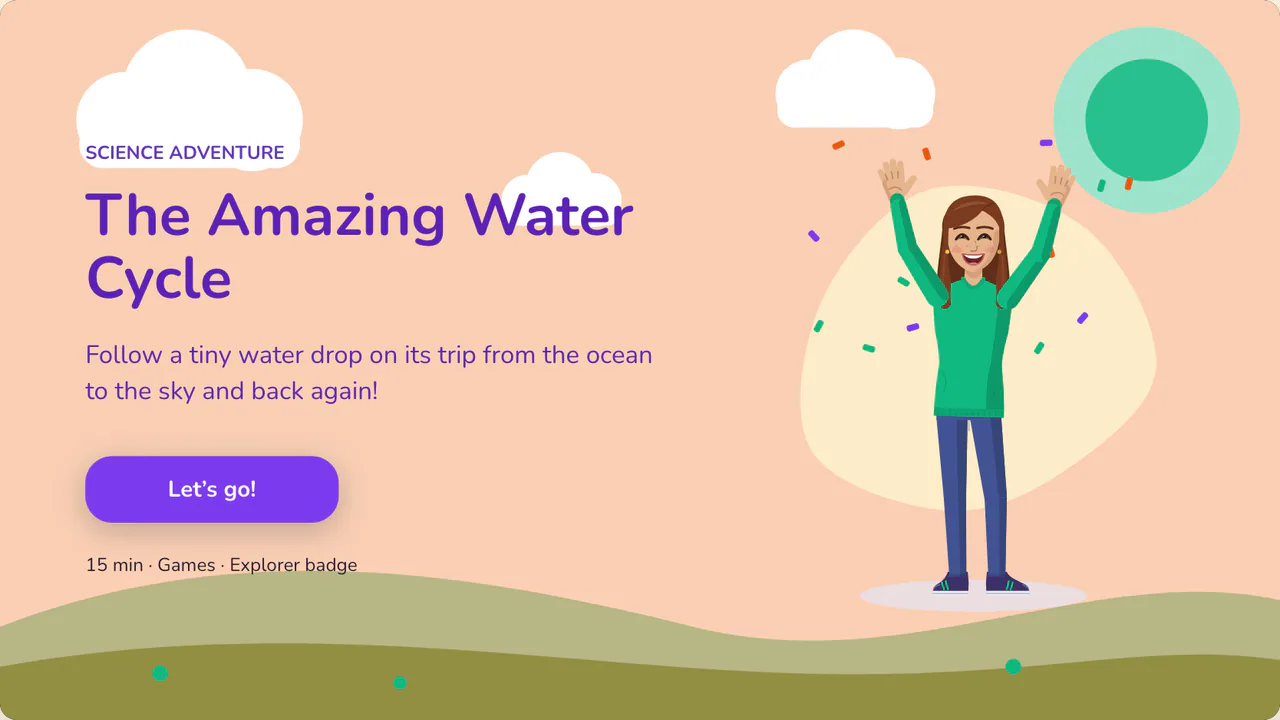 EducationThe Water Cycle (Kids Science)A free interactive water cycle lesson for ages 8–11: evaporation, condensation, precipitation and collection, with games, a quiz and a badge. Play it now.
 OnboardingEmployee onboardingA free employee onboarding course for a new hire’s first week: values, a buddy, the first 90 days, a first-day plan, a scenario and a quiz. Play it now.
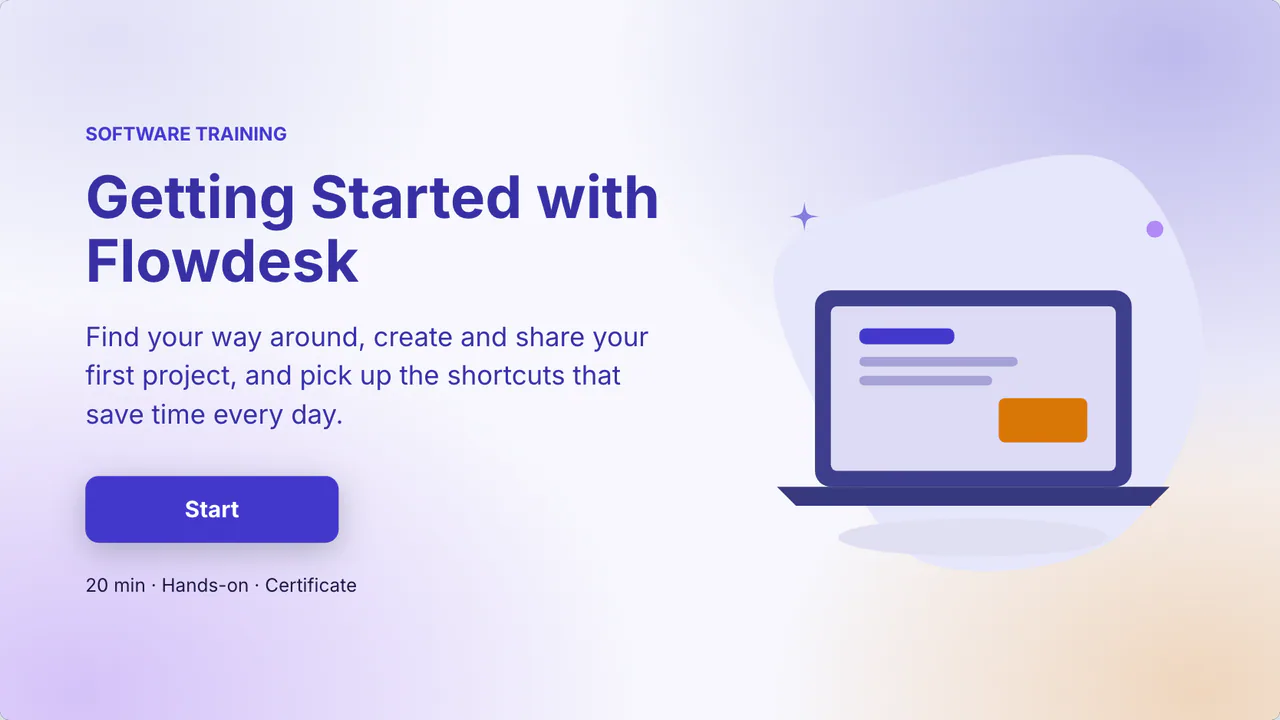 IT & softwareGetting started with a new appA free software training course for any new app: a screen tour, tasks on screenshots, click-on-the-screen practice, shortcuts and a graded quiz. Play it now.
Read more
What is microlearning? A definition, 10 examples and how to make it
What is microlearning? A clear definition, when it works and when it doesn’t, 10 microlearning examples, and how to design short lessons for phones and an LMS.
Read the guideGuideFrom one sentence to a finished course: creating eLearning with AI
How to create an eLearning course with AI: write a goal that works, add your documents, approve the outline, then edit the course by asking.
Read the guideGuideWhat is SCORM? SCORM 1.2, SCORM 2004, xAPI and cmi5 explained
What is SCORM? A plain-English guide to SCORM packages, SCORM 1.2 vs SCORM 2004, xAPI and cmi5: what each one tracks and which one your LMS needs.
Read the guideFrequently asked questions
Is this microlearning quiz template free?
Yes. Every course template comes with Lumesson, including the Free plan, which has every authoring feature. Courses published on Free carry a small “Made with Lumesson” mark; a one-time Lifetime licence removes it.
Can I upload it to my LMS?
Yes. Publish it as SCORM 1.2, SCORM 2004, xAPI or cmi5 and upload the package to your LMS: it reports completion and the score. You can also publish HTML5 and share a link.
What is microlearning?
Short lessons — usually under ten minutes — on a single idea, taken when people need them and repeated over time. This template is the smallest useful version: one idea, four questions and a score, in five minutes.
Can I use it for a topic other than email?
Yes. Email etiquette is only the example. Keep the format and ask the Assistant to write the key idea and four questions for any topic — a product, a policy, a safety rule.
Can I make a series of refreshers?
Yes. Duplicate the course for each topic, or draw questions from a question bank so the same refresher is different every time someone takes it.
Make “5-Minute Refresher: Email Etiquette” your own
Download Lumesson free for Mac, open the template from Home ▸ Templates and change anything — by hand or by asking Lume AI.