Lumesson
What is microlearning? A definition, 10 examples and how to make it
What is microlearning? Short, focused lessons that teach one thing in a few minutes — on a phone between tasks, right before a shift, or the moment someone needs it. Done well, it is the easiest training to finish and the hardest to forget. Done badly, it is a long course chopped into pieces. Here is the difference, with ten examples you can make this week.

What is microlearning? A definition
Microlearning is training delivered in small, self-contained units, each built around one learning objective and short enough to finish in one sitting — usually two to seven minutes. A unit can be a video, a quiz, a scenario, a simulation or a few interactive slides. What makes it micro is not the length alone but the focus: one idea, one skill or one decision, with nothing else in the way.
Three tests separate real microlearning from a short course:
- It stands on its own. Someone can open it without having seen the previous one and still get value.
- It asks the learner to do something — answer, choose, try — not only to watch or read.
- It ends with something usable: a decision they can make, a step they can take, a checklist they can keep.
A forty-minute compliance course split into eight five-minute videos is not microlearning. It is the same course with more Next buttons.
When microlearning works — and when it doesn’t
Microlearning shines when the knowledge is narrow and the moment of need is clear:
- Refreshers and reinforcement after a workshop or a full course;
- Single procedures: how to issue a refund, book leave, run an end-of-day report;
- Product and policy updates: “what changed this month”;
- Performance support at the moment of need, on a phone, on the shop floor;
- Practice of one decision: the first thing to say to an upset customer.
It is the wrong tool when people need to build a big picture from zero — a new manager learning to lead, a nurse learning a clinical pathway, an engineer learning a new system architecture. Those need connected ideas, longer practice and feedback. Use microlearning around them instead: before (to prepare), during (to practise one part) and after (to reinforce).
10 microlearning examples you can make this week
Each of these microlearning examples is one objective, a few minutes long:
- A two-minute how-to video. One task on screen, zoomed on every click, with captions for people watching without sound. “How to approve a time-off request.”
- A one-decision scenario. A customer, a manager or a colleague says something; the learner picks a reply and sees what happens. One moment, three believable answers, coaching on each.
- A five-question quiz from a question bank. Retrieval practice in two minutes, different questions each time it is taken.
- A job aid. A one-page checklist or step-by-step guide people keep open while they work — microlearning that is used, not taken.
- A software simulation of one task. Learners do it themselves in a copy of the screen, with a hint after a wrong click.
- Flip cards as a flashcard-style check. A term or a situation on the front, the answer on the back; learners test themselves before turning.
- A drag-and-drop sort. “Which of these e-mails are phishing?” — sort them into two buckets.
- An interactive video with one question. The video stops at the key moment and asks what should happen next.
- A single diagram learners click through. A four-step method, each step opening a short explanation and example.
- A “what changed” update. Three slides on a new rule or feature, and one question to check it landed.
Mix them. A product launch might be a two-minute video on day one, a drag-and-drop on day three and a scenario a week later — three units, one objective each.
How to design a microlearning module
A simple shape works for most units:
- Hook (one slide or ten seconds): the situation or the problem. “A guest says the room is noisy. What do you say first?”
- Show (two or three slides): the one idea, with a picture, a diagram or an example — not a wall of text.
- Practise (one or two activities): a choice, a sort, a try-it.
- Check (one to three questions): with feedback that explains why.
- Next step: what to do at work today, and where to find the job aid.
Write the objective first, as something you could watch someone do. Cut everything that doesn’t serve it — background, history, nice-to-know — and link to it instead. If you can’t fit the unit in about five minutes, you have two units.
Here is the shape applied to a real topic, handling a noise complaint at the front desk:
- Hook: a guest at the desk at 11 pm, clearly tired: “There’s a party next door.”
- Show: the four steps of the hotel’s method on one clickable diagram, with one example line for each.
- Practise: three possible first replies; learners pick one and see the guest’s reaction.
- Check: two questions — which step comes first, and what to offer when no quiet room is free.
- Next step: “Tonight, use the first line on your next complaint”, and a link to the one-page job aid.
Seven slides, about four minutes, and every slide earns its place.
Designing microlearning for phones
Microlearning and mobile learning go together: the few minutes people have are usually on a phone. Design for the small screen from the start:
- One idea per screen, with short sentences and large text;
- Tap targets big enough for a thumb — buttons, answers, hotspots;
- Captions on video, because many people watch without sound;
- Vertical video when the video is the lesson;
- Test on a real phone, upright and on its side.
In Lumesson, one switch gives every slide a real phone layout — laid out again for a narrow screen, not shrunk. Body text stays at least 15 px, buttons and controls keep 44 px tap targets, and rows that don’t fit stack in reading order. Desktop edits flow to the phone layout, and you can change anything on the phone only — by hand, or by asking Lume AI. Preview plays the course on phones, a foldable and tablets, so you see every screen before learners do. Learners need no app: the course plays in the phone’s browser or your LMS.

Preview the course on a phone before you publish — the player picks the phone layout by itself.
Spacing and reinforcement: making it stick
Short lessons are easy to finish and easy to forget. Two well-established principles from learning research fix that:
- Spacing — revisiting an idea several times with gaps in between beats one long session.
- Retrieval practice — trying to recall an answer strengthens memory more than reading it again.
Put them together in a simple reinforcement plan:
| When | Unit | Purpose |
|---|---|---|
| Day 1 | Short video or interactive slides | Learn the idea |
| Day 3 | Five-question quiz | Recall it |
| Week 2 | One-decision scenario | Apply it |
| Month 1 | Quiz drawn from the same bank | Check it stuck |
Your LMS handles the schedule — assignments, due dates and reminders. In the course, draw questions at random from a question bank, so a learner who takes the quiz again on day 30 sees different questions about the same idea.
Microlearning platform, app or authoring tool: what you need
Three different things get called “microlearning tools”:
- An authoring tool to make the units — videos, quizzes, scenarios, simulations — quickly and in a consistent style.
- A delivery platform, usually your LMS, to assign them, send reminders and track completion and scores.
- A way for learners to open them — a dedicated microlearning app, or simply the phone’s browser.
You don’t need a separate microlearning platform if your LMS takes SCORM, xAPI or cmi5 and works on phones: publish each unit as its own package and let the LMS do the scheduling. What matters most is the authoring side, because making twenty small units by hand is where most microlearning programmes stall.
How to make microlearning with Lumesson
The fastest way is Create with AI. Describe the one thing learners should be able to do — “front-desk staff can offer the right first reply to a noise complaint” — and add your own material: up to six documents or up to five web pages. Then choose Microlearning (“one idea in a few minutes”) from the six kinds of course: Course, Microlearning, Quiz, Scenario, Compliance & policy, and Software / process how-to.
Microlearning starts at about five minutes. Turn on Mobile-friendly and every slide gets its phone layout as it is built; pick a brand kit, a design style and an illustrated character if you like. Lume AI proposes an outline first; approve it and it builds a few short slides around one idea, a quick graded check at the end, and narration in the slide notes, ready for an AI voice.
From there, the Assistant edits the real course when you ask: “turn this list into flip cards”, “make the check a drag-and-drop”, “add a one-decision scenario”. Everything stays an ordinary slide you can change.

Microlearning is one of six kinds of course Lume AI can create — about five minutes by default.
Making every format in one place
Most of the ten examples above come out of the same app:
- Quizzes with 20 question types, question banks, retries and results slides — see the quiz maker;
- Scenarios with illustrated characters whose expressions react to each choice — our guide to writing branching scenarios shows how to keep them short;
- Flip cards, tabs, hotspots, drag-and-drop and ready-made game slides such as memory match and beat the clock;
- Short videos from a screen recording, with zoom on every click, captions and vertical 9:16 output for phones — and Lume AI can make a short version of a long video;
- Interactive video with questions, hotspots and chapters;
- Software simulations and step-by-step guides from one recording.

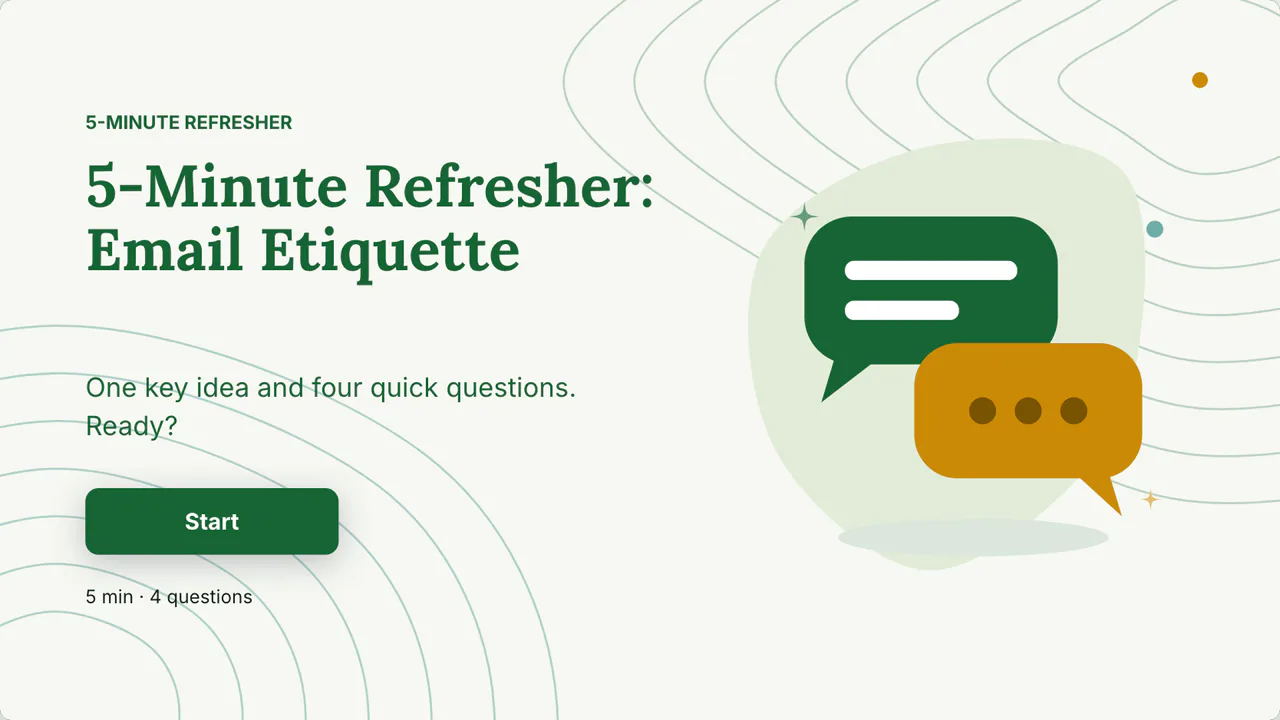
A one-question check as learners see it — microlearning in under a minute.
Common microlearning mistakes
- Chopping, not designing. Cutting a long course into short videos keeps all its problems and adds more clicks. Start from objectives, not from the old slides.
- No practice. A three-minute video with nothing to do afterwards is information, not learning. Add at least one question or choice.
- Too many at once. Twelve units assigned on the same day feel like one long course. Release them over days or weeks.
- Hard to find later. If people can’t find the job aid when they need it, it might as well not exist. Name units after the task or question they answer.
- Never updated. Short units are cheap to change — so change them when the process does, and retire the old ones.
Publishing microlearning to your LMS
Publish each unit as its own package, so your LMS can assign, schedule and track it separately. Lumesson publishes SCORM 1.2, SCORM 2004, xAPI and cmi5; not sure which? Read what SCORM is and which version to choose.
For short units, set completion to fit: Quiz result when the check matters, or Viewed at least this many slides for a quick update. Phone layouts travel with the package, and the player picks them on phones by itself. For an intranet page without tracking, publish HTML5; for a video channel, export the unit as an MP4.
A quick checklist
- One objective per unit, written as something you could watch someone do.
- About five minutes; if it’s longer, split it.
- Hook, show, practise, check, next step.
- Designed and tested on a phone, with captions on video.
- A reinforcement plan: recall on day 3, apply in week 2, check in month 1.
- Questions drawn from a bank so repeats differ.
- Each unit published as its own package and tracked in your LMS.