 Lumesson
Time management training template
A 15-minute productivity course: learners rate their own habits, sort tasks with the Eisenhower matrix, try the Pomodoro technique and see where a working week really goes — then a short graded quiz and three things to try tomorrow. Play it below, then make it yours.
- 15 minto complete
- 15slides in 4 parts
- 3questions, 2 kinds
- SCORMxAPI · cmi5 · HTML5
Already have Lumesson? Open this template in the app
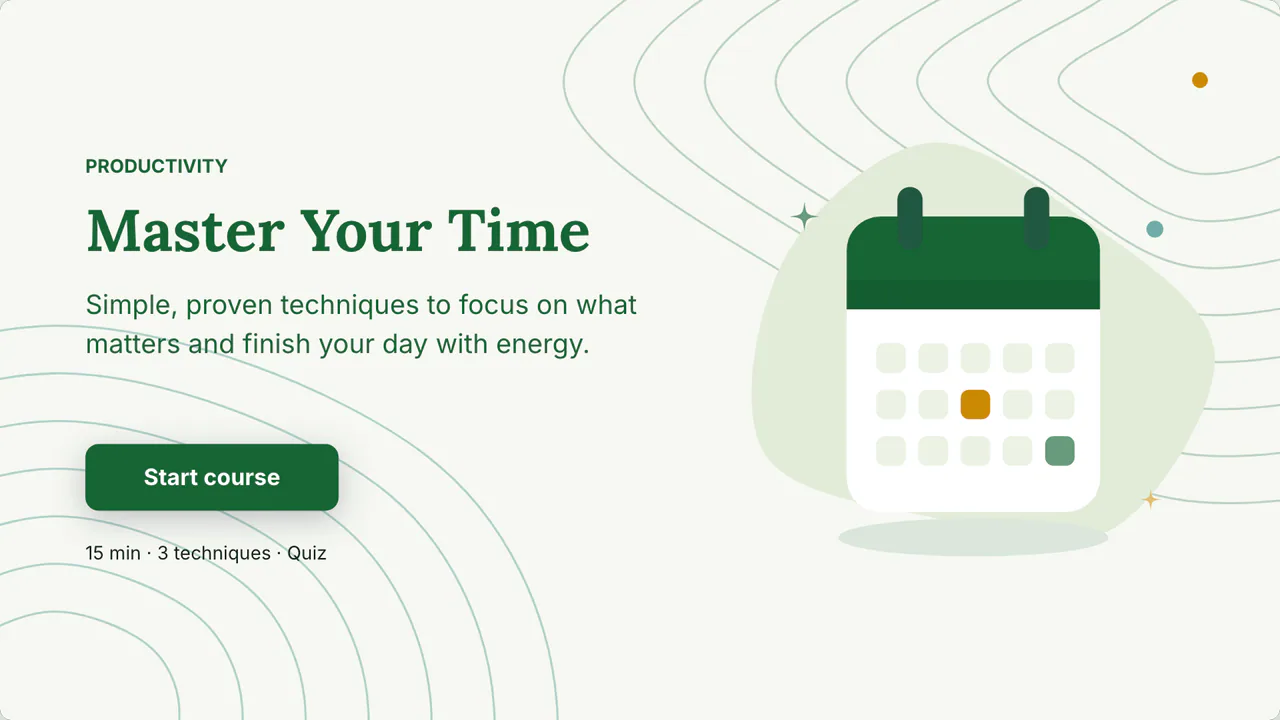 Play the course
Take “Master Your Time” as a learner
This is the real course, published from Lumesson as HTML5. Click through it, try every activity and take the test — nothing you do is recorded.
Open full screenWorks on phones and tablets too
15 slides in 4 parts
A free time management training course: the Eisenhower matrix, the Pomodoro technique, protecting focus time, a self-check and a graded quiz. Play it now.
Introduction
3 slidesPrioritize
2 slidesFocus
5 slidesQuiz
5 slidesA look at the course
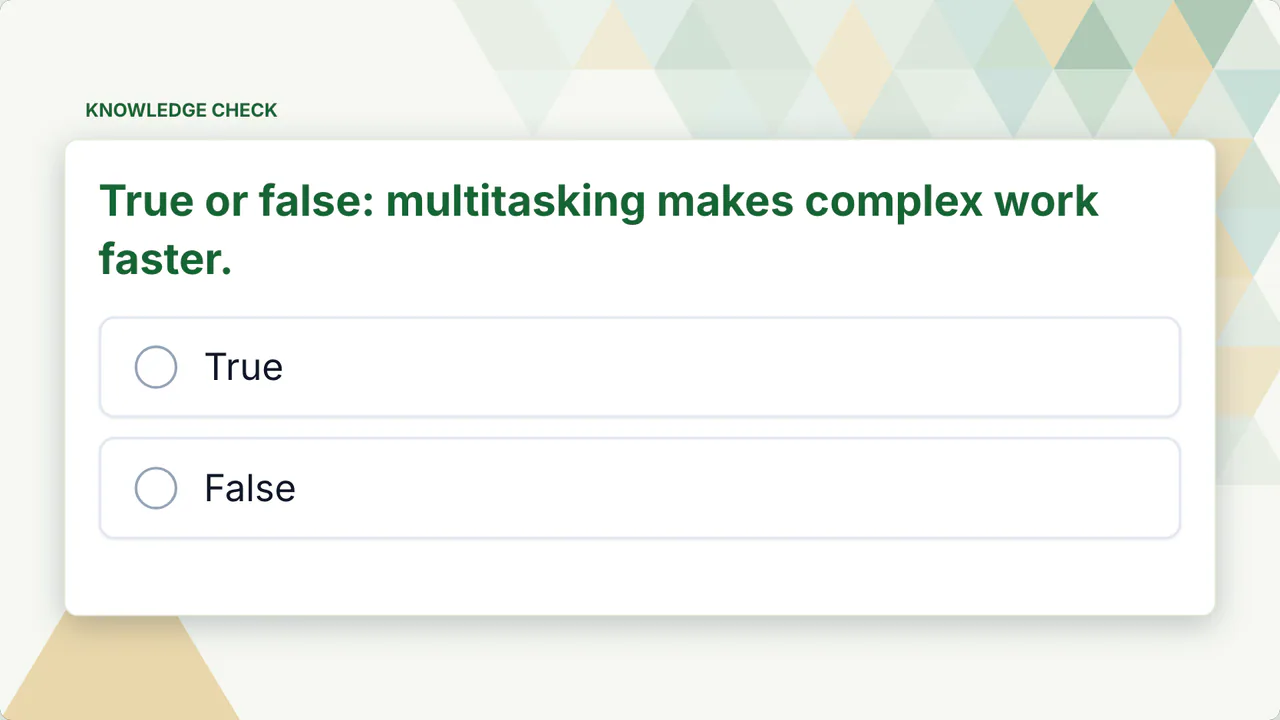
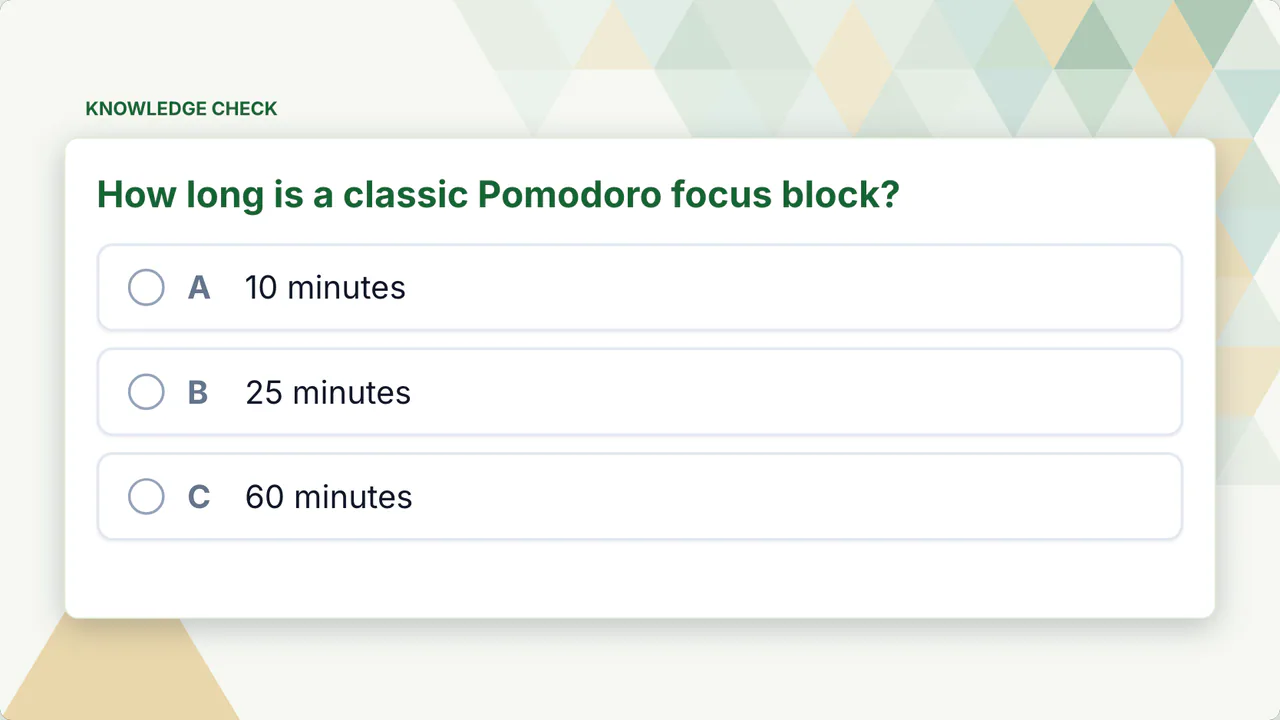
Learning by doing, not by reading
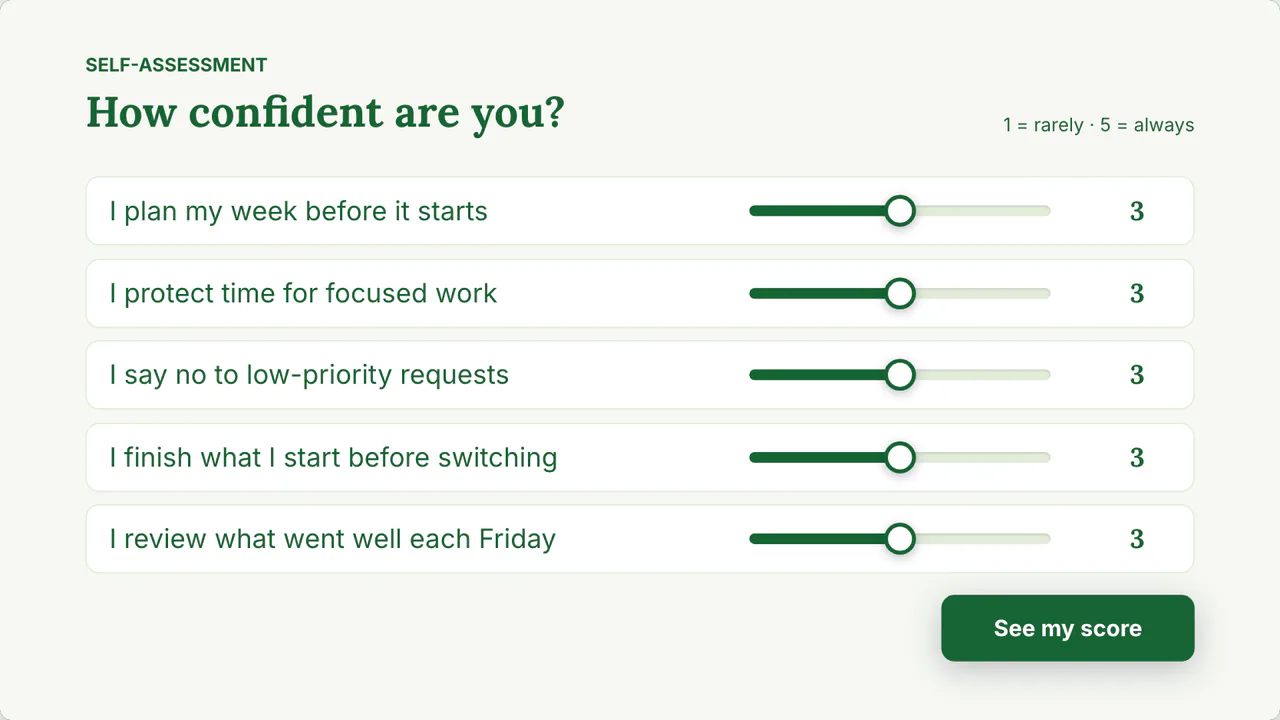
How confident are you?
A self-assessment to start: learners rate five habits from 1 (rarely) to 5 (always), such as planning the week before it starts.
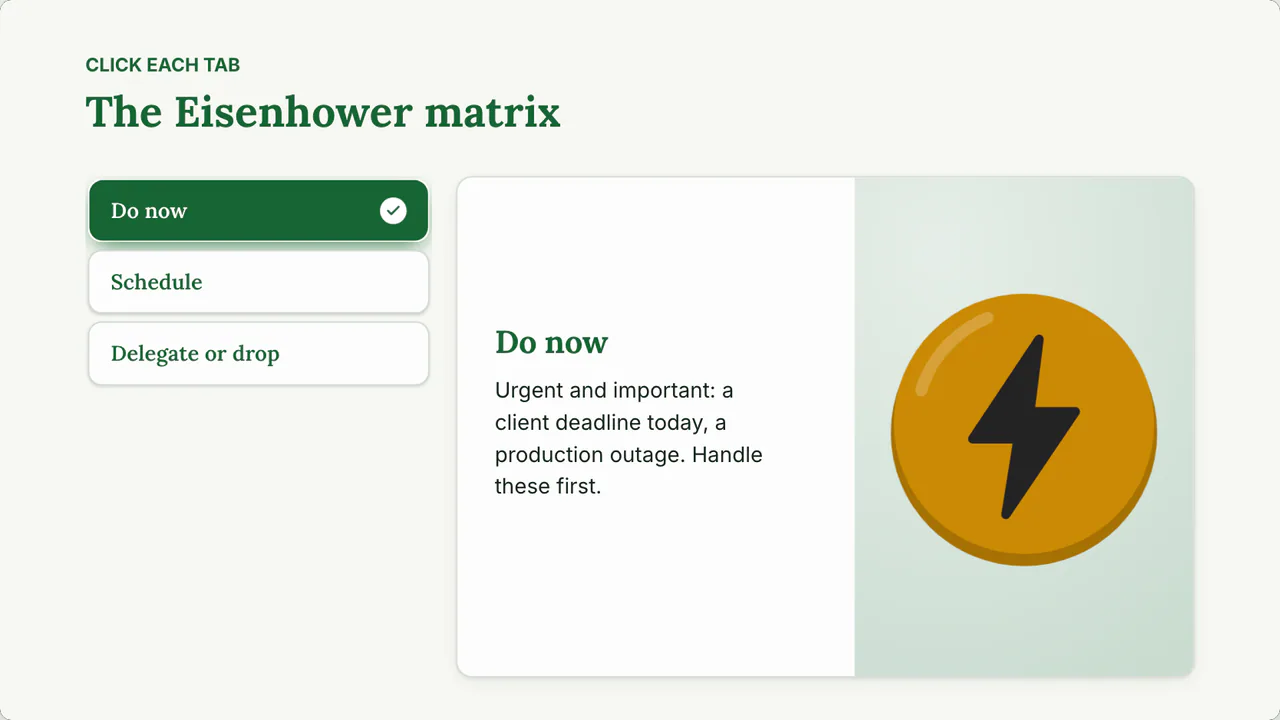
The Eisenhower matrix in tabs
Do now, schedule, delegate or drop: learners open each tab, with examples from a client deadline to planning and learning.
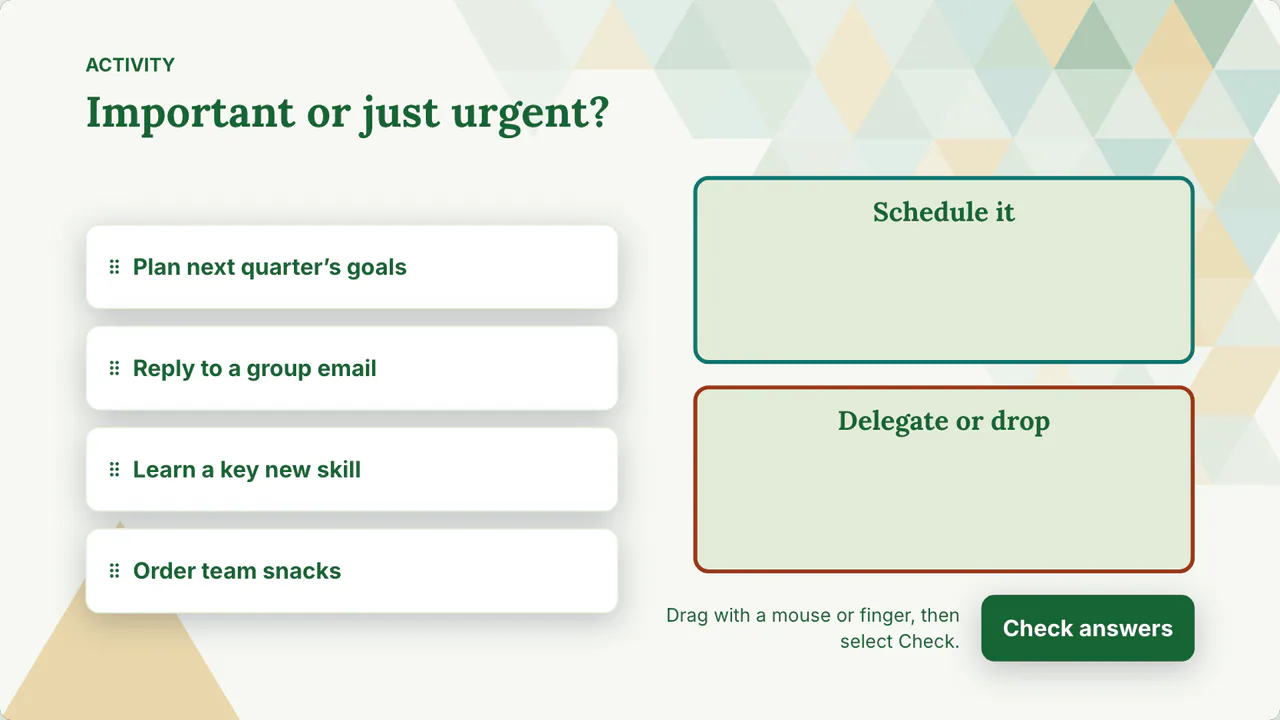
Important or just urgent?
A sorting activity: drag each task — plan next quarter’s goals, order team snacks — to “Schedule it” or “Delegate or drop”.
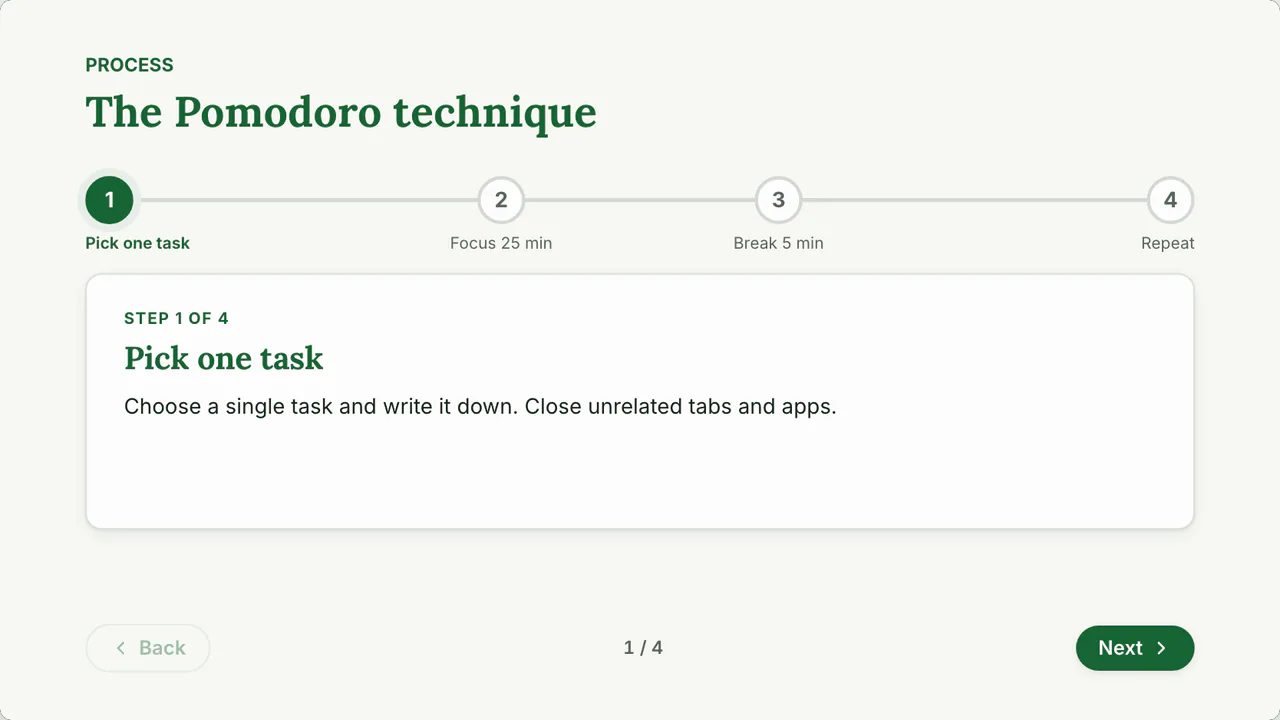
The Pomodoro technique
Pick one task, focus for 25 minutes, break for 5, repeat: four steps, one at a time.
Where the working week goes
A time audit as a bar chart: meetings 31%, email and chat 28% — and only 24% focused work.
Before and after
Learners switch between a week before a good routine and after it: from 400 unread emails to an inbox triaged twice a day.
A graded quiz
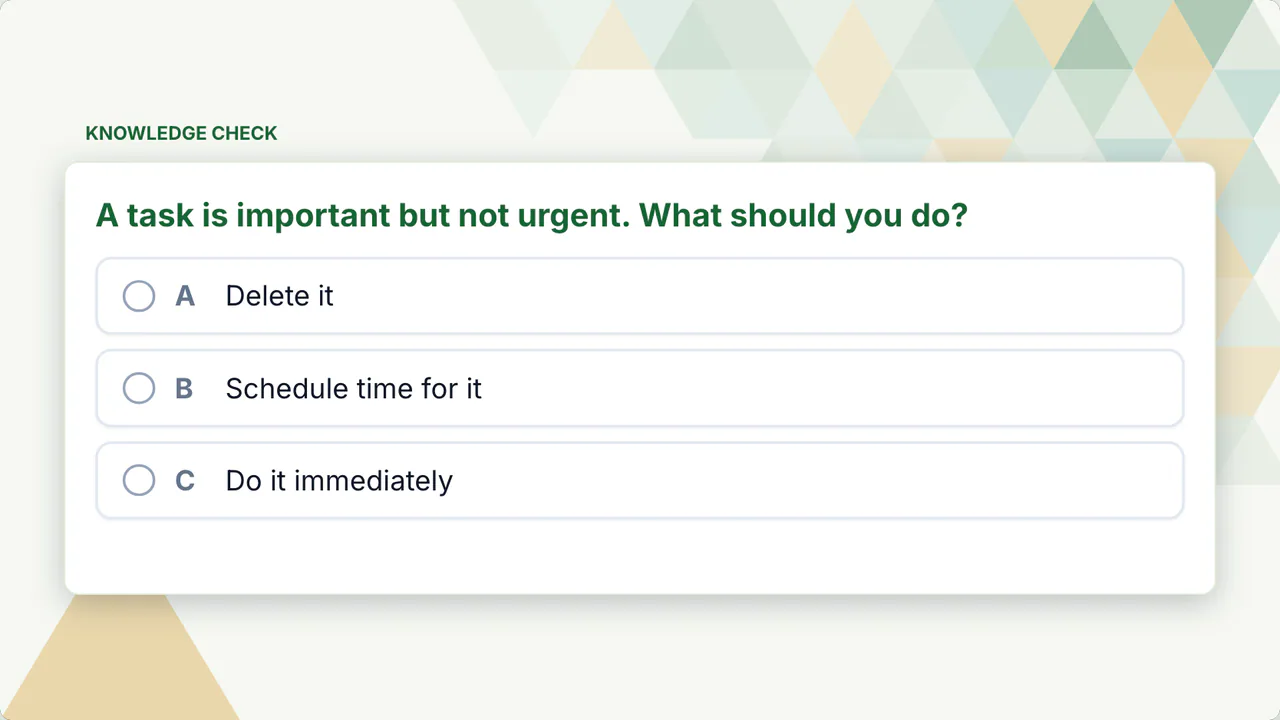
Three questions, multiple choice and true or false, with feedback on each and an 80% pass mark.
Three things to try tomorrow
Pick your top three before opening email, block one focus hour, review your week on Friday.
After the course, learners can
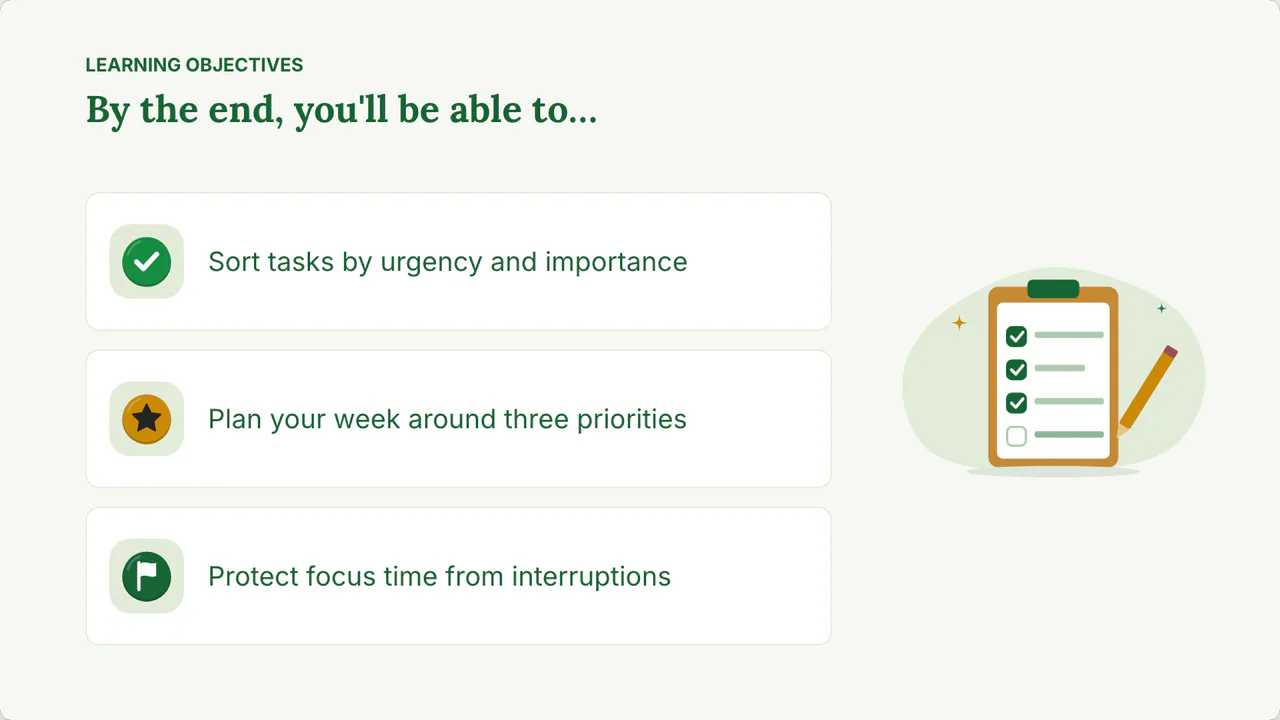
- Sort tasks by urgency and importance with the Eisenhower matrix
- Plan the week around three priorities
- Work in focused 25-minute Pomodoro blocks with short breaks
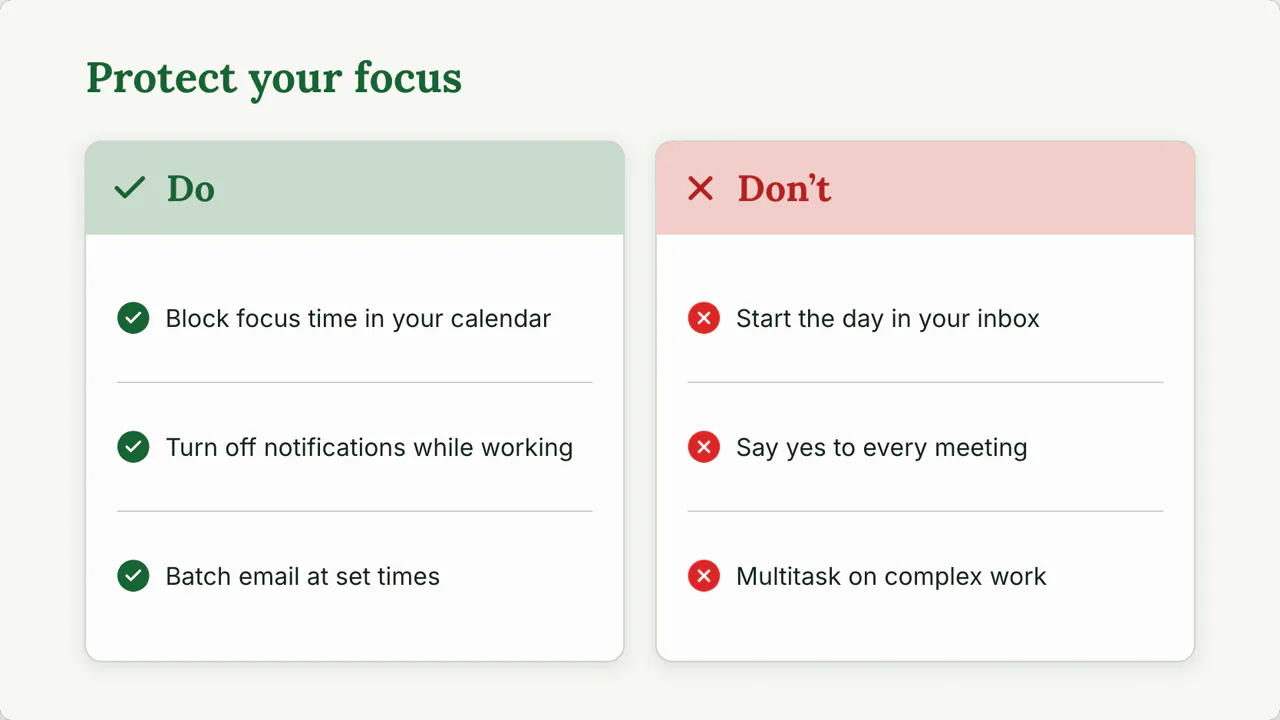
- Protect focus time from notifications, the inbox and too many meetings
- Explain what interruptions and task switching cost
Made for
- Busy teams
- For anyone juggling meetings, chat and email who wants more time for focused work.
- New hires and graduates
- Simple techniques to organise a first job, from the first week.
- Managers
- A shared language — “schedule it” or “delegate or drop” — to plan the team’s week.
- L&D and HR teams
- A short, ready-made course for a productivity or wellbeing programme, or a lunch-and-learn.
From template to your own course in minutes
Everything in the template can be changed in Lumesson — by hand, or by asking Lume AI.
- 1
Open it in Lumesson
Home ▸ Templates ▸ Time Management. Every slide, question and picture can be changed — on the Free plan too.
Learn more - 2
Put it in your brand
Pick a brand kit and your logo, colours and fonts go onto every slide at once.
Learn more - 3
Make it about your team
Ask the Assistant: “Add a slide on our meeting-free Wednesday afternoons and change the examples to the tools we use.” It edits the real course and lists what it changed.
Learn more - 4
Add a certificate
Add a certificate after the results slide, with the learner’s name and score — the slide layouts have them ready.
Learn more - 5
Narrate and caption it
Natural AI voices or your Mac’s own voices for every slide, and captions for the whole course in one step.
Learn more - 6
Translate it
A copy in Spanish, German or Japanese, with its narration voiced again and a list of anything to check.
Learn more - 7
Check it on a phone
One click gives every slide a phone layout — a 15-minute course people can take on the way to work.
Learn more - 8
Publish to your LMS
SCORM 1.2 or 2004, xAPI, cmi5 or HTML5. Completion and the quiz score go to your LMS.
Learn more
Time Management: the details
| Length | About 15 minutes |
|---|---|
| Structure | 4 parts, 15 slides |
| Interactions | Tabs, Step by step, Slider, Diagram, Chart |
| Assessment | 3 questions: Multiple choice, True or false |
| Results | A results slide with the learner’s score and pass or fail |
| Publish to | SCORM 1.2, SCORM 2004, xAPI, cmi5, HTML5 — or a video, Word or PDF |
| Phones | A phone layout for every slide in one click |
| Language | English — translate the whole course with AI in one step |
| Editing | Every slide, picture, question and setting can be changed |
| Price | Free with Lumesson (the Free plan adds a small “Made with Lumesson” mark) |
Other courses to start from
 OnboardingEmployee onboardingA free employee onboarding course for a new hire’s first week: values, a buddy, the first 90 days, a first-day plan, a scenario and a quiz. Play it now.
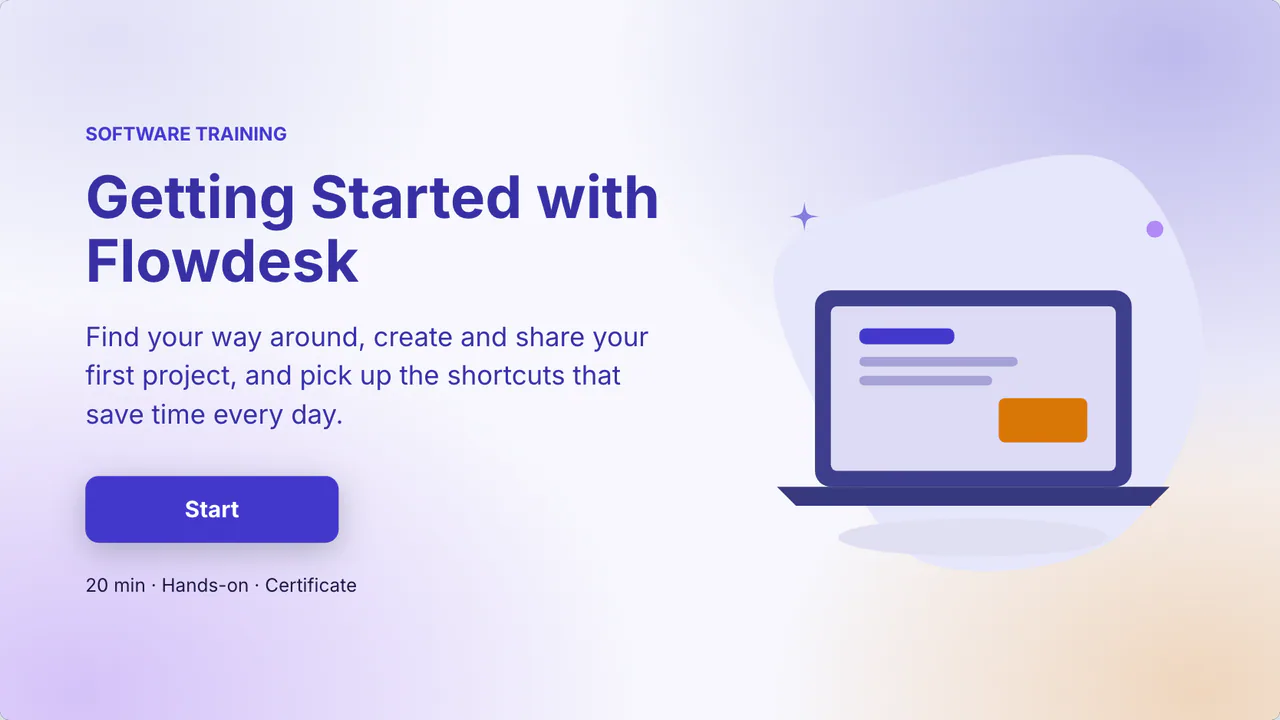 IT & softwareGetting started with a new appA free software training course for any new app: a screen tour, tasks on screenshots, click-on-the-screen practice, shortcuts and a graded quiz. Play it now.
 ComplianceCybersecurity awarenessA free cybersecurity awareness training course: passwords, MFA, spotting phishing, a secure desk, a timed game and a four-question quiz. Play it now.
Read more
What is microlearning? A definition, 10 examples and how to make it
What is microlearning? A clear definition, when it works and when it doesn’t, 10 microlearning examples, and how to design short lessons for phones and an LMS.
Read the guideGuideFrom one sentence to a finished course: creating eLearning with AI
How to create an eLearning course with AI: write a goal that works, add your documents, approve the outline, then edit the course by asking.
Read the guideGuideEmployee onboarding training: a course, a welcome video and a 30-day plan
Plan employee onboarding training that works: an onboarding course, a welcome video, software walkthroughs, a checklist and a sample 30-day onboarding outline.
Read the guideFrequently asked questions
Is this time management training template free?
Yes. Every course template comes with Lumesson, including the Free plan, which has every authoring feature. Courses published on Free carry a small “Made with Lumesson” mark; a one-time Lifetime licence removes it.
Can I upload it to my LMS?
Yes. Publish it as SCORM 1.2, SCORM 2004, xAPI or cmi5 and upload the package to your LMS: it reports completion and the quiz score. You can also publish HTML5 for a website or intranet.
Are the statistics in the course real?
The interruptions slide says its figures are illustrative, based on published productivity research, and the time audit is an example week. Replace them with your own numbers — from a team survey, for example — or remove them.
Can I add other techniques?
Yes. Add slides by hand, or ask the Assistant for a slide on time blocking or the two-minute rule, with a question to check it.
Can I change the questions and the pass mark?
Yes. Edit any of the three questions or add more from 20 question types, draw questions at random from a question bank, and set the pass mark and the number of tries.
How long does the course take?
About 15 minutes. Each part — prioritizing and focus — also works on its own as a five-minute lesson.
Make “Master Your Time” your own
Download Lumesson free for Mac, open the template from Home ▸ Templates and change anything — by hand or by asking Lume AI.