 Lumesson
Employee onboarding training template
A warm 25-minute welcome for new hires: your values, their buddy, the first 90 days, their first day hour by hour and how people, process and tools fit together — then a short scenario, a three-question quiz and their next steps. Play it below, then make it yours.
- 25 minto complete
- 22slides in 4 parts
- 3questions, 3 kinds
- SCORMxAPI · cmi5 · HTML5
Already have Lumesson? Open this template in the app
 Play the course
Take “Welcome to the Team” as a learner
This is the real course, published from Lumesson as HTML5. Click through it, try every activity and take the test — nothing you do is recorded.
Open full screenWorks on phones and tablets too
22 slides in 4 parts
A free employee onboarding course for a new hire’s first week: values, a buddy, the first 90 days, a first-day plan, a scenario and a quiz. Play it now.
Welcome
4 slidesWho we are
7 slidesHow we work
6 slidesQuiz
5 slidesA look at the course
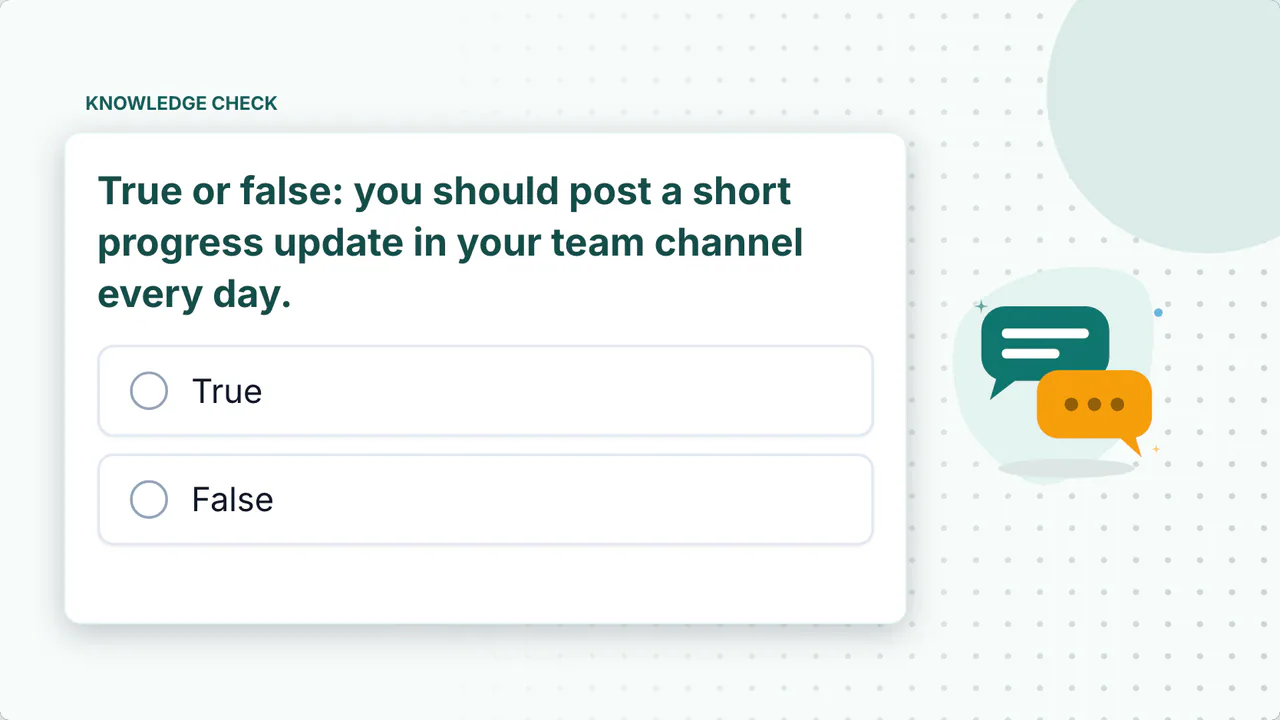
Learning by doing, not by reading
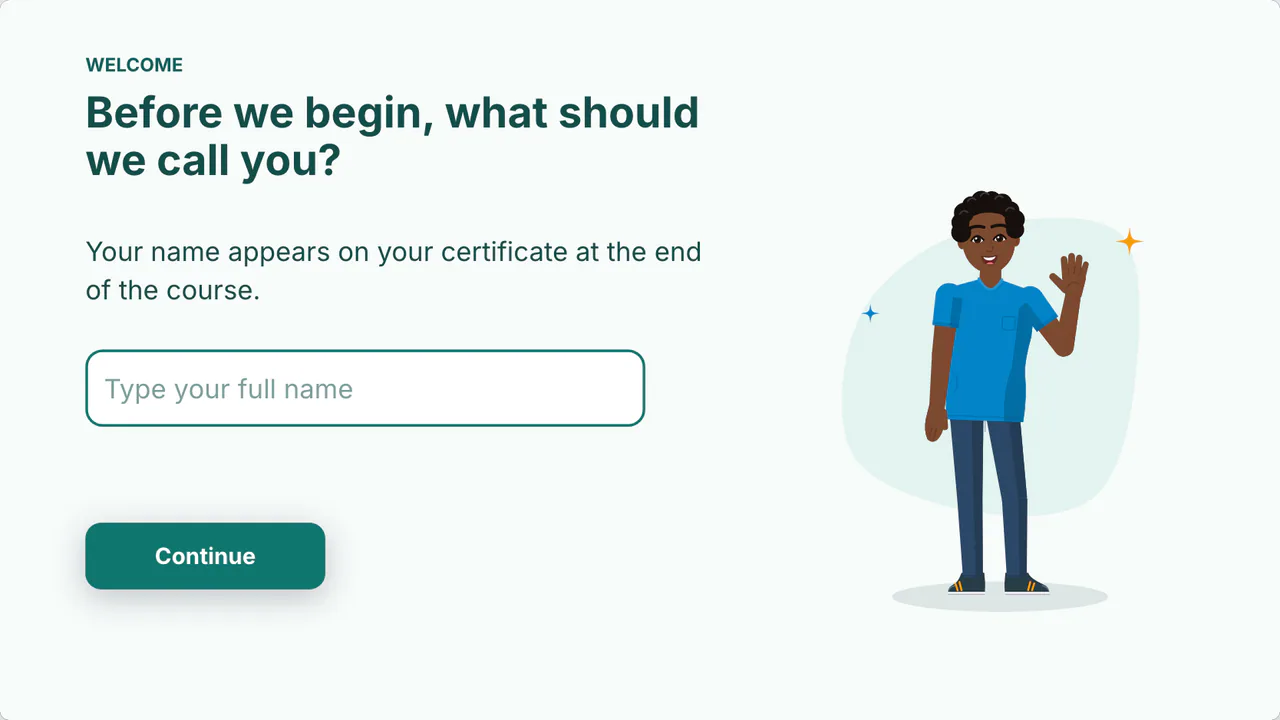
Their name, first
Before anything else, new hires type the name the course should use — a small touch that makes it feel like theirs.
Meet your buddy
Jordan, a Senior Analyst, introduces themselves and what to ask them about: team rituals, where things live, who to ask and the best lunch spots.
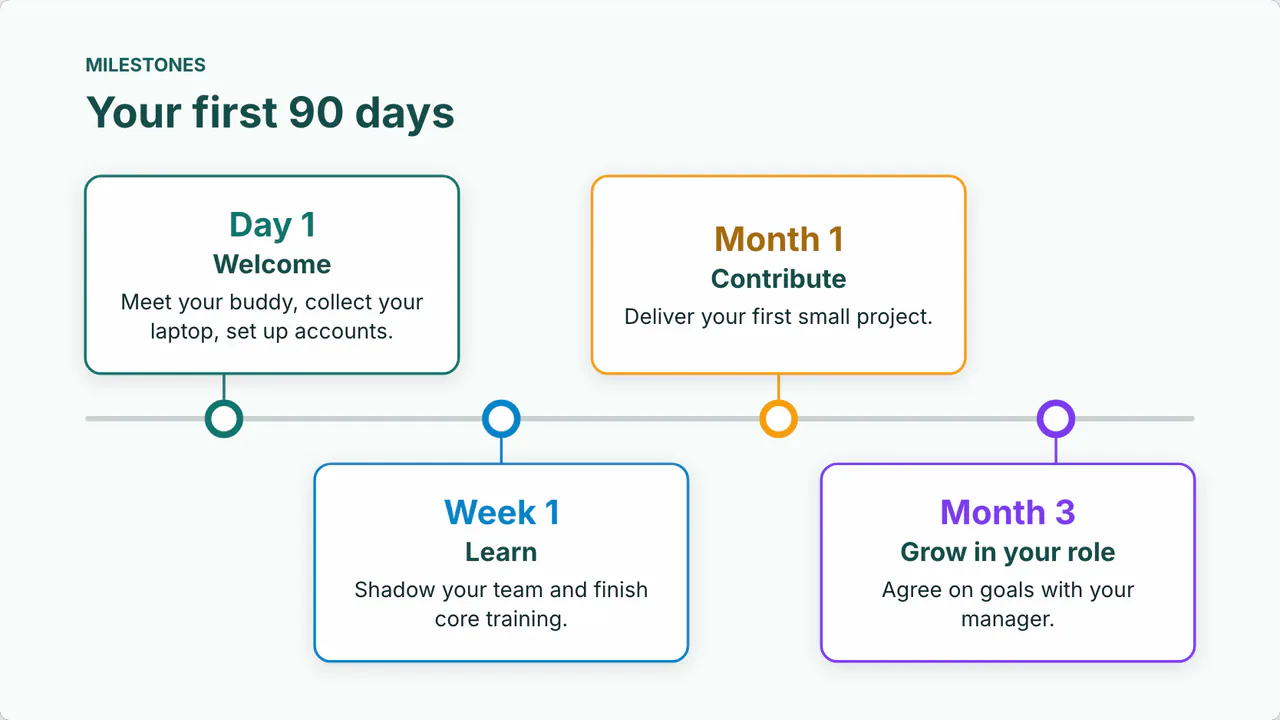
The first 90 days
A timeline from Day 1 to Month 3 — welcome, learn, contribute, grow in your role — next to a first-day schedule from the 9:00 coffee to the 14:00 course.
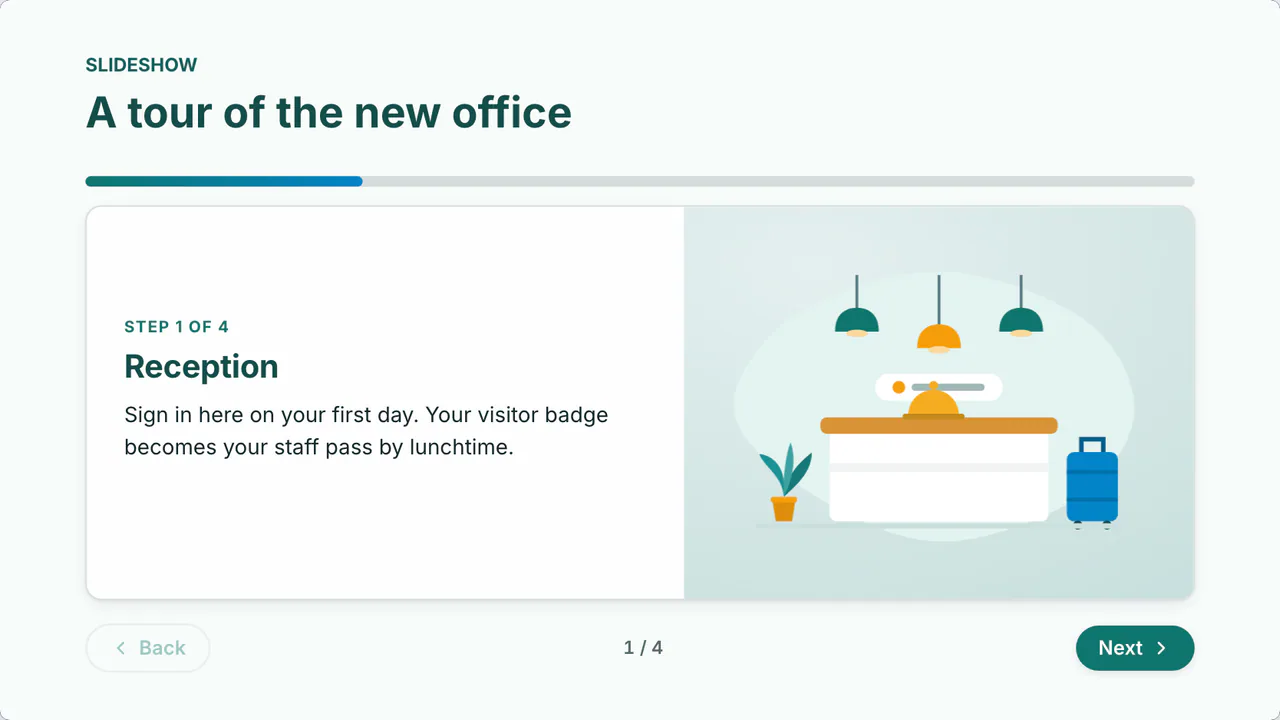
An office tour
A slideshow of reception, the open-plan floor, the meeting rooms and the kitchen, each with the one thing worth knowing.
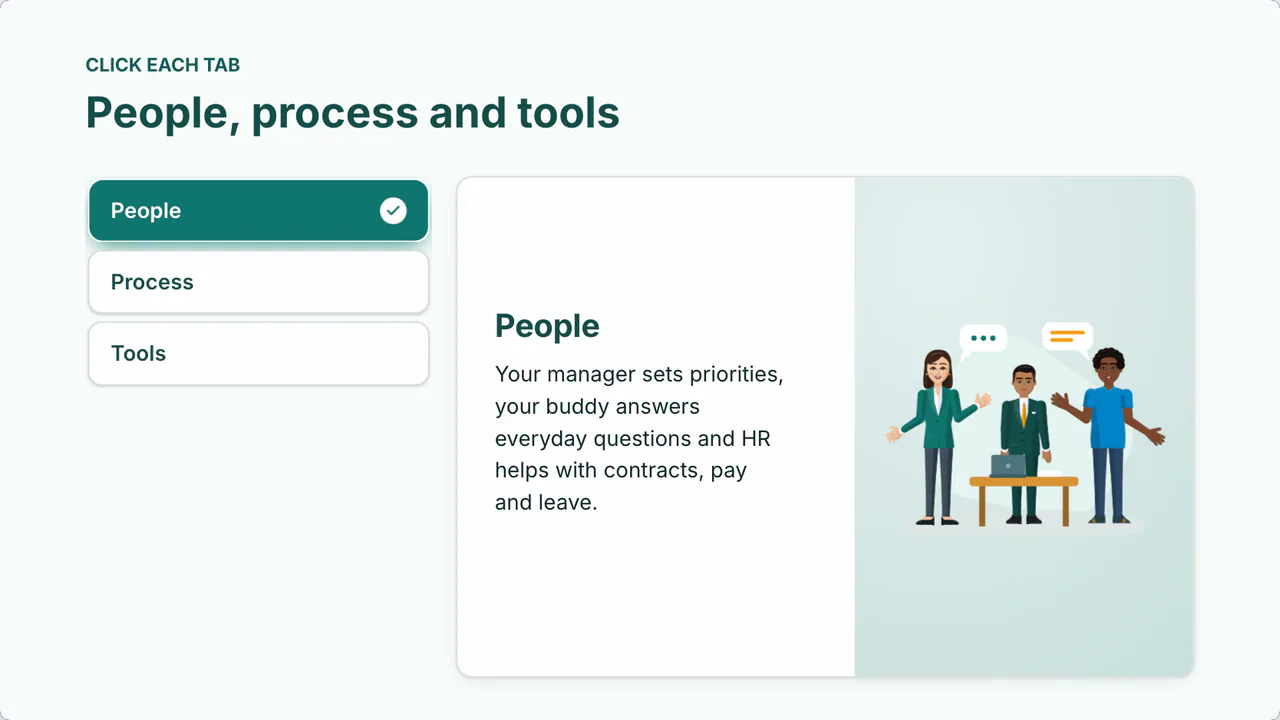
People, process and tools
Three tabs on how work gets done here; Continue unlocks only when new hires have opened all three.
A searchable FAQ
When do I get paid? How do I book time off? Who do I call if my laptop breaks? The answers new starters look for, with a search box.
Stuck on day three
Priya still can’t open the shared drive. Learners choose what she should do, and each wrong choice explains why it backfires.
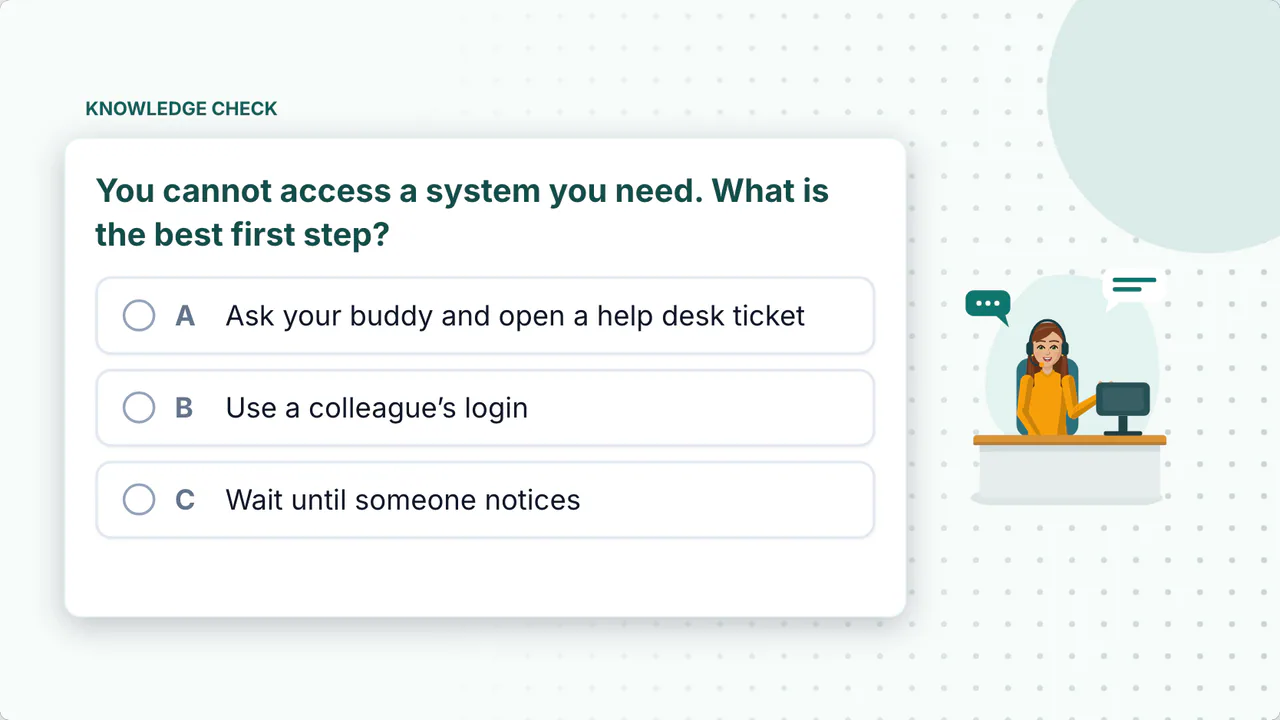
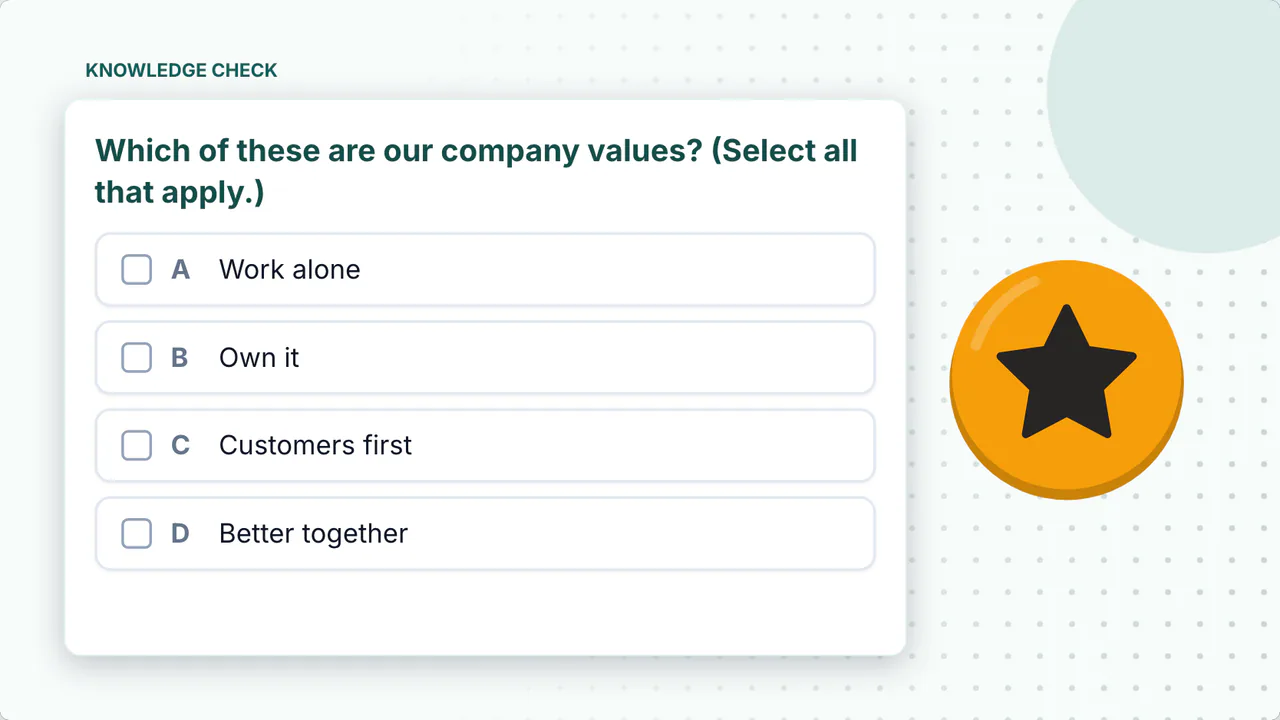
A quiz and next steps
Three questions of three kinds — multiple choice, multiple response, true or false — an 80% pass mark and a certificate, then what happens tomorrow, this week and on day 30.
After the course, learners can
- Name the company’s three values and what each one means in everyday decisions
- Know what happens on day one and what is expected by week one, month one and month three
- Find the right person for every question: their manager, their buddy, HR or the help desk
- Follow the team’s weekly rhythm: plan on Monday, a short update every day, wins and blockers on Friday
- Ask for help early through the right channel instead of waiting — or borrowing someone’s login
Made for
- New hires
- A first-week course that answers the questions people don’t like to ask in a meeting.
- HR & People teams
- One welcome for every new starter, the same on day one wherever they join.
- Hiring managers
- Send it before the first day, so the first conversation is about the work, not the paperwork.
- Remote & hybrid teams
- Culture, tools and who to ask, for people who won’t meet the team in person straight away.
From template to your own course in minutes
Everything in the template can be changed in Lumesson — by hand, or by asking Lume AI.
- 1
Open it in Lumesson
Home ▸ Templates ▸ Employee onboarding. Every slide, question and picture can be changed — on the Free plan too.
Learn more - 2
Put it in your brand
Pick a brand kit and your logo, colours and fonts go onto every slide at once.
Learn more - 3
Make it about your company
Ask the Assistant: “Replace the three values with ours, put our real first-day schedule in the table and add our IT help desk number to the FAQ.” It edits the real course and lists what it changed.
Learn more - 4
Show your own office
Swap the office tour pictures for photos of your building, and the buddy for a real colleague with their own words.
Learn more - 5
Teach the tools by doing
Record signing in to the HR portal or booking time off once, and new hires watch it, try it and prove it in a software simulation.
Learn more - 6
Narrate and caption it
Natural AI voices or your Mac’s own voices for every slide, and captions for the whole course in one step.
Learn more - 7
Send it before day one
One click gives every slide a phone layout, so new hires can take it on their phone before they have a laptop.
Learn more - 8
Publish to your LMS
SCORM 1.2 or 2004, xAPI, cmi5 or HTML5. Completion and the quiz score go to your LMS, so you can see who has finished onboarding.
Learn more
Employee onboarding: the details
| Length | About 25 minutes |
|---|---|
| Structure | 4 parts, 22 slides |
| Interactions | Step by step, Tabs, Accordion, Diagram, Table |
| Assessment | 3 questions: Multiple choice, Multiple response, True or false |
| Results | A results slide with the learner’s score and pass or fail |
| Publish to | SCORM 1.2, SCORM 2004, xAPI, cmi5, HTML5 — or a video, Word or PDF |
| Phones | A phone layout for every slide in one click |
| Language | English — translate the whole course with AI in one step |
| Editing | Every slide, picture, question and setting can be changed |
| Price | Free with Lumesson (the Free plan adds a small “Made with Lumesson” mark) |
Other courses to start from
 IT & softwareGetting started with a new appA free software training course for any new app: a screen tour, tasks on screenshots, click-on-the-screen practice, shortcuts and a graded quiz. Play it now.
 ComplianceCybersecurity awarenessA free cybersecurity awareness training course: passwords, MFA, spotting phishing, a secure desk, a timed game and a four-question quiz. Play it now.
 Customer serviceTurning complaints aroundA free complaint handling course built on the HEARD method: words that help, a live chat to answer, a timed game, a branching scenario and a quiz. Play it now.
Read more
Employee onboarding training: a course, a welcome video and a 30-day plan
Plan employee onboarding training that works: an onboarding course, a welcome video, software walkthroughs, a checklist and a sample 30-day onboarding outline.
Read the guideGuideSoftware training for employees: a rollout plan that actually works
Software training for employees: plan a new system rollout by role, give people safe practice with simulations, add videos and guides, and measure results.
Read the guideGuideHow to make a training video people actually finish
How to make a training video people finish: plan and script it, record your screen on a Mac, add zoom, captions and narration, hide private data, export MP4.
Read the guideFrequently asked questions
Is this employee onboarding training template free?
Yes. Every course template comes with Lumesson, including the Free plan, which has every authoring feature. Courses published on Free carry a small “Made with Lumesson” mark; a one-time Lifetime licence removes it.
Can I upload it to my LMS?
Yes. Publish it as SCORM 1.2, SCORM 2004, xAPI or cmi5 and upload the package to your LMS: it reports completion and the quiz score. You can also publish HTML5 for an intranet or a link you send before the first day.
How much of it do I need to change?
The structure works for most companies as it is. The values, the buddy, the first-day schedule, the office tour and the FAQ answers are realistic examples, so replace them with your own — by hand, or by asking the Assistant to do it from your notes.
How long does the course take?
About 25 minutes, including a three-question quiz. Split it into a welcome before day one and the rest during the first week if you prefer shorter sessions.
Can new hires take it on their phone?
Yes. One click gives every slide a phone layout, and the published course works on phones, tablets and computers — useful before a new starter has their laptop.
Can I give it to new hires in another language?
Yes. Lumesson makes a translated copy of the whole course with AI, voices the narration again in the new language and lists anything worth checking.
Make “Welcome to the Team” your own
Download Lumesson free for Mac, open the template from Home ▸ Templates and change anything — by hand or by asking Lume AI.