 Lumesson
Start from a template. Finish on brand.
Thirty ready-made courses — onboarding, cybersecurity, safety, sales, HR policies, retail and more — with design styles, brand kits, characters and illustrations to make them yours.

Everything you need, in one app
30 course templates
Written and designed: scenarios, flip cards, sorting games, hotspots and quizzes.
24 design styles
Change the look of the whole course in a click.
Brand kits
Logos, colors, fonts, captions, video look and certificate in one kit (.lsnkit) — kept on your account when signed in.
Characters
10 illustrated characters in half body (16 expressions) and full body, and 15 Studio characters in your theme’s colours.
Icons and illustrations
The full Lucide icon set and 160+ illustration packs in 13 art styles that recolor with your theme.
Diagrams
52 diagram styles that keep themselves tidy as you type.
One click changes the look of every slide
Each design style sets fonts, colors, layouts, answer choices and diagrams together, so a course never ends up half old, half new.
- See every style on your own slides before you choose
- Your brand kit on top of any style, or brand only
- Text styles and Replace Fonts for the whole course

Your brand, in every course and video
A brand kit holds your logos, colors, fonts and shape, caption look, video look, published-course page, certificate and writing voice. New courses and videos start with your default kit; contrast is checked for you.
- Extract colors from your logo
- Export a kit to share it with your team
- Lume AI follows the kit’s writing style

Start fast, and never lose track of a course
Begin from a prompt for Lume AI, a blank course, a recording or a PowerPoint deck — and find any course or recording again months later, with folders, pins and a Trash that lets you change your mind.
- Pick up where you left off
- Your courses are files on your computer, easy to back up and share
- Templates and your brand kits ready when you start

Play the templates before you start
Every template is a complete course. Play it in your browser, then open it in Lumesson and make it yours.
 OnboardingEmployee onboardingA free employee onboarding course for a new hire’s first week: values, a buddy, the first 90 days, a first-day plan, a scenario and a quiz. Play it now.
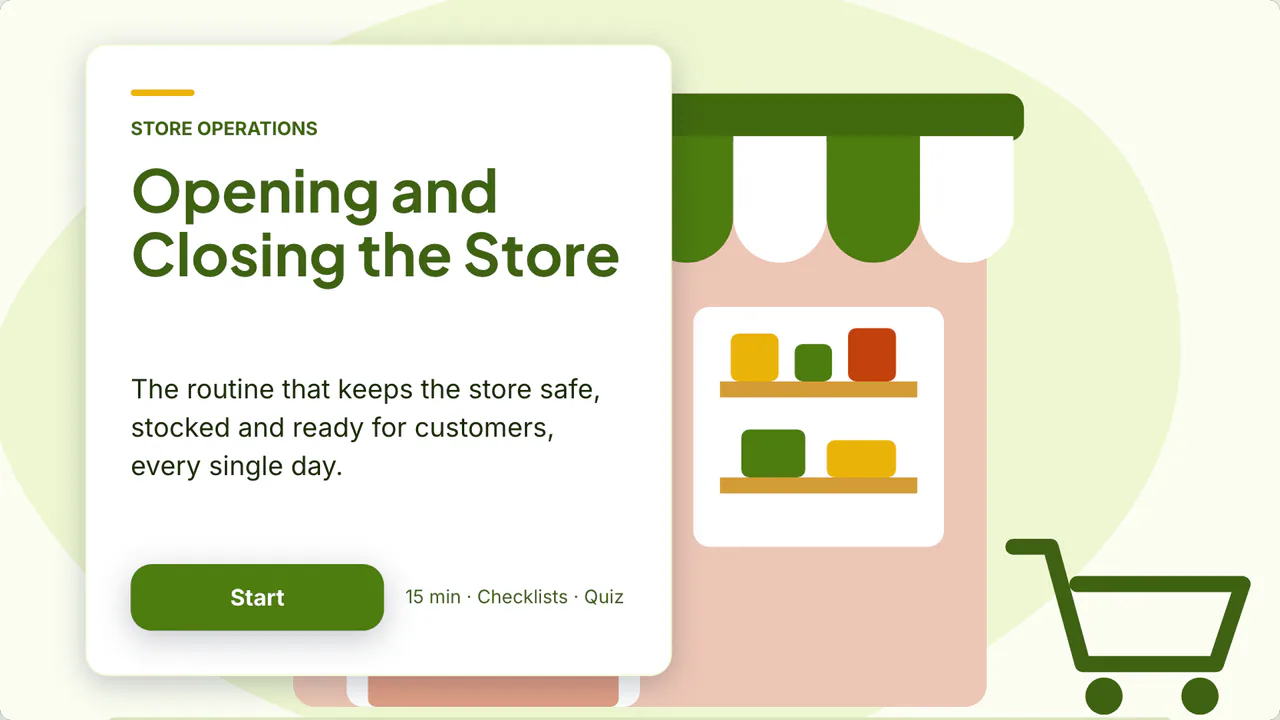 Retail & warehouseOpening and closing the storeA free retail course on opening and closing the store: the first 45 minutes, the shop front, cash handling, a closing checklist and a quiz. Play it now.
 Retail & warehousePicking and packing accuracyA free warehouse pick and pack course: the scan-check-pick-confirm routine, the pick list, safe packing, a hazard hunt, a quiz and a badge. Play it now.
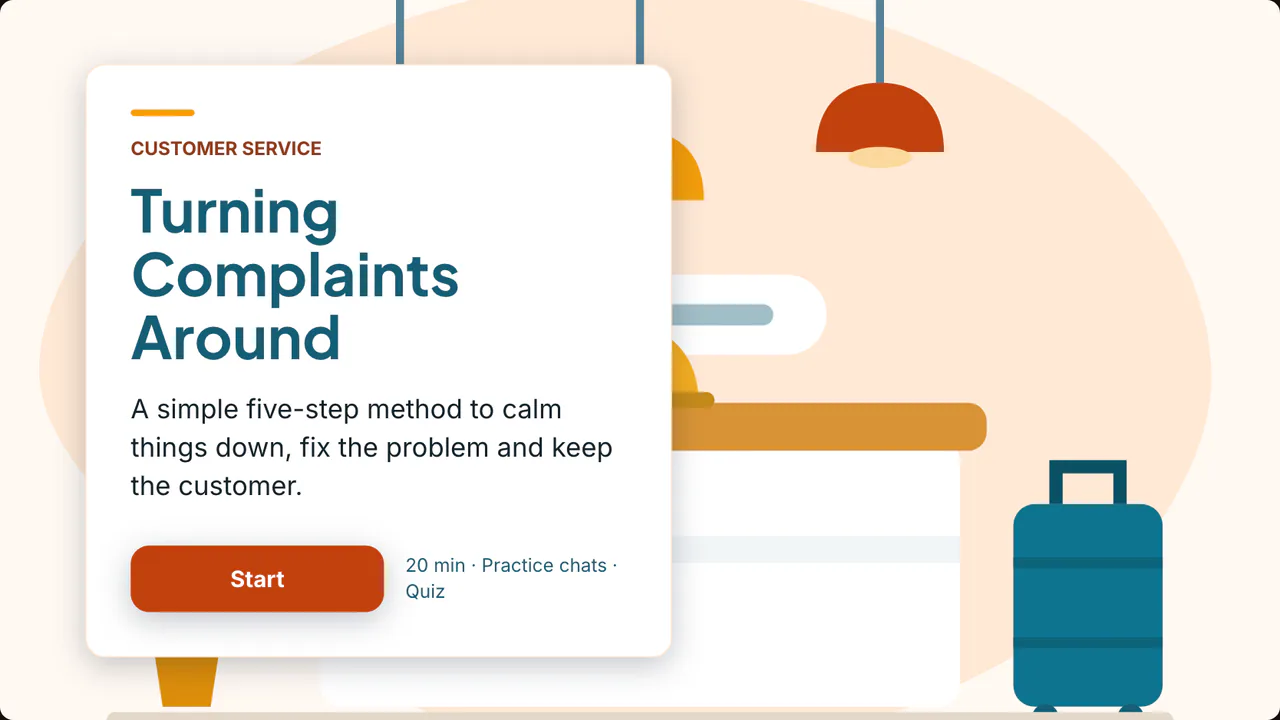 Customer serviceTurning complaints aroundA free complaint handling course built on the HEARD method: words that help, a live chat to answer, a timed game, a branching scenario and a quiz. Play it now.
 SafetyWorkplace safetyA free, ready-to-run workplace safety training course: hazards, PPE, safe lifting, near misses and emergencies, a graded test and a certificate. Play it now.
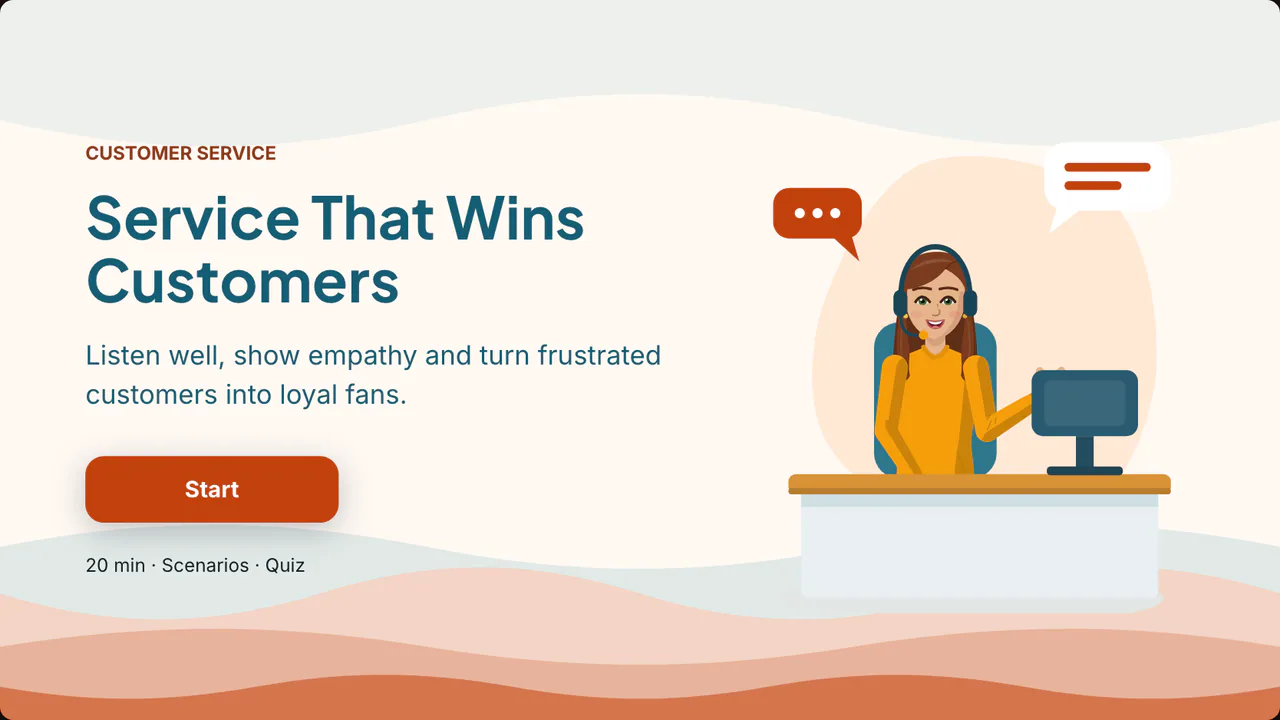 Soft skillsCustomer service skillsA free customer service training course: the LEAP method for complaints, words that help, a late-delivery scenario and a live conversation to practise.
Works hand in hand with
Course authoring
An interactive eLearning authoring tool: slides, layers, states, interactions, variables, diagrams and equations.
Learn moreBranching scenarios
Scenario-based learning with illustrated characters, choices, coaching, points and endings.
Learn moreLume AI
The AI course creator and editor built into Lumesson: from a prompt to a finished, editable course.
Learn moreFrequently asked questions
Can I use my brand?
Yes. Brand kits carry your logos, colors and fonts, and design styles apply them to every slide, the player, captions and videos.
Can AI use a template’s style?
Yes. When you create a course with AI you pick a design style (or let the AI propose one), a brand kit and an optional character.
Make your first course this afternoon
Lumesson is free to download for the Mac — Windows is coming soon. Add AI whenever you need it.