 Lumesson
Store opening and closing training template
A 15-minute retail course on the daily routine: the first 45 minutes before the doors open, a walk around the shop front, a map of the store, cash handling and a customer still browsing at closing time — then an interactive closing checklist, a quiz and a checklist to pin up. Play it below, then make it yours.
- 15 minto complete
- 14slides in 4 parts
- 3questions, 3 kinds
- SCORMxAPI · cmi5 · HTML5
Already have Lumesson? Open this template in the app
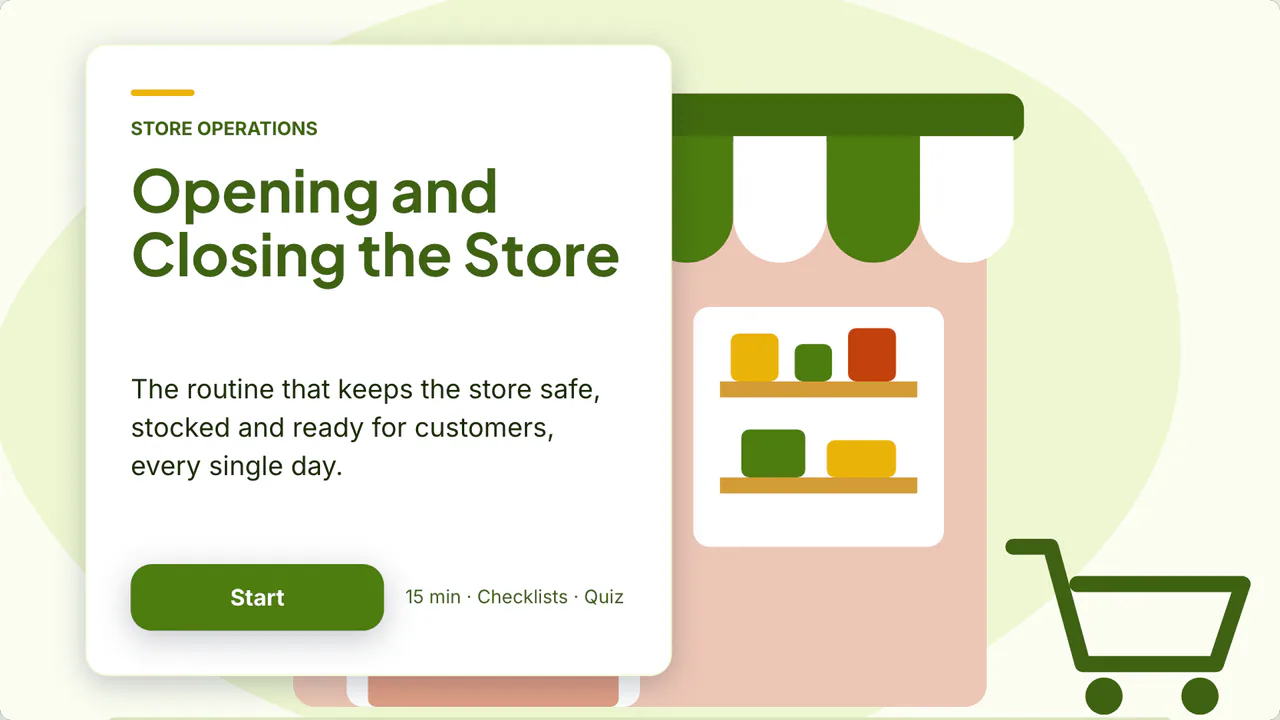 Play the course
Take “Opening and Closing the Store” as a learner
This is the real course, published from Lumesson as HTML5. Click through it, try every activity and take the test — nothing you do is recorded.
Open full screenWorks on phones and tablets too
14 slides in 4 parts
A free retail course on opening and closing the store: the first 45 minutes, the shop front, cash handling, a closing checklist and a quiz. Play it now.
Introduction
2 slidesOpening up
4 slidesCash and security
2 slidesClosing up
6 slidesA look at the course
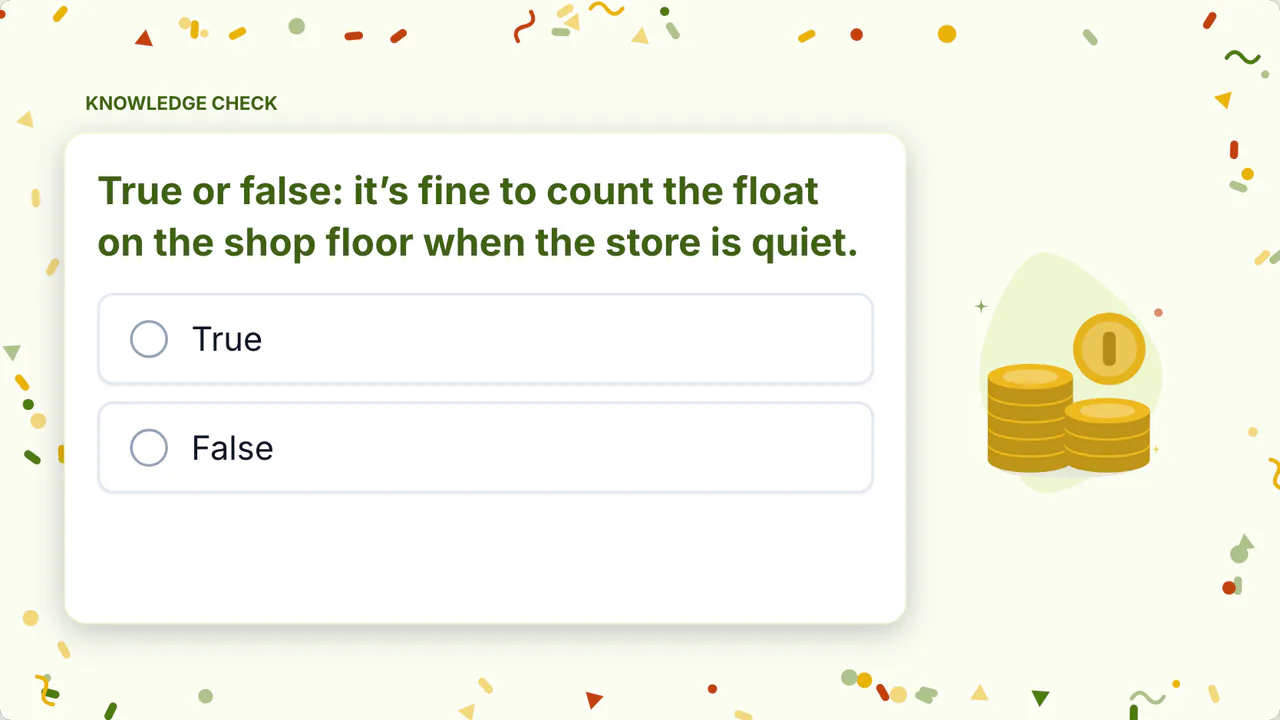
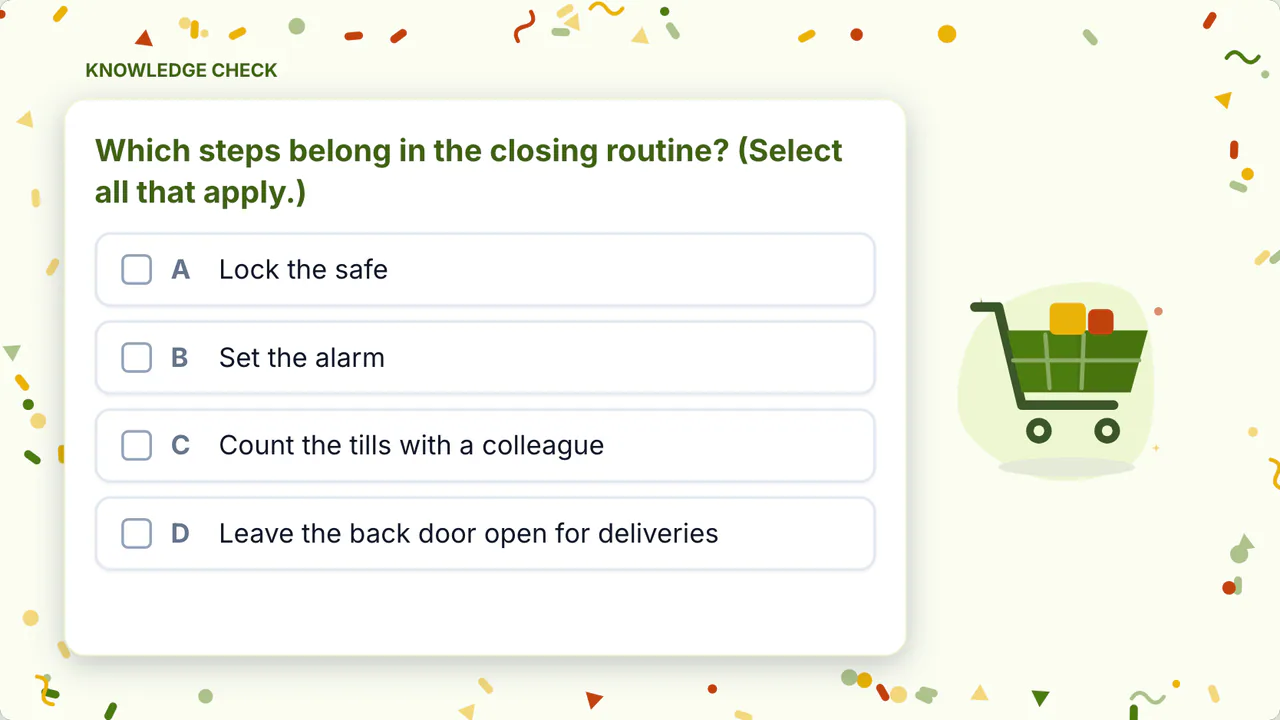
Learning by doing, not by reading
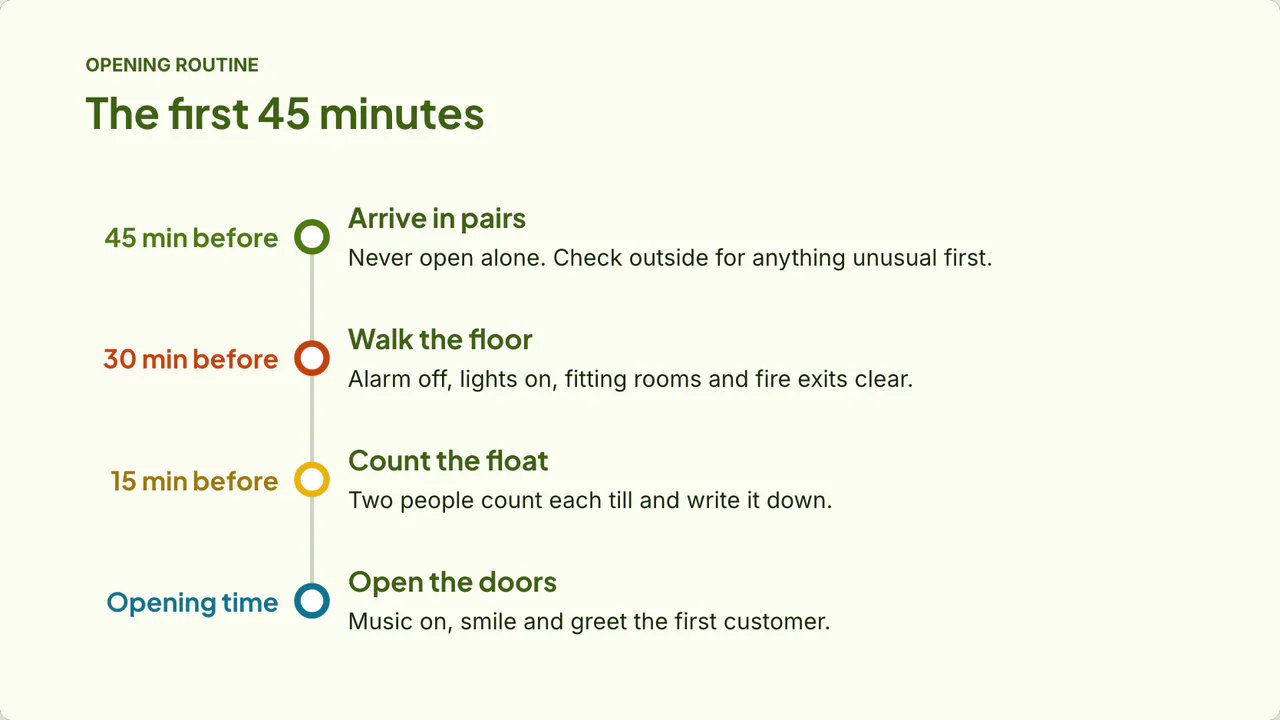
The first 45 minutes
A timeline from arriving in pairs, 45 minutes before opening, to music on and greeting the first customer.
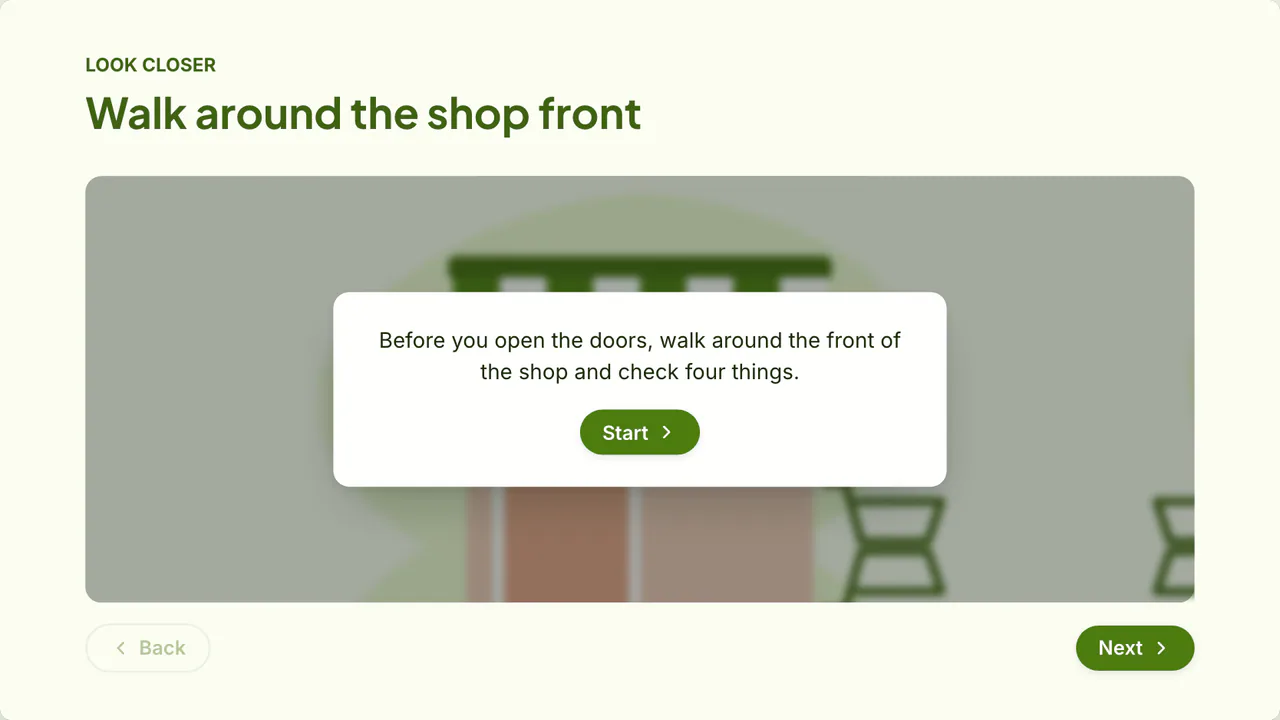
Walk around the shop front
A picture of the store front with four points to open: the sign and awning, the entrance, the window display, trolleys and baskets.
Find your way around
A store map with pins for the stockroom, the tills, the fitting rooms and the staff room.
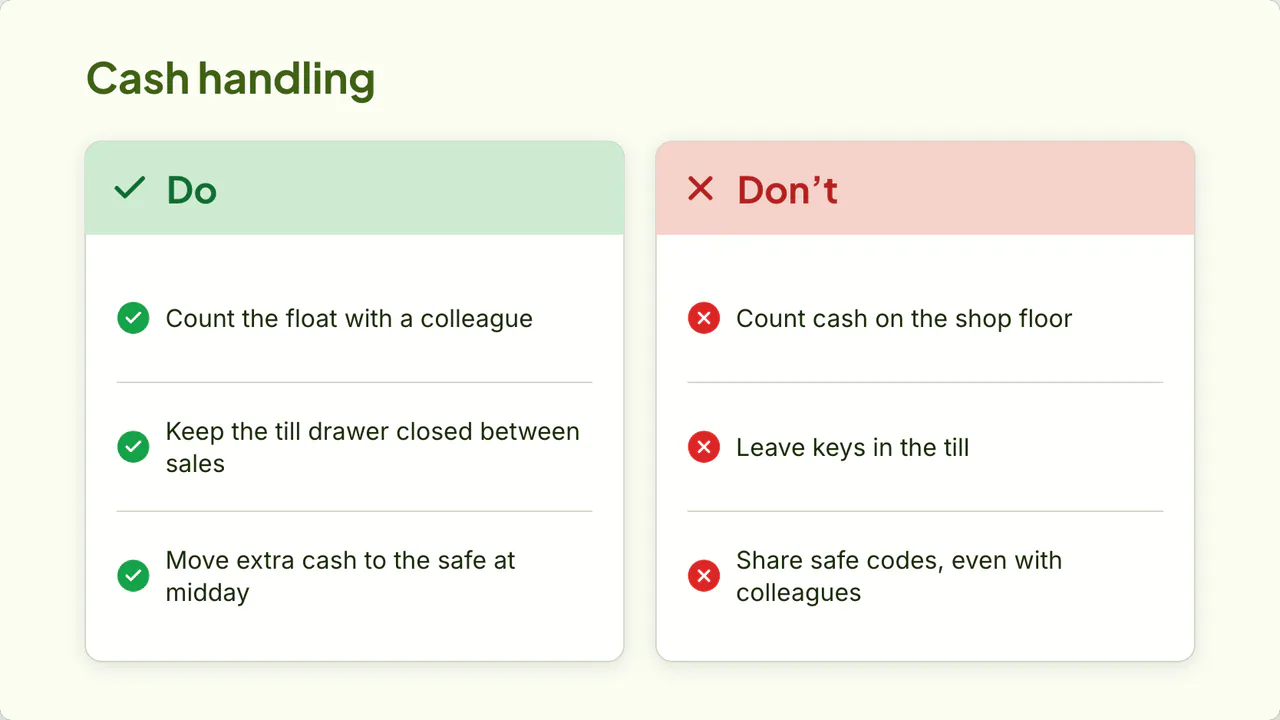
Cash handling
Three things to always do and three never to do — count the float with a colleague, never share safe codes.
Two minutes to closing
A message from the store manager: a customer is still browsing and the alarm must be set by 9:15. Learners choose what to do.
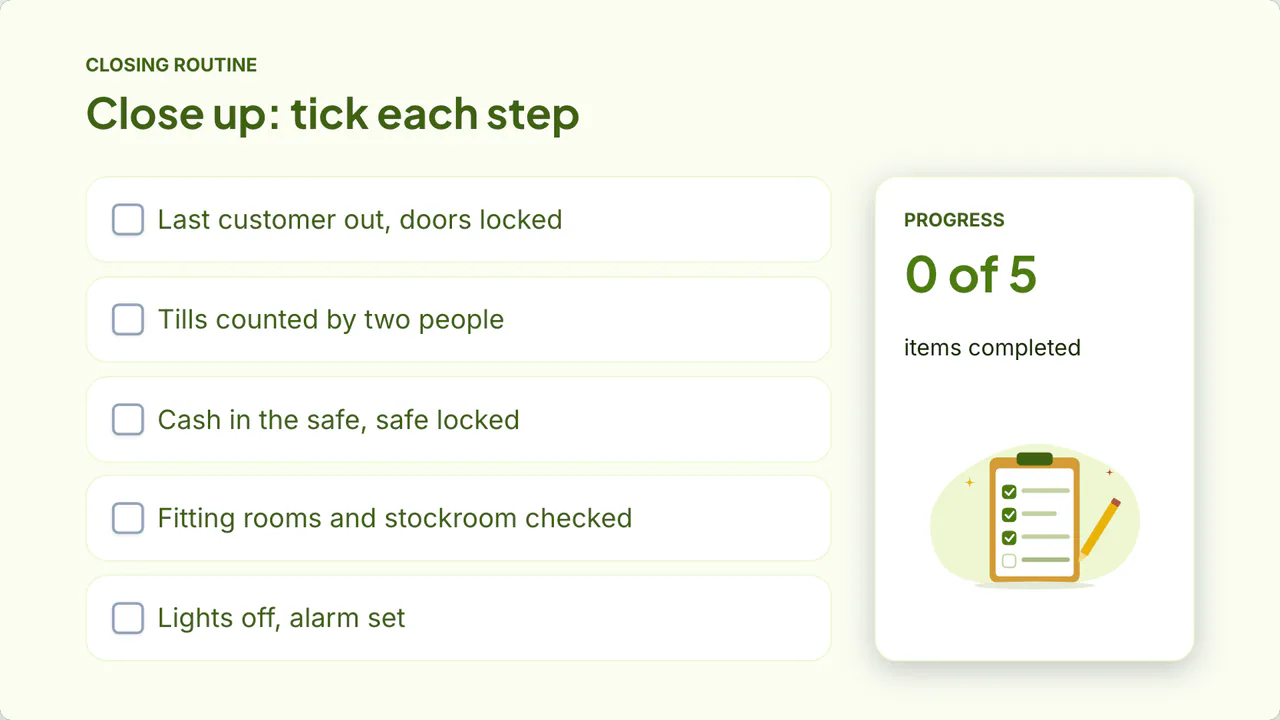
Close up: tick each step
An interactive closing checklist of five steps with a progress count; ticking them all shows “Store closed!”
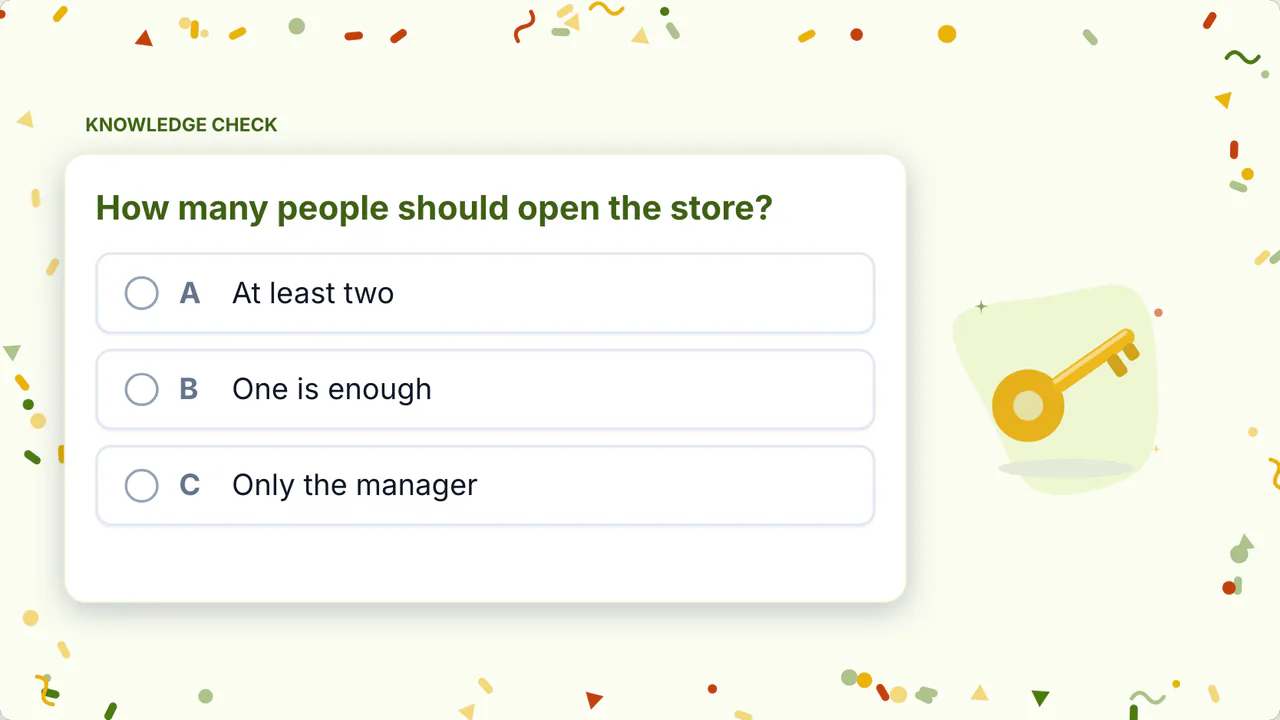
A quiz, three ways
Multiple choice, true or false and multiple response, with an 80% pass mark.
A checklist to pin up
The opening and closing routine in two columns, ready for the staff room wall.
After the course, learners can
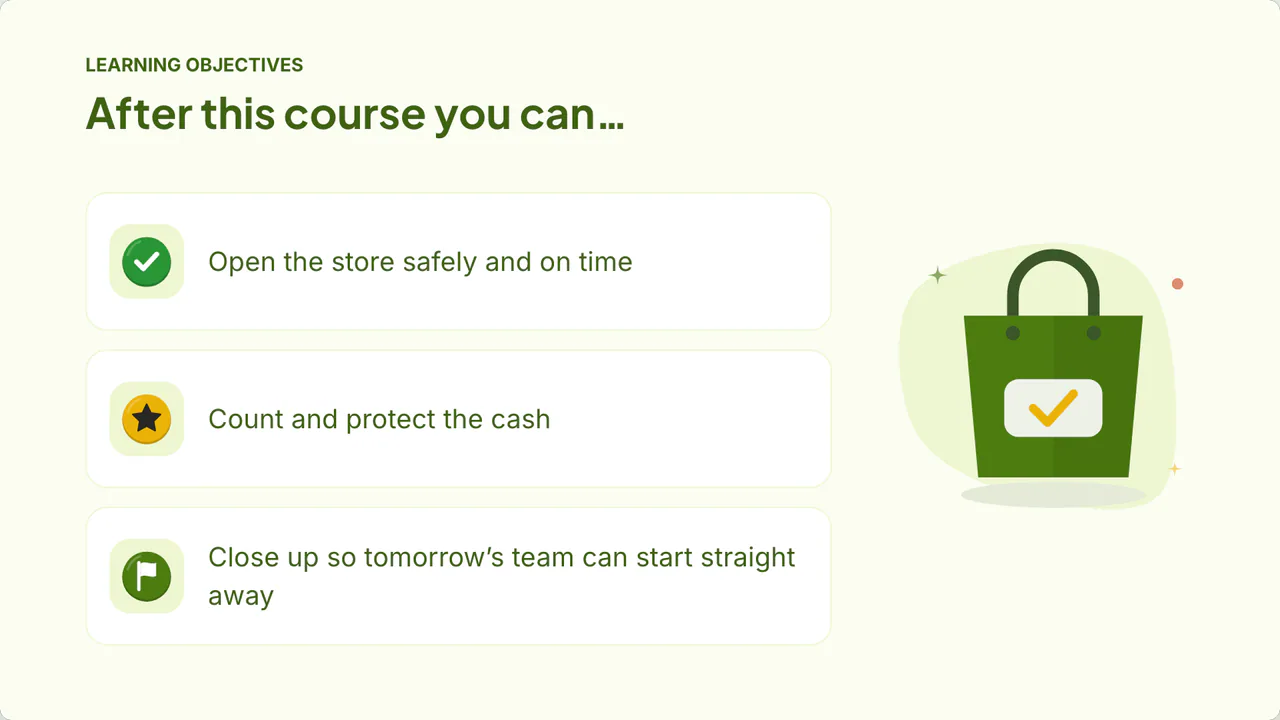
- Open the store safely and on time, never alone
- Check the shop front before the doors open
- Count and protect the cash: two people, away from the shop floor
- Close politely on time when a customer is still browsing
- Close up so tomorrow’s team can start straight away
Made for
- New store staff
- The opening and closing routine before their first early or late shift.
- Keyholders and shift leads
- The steps they are responsible for, the same in every store.
- Store managers
- A ready-made refresher for the team, with a quiz that records who passed.
- Multi-site retailers
- One routine for every branch, on every phone.
From template to your own course in minutes
Everything in the template can be changed in Lumesson — by hand, or by asking Lume AI.
- 1
Open it in Lumesson
Home ▸ Templates ▸ Opening and closing the store. Every slide, question and picture can be changed — on the Free plan too.
Learn more - 2
Make it about your store
Ask the Assistant: “Change opening time to 8 am, add our cash-up form and a step for the delivery door, and rename Lin to our area manager’s role.” It edits the real course and lists what it changed.
Learn more - 3
Add a store associate
Amara, a retail associate in a mustard polo with a name badge, can walk learners through each step — with 16 poses and expressions, and full-body poses such as walking and a handshake.
Learn more - 4
Use photos of your store
Replace the illustrated shop front and the map with photos of your own store, then place the four points and the pins where they belong.
Learn more - 5
Narrate and caption it
Natural AI voices or your Mac’s own voices for every slide, and captions for the whole course in one step.
Learn more - 6
Check it on a phone
One click gives every slide a phone layout, so staff can take it on the shop floor before a shift.
Learn more - 7
Translate it for every team
A copy in Spanish, Polish or Portuguese, with its narration voiced again and a list of anything to check.
Learn more - 8
Publish to your LMS
SCORM 1.2 or 2004, xAPI, cmi5 or HTML5. Completion and the quiz score go to your LMS, so you know who is ready to open.
Learn more
Opening and closing the store: the details
| Length | About 15 minutes |
|---|---|
| Structure | 4 parts, 14 slides |
| Interactions | Guided, Diagram |
| Assessment | 3 questions: Multiple choice, True or false, Multiple response |
| Results | A results slide with the learner’s score and pass or fail |
| Publish to | SCORM 1.2, SCORM 2004, xAPI, cmi5, HTML5 — or a video, Word or PDF |
| Phones | A phone layout for every slide in one click |
| Language | English — translate the whole course with AI in one step |
| Editing | Every slide, picture, question and setting can be changed |
| Price | Free with Lumesson (the Free plan adds a small “Made with Lumesson” mark) |
Other courses to start from
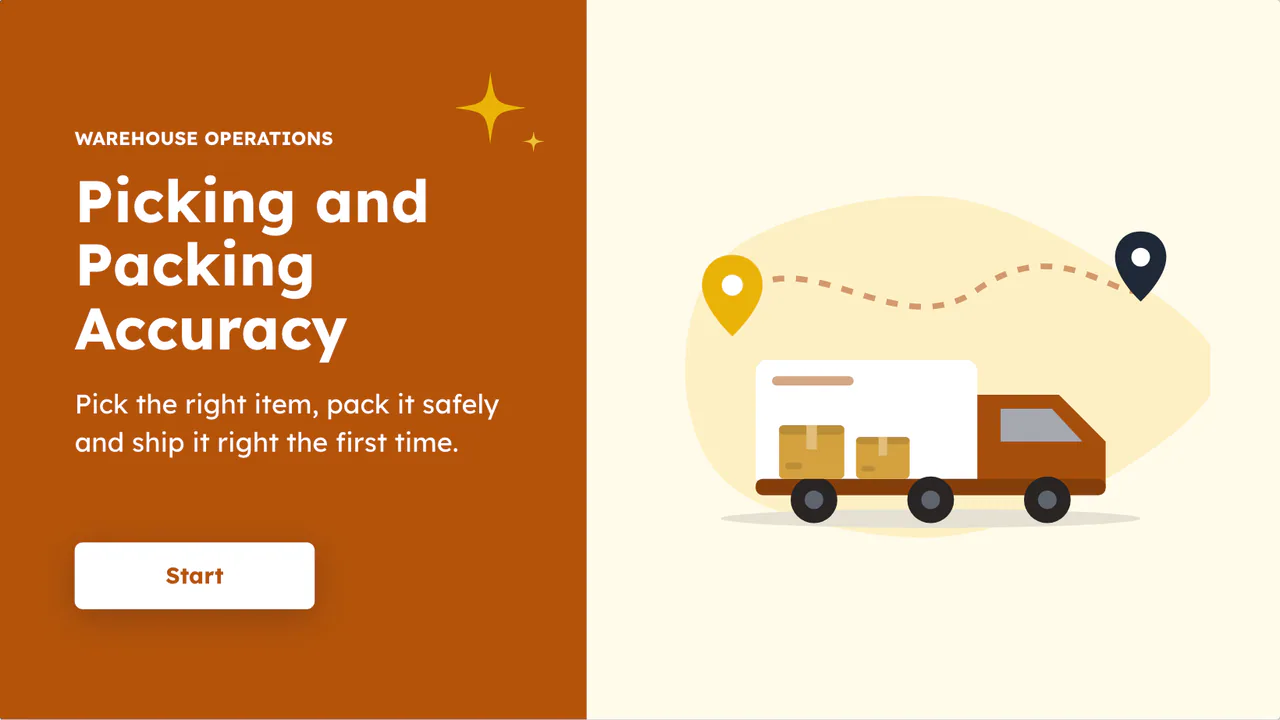 Retail & warehousePicking and packing accuracyA free warehouse pick and pack course: the scan-check-pick-confirm routine, the pick list, safe packing, a hazard hunt, a quiz and a badge. Play it now.
 OnboardingEmployee onboardingA free employee onboarding course for a new hire’s first week: values, a buddy, the first 90 days, a first-day plan, a scenario and a quiz. Play it now.
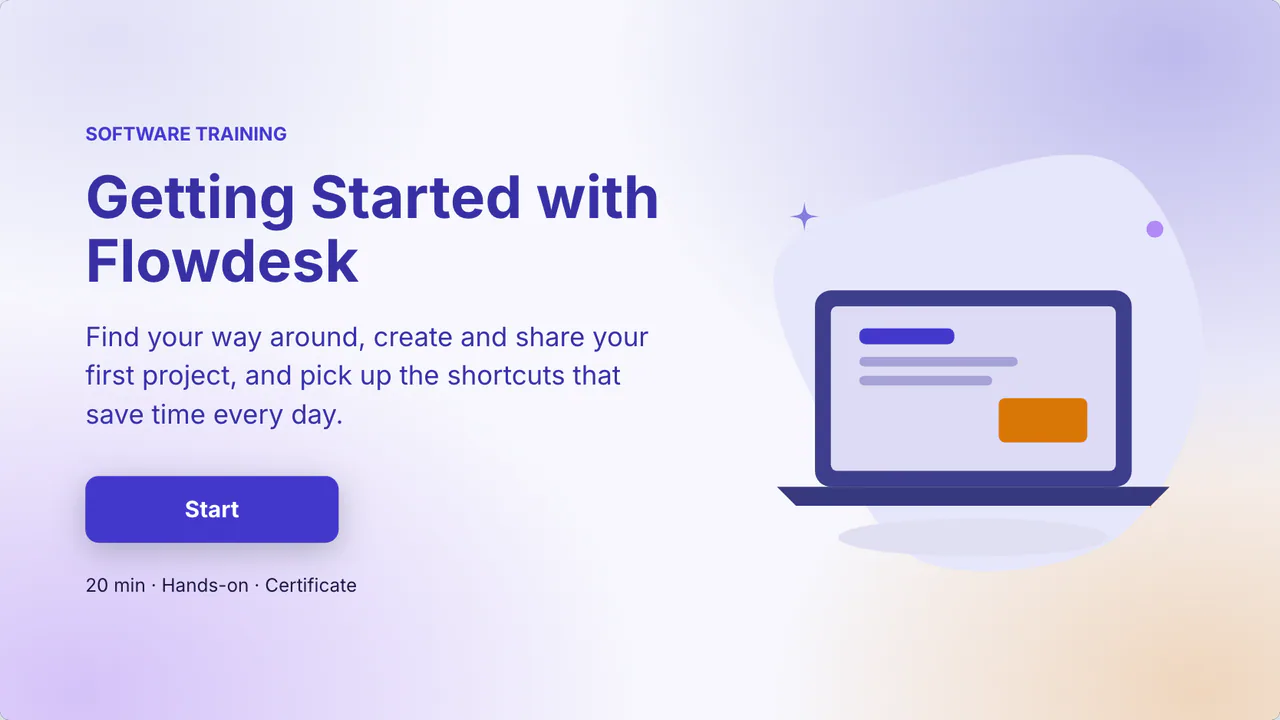 IT & softwareGetting started with a new appA free software training course for any new app: a screen tour, tasks on screenshots, click-on-the-screen practice, shortcuts and a graded quiz. Play it now.
Read more
Employee onboarding training: a course, a welcome video and a 30-day plan
Plan employee onboarding training that works: an onboarding course, a welcome video, software walkthroughs, a checklist and a sample 30-day onboarding outline.
Read the guideGuideWork instructions and step-by-step guides: how to write them, with templates
How to write work instructions and step-by-step guides people actually follow: one task, numbered steps, one action each, pictures, warnings and templates.
Read the guideGuideWhat is microlearning? A definition, 10 examples and how to make it
What is microlearning? A clear definition, when it works and when it doesn’t, 10 microlearning examples, and how to design short lessons for phones and an LMS.
Read the guideFrequently asked questions
Is this store opening and closing training template free?
Yes. Every course template comes with Lumesson, including the Free plan, which has every authoring feature. Courses published on Free carry a small “Made with Lumesson” mark; a one-time Lifetime licence removes it.
Can I upload it to my LMS?
Yes. Publish it as SCORM 1.2, SCORM 2004, xAPI or cmi5 and upload the package to your LMS: it reports completion and the quiz score. You can also publish HTML5 for a website or intranet.
Does it match our store’s procedures?
It covers the routine most stores share — opening in pairs, counting the float together, the safe and the alarm. Times, security codes and cash rules differ, so add your own procedures before you use it; the Assistant can help you do that in minutes.
Can staff take it on their phones?
Yes. One click gives every slide a phone layout, and the published course plays in any phone browser or through your LMS app.
Can I print the checklist?
Yes. The last slide is a two-column opening and closing checklist made to pin up, and the whole course can also be exported to Word or PDF.
How long does the course take?
About 15 minutes, including the quiz.
Make “Opening and Closing the Store” your own
Download Lumesson free for Mac, open the template from Home ▸ Templates and change anything — by hand or by asking Lume AI.