 Lumesson
Live chat and email support training template
A 15-minute course on fast, friendly, clear written replies: robotic versus human, a great reply in four steps and writing for a phone screen. Learners answer a customer in chat, decide chat or email against the clock, tick a before-you-send checklist and take a quiz. Play it below, then make it yours.
- 15 minto complete
- 14slides in 4 parts
- 3questions, 3 kinds
- SCORMxAPI · cmi5 · HTML5
Already have Lumesson? Open this template in the app
 Play the course
Take “Great Service by Chat and Email” as a learner
This is the real course, published from Lumesson as HTML5. Click through it, try every activity and take the test — nothing you do is recorded.
Open full screenWorks on phones and tablets too
14 slides in 4 parts
A free live chat and email support course: robotic vs human replies, a four-step reply, a chat to answer, a timed game, a checklist and a quiz. Play it now.
Introduction
2 slidesWrite like a person
3 slidesPractise
4 slidesQuiz
5 slidesA look at the course
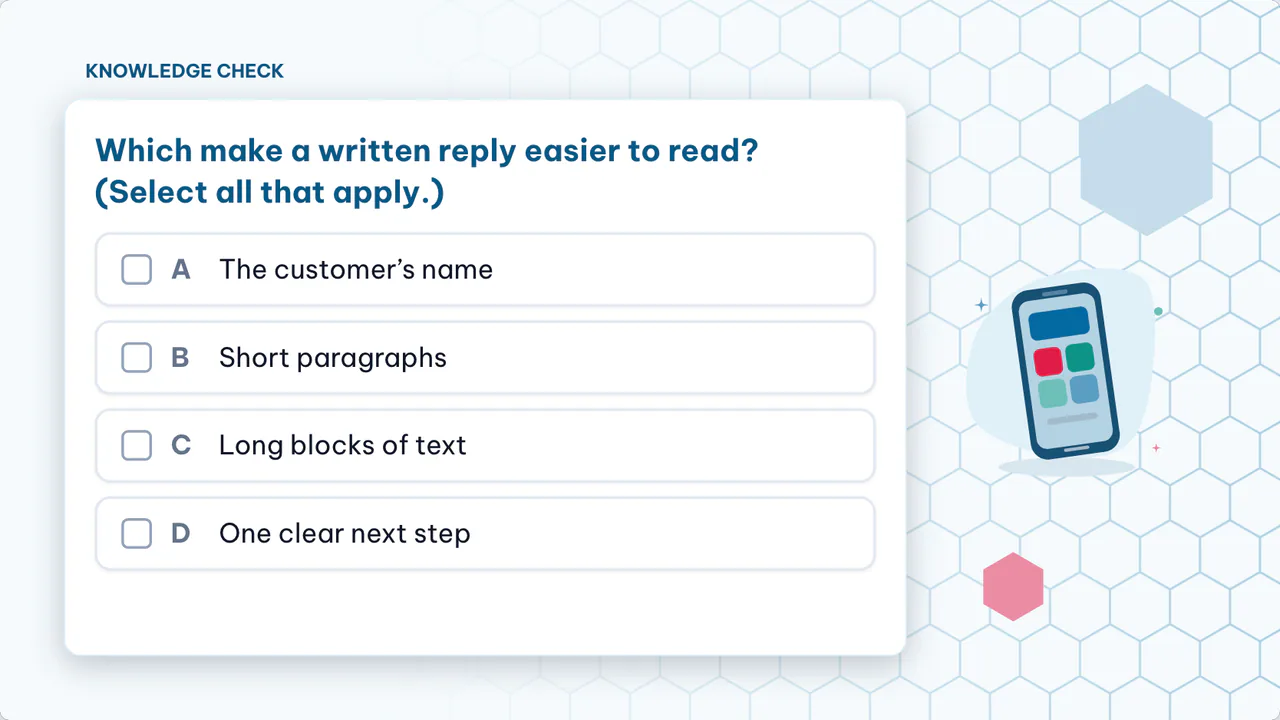
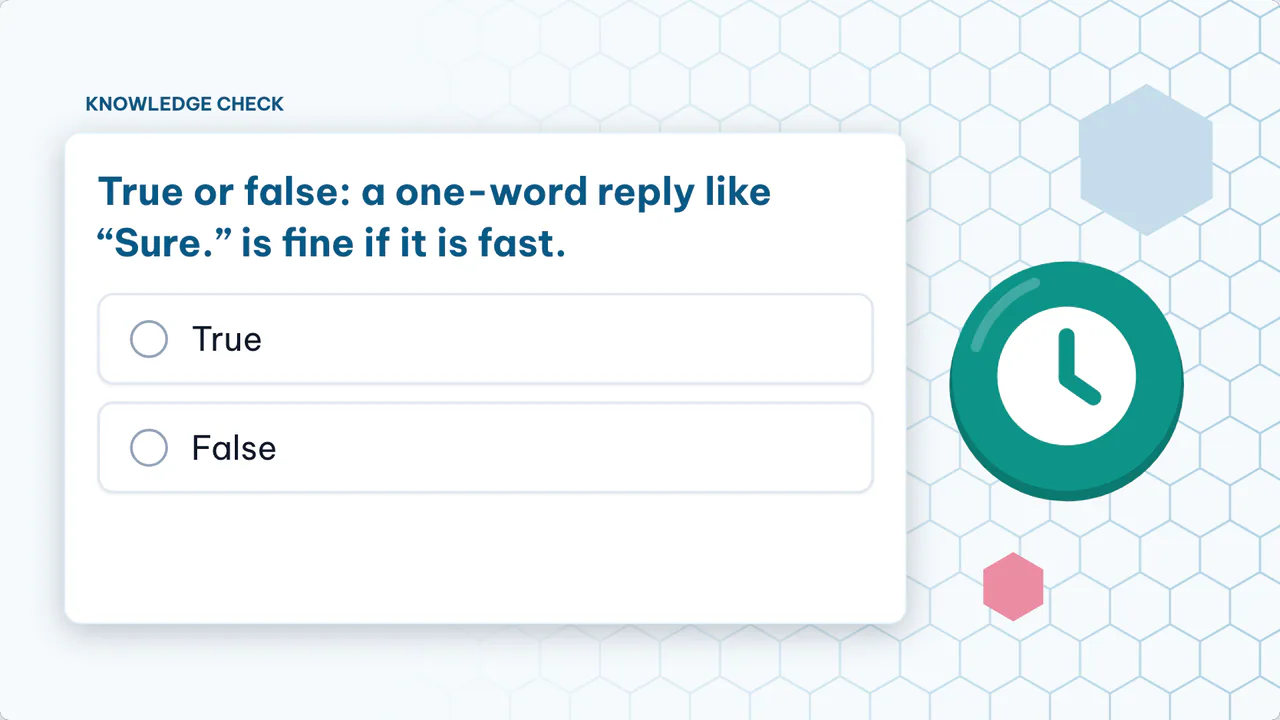
Learning by doing, not by reading
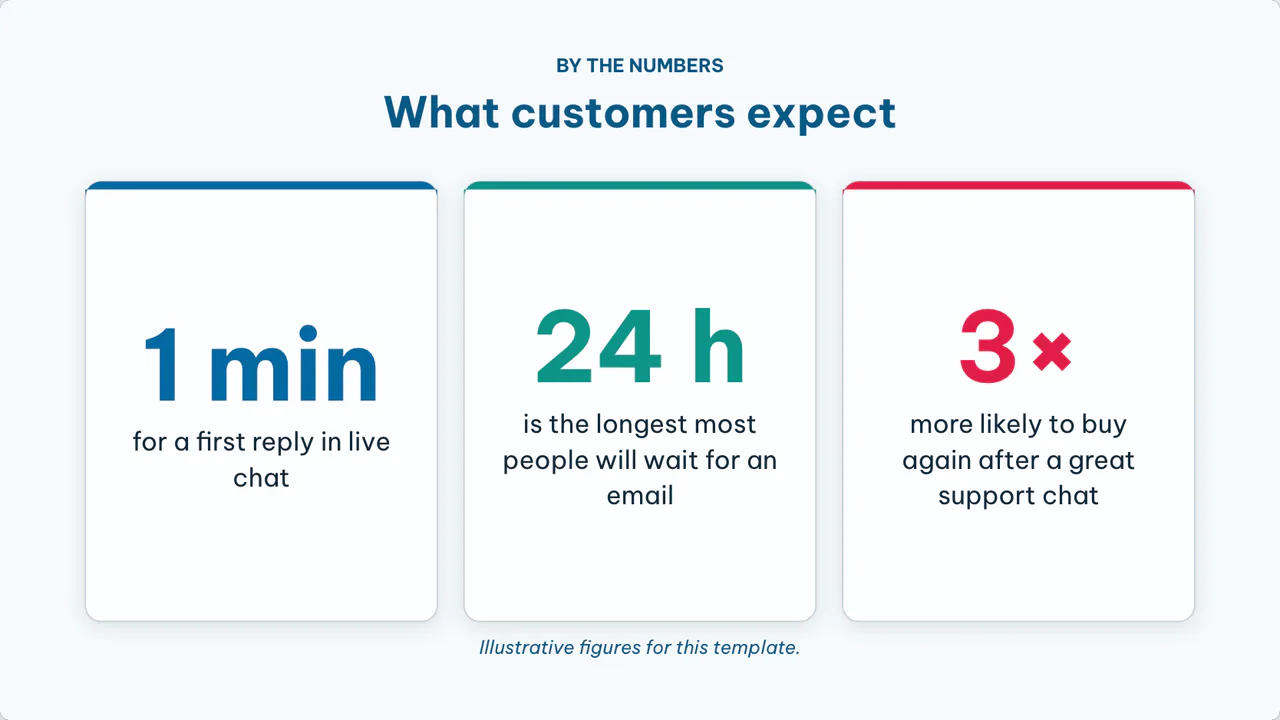
What customers expect
Three numbers to start: a first reply in a minute, a day at most for email, and three times more likely to buy again after a great chat.
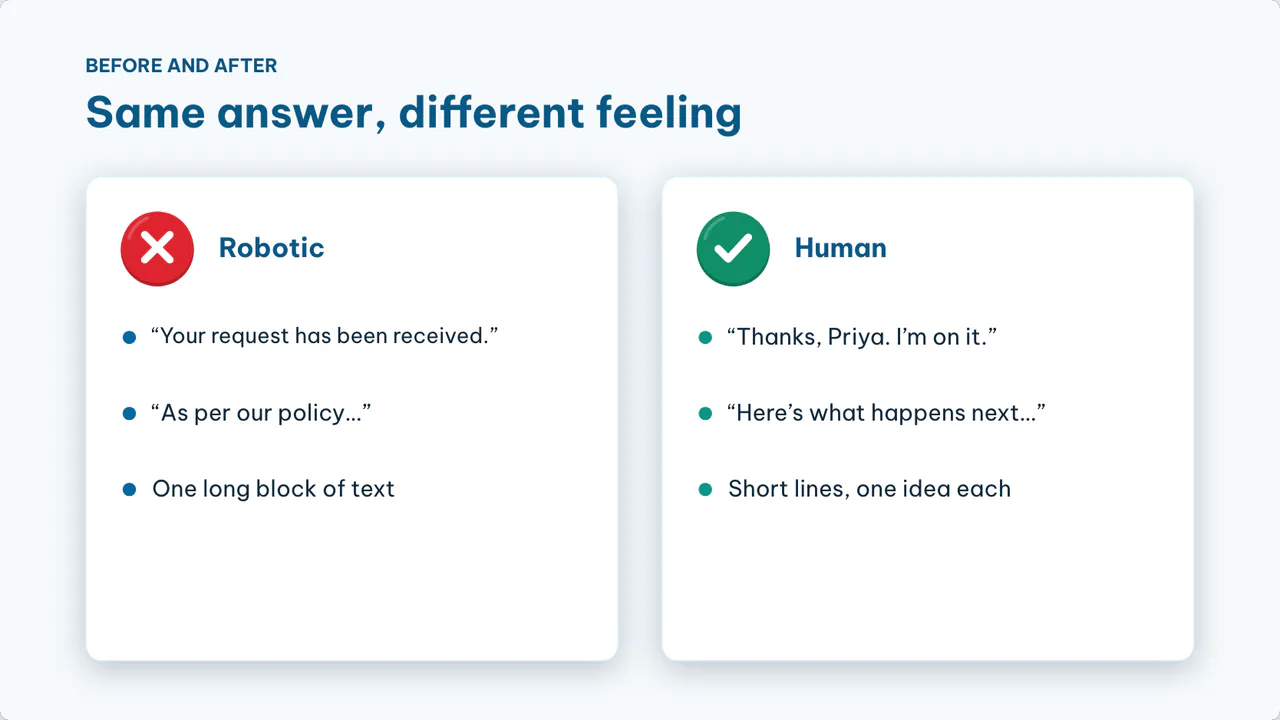
Robotic or human?
The same answer twice, side by side: “Your request has been received” against “Thanks, Priya. I’m on it.”
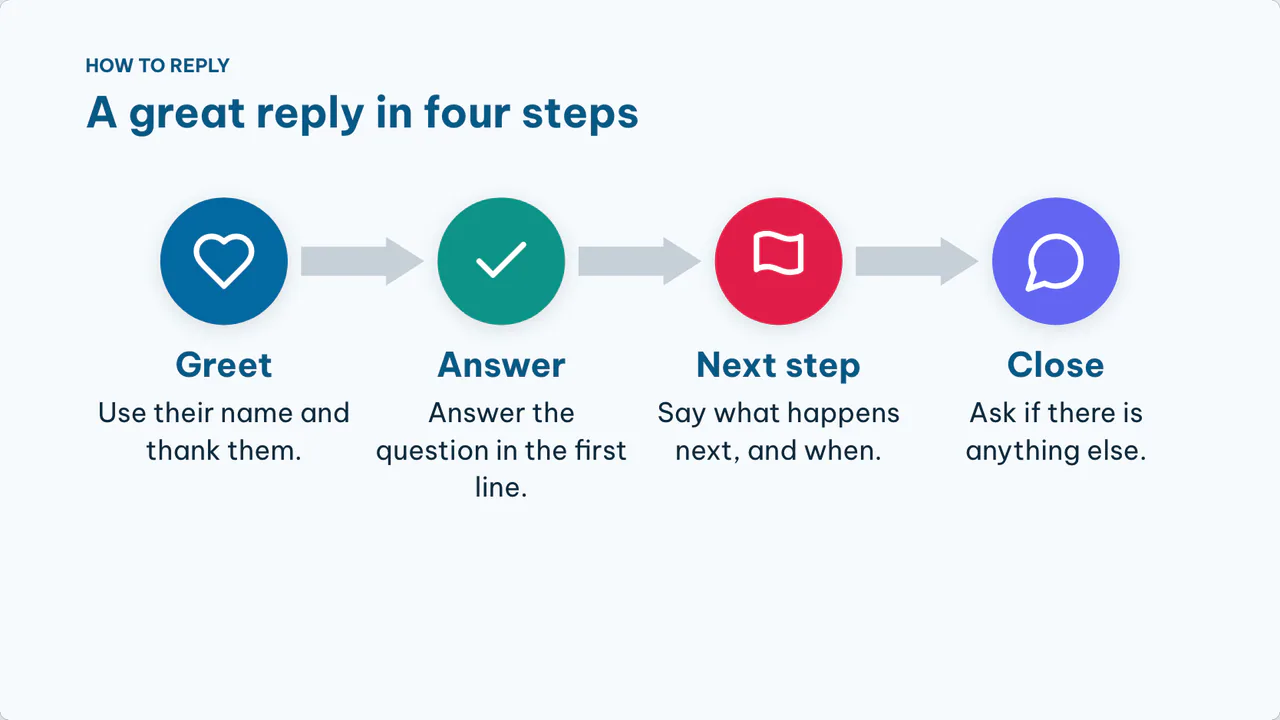
A great reply in four steps
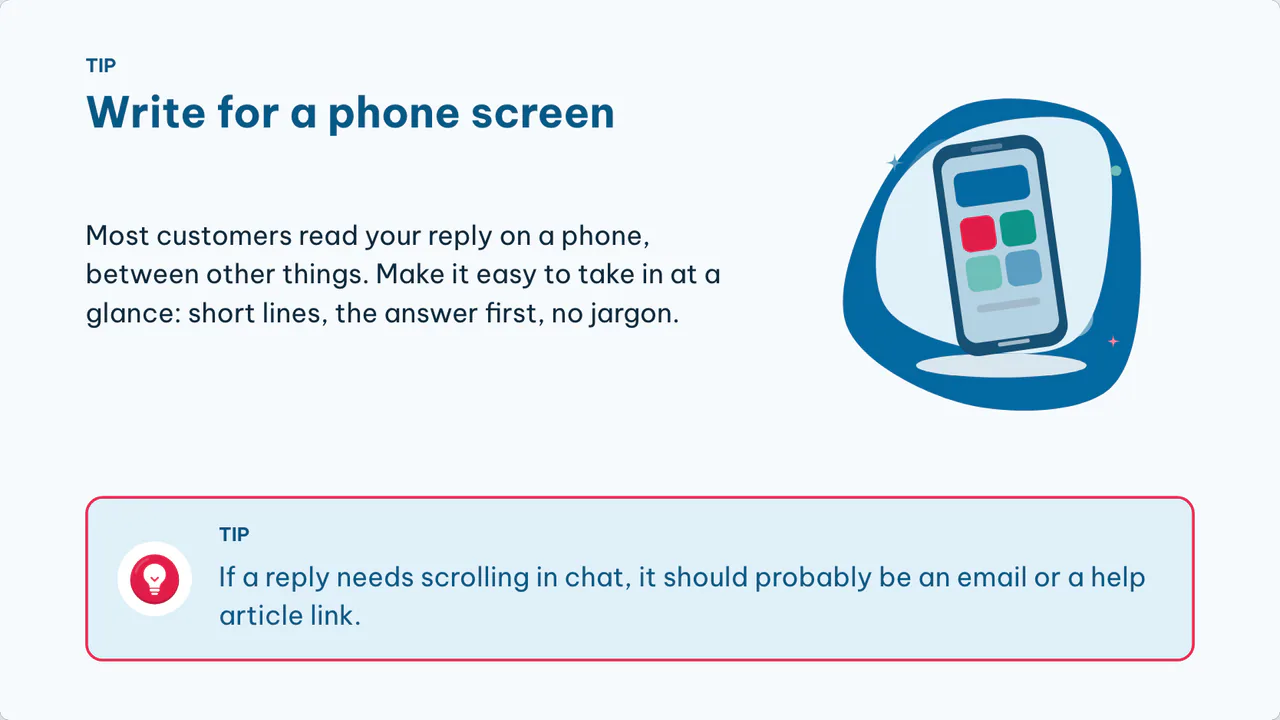
Greet, answer, next step, close — then a tip on writing for a phone screen.
A quick question in chat
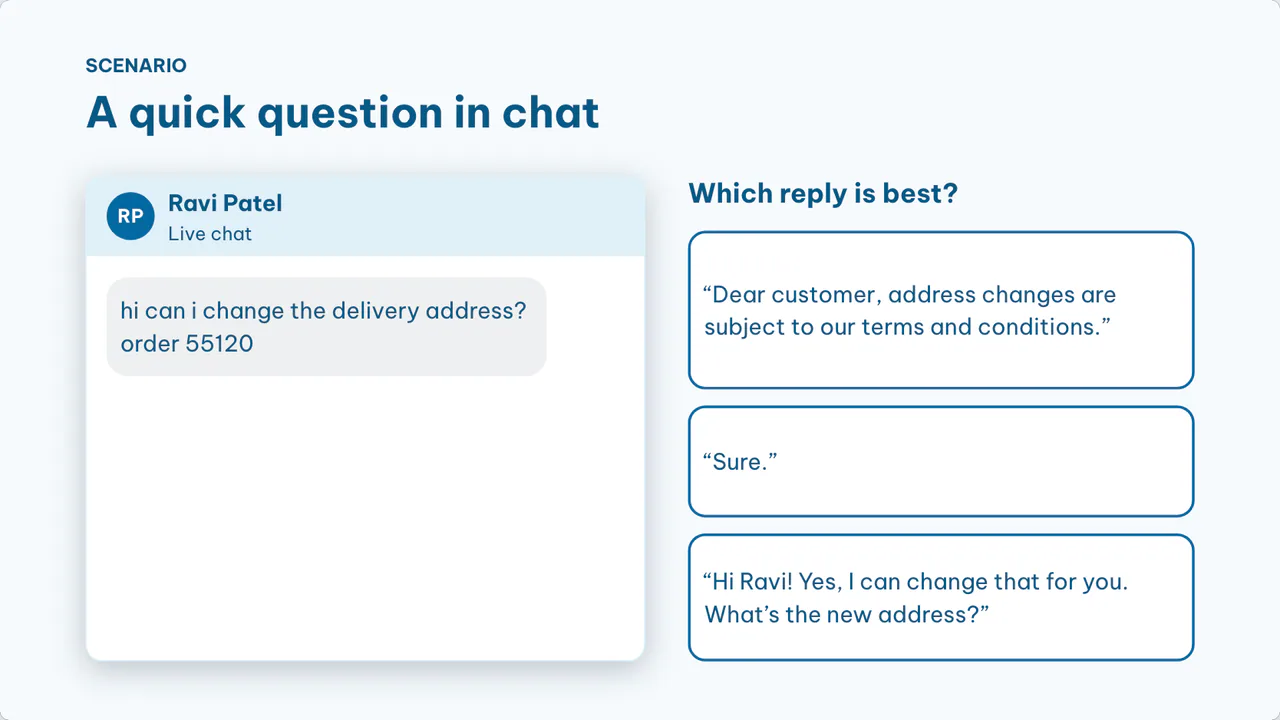
A customer wants to change a delivery address. Learners choose between a formal reply, “Sure.” and a friendly answer, and see why.
Chat or email? Beat the clock
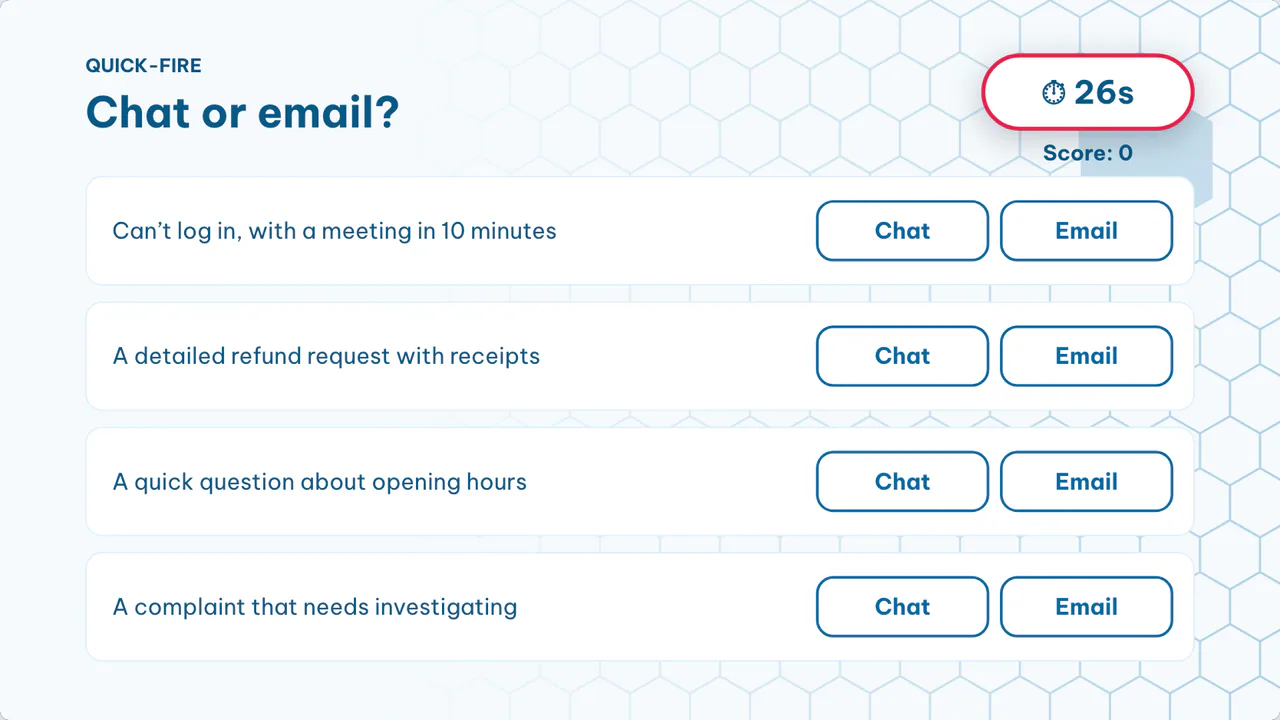
A timed quick-fire game: four requests, from a locked-out login to a refund with receipts, sent to the right channel.
Before you press Send
An interactive checklist of five checks; ticking them all shows “Ready to send!”
Put it in order
A game: select the five steps of handling a complaint in the right order, with mistakes counted.
A quiz and four habits
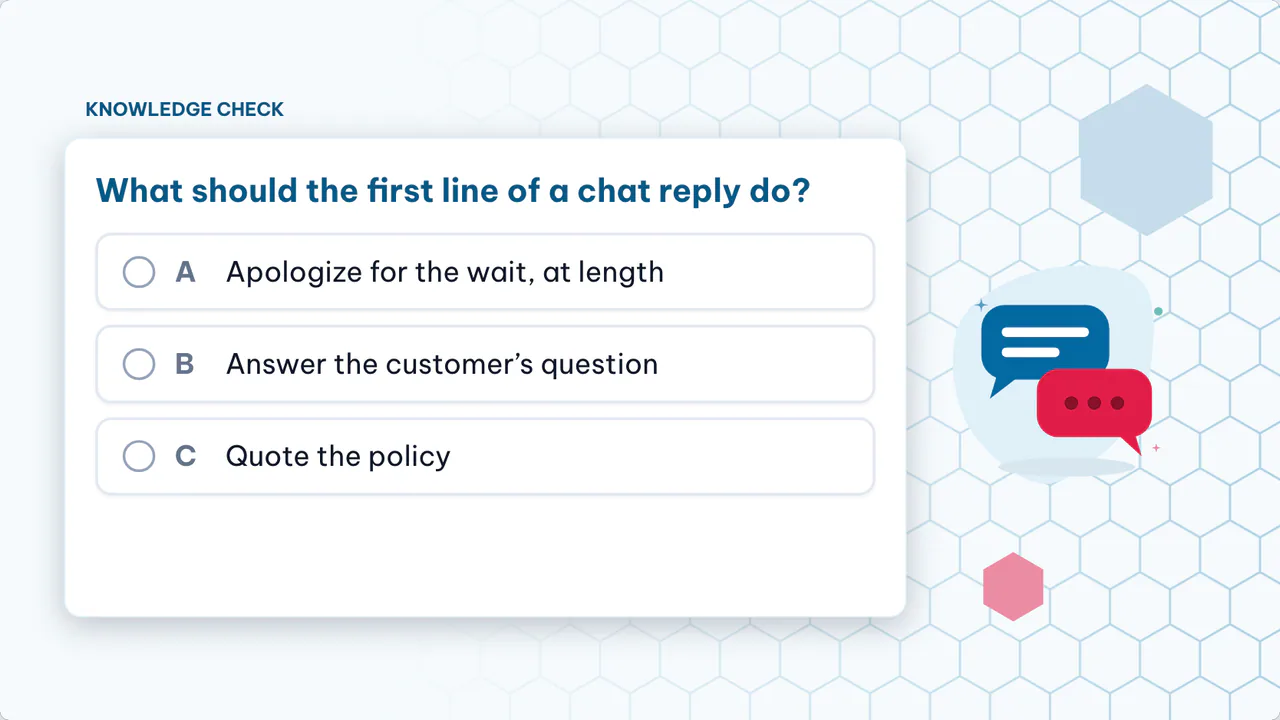
Multiple choice, multiple response and true or false with an 80% pass mark, then four habits to keep.
After the course, learners can
- Write like a person, not a policy: the customer’s name, short lines, one idea each
- Reply in four steps: greet, answer, say the next step, close
- Put the answer in the first line and write for a phone screen
- Choose chat or email for each kind of request
- Check every reply before sending: name, answer, spelling and links, next step, ticket status
Made for
- Live chat agents
- Replies that answer first, sound human and always end with the next step.
- Email support teams
- Clear written answers customers can take in at a glance.
- New support hires
- The house style for written replies, in their first week.
- Sales and success teams
- Better messages to customers in chat, email and in-app.
From template to your own course in minutes
Everything in the template can be changed in Lumesson — by hand, or by asking Lume AI.
- 1
Open it in Lumesson
Home ▸ Templates ▸ Great service by chat and email. Every slide, question and picture can be changed — on the Free plan too.
Learn more - 2
Use your tone of voice
Ask the Assistant: “Rewrite the examples in our brand voice, use our first-reply targets for chat and email, and add a scenario about a customer asking for a refund.” It edits the real course and lists what it changed.
Learn more - 3
Add a support character
Amara, in a polo with a name badge, can be the agent on screen — with 16 poses and expressions for good and bad replies.
Learn more - 4
Put it in your brand
Pick a brand kit and your logo, colours and fonts go onto every slide at once.
Learn more - 5
Check it on a phone
One click gives every slide a phone layout — the same screen your customers read your replies on.
Learn more - 6
Translate it for every queue
A copy in Spanish, German or Portuguese for each support team, with a list of anything to check.
Learn more - 7
Publish to your LMS
SCORM 1.2 or 2004, xAPI, cmi5 or HTML5. Completion and the quiz score go to your LMS.
Learn more
Great service by chat and email: the details
| Length | About 15 minutes |
|---|---|
| Structure | 4 parts, 14 slides |
| Interactions | Diagram |
| Assessment | 3 questions: Multiple choice, Multiple response, True or false |
| Results | A results slide with the learner’s score and pass or fail |
| Publish to | SCORM 1.2, SCORM 2004, xAPI, cmi5, HTML5 — or a video, Word or PDF |
| Phones | A phone layout for every slide in one click |
| Language | English — translate the whole course with AI in one step |
| Editing | Every slide, picture, question and setting can be changed |
| Price | Free with Lumesson (the Free plan adds a small “Made with Lumesson” mark) |
Other courses to start from
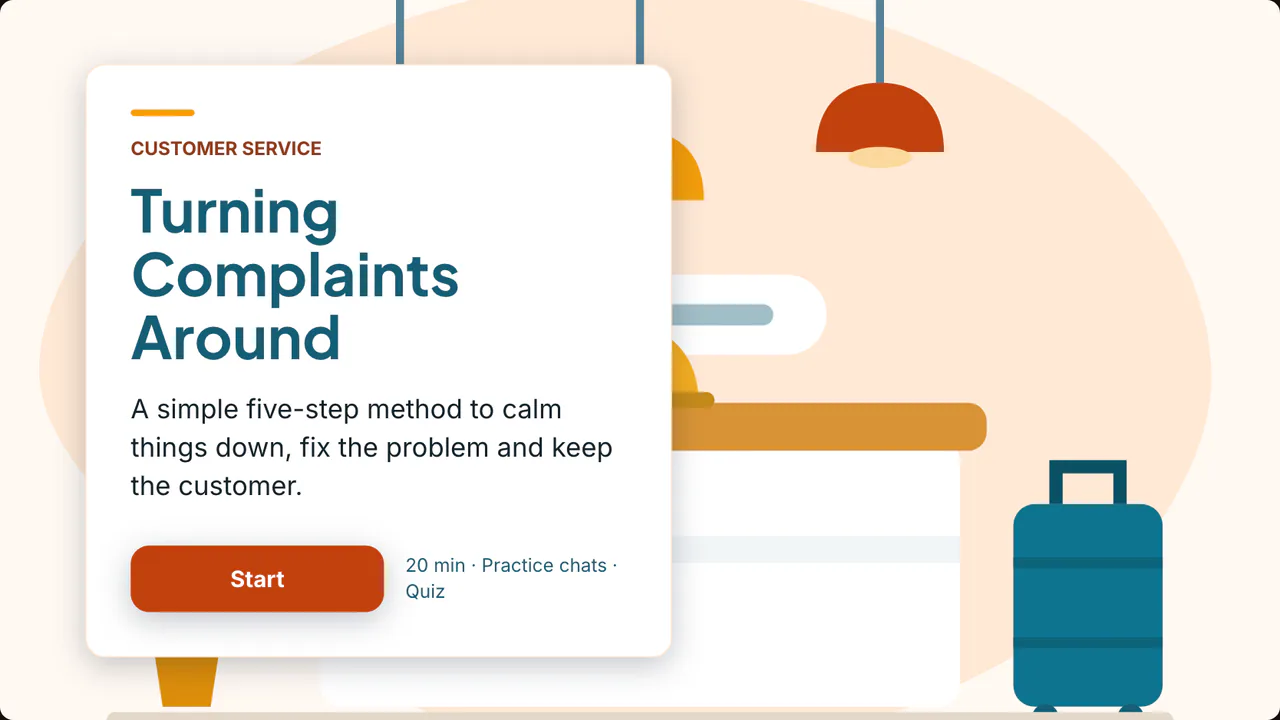 Customer serviceTurning complaints aroundA free complaint handling course built on the HEARD method: words that help, a live chat to answer, a timed game, a branching scenario and a quiz. Play it now.
 OnboardingEmployee onboardingA free employee onboarding course for a new hire’s first week: values, a buddy, the first 90 days, a first-day plan, a scenario and a quiz. Play it now.
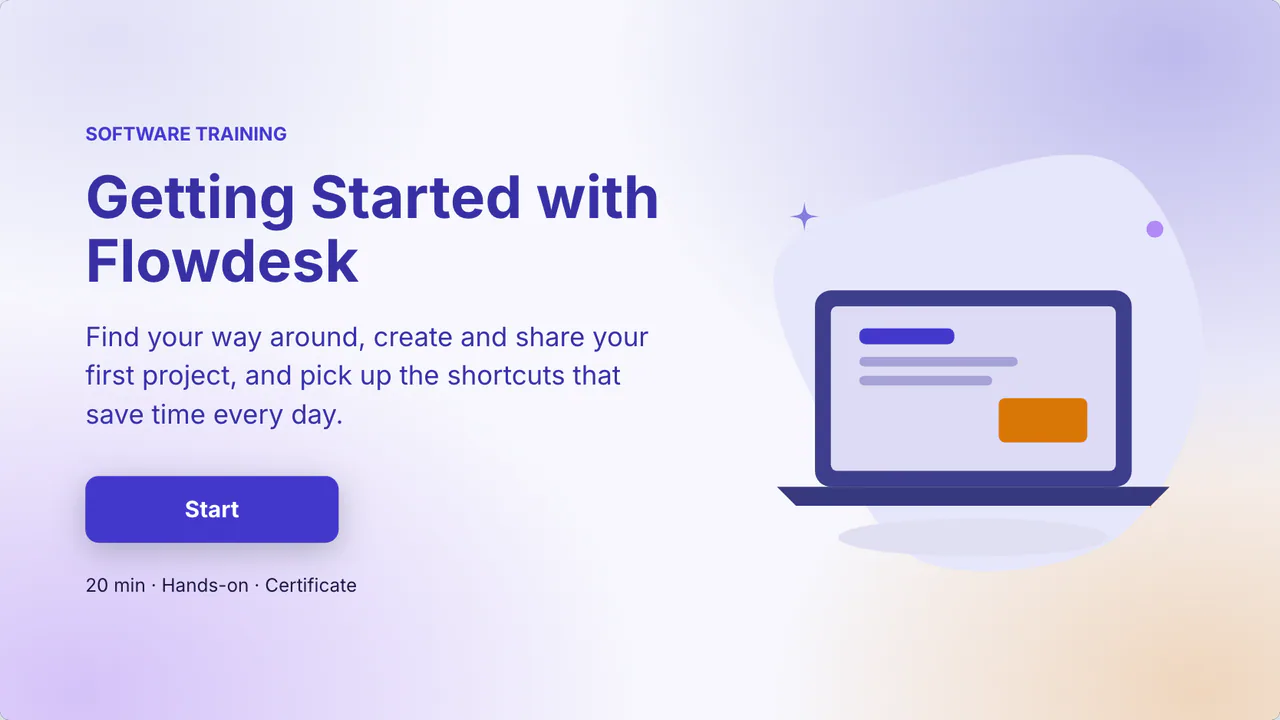 IT & softwareGetting started with a new appA free software training course for any new app: a screen tour, tasks on screenshots, click-on-the-screen practice, shortcuts and a graded quiz. Play it now.
Read more
Customer service training that changes conversations: ideas, examples and a course you can build
Customer service training that works: practise real conversations in branching scenarios, an empathy method, role-play and quizzes for frontline staff.
Read the guideGuideWhat is microlearning? A definition, 10 examples and how to make it
What is microlearning? A clear definition, when it works and when it doesn’t, 10 microlearning examples, and how to design short lessons for phones and an LMS.
Read the guideGuideFrom one sentence to a finished course: creating eLearning with AI
How to create an eLearning course with AI: write a goal that works, add your documents, approve the outline, then edit the course by asking.
Read the guideFrequently asked questions
Is this live chat customer service training template free?
Yes. Every course template comes with Lumesson, including the Free plan, which has every authoring feature. Courses published on Free carry a small “Made with Lumesson” mark; a one-time Lifetime licence removes it.
Can I upload it to my LMS?
Yes. Publish it as SCORM 1.2, SCORM 2004, xAPI or cmi5 and upload the package to your LMS: it reports completion and the quiz score. You can also publish HTML5 for a website or intranet.
Does it cover email as well as live chat?
Yes. The four-step reply, the human tone and the before-you-send checklist work for both, and a timed game teaches which requests belong in chat and which in email.
Can I add our own chat examples?
Yes. Change the customer’s messages, the replies and the feedback in the chat scenario, or add more chats — the Assistant can write them from real tickets you paste in, with names removed.
Are the numbers on the first slides real?
They are illustrative figures for the template. Replace them with your own targets or the results of your own customer survey.
How long does the course take?
About 15 minutes, including the quiz — short enough for a new hire’s first day in the queue.
Make “Great Service by Chat and Email” your own
Download Lumesson free for Mac, open the template from Home ▸ Templates and change anything — by hand or by asking Lume AI.