 Lumesson
Diversity and inclusion training template
A 20-minute course on inclusion in everyday work: learners flip cards on three common biases, test myths against facts, plan an inclusive meeting and decide how to speak up when a colleague’s idea is taken — then a short graded quiz. Play it below, then make it yours.
- 20 minto complete
- 18slides in 4 parts
- 3questions, 3 kinds
- SCORMxAPI · cmi5 · HTML5
Already have Lumesson? Open this template in the app
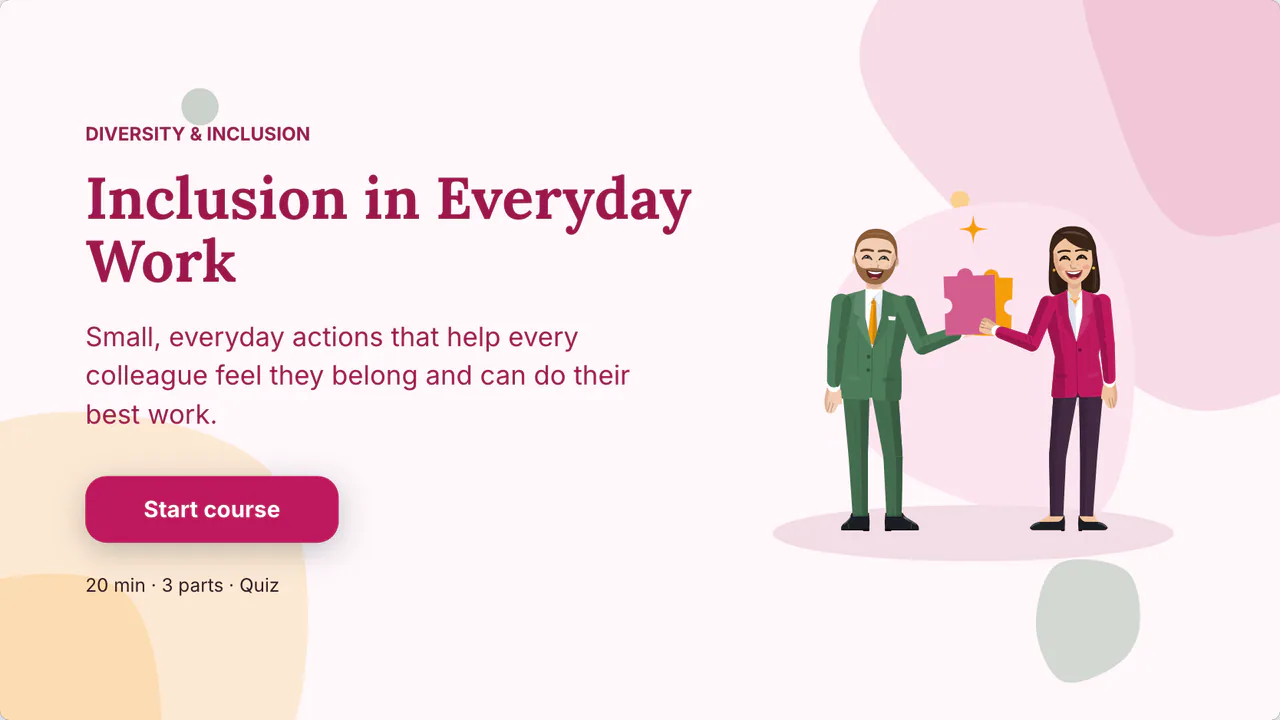 Play the course
Take “Inclusion in Everyday Work” as a learner
This is the real course, published from Lumesson as HTML5. Click through it, try every activity and take the test — nothing you do is recorded.
Open full screenWorks on phones and tablets too
18 slides in 4 parts
A free diversity and inclusion training course: unconscious bias, inclusive language and meetings, an allyship scenario and a graded quiz. Play it now.
Introduction
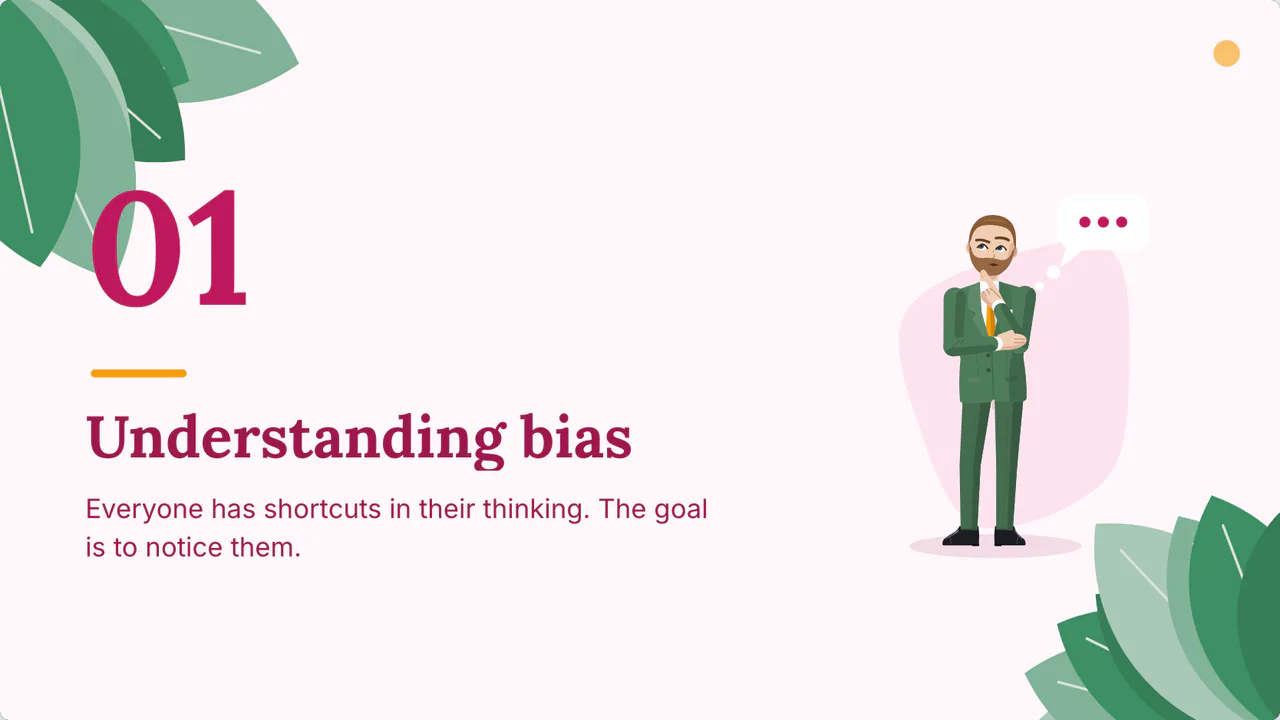
4 slidesUnderstanding bias
3 slidesInclusive habits
6 slidesQuiz
5 slidesA look at the course
Learning by doing, not by reading
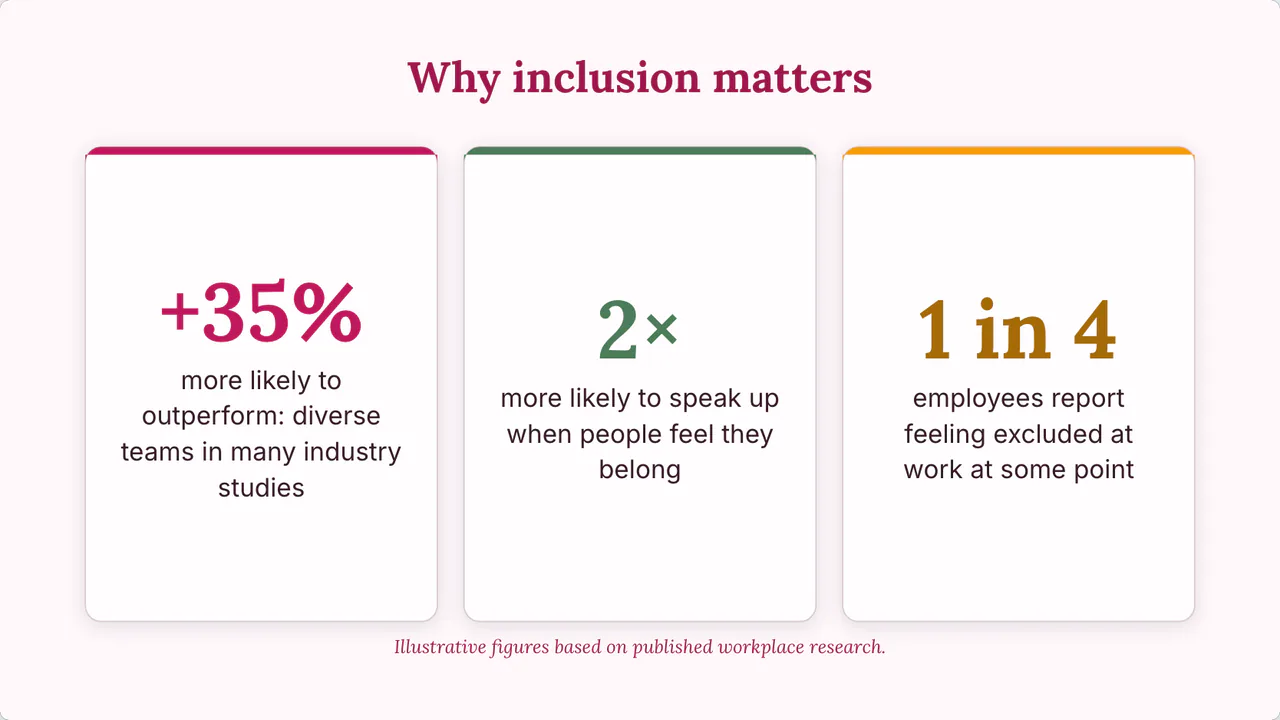
Why inclusion matters
Three figures to open: diverse teams outperform, people who feel they belong speak up more, and 1 in 4 employees have felt excluded at work.
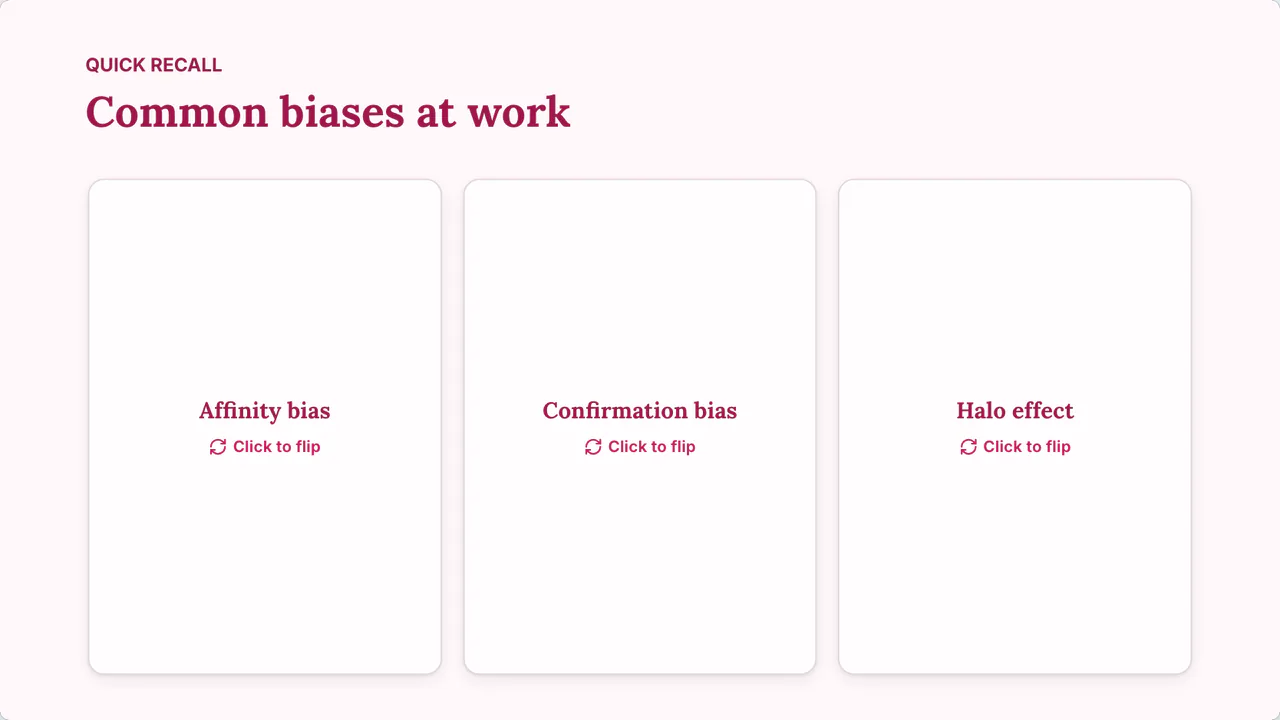
Three biases on flip cards
Affinity bias, confirmation bias and the halo effect: learners flip each card to see what it looks like at work.
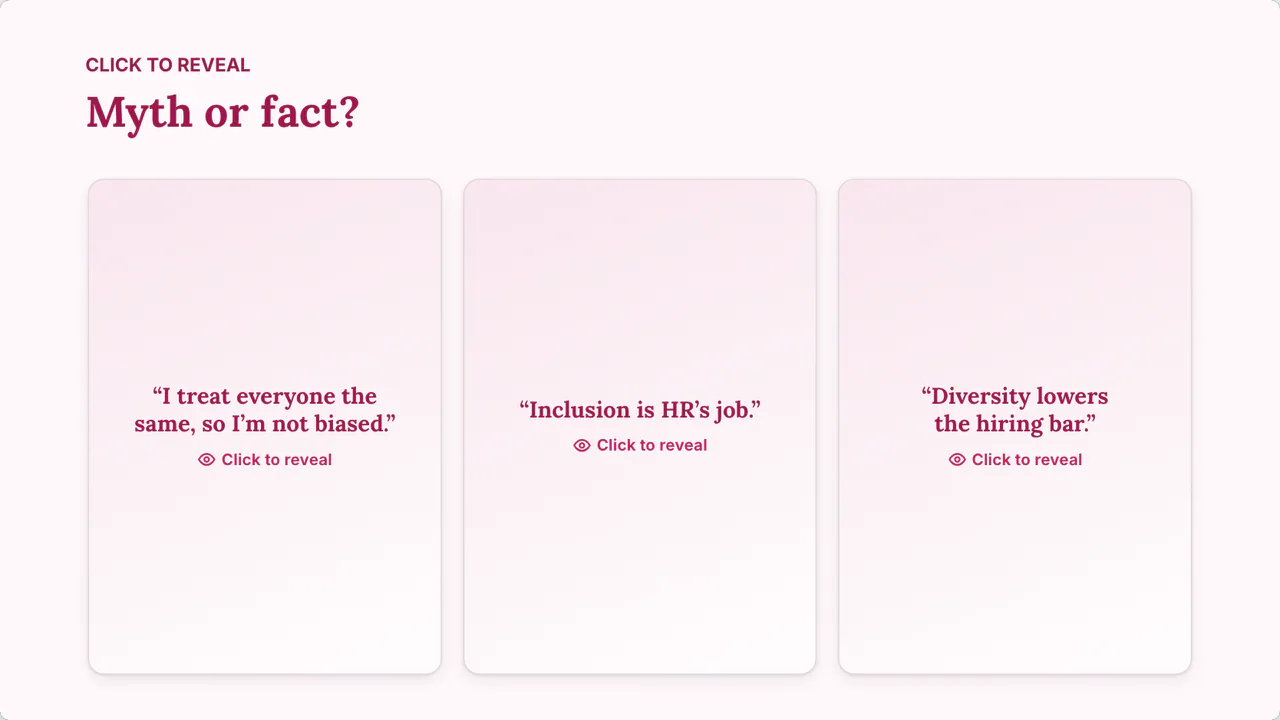
Myth or fact
“I treat everyone the same, so I’m not biased.” Learners reveal the fact behind three things people often say about bias and inclusion.
Inclusive language: do and don’t
Three things to do and three to avoid, side by side — use people’s names and pronouns correctly, never talk over others.
Inclusive meetings in tabs
Before, during and after: learners open each tab, and Continue unlocks once they have seen all three.
Watch and reflect
A frame for your own video, with a question learners answer in their own words — their reflection is saved and shown back to them.
A branching scenario
Priya’s idea is repeated by a colleague, and he gets the praise. Learners choose what to do, see the consequence of each choice and try again until credit is restored.
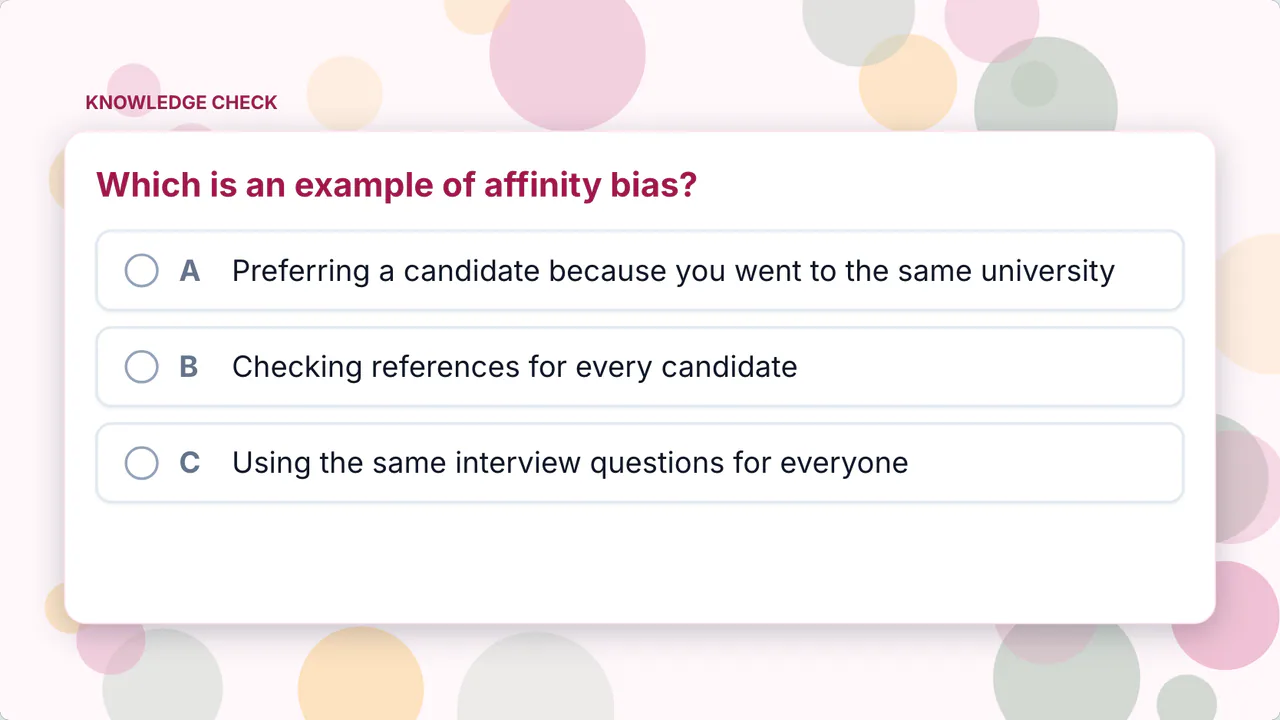
A graded quiz, three ways
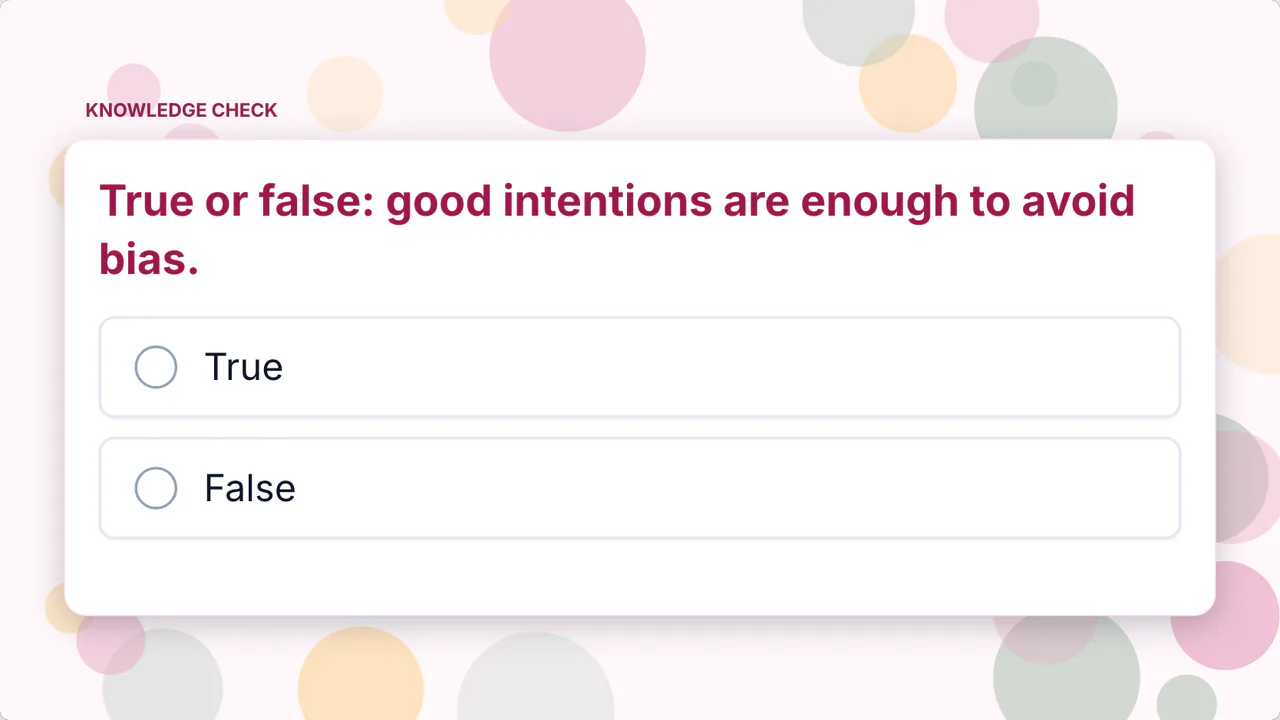
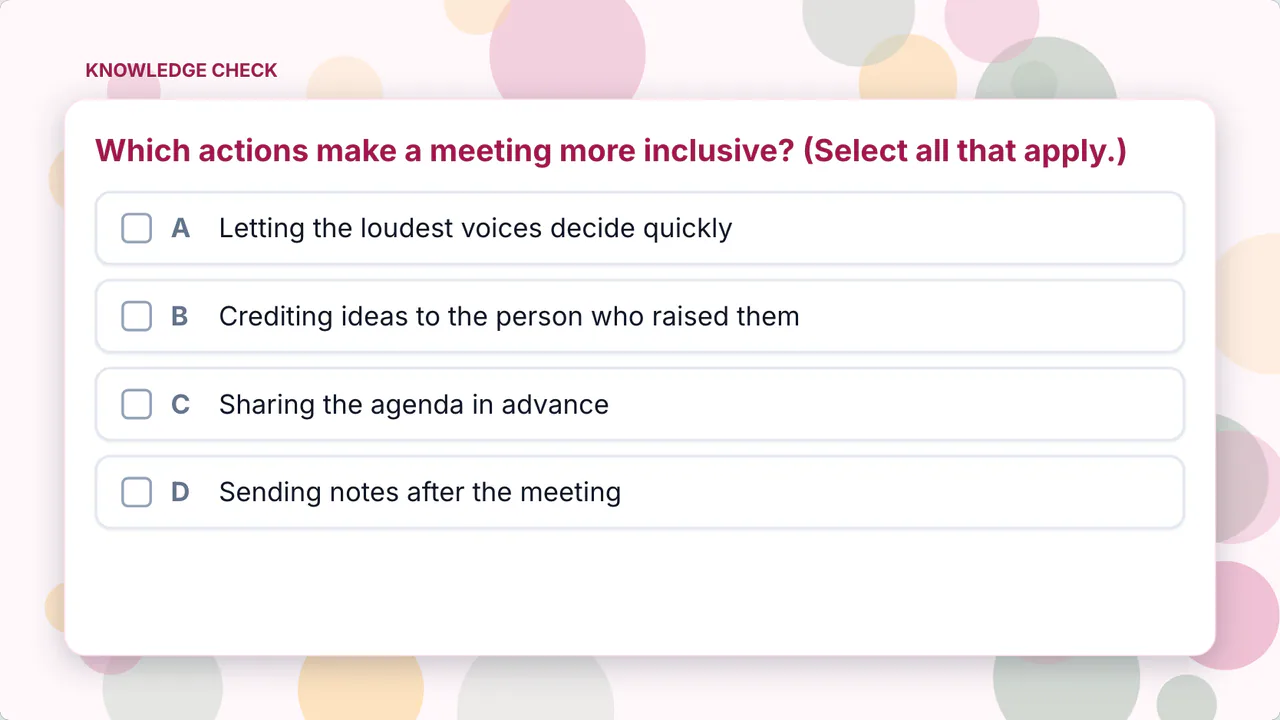
Multiple choice, true or false and multiple response, with feedback on every answer and a results slide with an 80% pass mark.
After the course, learners can
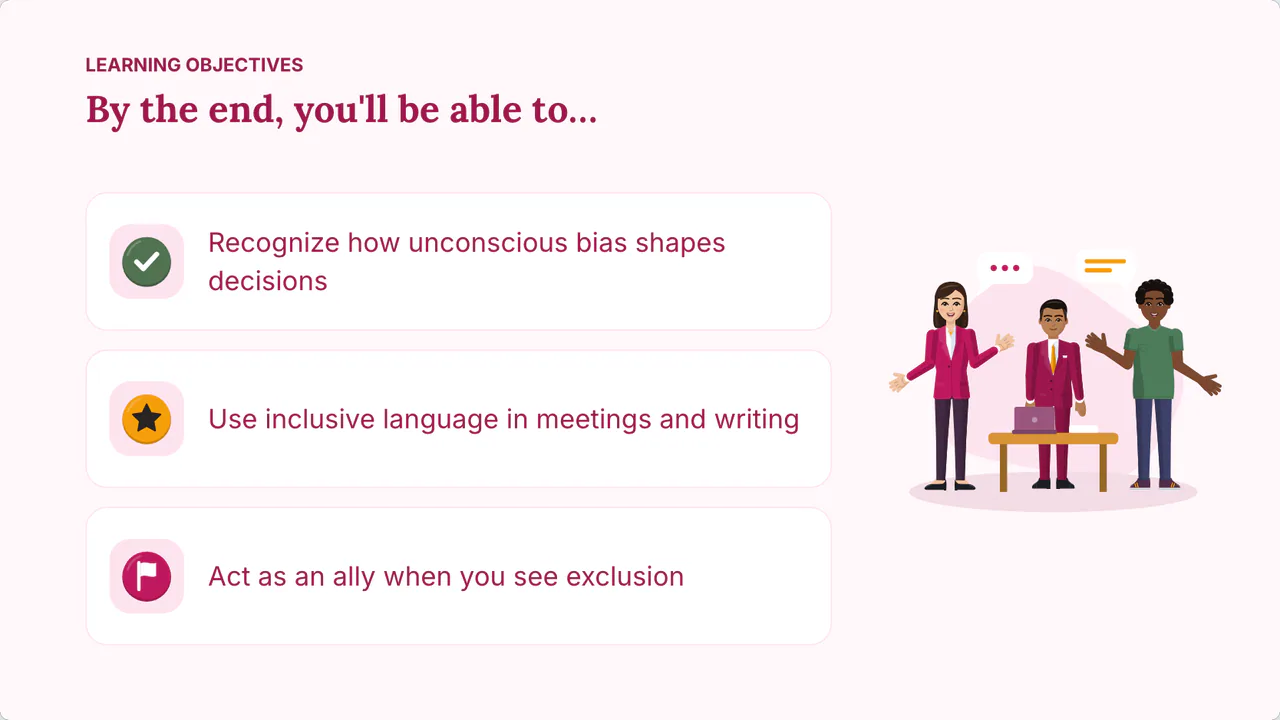
- Recognize how unconscious bias — affinity bias, confirmation bias and the halo effect — shapes decisions at work
- Tell common myths about bias and inclusion from the facts
- Use inclusive language in meetings and in writing
- Include everyone before, during and after a meeting
- Act as an ally when a colleague is talked over or loses credit for an idea
Made for
- All employees
- A shared starting point on bias, language and belonging for every team, in the office or remote.
- Managers and team leads
- Practical habits for meetings where every voice is heard and credit goes to the right person.
- Hiring panels
- A reminder of affinity bias, confirmation bias and the halo effect before interviews start.
- HR and DEI teams
- A ready-made course to brand, adapt to your own policy and track in your LMS.
From template to your own course in minutes
Everything in the template can be changed in Lumesson — by hand, or by asking Lume AI.
- 1
Open it in Lumesson
Home ▸ Templates ▸ Diversity & Inclusion. Every slide, question and picture can be changed — on the Free plan too.
Learn more - 2
Put it in your brand
Pick a brand kit and your logo, colours and fonts go onto every slide at once.
Learn more - 3
Make it about your workplace
Ask the Assistant: “Add a slide on our inclusion policy and employee networks, and a scenario where a remote colleague is left out of a decision.” It edits the real course and lists what it changed.
Learn more - 4
Add your own video
Put a message from your leaders or a short story from your team on the Watch and reflect slide — a video file or a YouTube video — and keep the reflection question beside it.
Learn more - 5
Add a guide
Sofia, from HR and training, can lead learners through each part — with 16 poses and expressions to react to their choices.
Learn more - 6
Narrate and caption it
Natural AI voices or your Mac’s own voices for every slide, and captions for the whole course in one step.
Learn more - 7
Translate it for every office
A copy in Spanish, French or German, with its narration voiced again and a list of anything to check.
Learn more - 8
Publish to your LMS
SCORM 1.2 or 2004, xAPI, cmi5 or HTML5. Completion and the quiz score go to your LMS, so you can show who took part.
Learn more
Diversity & Inclusion: the details
| Length | About 20 minutes |
|---|---|
| Structure | 4 parts, 18 slides |
| Interactions | Flip Cards, Reveal, Tabs, Diagram |
| Assessment | 3 questions: Multiple choice, True or false, Multiple response |
| Results | A results slide with the learner’s score and pass or fail |
| Publish to | SCORM 1.2, SCORM 2004, xAPI, cmi5, HTML5 — or a video, Word or PDF |
| Phones | A phone layout for every slide in one click |
| Language | English — translate the whole course with AI in one step |
| Editing | Every slide, picture, question and setting can be changed |
| Price | Free with Lumesson (the Free plan adds a small “Made with Lumesson” mark) |
Other courses to start from
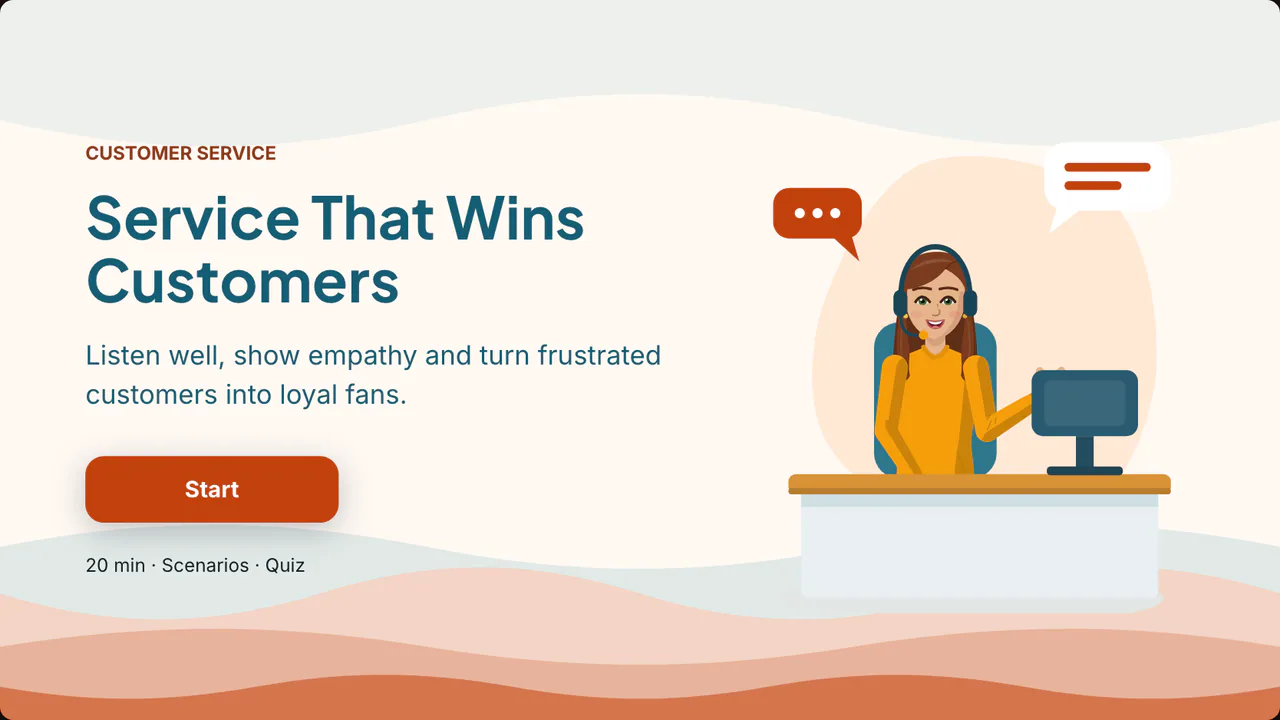 Soft skillsCustomer service skillsA free customer service training course: the LEAP method for complaints, words that help, a late-delivery scenario and a live conversation to practise.
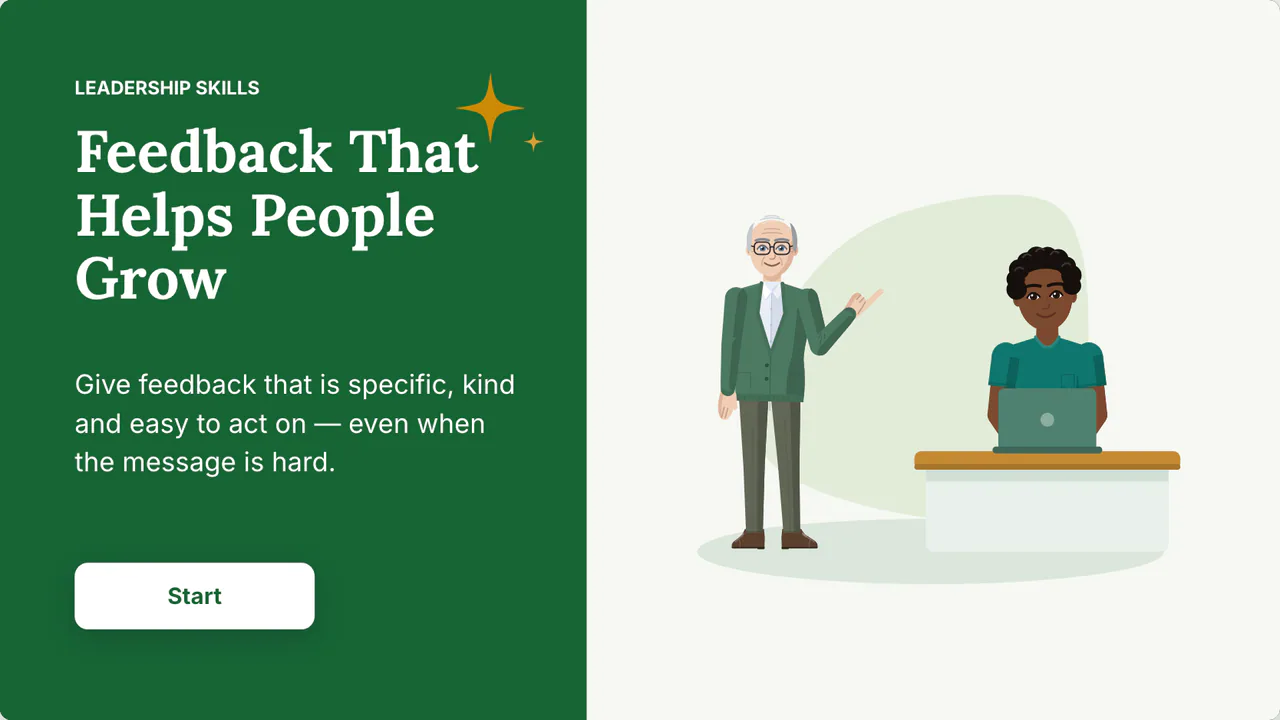 Soft skillsGiving effective feedbackA free feedback training course for managers: the SBI model, specific vs. vague feedback, two scenarios and a role-play to choose your tone. Play it now.
 OnboardingEmployee onboardingA free employee onboarding course for a new hire’s first week: values, a buddy, the first 90 days, a first-day plan, a scenario and a quiz. Play it now.
Read more
How to write branching scenarios that change what people do
A practical guide to branching scenarios for training: choose the moment, map the conversation, write believable replies, coaching and endings.
Read the guideGuideCompliance training people actually finish: what it is and how to build it
What compliance training is, what employee compliance training must cover, and how to build a compliance training program people finish — with LMS tracking.
Read the guideGuideInteractive video: what it is, examples, and how to create one
What is interactive video? Types, examples for training, and how to create interactive video with questions, hotspots, chapters and practice from recordings.
Read the guideFrequently asked questions
Is this diversity and inclusion training template free?
Yes. Every course template comes with Lumesson, including the Free plan, which has every authoring feature. Courses published on Free carry a small “Made with Lumesson” mark; a one-time Lifetime licence removes it.
Can I upload it to my LMS?
Yes. Publish it as SCORM 1.2, SCORM 2004, xAPI or cmi5 and upload the package to your LMS: it reports completion and the quiz score. You can also publish HTML5 for a website or intranet.
Does it replace our inclusion policy or legal training?
No. It is a general introduction to bias, inclusive language and allyship that suits most workplaces. Add your own policy, employee networks, ways to report concerns and any legal requirements where you work — the Assistant can help you do that in minutes. It is not legal advice.
Can I change the scenario?
Yes. Rewrite the situation, the choices and the feedback, swap the character for one of your own, or add more branches so each choice leads somewhere different.
Can I change the questions and the pass mark?
Yes. Edit any of the three questions or add more from 20 question types, draw questions at random from a question bank, and set the pass mark and the number of tries.
How long does the course take?
About 20 minutes. Keep the bias part as a short refresher on its own, or split the course into short lessons people take on their phones.
Make “Inclusion in Everyday Work” your own
Download Lumesson free for Mac, open the template from Home ▸ Templates and change anything — by hand or by asking Lume AI.