 Lumesson
Product knowledge training template
A 25-minute product course for sales and support teams, built around a sample air purifier: what makes it different, features turned into benefits, the range compared, who it is for and the objections customers raise — then a customer chat to answer and a quiz. Play it below, then make it yours.
- 25 minto complete
- 13slides in 4 parts
- 3questions, 3 kinds
- SCORMxAPI · cmi5 · HTML5
Already have Lumesson? Open this template in the app
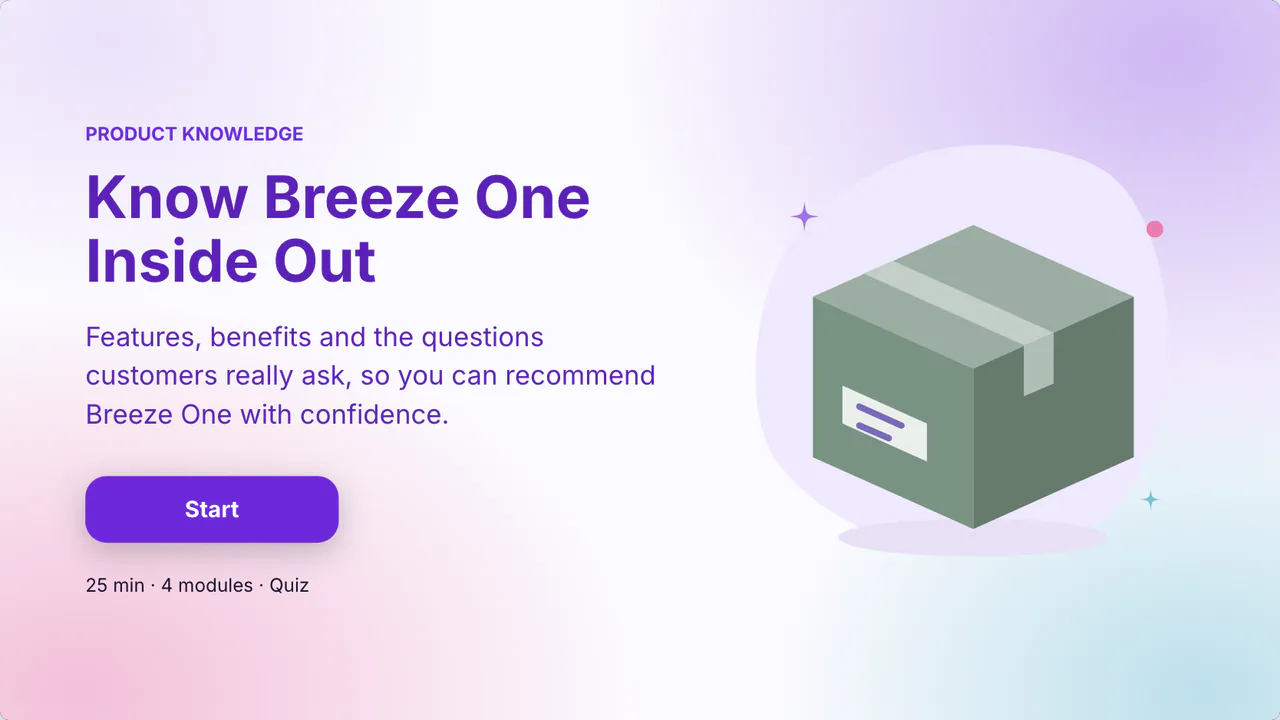 Play the course
Take “Know Breeze One Inside Out” as a learner
This is the real course, published from Lumesson as HTML5. Click through it, try every activity and take the test — nothing you do is recorded.
Open full screenWorks on phones and tablets too
13 slides in 4 parts
A free product knowledge training course: features into benefits, the range compared, three buyer types, objections, a customer chat and a quiz. Play it now.
Introduction
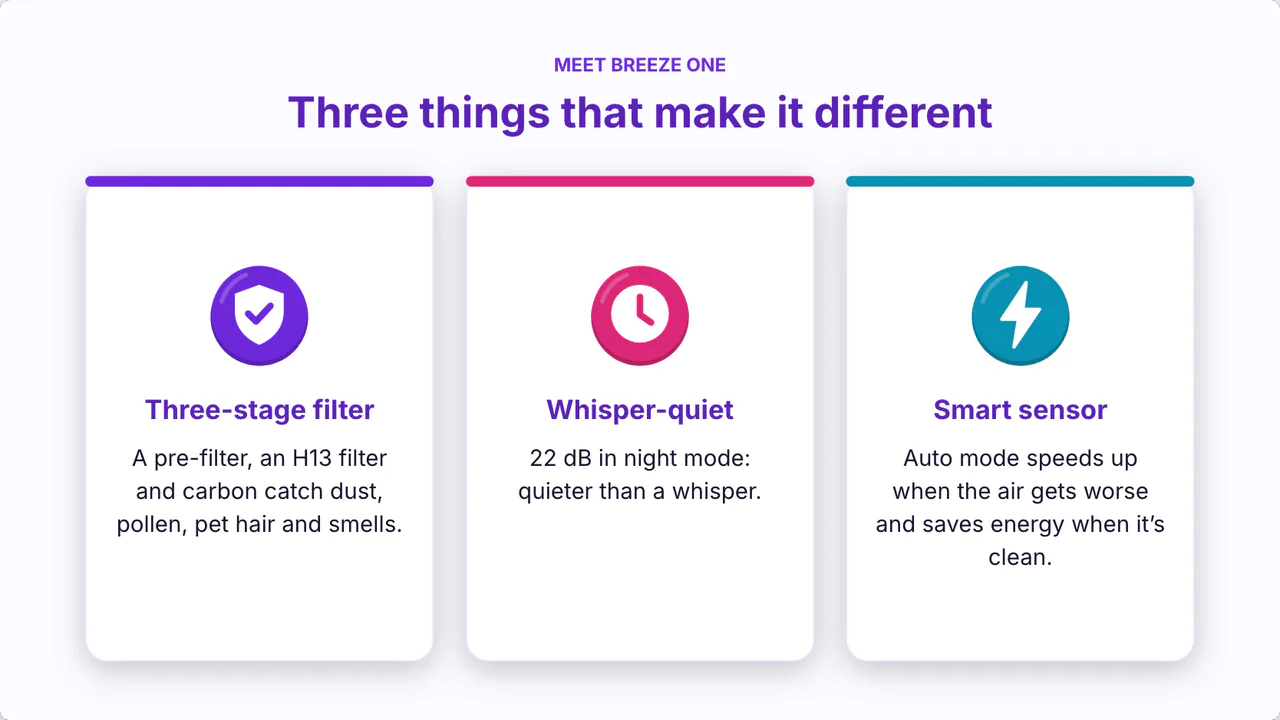
2 slidesMeet Breeze One
3 slidesWho it is for
3 slidesQuiz
5 slidesA look at the course
Learning by doing, not by reading
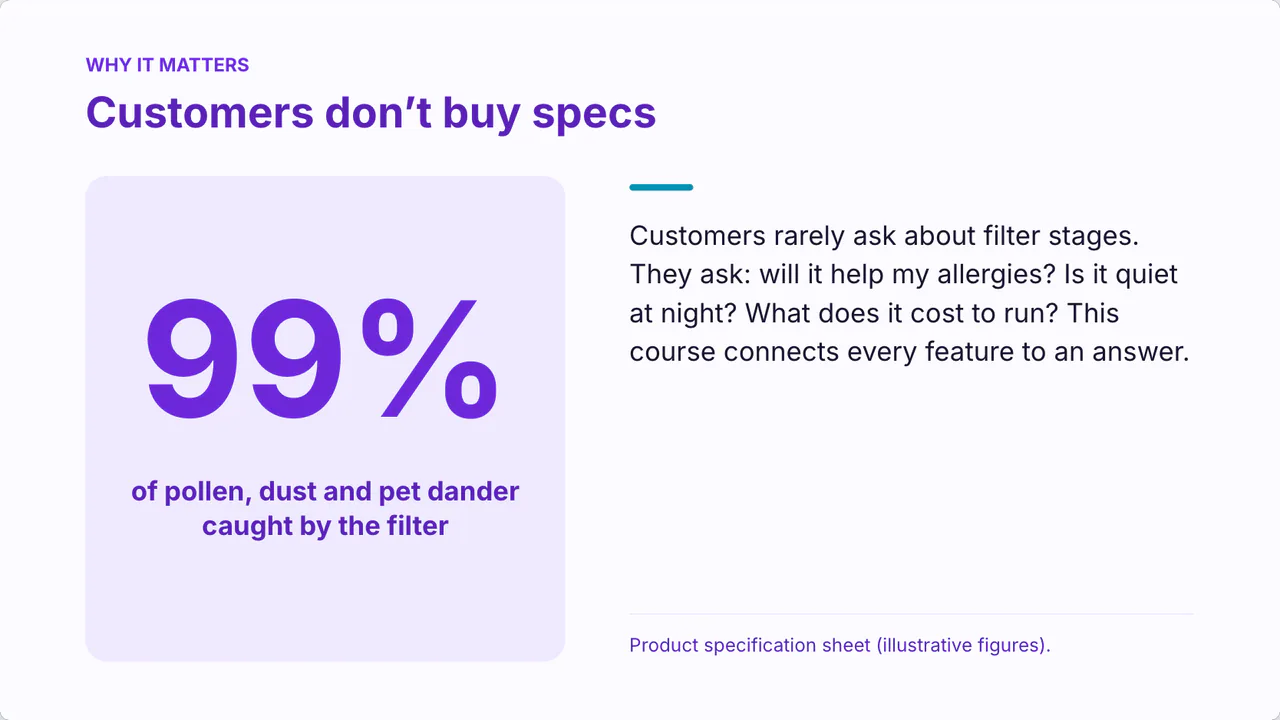
Why it matters
One big number — 99% of pollen, dust and pet dander caught — and why customers ask about allergies, not filter stages.
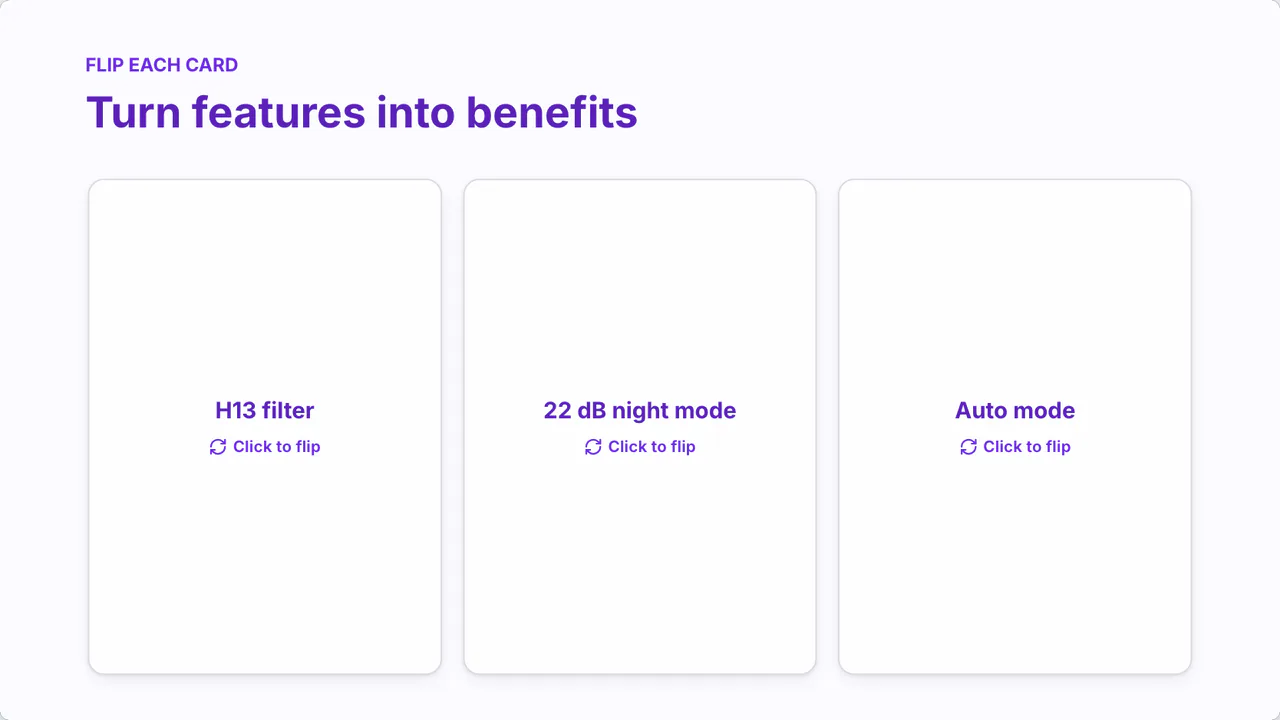
Features into benefits
Flip cards: an H13 filter, 22 dB night mode and auto mode on the front, what each one means for the customer on the back.
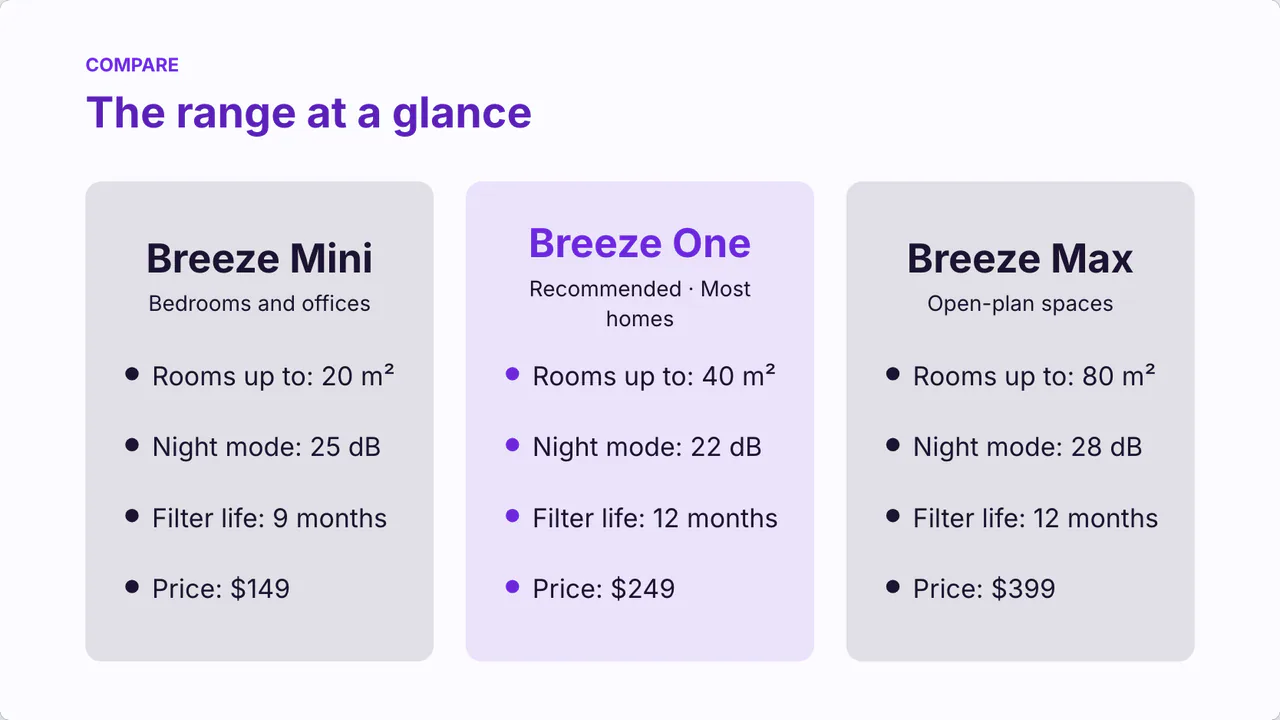
The range at a glance
Three models side by side — room size, night-mode noise, filter life and price — with the most popular one featured.
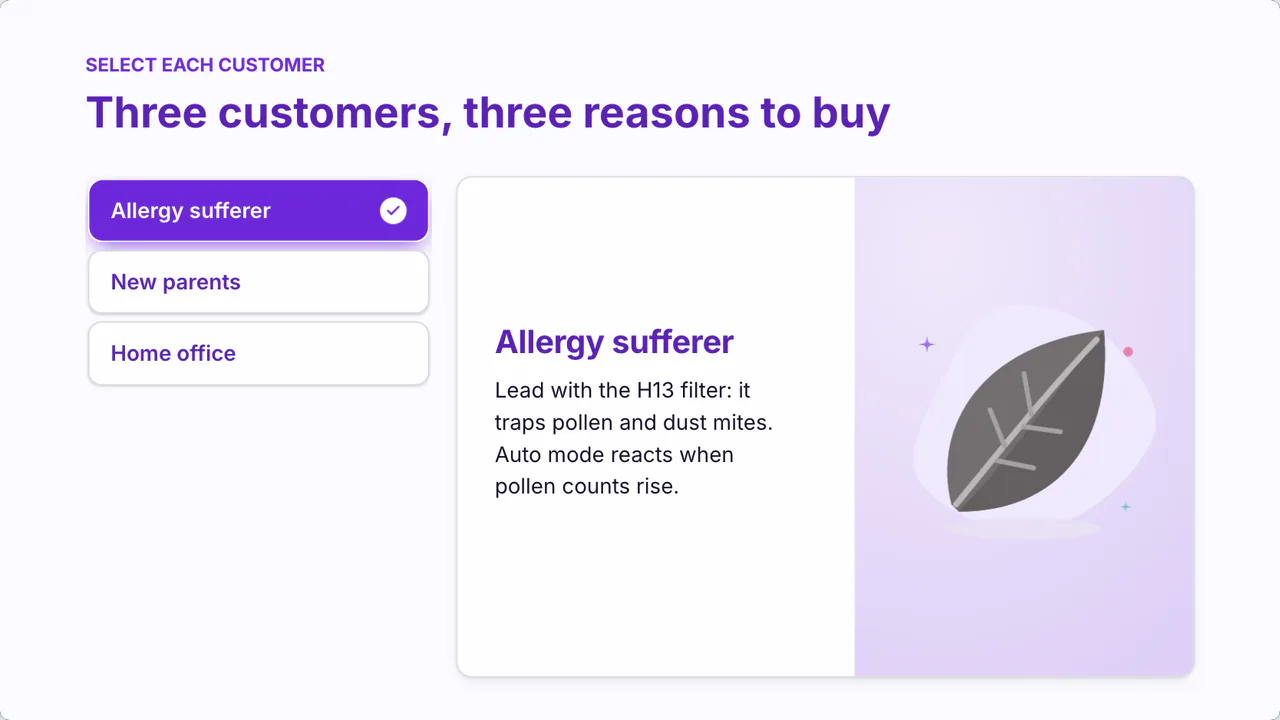
Three customers, three reasons to buy
Tabs for an allergy sufferer, new parents and a home office; Continue unlocks when learners have seen all three.
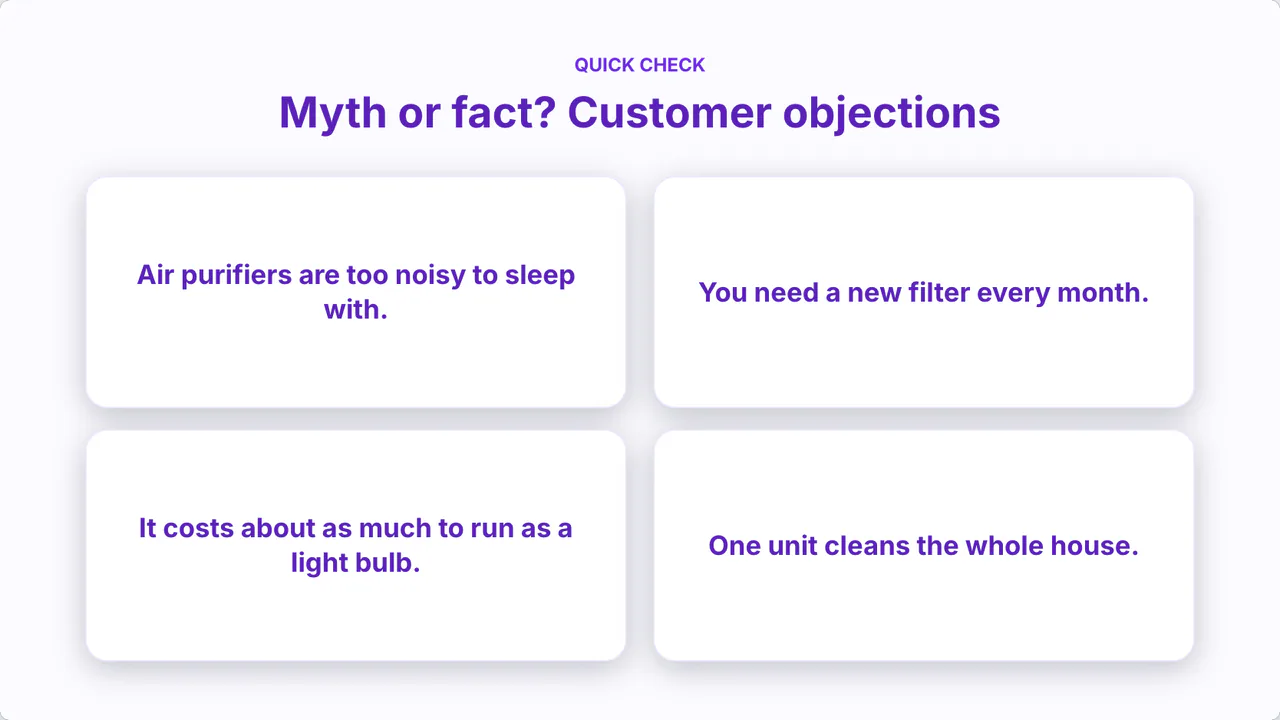
Myth or fact?
Four objections customers raise, from “too noisy to sleep with” to “one unit cleans the whole house”. Tap each card to see the truth.
A customer asks for advice
A website chat: a cat and a 30 m² living room. Learners recommend a model and see why overselling loses trust.
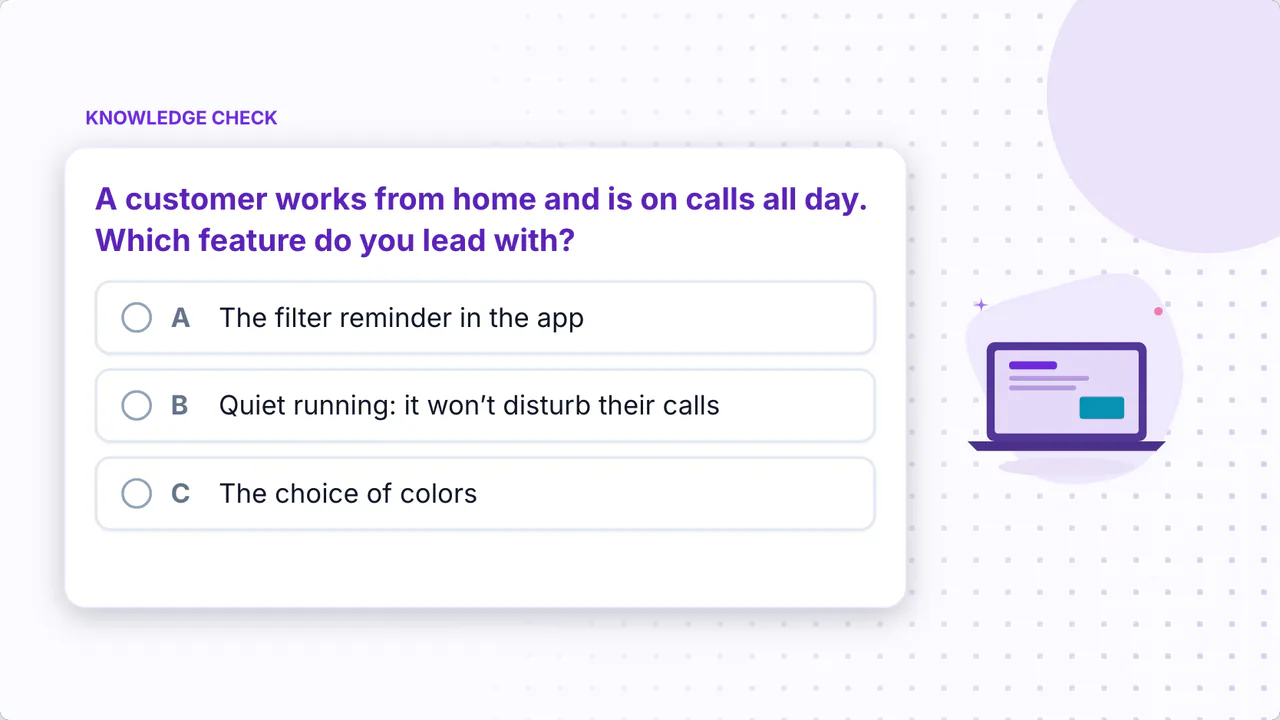
A quiz, three ways
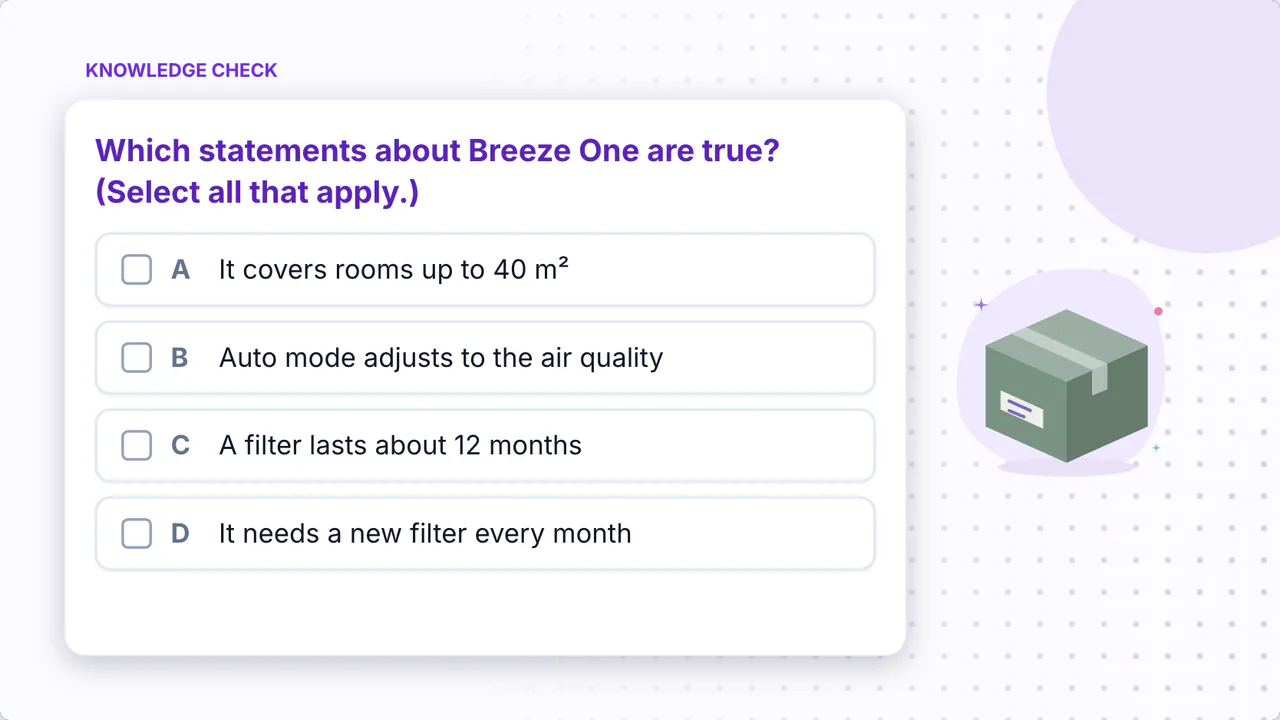
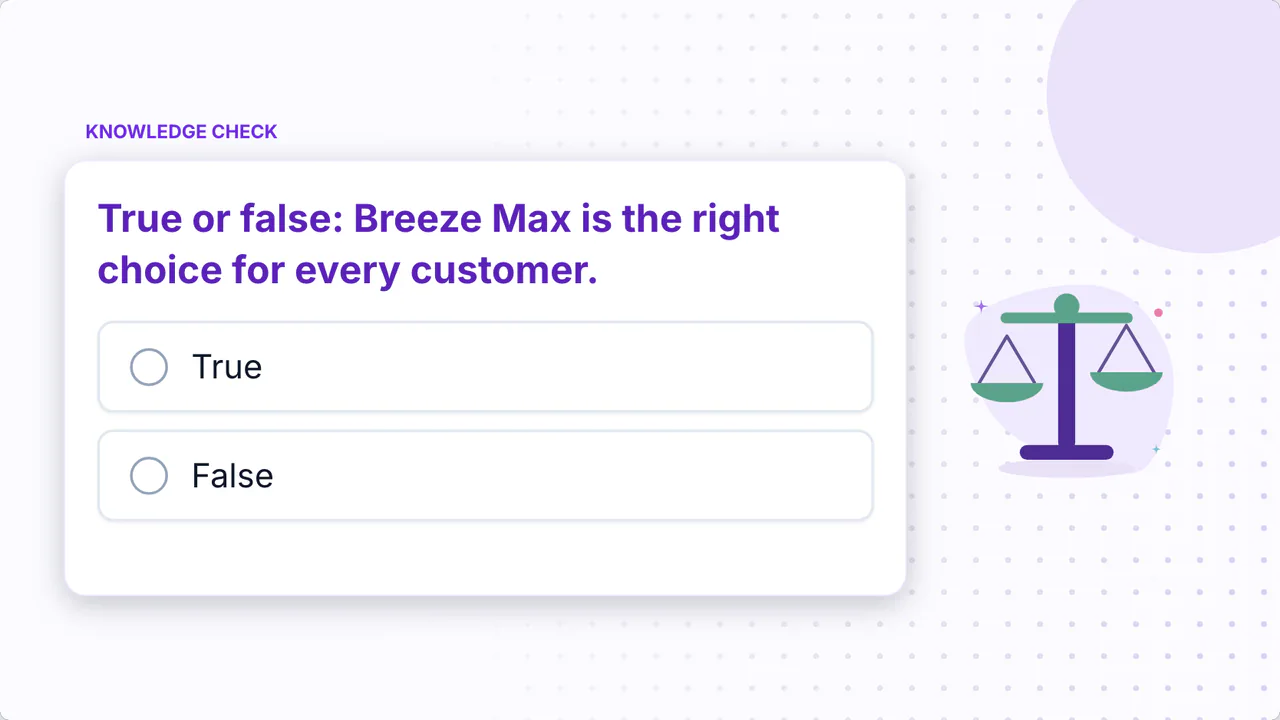
Multiple choice, multiple response and true or false, with an 80% pass mark.
A cheat sheet to keep
Four facts to remember — room size, allergies and pets, quiet at night, running cost — on the last slide.
After the course, learners can
- Explain the three things that make the product different
- Turn each feature into a benefit the customer cares about
- Compare the models in the range and recommend the one that fits the room and the need
- Lead with what matters to each type of customer: allergies, a new baby or a home office
- Answer common objections with facts, not guesses
Made for
- Sales teams
- Know the product well enough to recommend the right model with confidence.
- Retail and store staff
- Answers to the questions customers really ask on the shop floor.
- Customer support
- Features, limits and running costs to explain in a chat or on the phone.
- Product launches
- A ready structure for every new product: swap in yours before launch day.
From template to your own course in minutes
Everything in the template can be changed in Lumesson — by hand, or by asking Lume AI.
- 1
Open it in Lumesson
Home ▸ Templates ▸ Product essentials. Every slide, question and picture can be changed — on the Free plan too.
Learn more - 2
Make it about your product
Ask the Assistant: “Rewrite this course for our ProBrew 500 coffee machine using the attached spec sheet: three key features, our three models and the objections our customers raise.” It edits the real course and lists what it changed.
Learn more - 3
Start from your slides
Already have a product deck? Import the PowerPoint and add its slides next to the template’s activities.
Learn more - 4
Put it in your brand
Pick a brand kit and your logo, colours and fonts go onto every slide at once — product photos go in place of the pictures.
Learn more - 5
Add more questions
Grow the quiz from 20 question types, or draw questions at random from a bank so each learner gets a different set.
Learn more - 6
Translate it for every market
A copy in French, German or Spanish, with its narration voiced again and a list of anything to check.
Learn more - 7
Check it on a phone
One click gives every slide a phone layout, so store staff can look things up between customers.
Learn more - 8
Publish to your LMS
SCORM 1.2 or 2004, xAPI, cmi5 or HTML5. Completion and the quiz score go to your LMS, so you know who is ready to sell.
Learn more
Product essentials: the details
| Length | About 25 minutes |
|---|---|
| Structure | 4 parts, 13 slides |
| Interactions | Flip Cards, Tabs, Diagram |
| Assessment | 3 questions: Multiple choice, Multiple response, True or false |
| Results | A results slide with the learner’s score and pass or fail |
| Publish to | SCORM 1.2, SCORM 2004, xAPI, cmi5, HTML5 — or a video, Word or PDF |
| Phones | A phone layout for every slide in one click |
| Language | English — translate the whole course with AI in one step |
| Editing | Every slide, picture, question and setting can be changed |
| Price | Free with Lumesson (the Free plan adds a small “Made with Lumesson” mark) |
Other courses to start from
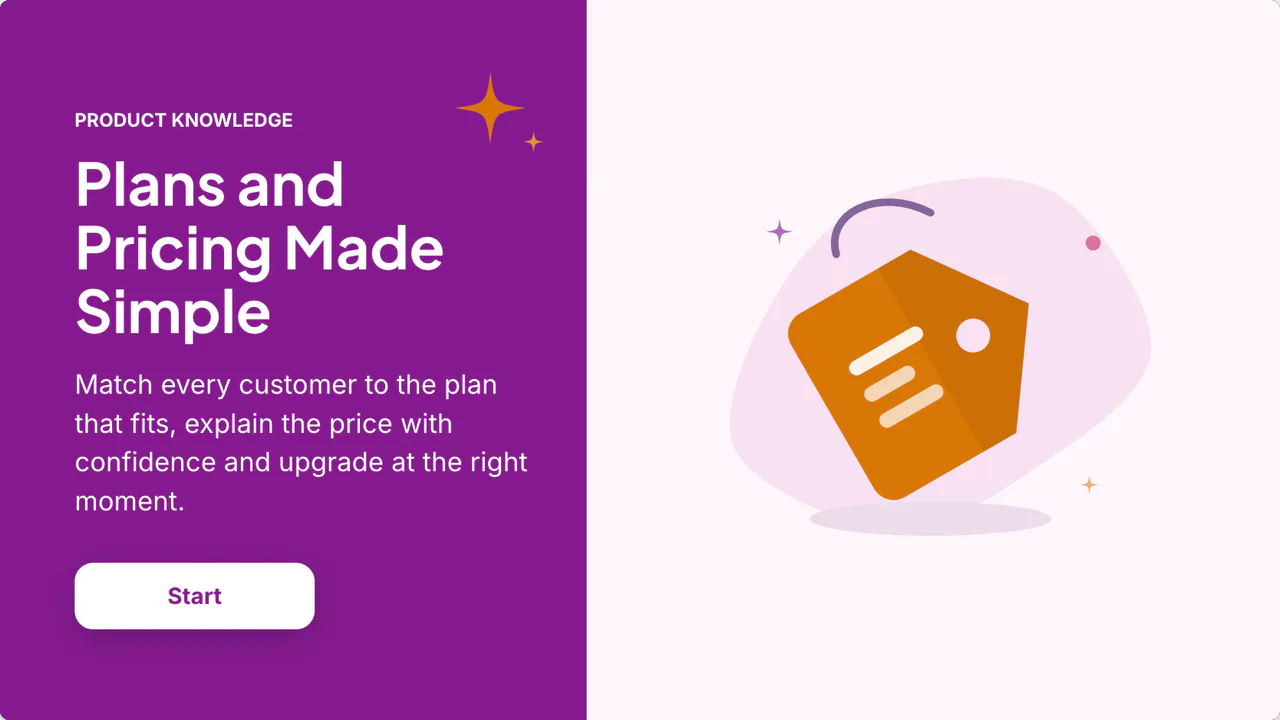 Product knowledgePlans and pricingA free pricing training course for sales and support: three plans compared, a sorting game, a sales chat, price objections answered and a quiz. Play it now.
 OnboardingEmployee onboardingA free employee onboarding course for a new hire’s first week: values, a buddy, the first 90 days, a first-day plan, a scenario and a quiz. Play it now.
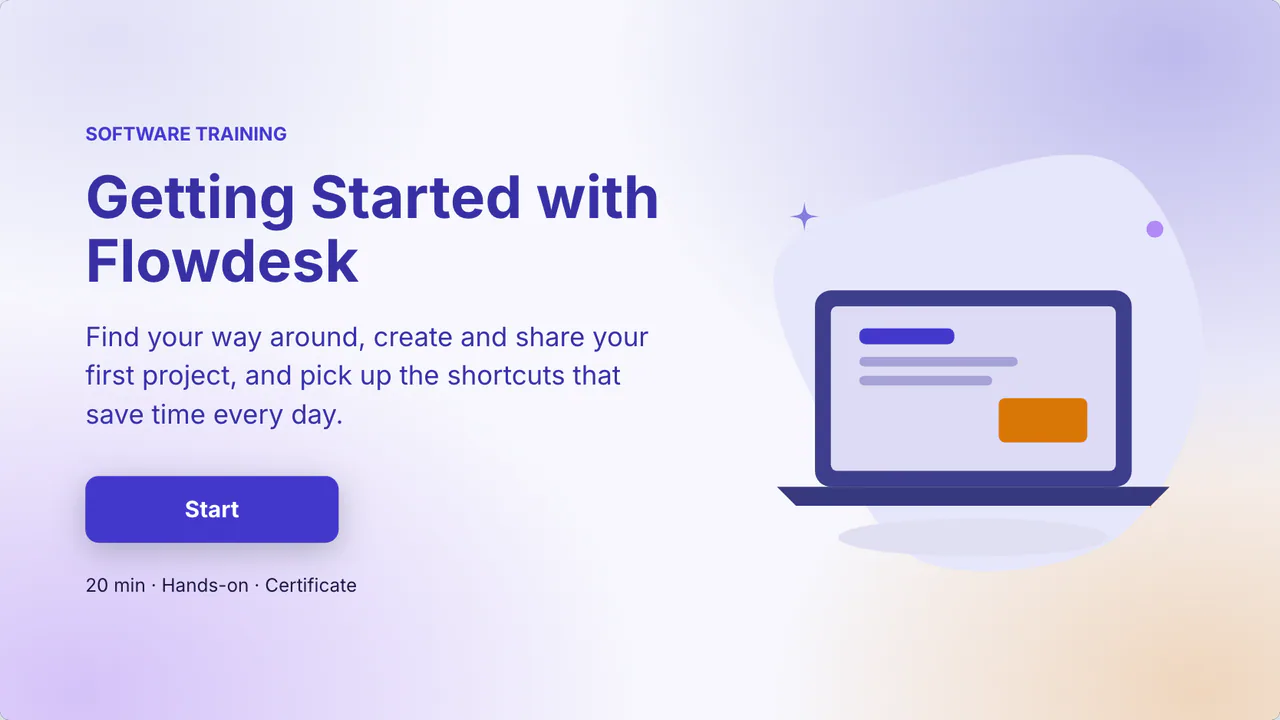 IT & softwareGetting started with a new appA free software training course for any new app: a screen tour, tasks on screenshots, click-on-the-screen practice, shortcuts and a graded quiz. Play it now.
Read more
Customer service training that changes conversations: ideas, examples and a course you can build
Customer service training that works: practise real conversations in branching scenarios, an empathy method, role-play and quizzes for frontline staff.
Read the guideGuideFrom one sentence to a finished course: creating eLearning with AI
How to create an eLearning course with AI: write a goal that works, add your documents, approve the outline, then edit the course by asking.
Read the guideGuideWhat is microlearning? A definition, 10 examples and how to make it
What is microlearning? A clear definition, when it works and when it doesn’t, 10 microlearning examples, and how to design short lessons for phones and an LMS.
Read the guideFrequently asked questions
Is this product knowledge training template free?
Yes. Every course template comes with Lumesson, including the Free plan, which has every authoring feature. Courses published on Free carry a small “Made with Lumesson” mark; a one-time Lifetime licence removes it.
Can I upload it to my LMS?
Yes. Publish it as SCORM 1.2, SCORM 2004, xAPI or cmi5 and upload the package to your LMS: it reports completion and the quiz score. You can also publish HTML5 for a website or intranet.
Breeze One isn’t our product. How do I make it about ours?
Breeze One is a made-up air purifier with illustrative figures, so the structure works for any product. Edit the slides by hand, or give the Assistant your spec sheet and ask it to rewrite the features, the range and the objections for your product.
Does it work for services or software, not just physical products?
Yes. The same flow — what makes it different, features into benefits, compare the options, who it is for, objections — works for any offer. Change the pictures and the comparison table to match.
How long does the course take?
About 25 minutes. Split it into one short lesson per module for a launch week, or keep only the cheat sheet and the quiz for a refresher.
Can I translate it for other markets?
Yes. Lumesson makes a translated copy of the whole course with AI, voices the narration again in the new language and lists anything worth checking.
Make “Know Breeze One Inside Out” your own
Download Lumesson free for Mac, open the template from Home ▸ Templates and change anything — by hand or by asking Lume AI.