 Lumesson
Phishing simulation training template
A 20-minute, hands-on security course: learners hunt for four warning signs in a realistic suspicious email, sort subject lines into legit and phishing, decide what to do when “the CEO” asks for gift cards and learn four steps to take if they clicked — then a graded quiz. Play it below, then make it yours.
- 20 minto complete
- 14slides in 4 parts
- 3questions, 3 kinds
- SCORMxAPI · cmi5 · HTML5
Already have Lumesson? Open this template in the app
 Play the course
Take “Spot the Phish” as a learner
This is the real course, published from Lumesson as HTML5. Click through it, try every activity and take the test — nothing you do is recorded.
Open full screenWorks on phones and tablets too
14 slides in 4 parts
A free phishing simulation training course: a clue hunt in an email, phishing types, a CEO fraud scenario, what to do if you clicked and a quiz. Play it now.
Introduction
2 slidesFind the clues
3 slidesWhat would you do?
4 slidesQuiz
5 slidesA look at the course
Learning by doing, not by reading
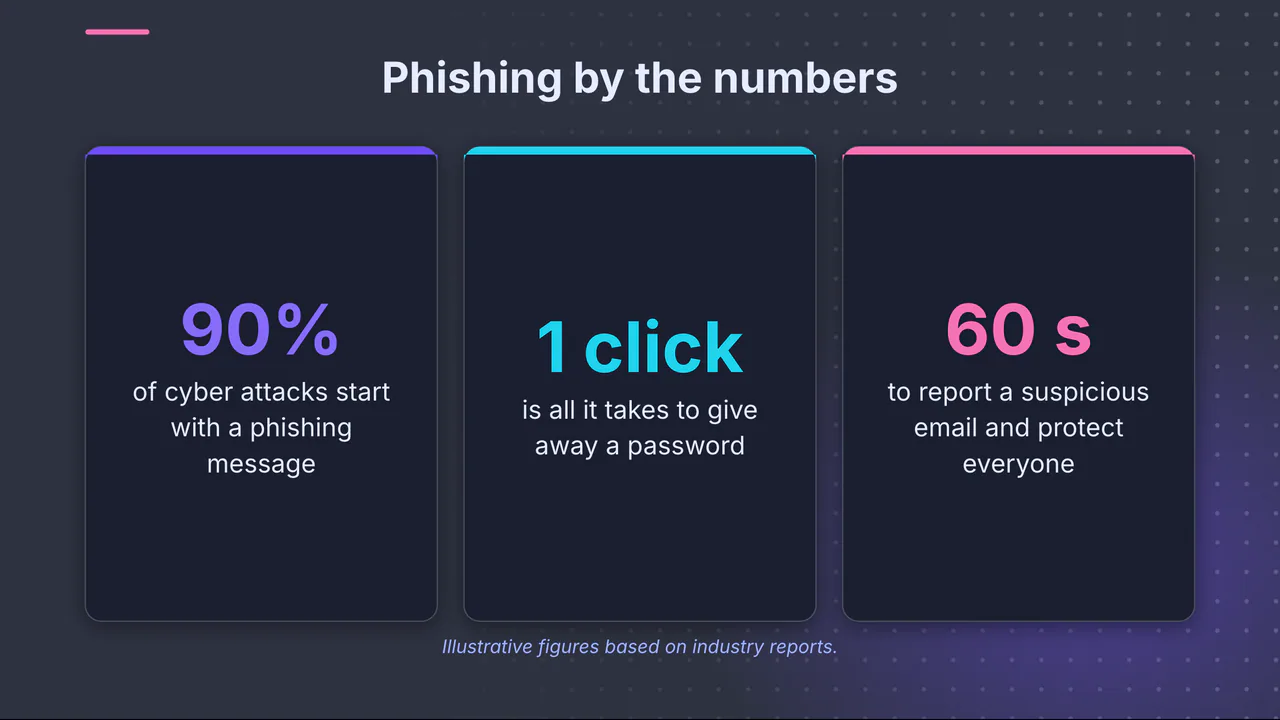
Phishing by the numbers
Three figures to open: 90% of cyber attacks start with a phishing message, one click can give away a password, and a report takes 60 seconds.
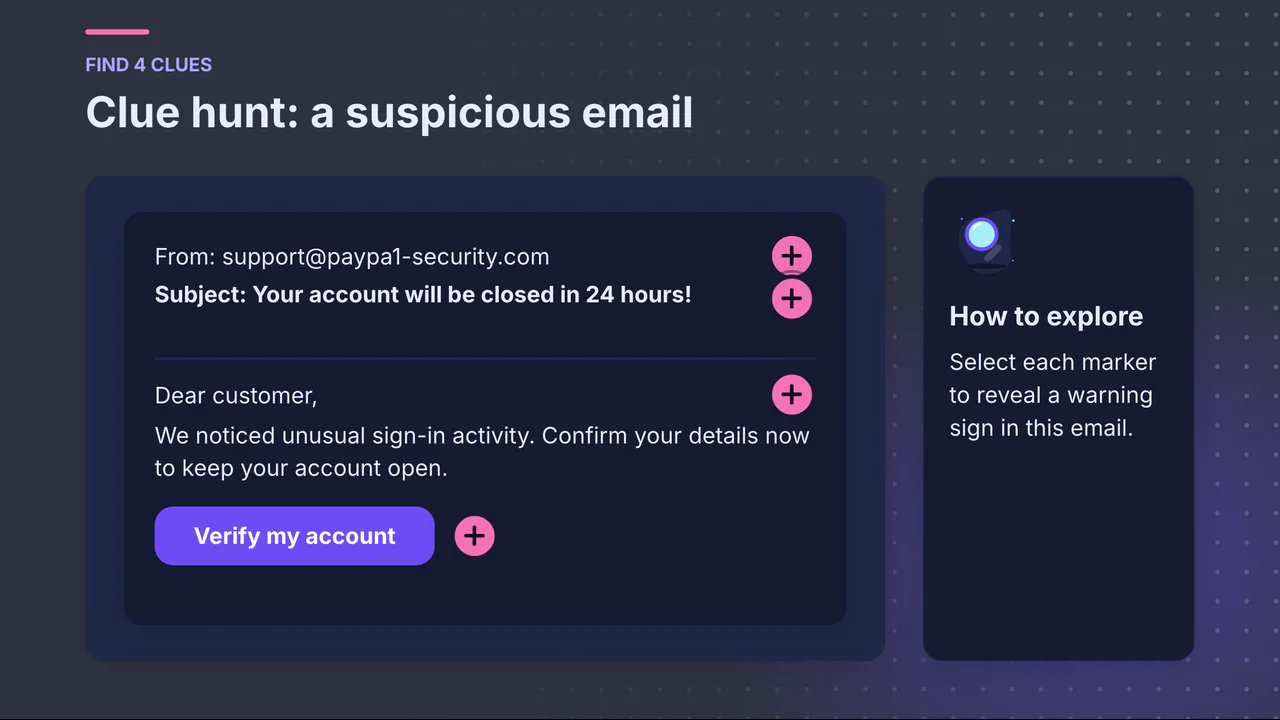
Clue hunt
A realistic suspicious email from “support@paypa1-security.com”, with four markers to find: the sender, the urgency, the link and the greeting.
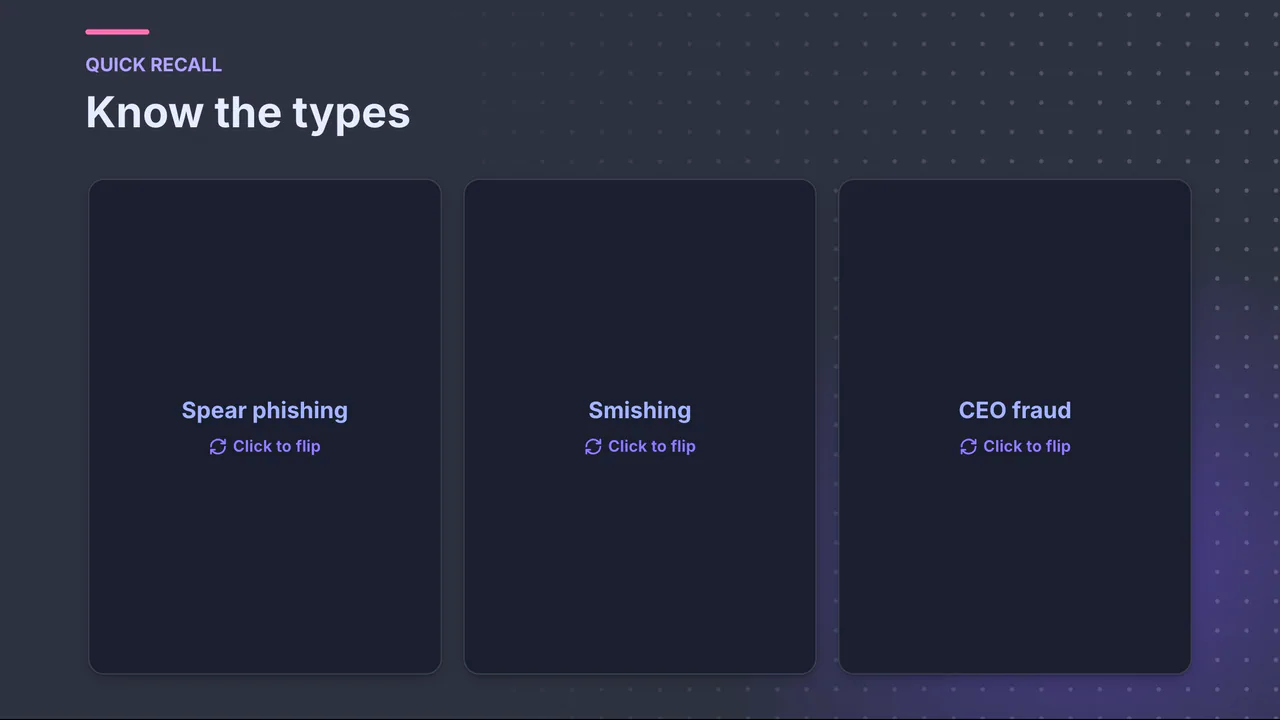
Know the types
Flip cards for spear phishing, smishing and CEO fraud.
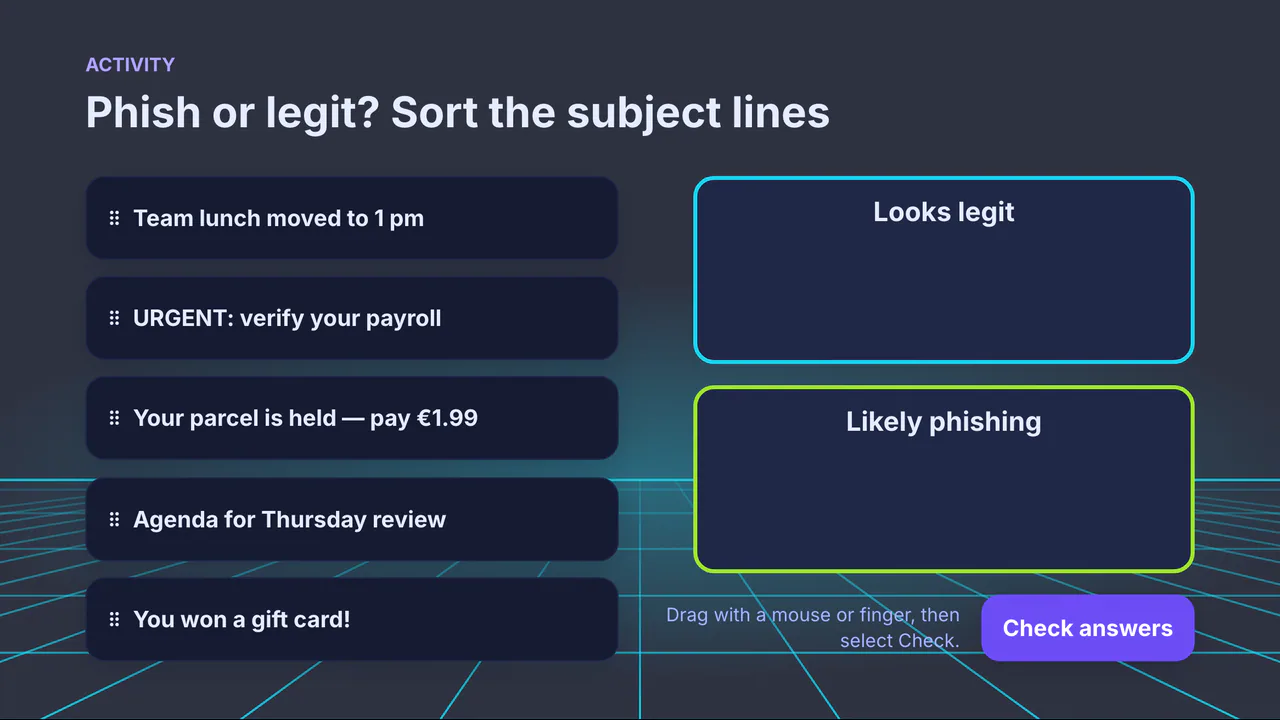
Phish or legit?
A sorting activity: drag five subject lines — “URGENT: verify your payroll”, “Agenda for Thursday review” — to the right side.
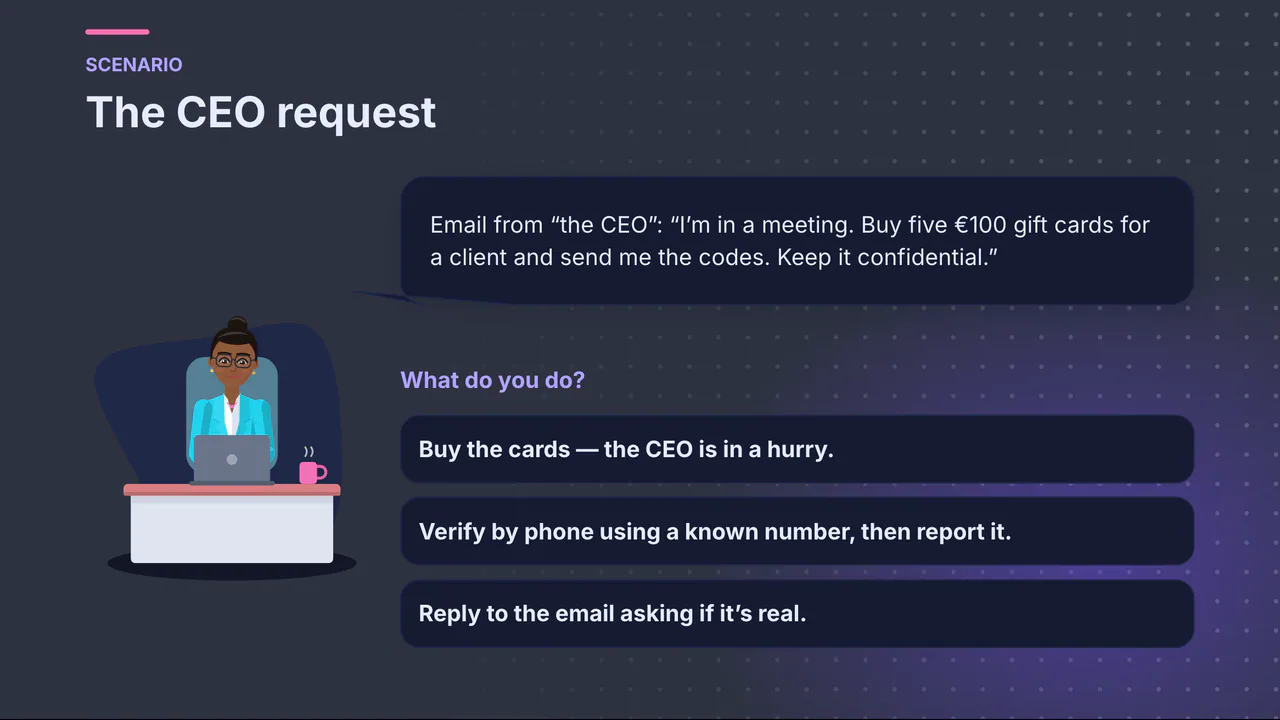
The CEO request
“The CEO” wants five €100 gift cards, confidentially. Learners choose what to do, see the consequence of each choice and try again until the attack is stopped.
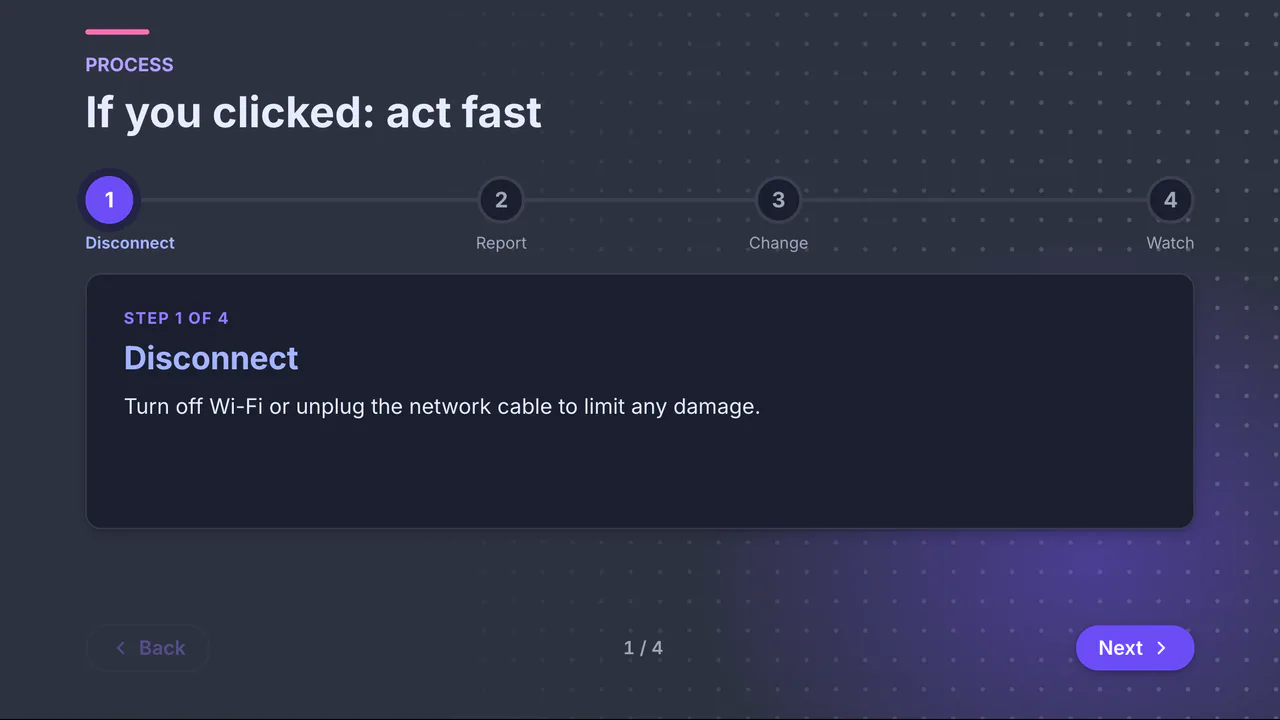
If you clicked: act fast
Disconnect, report, change, watch: four steps, one at a time.
Fill in the blanks
A word game: type the missing word in three security sentences, from locking your screen to who gets suspicious emails.
A graded quiz
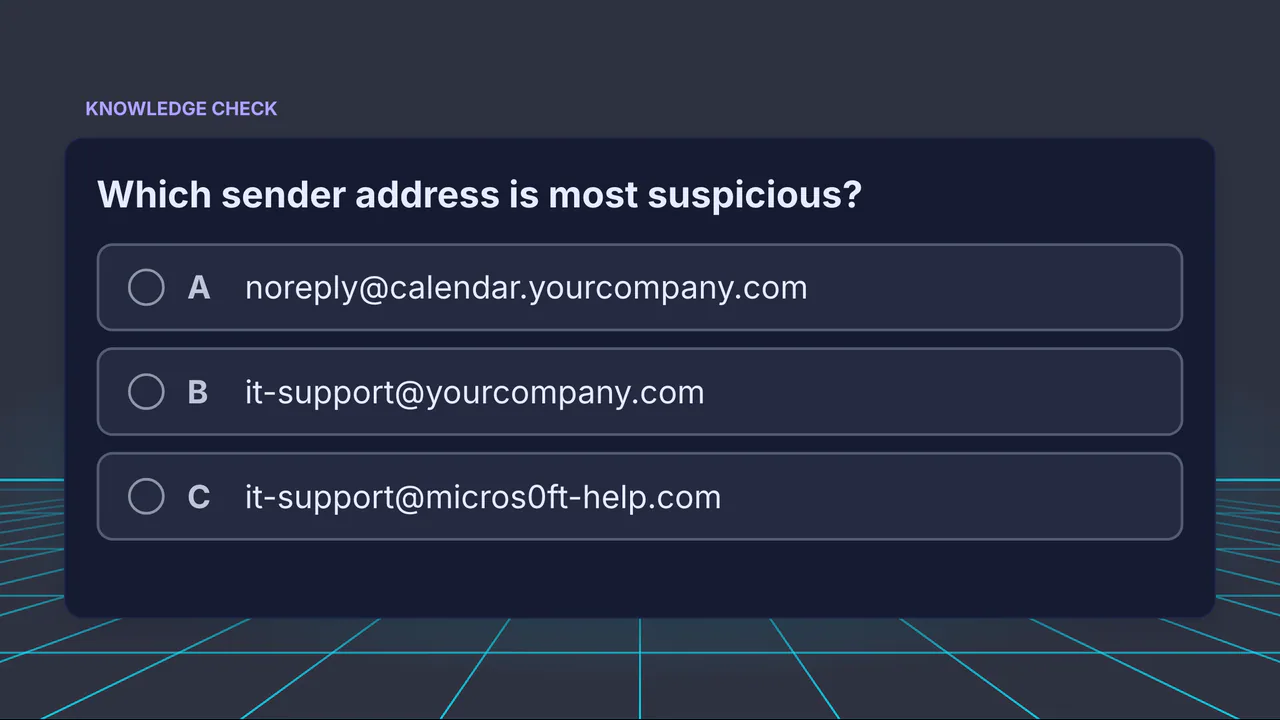
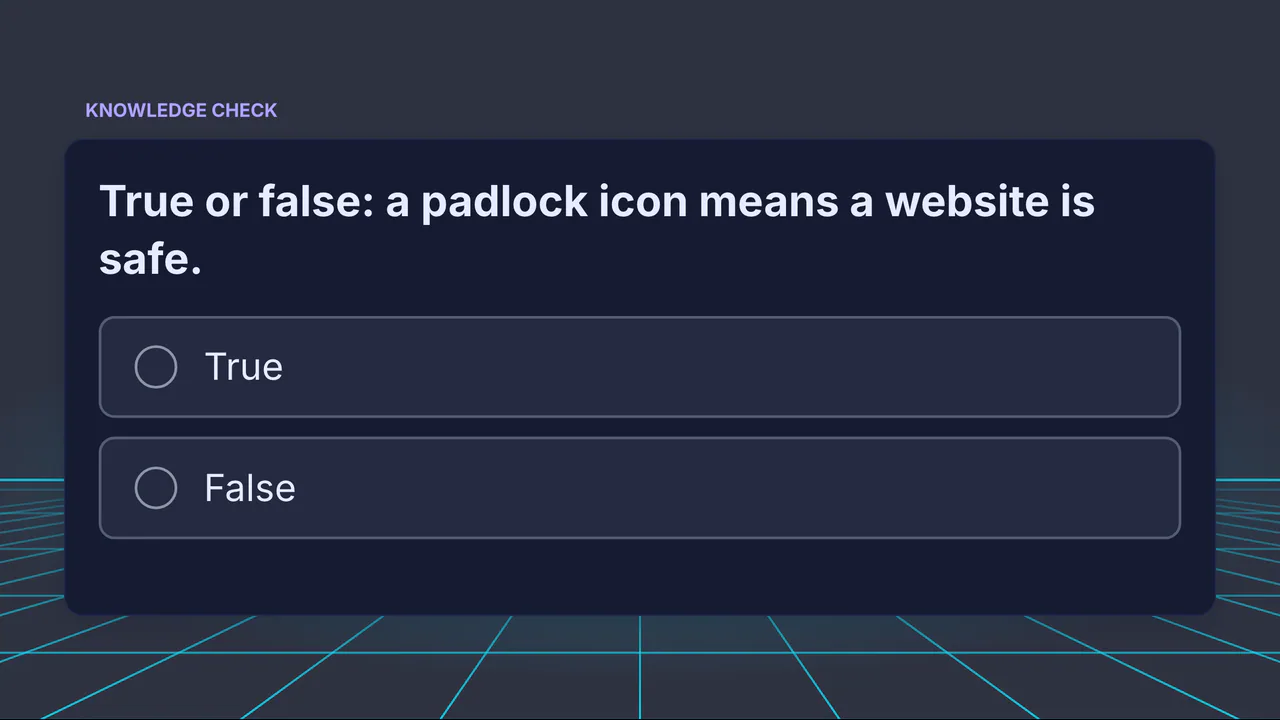
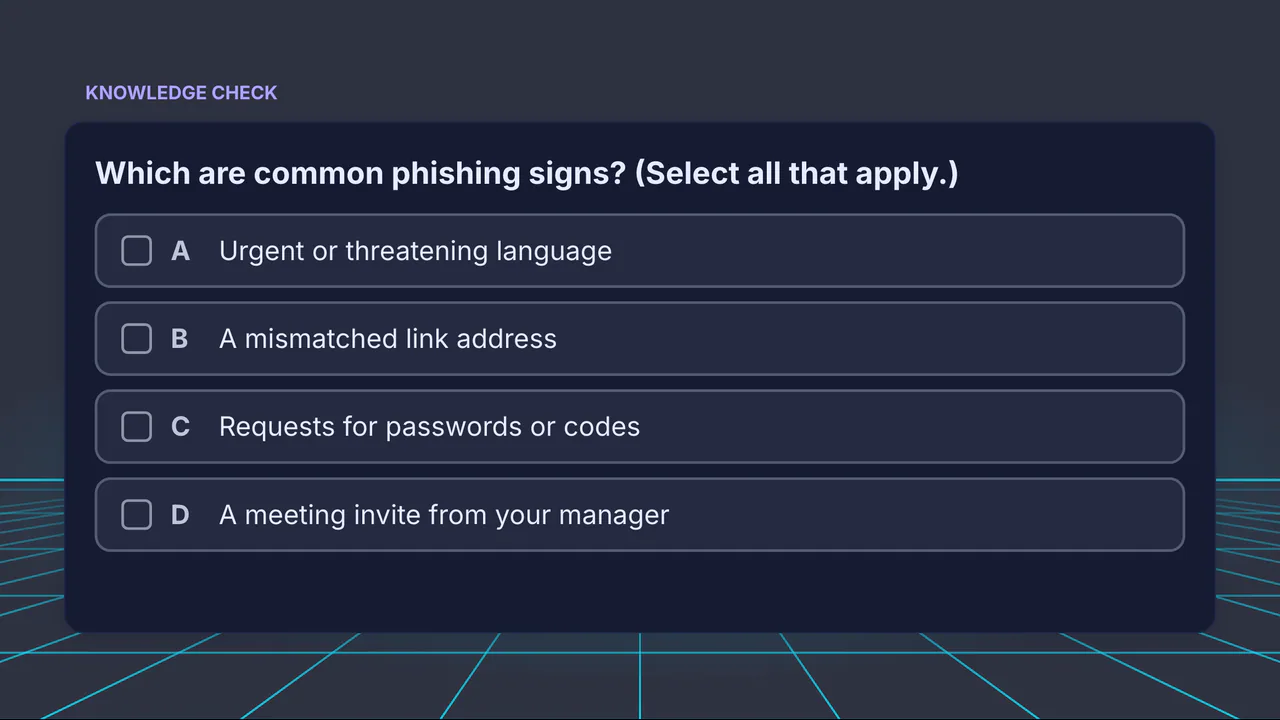
Three questions — multiple choice, true or false and multiple response — on lookalike domains, padlocks and phishing signs. 80% to pass.
After the course, learners can
- Spot the warning signs of a phishing email: a lookalike sender, urgency, a mismatched link and a generic greeting
- Recognise spear phishing, smishing and CEO fraud
- Tell genuine emails from phishing by their subject lines
- Verify unusual requests by phone, using a known number, then report them
- Act fast after a click: disconnect, report, change passwords and watch your accounts
- Explain why a padlock icon does not mean a website is safe
Made for
- Everyone with an inbox
- Security awareness for every employee who reads email or texts at work.
- New starters
- Part of onboarding, before the first suspicious email arrives.
- Finance teams and assistants
- The people CEO fraud and urgent payment requests target most.
- IT and security teams
- A ready-made awareness course to brand, adapt to your reporting process and track in your LMS.
From template to your own course in minutes
Everything in the template can be changed in Lumesson — by hand, or by asking Lume AI.
- 1
Open it in Lumesson
Home ▸ Templates ▸ Phishing Simulation. Every slide, question and picture can be changed — on the Free plan too.
Learn more - 2
Put it in your brand
Pick a brand kit and your logo, colours and fonts go onto every slide at once.
Learn more - 3
Make it about your company
Ask the Assistant: “Use our reporting address, change the CEO scenario to a supplier asking to update bank details, and add a slide on QR code phishing.” It edits the real course and lists what it changed.
Learn more - 4
Show how to report in your mail app
Record yourself reporting a suspicious email in the mail app your company uses, and Lumesson turns it into a simulation learners watch, try and then do on their own — with private data blurred.
Learn more - 5
Narrate and caption it
Natural AI voices or your Mac’s own voices for every slide, and captions for the whole course in one step.
Learn more - 6
Translate it for every office
A copy in Spanish, German or Japanese, with its narration voiced again and a list of anything to check.
Learn more - 7
Check it on a phone
One click gives every slide a phone layout — where smishing happens anyway.
Learn more - 8
Publish to your LMS
SCORM 1.2 or 2004, xAPI, cmi5 or HTML5. Completion and the quiz score go to your LMS, so you can show who was trained.
Learn more
Phishing Simulation: the details
| Length | About 20 minutes |
|---|---|
| Structure | 4 parts, 14 slides |
| Interactions | Flip Cards, Step by step, Diagram |
| Assessment | 3 questions: Multiple choice, True or false, Multiple response |
| Results | A results slide with the learner’s score and pass or fail |
| Publish to | SCORM 1.2, SCORM 2004, xAPI, cmi5, HTML5 — or a video, Word or PDF |
| Phones | A phone layout for every slide in one click |
| Language | English — translate the whole course with AI in one step |
| Editing | Every slide, picture, question and setting can be changed |
| Price | Free with Lumesson (the Free plan adds a small “Made with Lumesson” mark) |
Other courses to start from
 OnboardingEmployee onboardingA free employee onboarding course for a new hire’s first week: values, a buddy, the first 90 days, a first-day plan, a scenario and a quiz. Play it now.
 IT & softwareGetting started with a new appA free software training course for any new app: a screen tour, tasks on screenshots, click-on-the-screen practice, shortcuts and a graded quiz. Play it now.
 ComplianceCybersecurity awarenessA free cybersecurity awareness training course: passwords, MFA, spotting phishing, a secure desk, a timed game and a four-question quiz. Play it now.
Read more
Compliance training people actually finish: what it is and how to build it
What compliance training is, what employee compliance training must cover, and how to build a compliance training program people finish — with LMS tracking.
Read the guideGuideHow to create a software simulation from one screen recording
A step-by-step guide to software simulations: plan the task, record it once, clean up the steps, hide private data and publish View, Try and Test modes.
Read the guideGuideHow to write branching scenarios that change what people do
A practical guide to branching scenarios for training: choose the moment, map the conversation, write believable replies, coaching and endings.
Read the guideFrequently asked questions
Is this phishing simulation training template free?
Yes. Every course template comes with Lumesson, including the Free plan, which has every authoring feature. Courses published on Free carry a small “Made with Lumesson” mark; a one-time Lifetime licence removes it.
Does it send fake phishing emails to my staff?
No. It is an interactive course that simulates phishing on screen — a realistic suspicious email to inspect, subject lines to sort and a scenario to decide. It sends no emails. Use it before or alongside a phishing test campaign, so people know what to look for.
Can I upload it to my LMS?
Yes. Publish it as SCORM 1.2, SCORM 2004, xAPI or cmi5 and upload the package to your LMS: it reports completion and the quiz score. You can also publish HTML5 for a website or intranet.
Can I add our own reporting process?
Yes. Edit any slide by hand, or ask the Assistant to add your reporting address or button and your IT contacts, and to change the examples to the tools your company uses.
Can I change the questions and the pass mark?
Yes. Edit any of the three questions or add more from 20 question types, draw questions at random from a question bank, and set the pass mark and the number of tries.
How long does the course take?
About 20 minutes. The clue hunt and the CEO scenario also work on their own as a five-minute refresher.
Make “Spot the Phish” your own
Download Lumesson free for Mac, open the template from Home ▸ Templates and change anything — by hand or by asking Lume AI.