 Lumesson
Project management training template
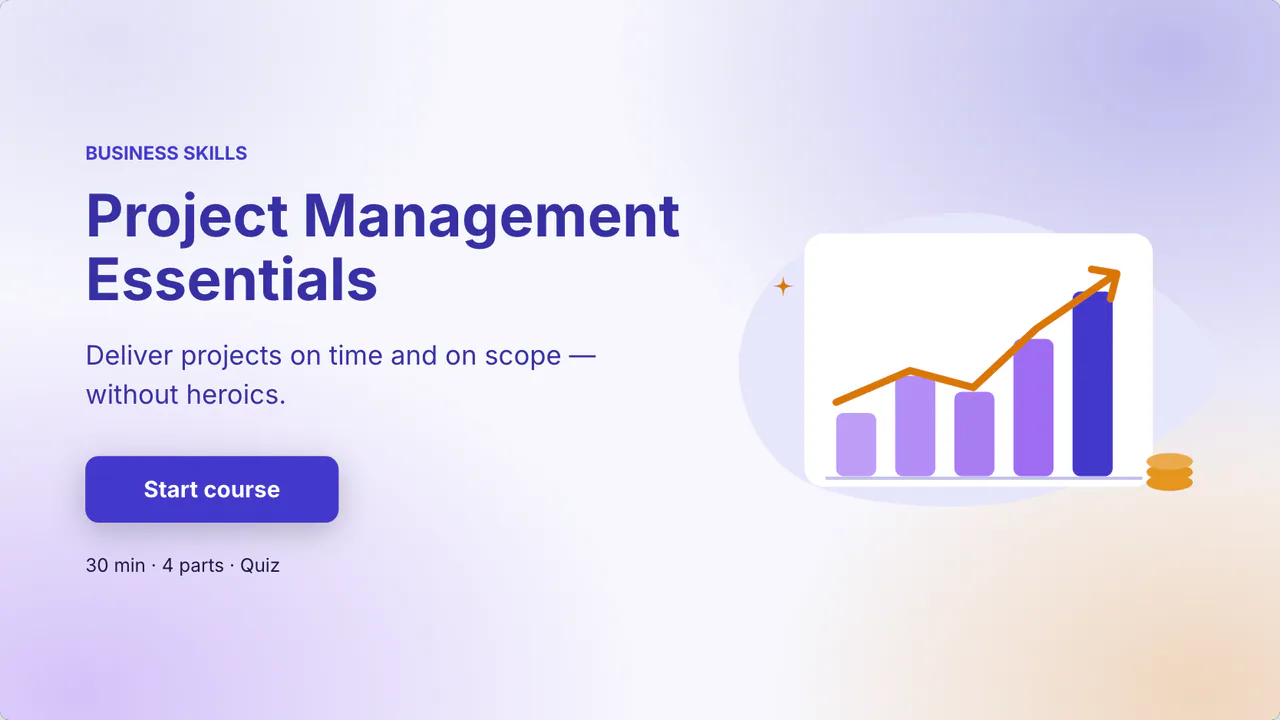
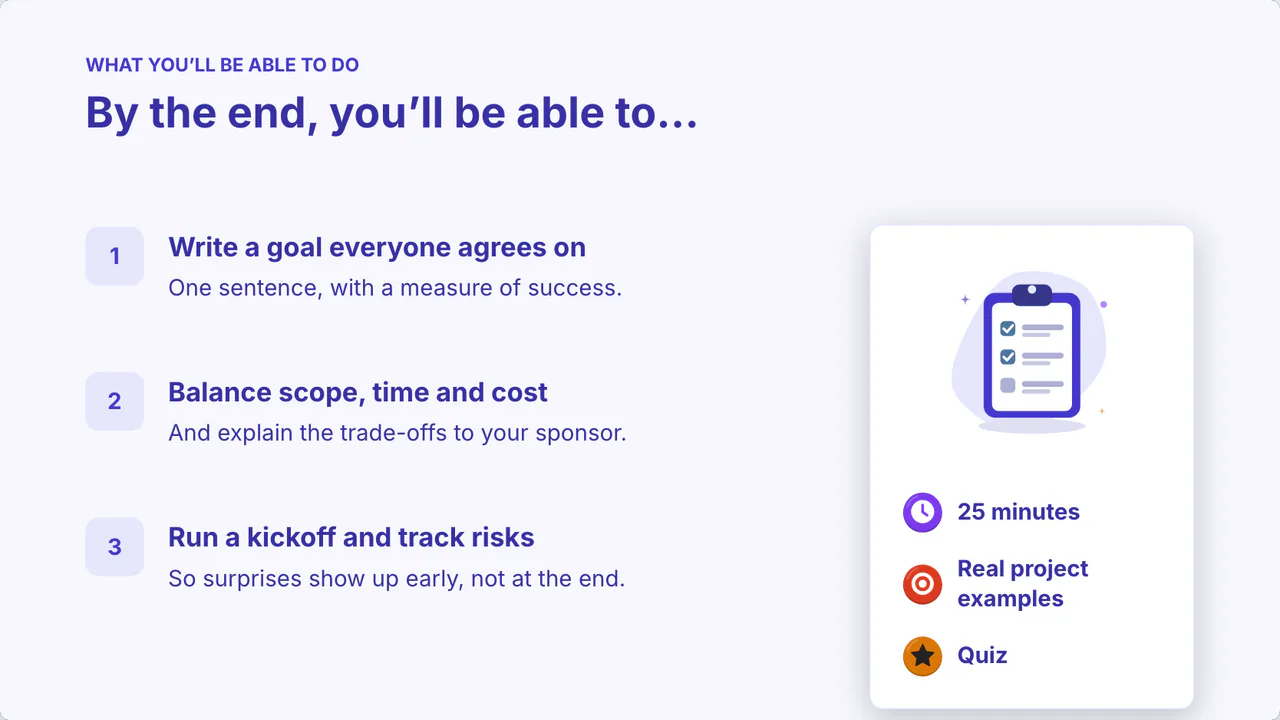
A 30-minute course on running small projects well: learners step through the project life cycle, balance scope, time and cost, answer four planning questions and handle a sponsor who wants more scope with the same deadline — then a graded quiz and a kickoff checklist. Play it below, then make it yours.
- 30 minto complete
- 17slides in 4 parts
- 3questions, 2 kinds
- SCORMxAPI · cmi5 · HTML5
Already have Lumesson? Open this template in the app
 Play the course
Take “Project Management Essentials” as a learner
This is the real course, published from Lumesson as HTML5. Click through it, try every activity and take the test — nothing you do is recorded.
Open full screenWorks on phones and tablets too
17 slides in 4 parts
A free project management training course: the life cycle, the triple constraint, planning, status updates, a scope-creep scenario and a quiz. Play it now.
Introduction
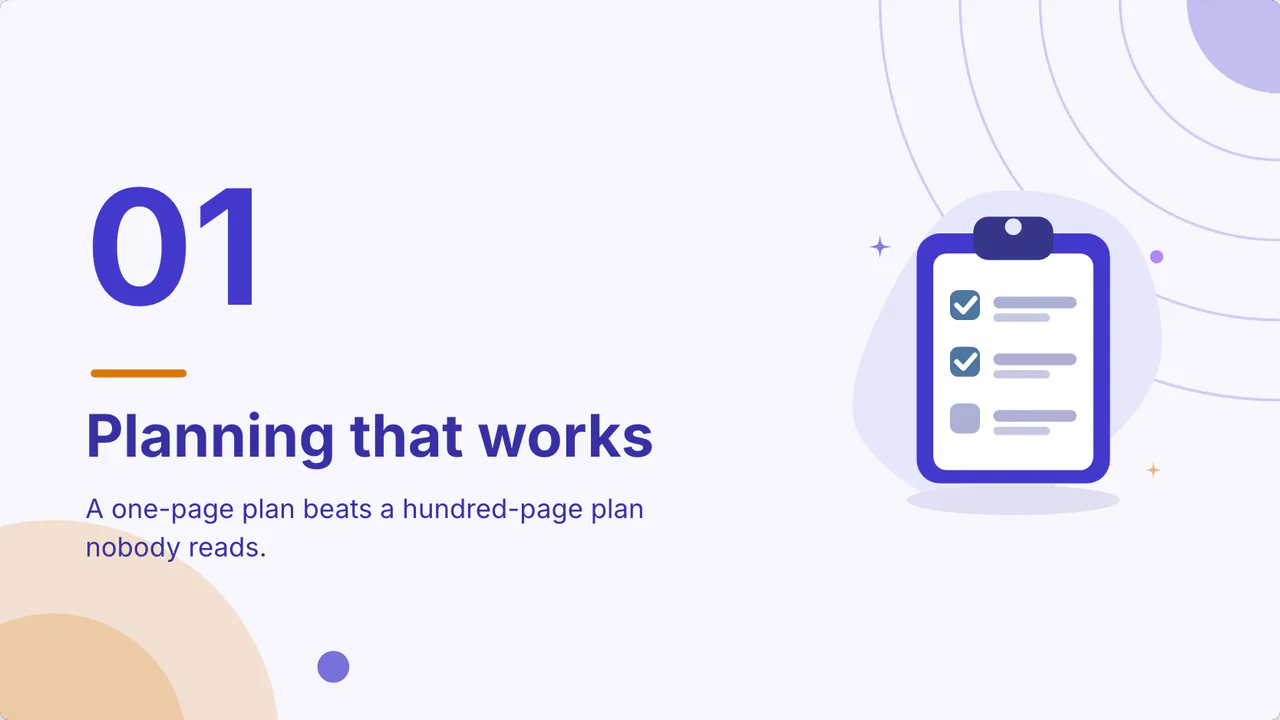
3 slidesPlanning
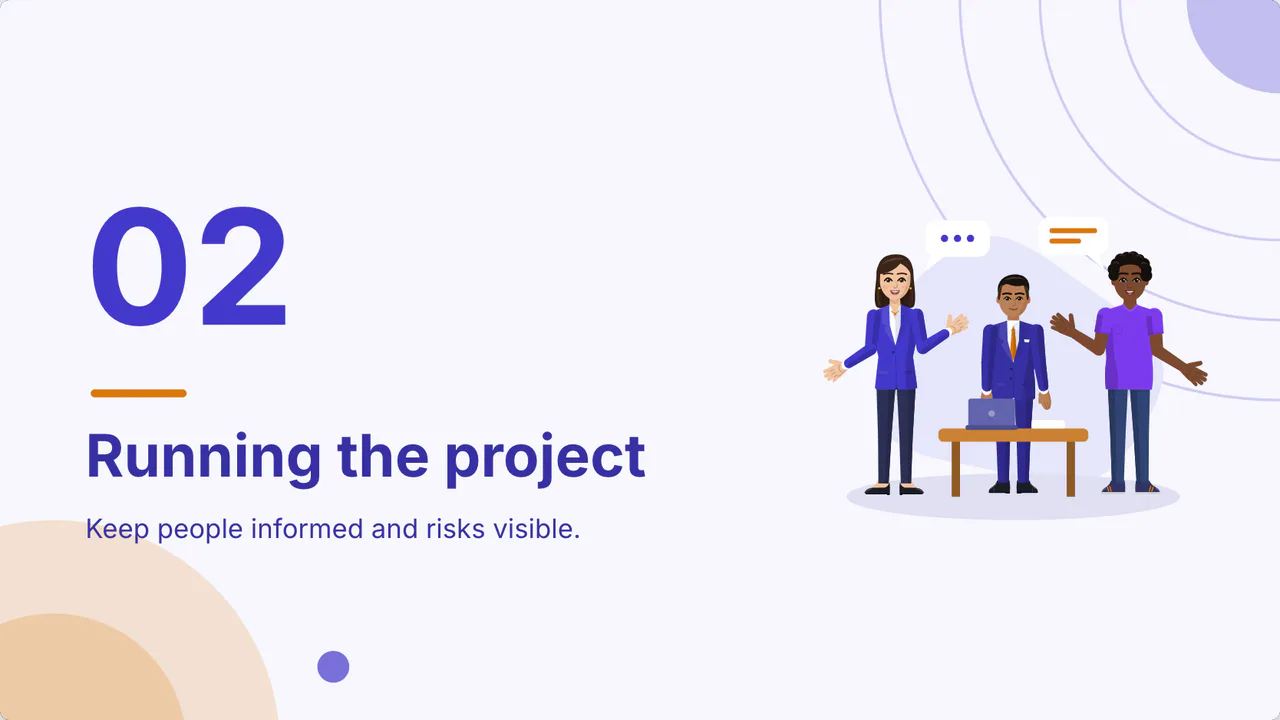
3 slidesRunning the project
5 slidesQuiz
6 slidesA look at the course
Learning by doing, not by reading
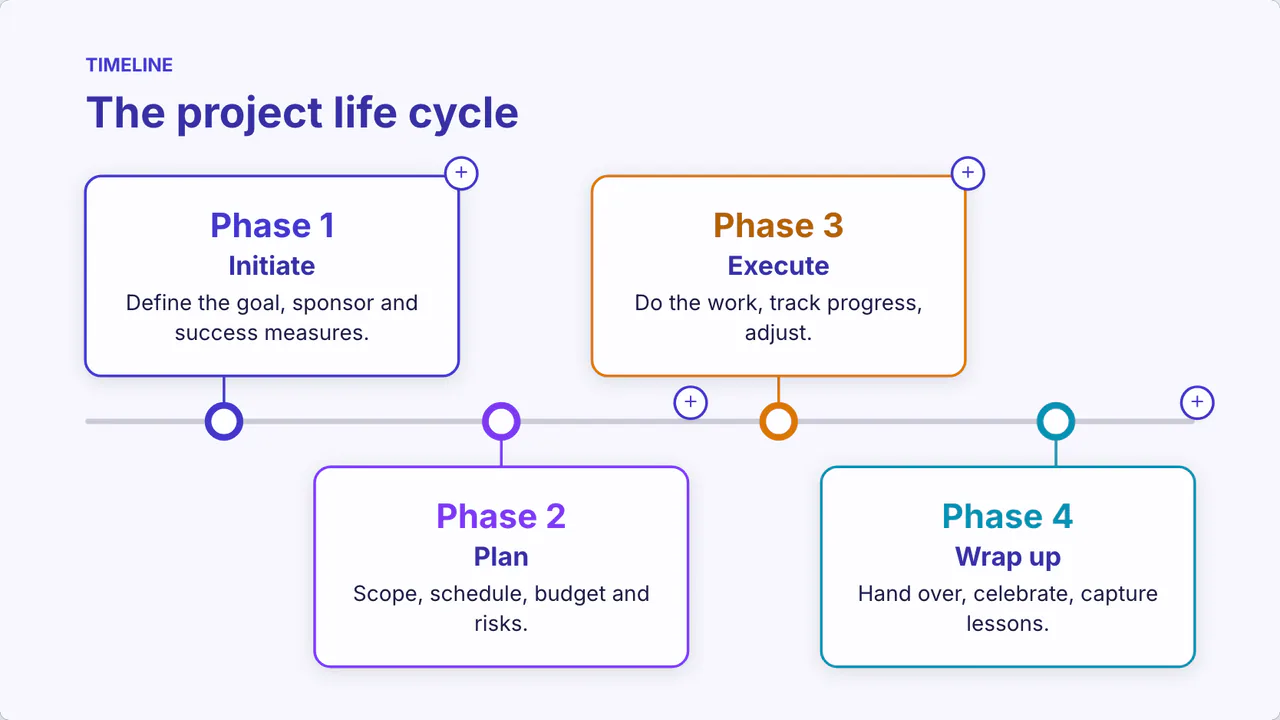
The project life cycle
A clickable timeline: initiate, plan, execute and wrap up — each phase opens what happens in it.
The triple constraint
Scope, time and cost on three cards: what will be delivered, by when, and with what budget, people and tools.
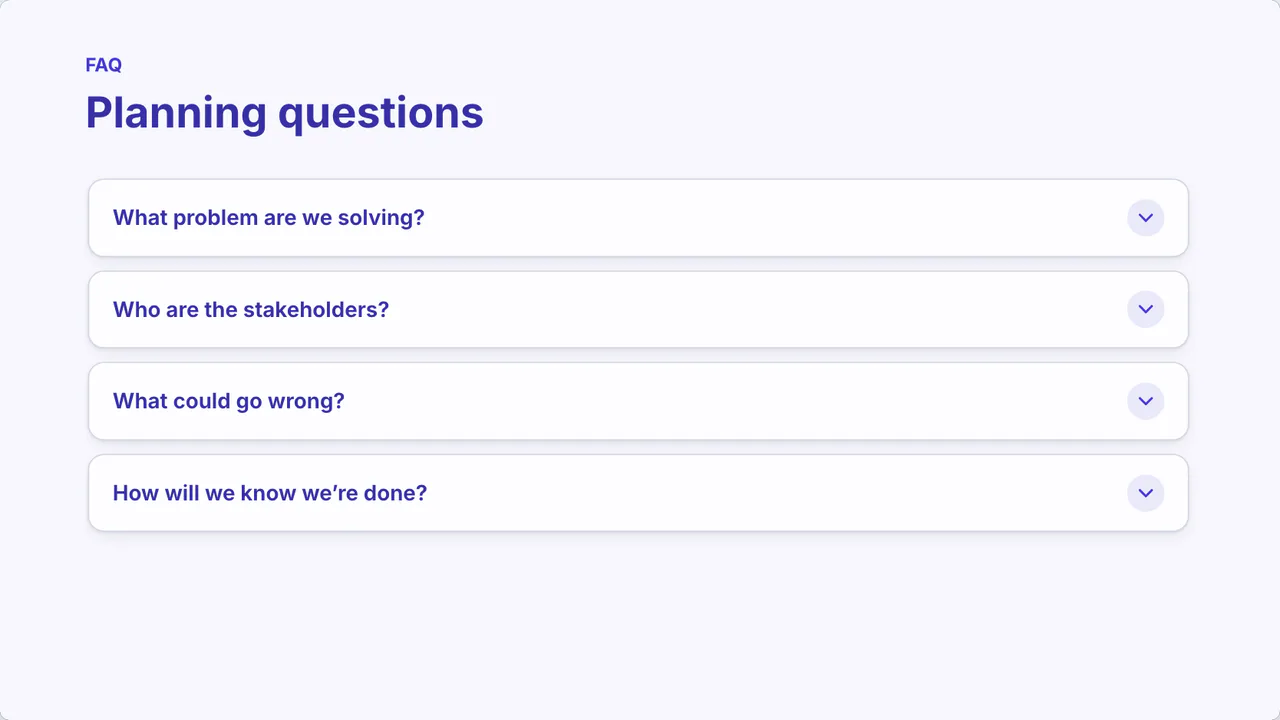
Planning questions
An accordion of four questions to answer before work starts — from “What problem are we solving?” to “How will we know we’re done?”
A great status update
Four parts: status at a glance in green, amber or red, progress, next steps, and risks and asks.
Scope creep
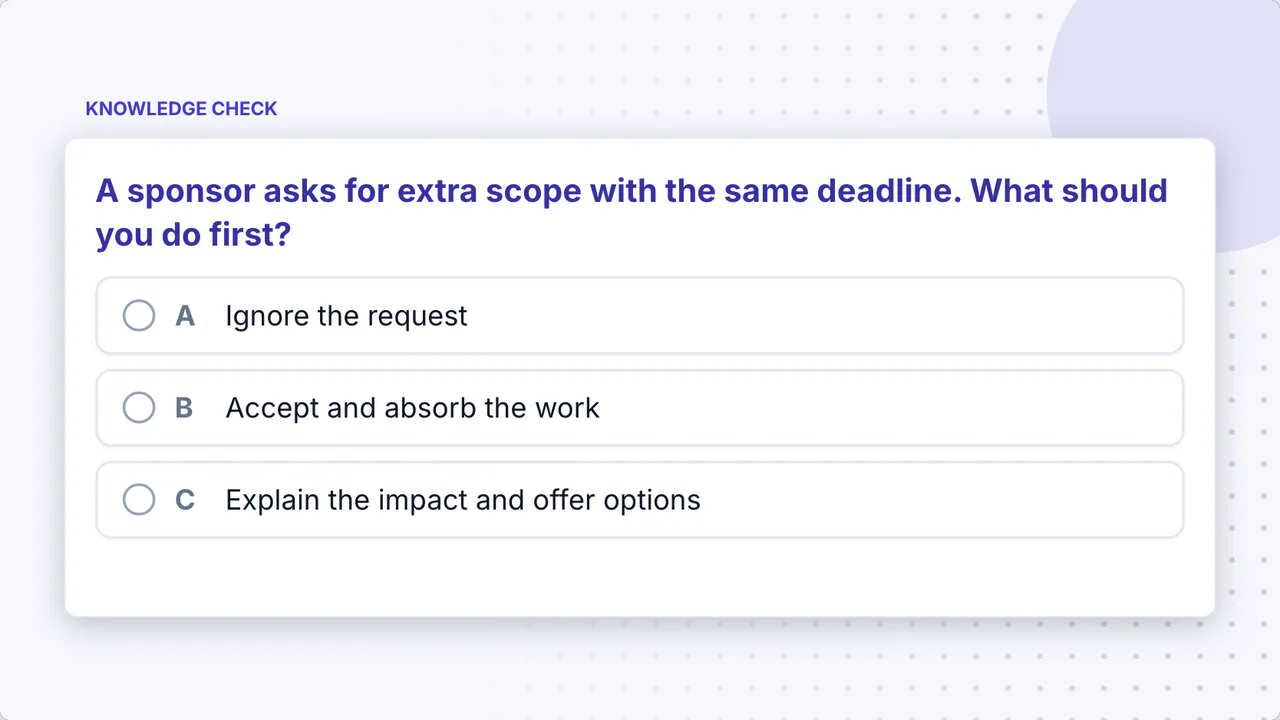
Jordan, the sponsor, wants a mobile version with the same launch date. Learners choose a response, see what follows and try again until the trade-off is clear.
A progress check
A recap of the parts covered so far, and what comes next.
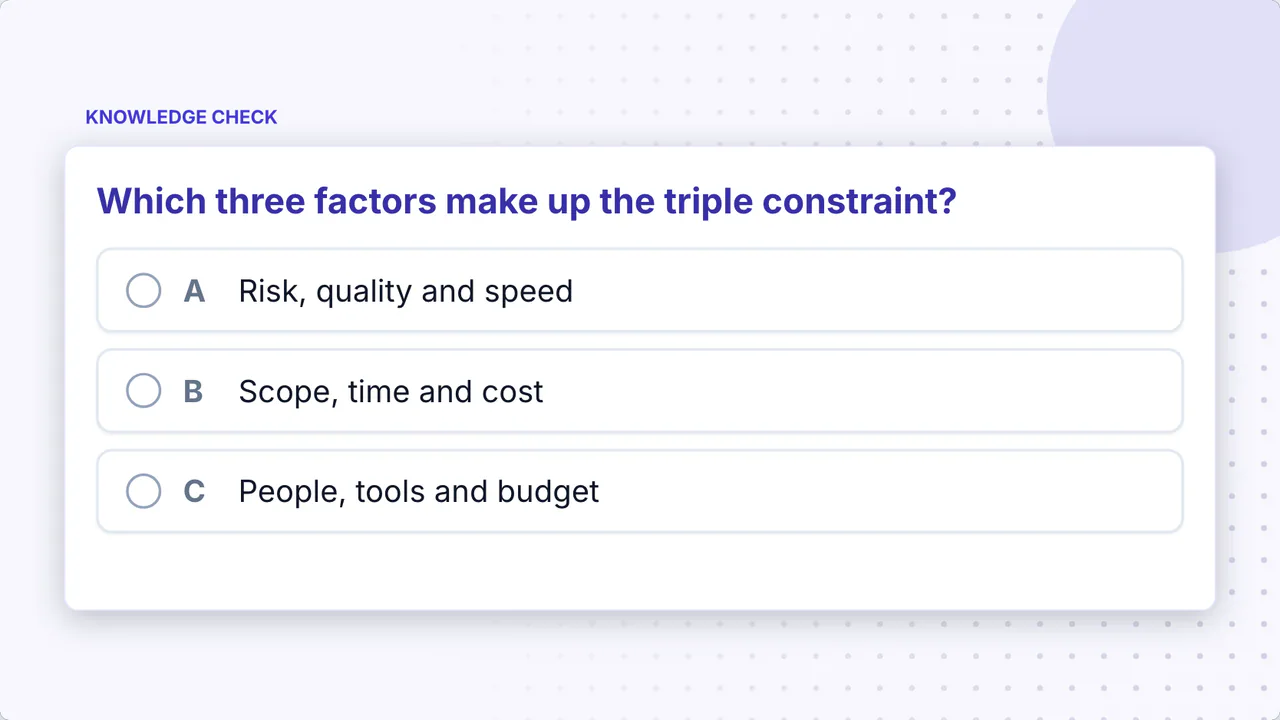
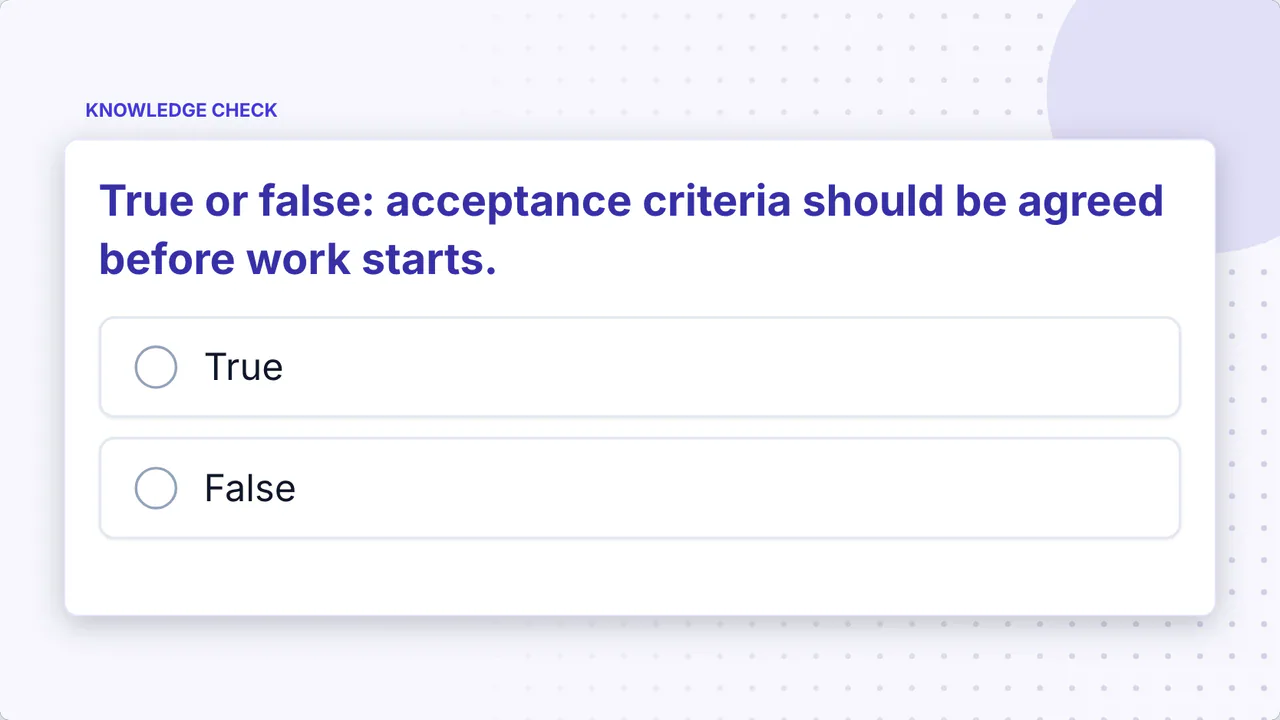
A graded quiz
Three questions — multiple choice and true or false — on the triple constraint, acceptance criteria and extra scope. 80% to pass.
A kickoff checklist
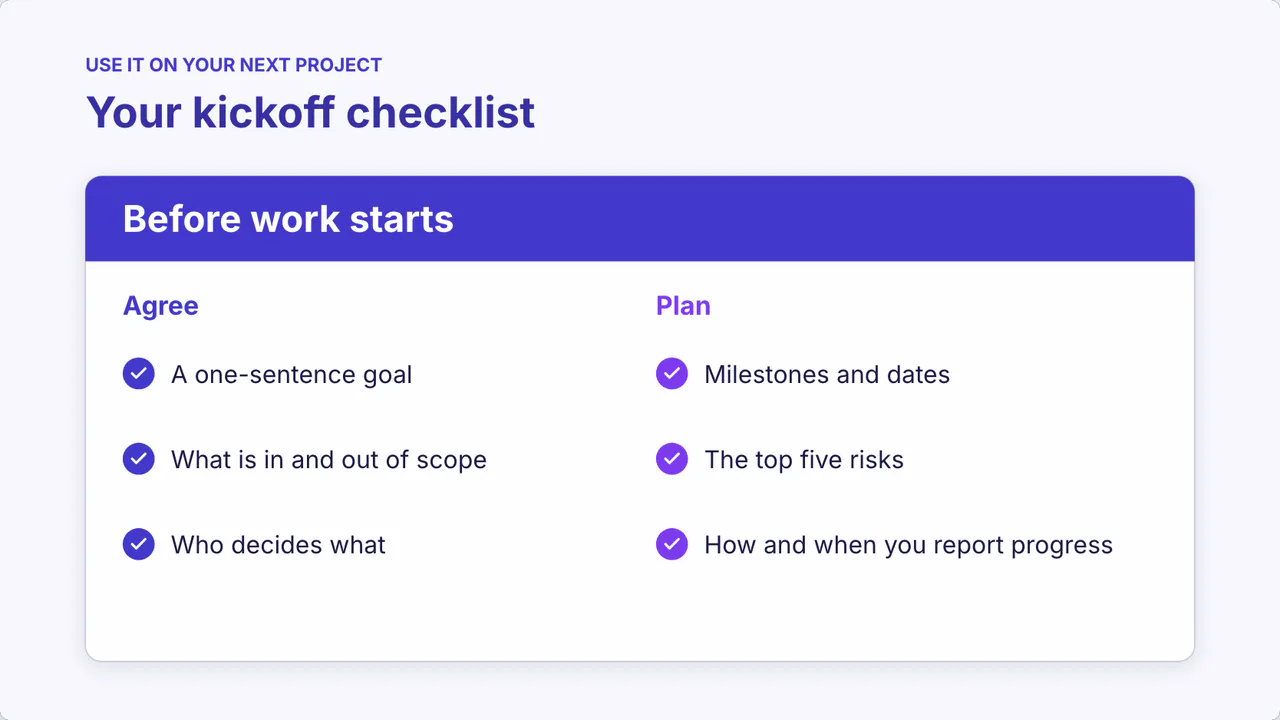
The course ends with a two-column checklist of what to agree and what to plan before work starts on the next project.
After the course, learners can
- Describe the four phases of a project: initiate, plan, execute and wrap up
- Write a one-sentence goal with a measure of success
- Balance scope, time and cost — the triple constraint — and explain the trade-offs to a sponsor
- Answer the planning questions: the problem, the stakeholders, the risks and what “done” means
- Write a status update with the status, progress, next steps, risks and asks
- Handle scope creep by showing the impact and letting the sponsor decide
Made for
- First-time project leads
- People who run projects without “project manager” in their job title.
- Team leads and coordinators
- A shared way to plan, report status and handle change requests.
- Graduates and new hires
- The basics of how projects run, before their first one starts.
- Subject-matter experts
- Engineers, marketers and analysts asked to deliver a project alongside their day job.
From template to your own course in minutes
Everything in the template can be changed in Lumesson — by hand, or by asking Lume AI.
- 1
Open it in Lumesson
Home ▸ Templates ▸ Project Management Basics. Every slide, question and picture can be changed — on the Free plan too.
Learn more - 2
Put it in your brand
Pick a brand kit and your logo, colours and fonts go onto every slide at once.
Learn more - 3
Make it about your projects
Ask the Assistant: “Use our project request form and status colours, and add a slide on how we run retrospectives.” It edits the real course and lists what it changed.
Learn more - 4
Show your own project tool
Record how to create a project and update its status in the tool your teams use, and Lumesson turns it into a simulation learners watch, try and then do on their own.
Learn more - 5
Add a project lead
Mia, a team lead, can walk learners through each phase — with 20 poses and expressions to react to their choices.
Learn more - 6
Narrate and caption it
Natural AI voices or your Mac’s own voices for every slide, and captions for the whole course in one step.
Learn more - 7
Check it on a phone
One click gives every slide a phone layout, so people can take it between meetings.
Learn more - 8
Publish to your LMS
SCORM 1.2 or 2004, xAPI, cmi5 or HTML5. Completion and the quiz score go to your LMS.
Learn more
Project Management Basics: the details
| Length | About 30 minutes |
|---|---|
| Structure | 4 parts, 17 slides |
| Interactions | Accordion, Diagram |
| Assessment | 3 questions: Multiple choice, True or false |
| Results | A results slide with the learner’s score and pass or fail |
| Publish to | SCORM 1.2, SCORM 2004, xAPI, cmi5, HTML5 — or a video, Word or PDF |
| Phones | A phone layout for every slide in one click |
| Language | English — translate the whole course with AI in one step |
| Editing | Every slide, picture, question and setting can be changed |
| Price | Free with Lumesson (the Free plan adds a small “Made with Lumesson” mark) |
Other courses to start from
 OnboardingEmployee onboardingA free employee onboarding course for a new hire’s first week: values, a buddy, the first 90 days, a first-day plan, a scenario and a quiz. Play it now.
 IT & softwareGetting started with a new appA free software training course for any new app: a screen tour, tasks on screenshots, click-on-the-screen practice, shortcuts and a graded quiz. Play it now.
 ComplianceCybersecurity awarenessA free cybersecurity awareness training course: passwords, MFA, spotting phishing, a secure desk, a timed game and a four-question quiz. Play it now.
Read more
How to write branching scenarios that change what people do
A practical guide to branching scenarios for training: choose the moment, map the conversation, write believable replies, coaching and endings.
Read the guideGuideHow to create a software simulation from one screen recording
A step-by-step guide to software simulations: plan the task, record it once, clean up the steps, hide private data and publish View, Try and Test modes.
Read the guideGuideWhat is SCORM? SCORM 1.2, SCORM 2004, xAPI and cmi5 explained
What is SCORM? A plain-English guide to SCORM packages, SCORM 1.2 vs SCORM 2004, xAPI and cmi5: what each one tracks and which one your LMS needs.
Read the guideFrequently asked questions
Is this project management training template free?
Yes. Every course template comes with Lumesson, including the Free plan, which has every authoring feature. Courses published on Free carry a small “Made with Lumesson” mark; a one-time Lifetime licence removes it.
Can I upload it to my LMS?
Yes. Publish it as SCORM 1.2, SCORM 2004, xAPI or cmi5 and upload the package to your LMS: it reports completion and the quiz score. You can also publish HTML5 for a website or intranet.
Does it follow PMP, PRINCE2 or Agile?
It teaches what most methods share — a clear goal, the triple constraint, stakeholders, risks, status updates and handling change — without the jargon of any one method. Add your own method’s terms, templates and stages, or ask the Assistant to adapt it to Scrum or to your project office’s process.
Can I show our own project tool?
Yes. Record the task once in your tool and Lumesson turns it into a software simulation with View, Try and Test modes, which you can add to this course.
Can I change the questions and the pass mark?
Yes. Edit any of the three questions or add more from 20 question types, draw questions at random from a question bank, and set the pass mark and the number of tries.
How long does the course take?
About 30 minutes. Remove a part for a shorter refresher, or send the planning and running parts as two separate lessons.
Make “Project Management Essentials” your own
Download Lumesson free for Mac, open the template from Home ▸ Templates and change anything — by hand or by asking Lume AI.