 Lumesson
Leave policy training template
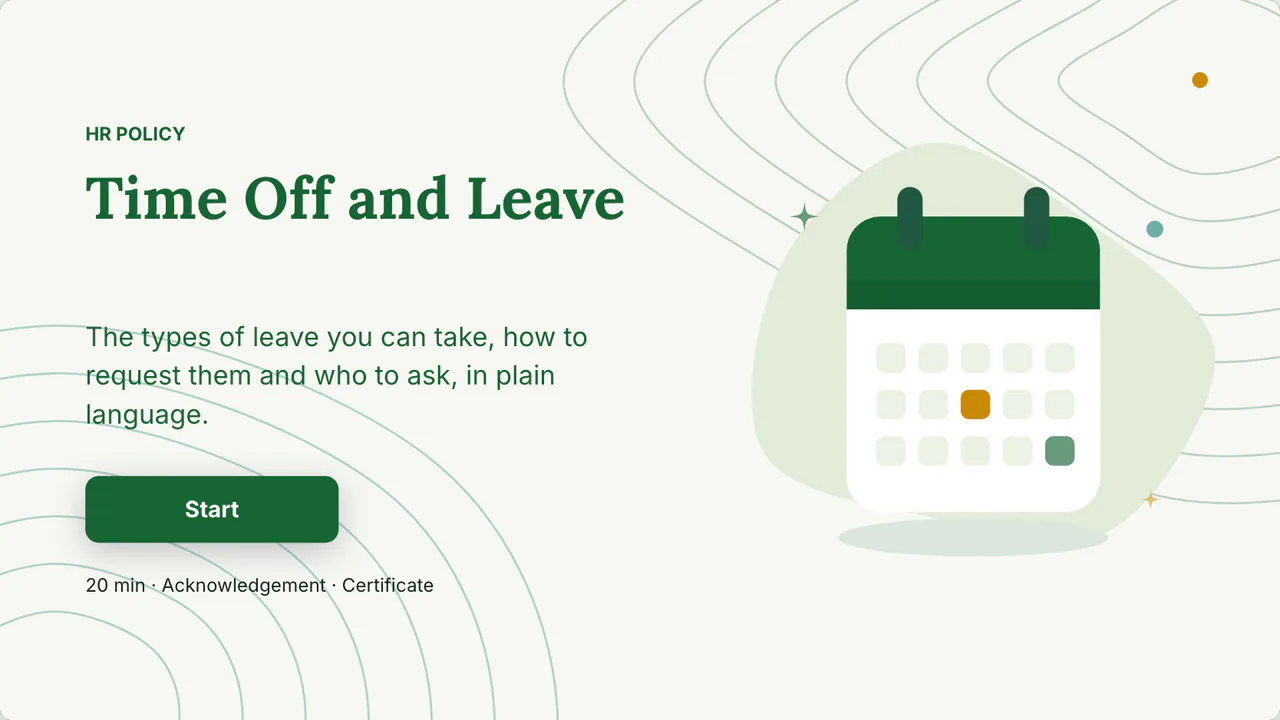
A 20-minute HR policy course in plain language: the types of leave people can take, requesting time off in four steps and in the HR portal, the questions people ask, and a chat with a manager about a week nobody can cover — then a quiz, a signed acknowledgement and a certificate. Play it below, then make it yours.
- 20 minto complete
- 13slides in 5 parts
- 3questions, 2 kinds
- SCORMxAPI · cmi5 · HTML5
Already have Lumesson? Open this template in the app
 Play the course
Take “Time Off and Leave” as a learner
This is the real course, published from Lumesson as HTML5. Click through it, try every activity and take the test — nothing you do is recorded.
Open full screenWorks on phones and tablets too
13 slides in 5 parts
A free leave policy training course: types of leave, requesting time off, FAQs, a manager chat, an acknowledgement and a certificate. Play it now.
Introduction
2 slidesTypes of leave
2 slidesRequesting time off
2 slidesYour questions
2 slidesCheck and confirm
5 slidesA look at the course
Learning by doing, not by reading
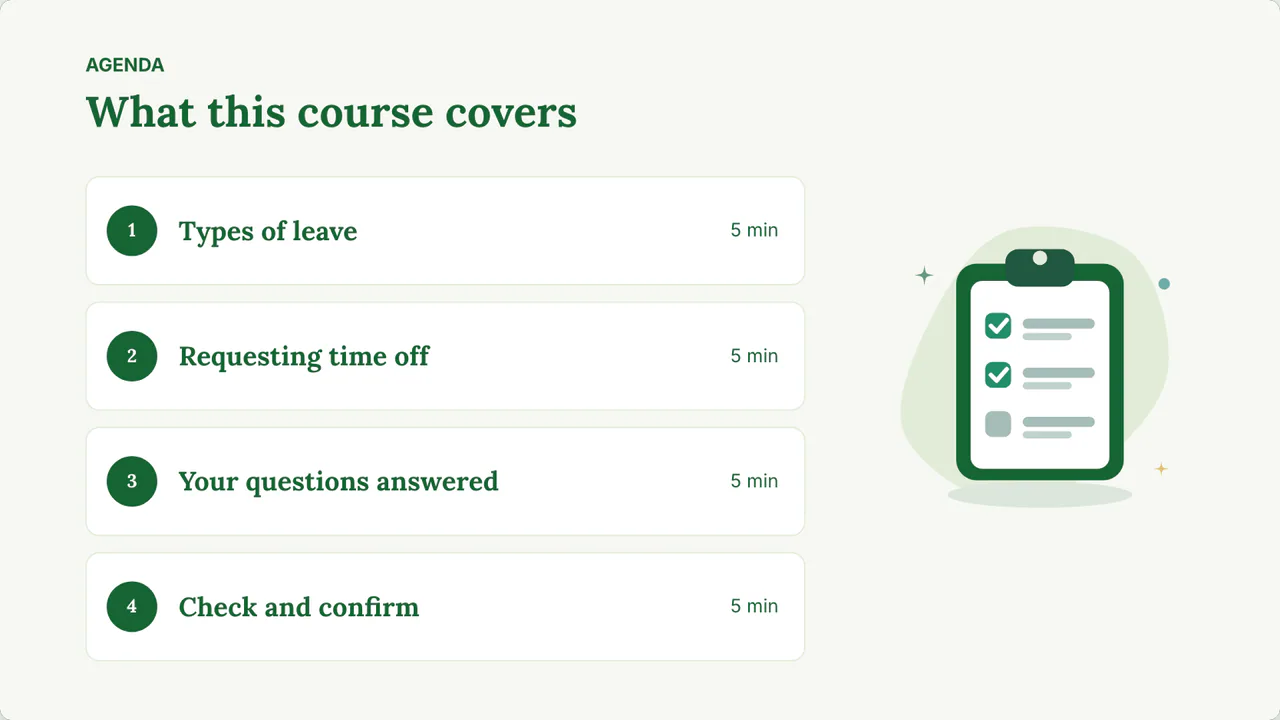
An agenda
Four parts of five minutes each, so learners know what is coming.
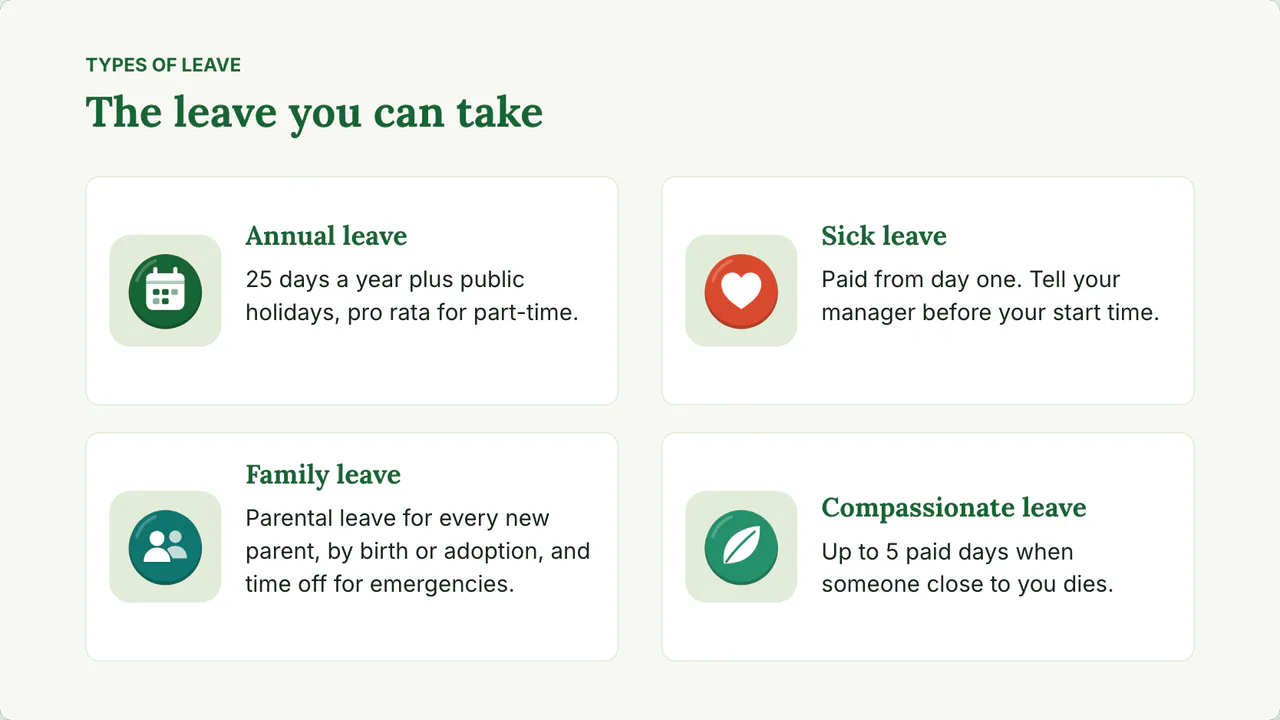
The leave you can take
Annual, sick, family and compassionate leave, each with its key rule — such as 25 days a year plus public holidays.
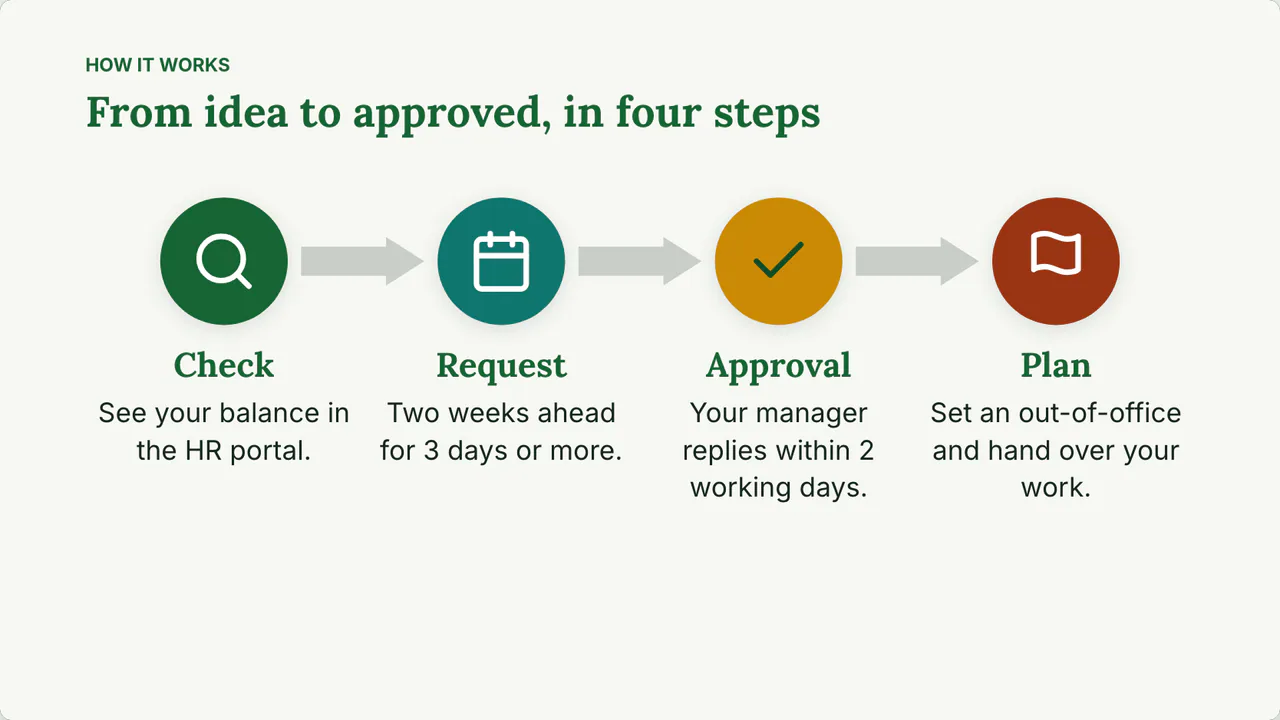
From idea to approved
Four steps: check your balance, request ahead, your manager replies within two working days, then plan the handover.
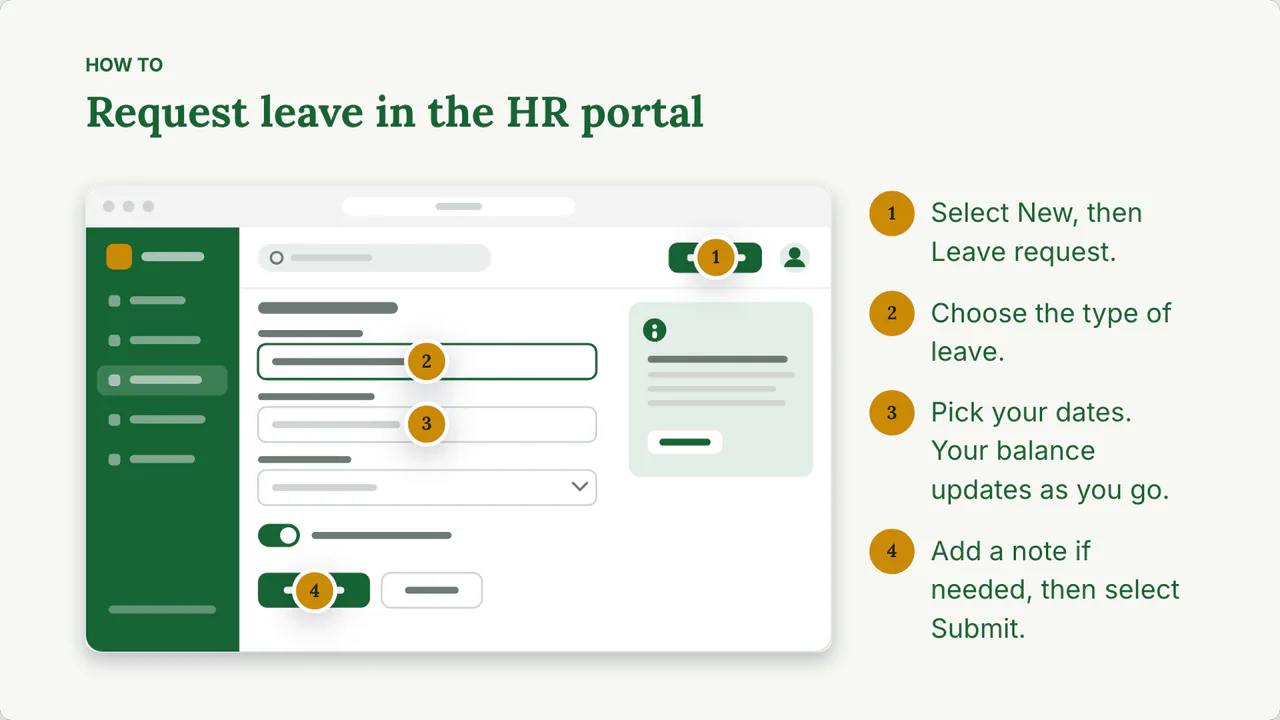
Request leave in the HR portal
The leave request form on a screenshot, with four numbered steps from New to Submit.
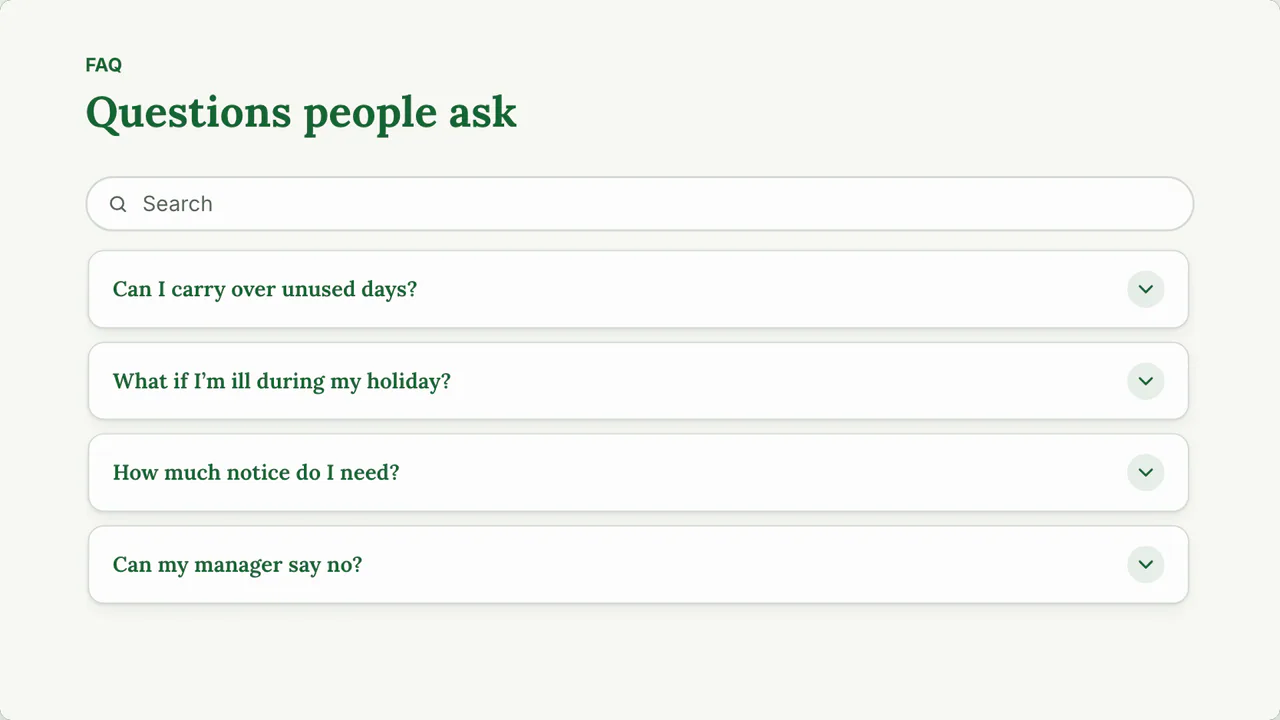
Questions people ask
A searchable FAQ: carrying over days, being ill on holiday, notice and whether a manager can say no.
The busiest week of the year
A chat with a manager: three people are already off that week. Learners choose a reply and see how each one lands.
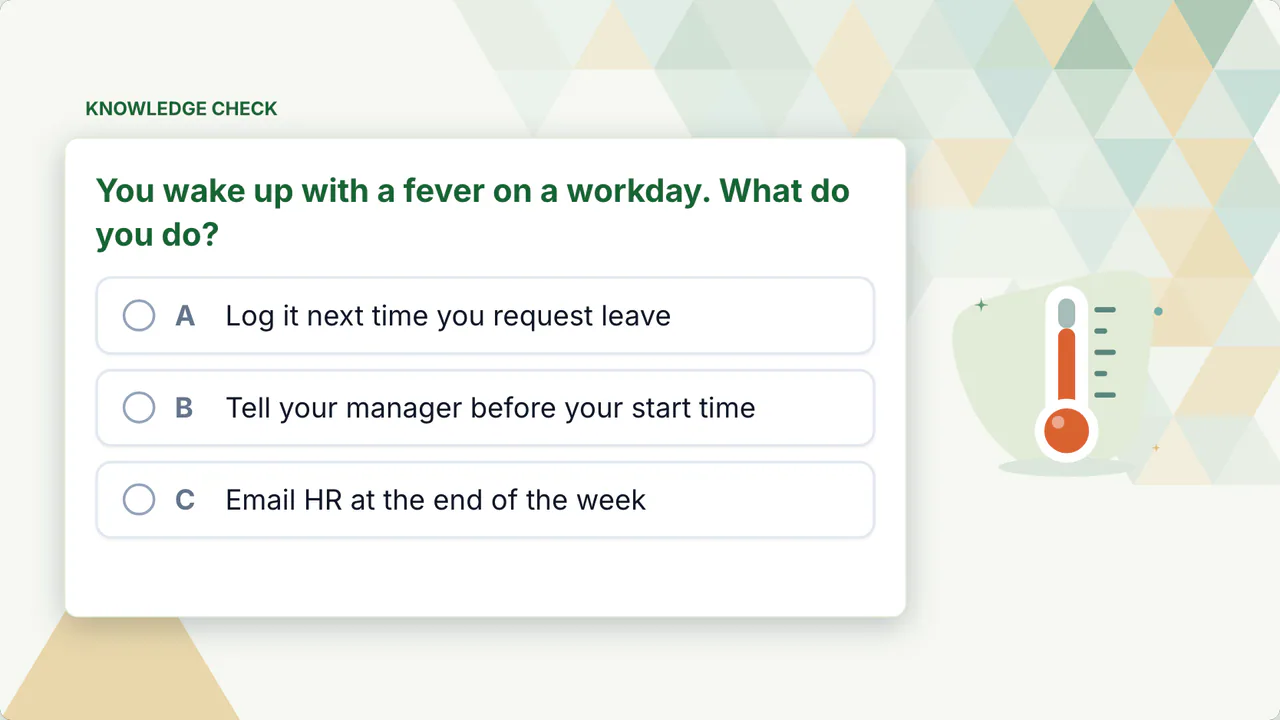
A quiz
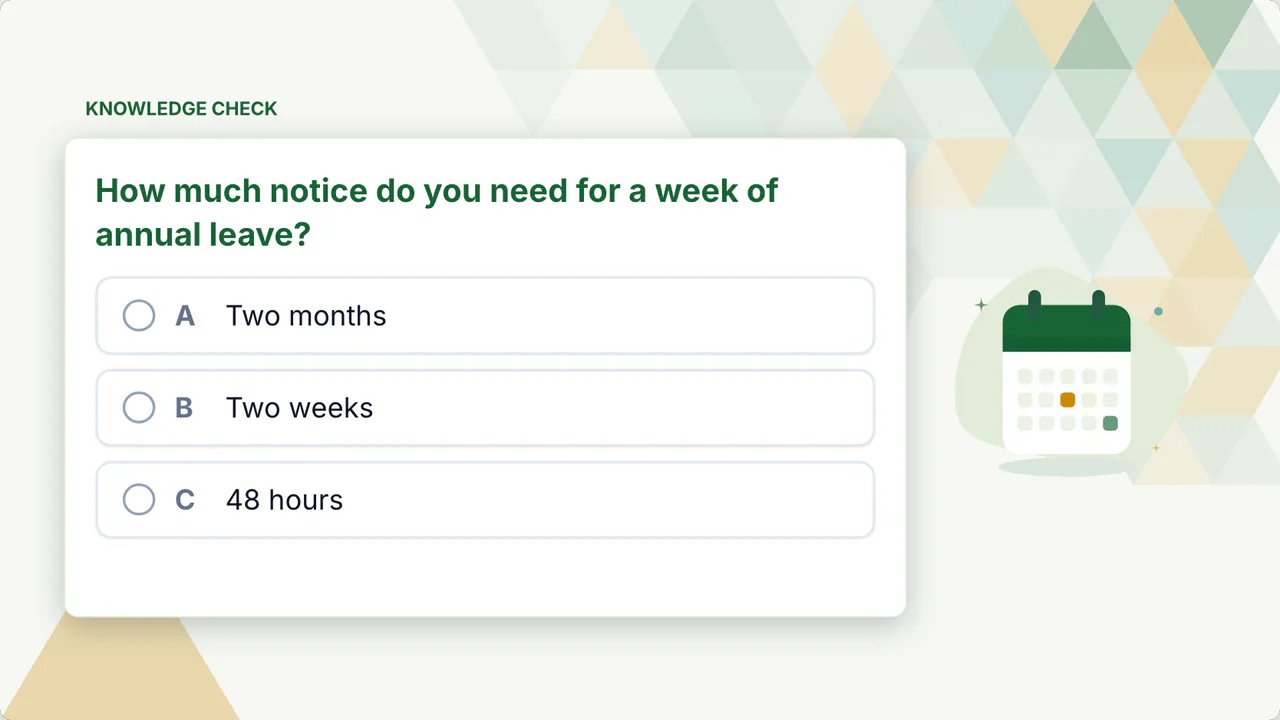
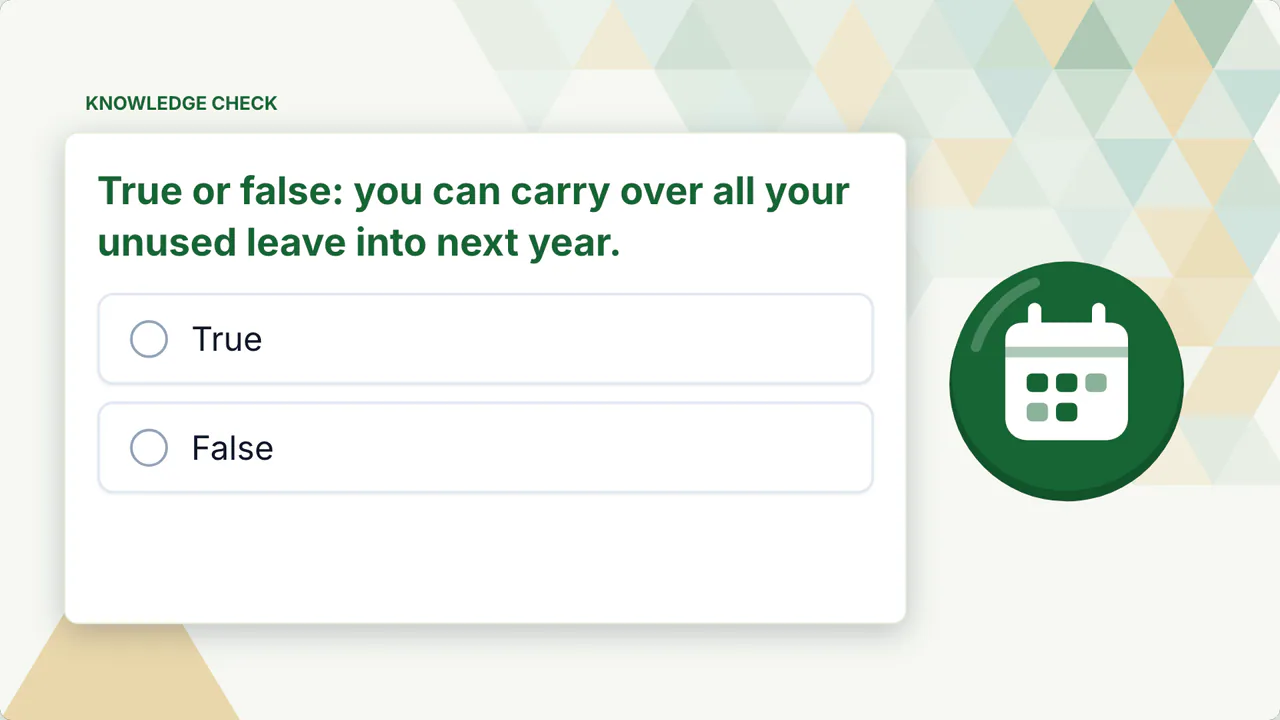
Three questions — two multiple choice, one true or false — with an 80% pass mark.
Acknowledgement and certificate
Learners type their name and tick that they have read the policy, then get a certificate with their name and score.
After the course, learners can
- Name the types of leave: annual, sick, family and compassionate leave
- Request time off in four steps — check the balance, request, get approval, plan the handover
- Give the right notice: two weeks for three days or more, 48 hours for a single day
- Know what to do when they are ill on a workday or during their holiday
- Talk to their manager about other dates when the team has no cover
Made for
- All employees
- The leave policy explained once, clearly, with a record that each person read it.
- New starters
- Part of onboarding: how much leave they have and how to request it.
- Managers
- What to do when leave requests clash and how to say no fairly.
- HR and People teams
- Fewer “how much notice do I need?” emails, and proof the policy was read.
From template to your own course in minutes
Everything in the template can be changed in Lumesson — by hand, or by asking Lume AI.
- 1
Open it in Lumesson
Home ▸ Templates ▸ Time off and leave policy. Every slide, question and picture can be changed — on the Free plan too.
Learn more - 2
Put in your policy
Ask the Assistant: “Update this course to our leave policy: 20 days of annual leave, 10 days carried over, one month’s notice for more than a week, and add a slide on parental leave pay.” It edits the real course and lists what it changed.
Learn more - 3
Show your real HR portal
Record a leave request in your own HR system and Lumesson turns it into a simulation people watch and try — in place of the sample form.
Learn more - 4
Put it in your brand
Pick a brand kit and your logo, colours and fonts go onto every slide — and onto the certificate.
Learn more - 5
Narrate and caption it
Natural AI voices or your Mac’s own voices for every slide, and captions for the whole course in one step.
Learn more - 6
Translate it for every country
A copy in Spanish, French or German, with its narration voiced again and a list of anything to check — then adjust the rules for each country.
Learn more - 7
Publish to your LMS
SCORM 1.2 or 2004, xAPI, cmi5 or HTML5. Completion and the quiz score go to your LMS, so you can show who completed the policy course.
Learn more
Time off and leave policy: the details
| Length | About 20 minutes |
|---|---|
| Structure | 5 parts, 13 slides |
| Interactions | Accordion, Diagram |
| Assessment | 3 questions: Multiple choice, True or false |
| Results | A results slide with the learner’s score and pass or fail |
| Publish to | SCORM 1.2, SCORM 2004, xAPI, cmi5, HTML5 — or a video, Word or PDF |
| Phones | A phone layout for every slide in one click |
| Language | English — translate the whole course with AI in one step |
| Editing | Every slide, picture, question and setting can be changed |
| Price | Free with Lumesson (the Free plan adds a small “Made with Lumesson” mark) |
Other courses to start from
 HR policyExpenses and travel policyA free expense and travel policy course: what you can claim, the limits, receipt to refund, a finance chat, a quiz and an acknowledgement. Play it now.
 OnboardingEmployee onboardingA free employee onboarding course for a new hire’s first week: values, a buddy, the first 90 days, a first-day plan, a scenario and a quiz. Play it now.
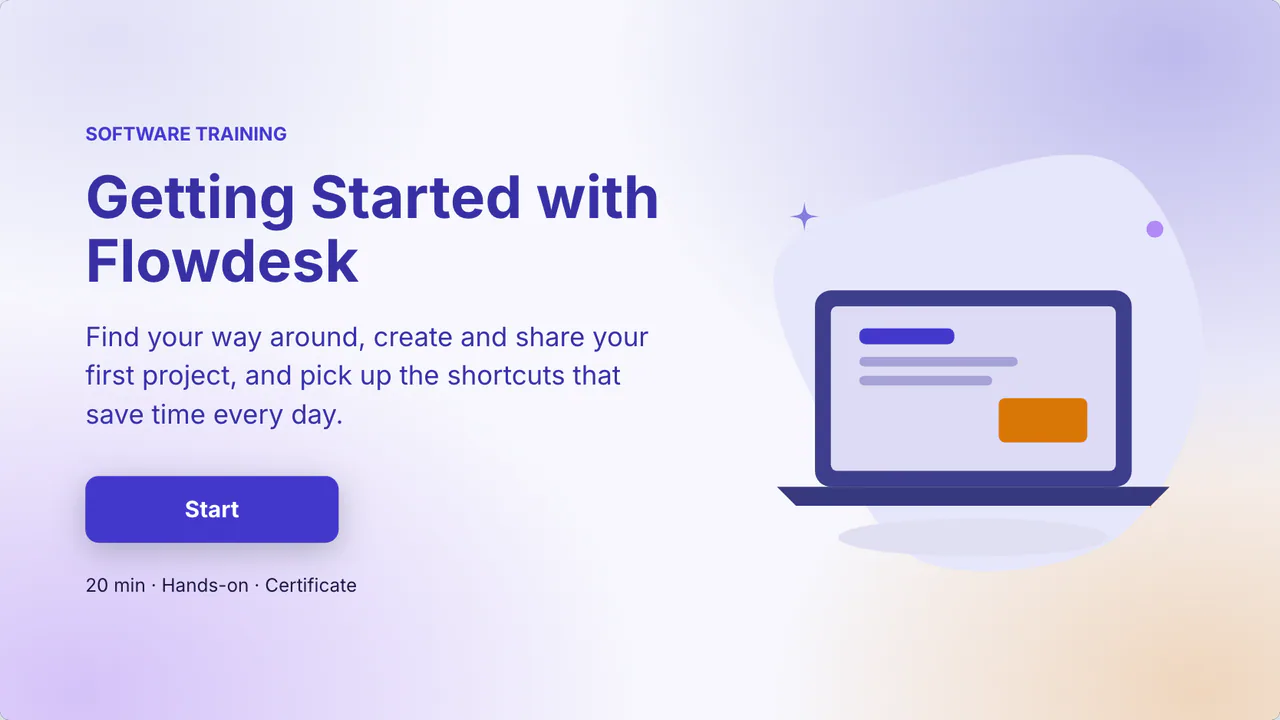 IT & softwareGetting started with a new appA free software training course for any new app: a screen tour, tasks on screenshots, click-on-the-screen practice, shortcuts and a graded quiz. Play it now.
Read more
Compliance training people actually finish: what it is and how to build it
What compliance training is, what employee compliance training must cover, and how to build a compliance training program people finish — with LMS tracking.
Read the guideGuideEmployee onboarding training: a course, a welcome video and a 30-day plan
Plan employee onboarding training that works: an onboarding course, a welcome video, software walkthroughs, a checklist and a sample 30-day onboarding outline.
Read the guideGuideWhat is SCORM? SCORM 1.2, SCORM 2004, xAPI and cmi5 explained
What is SCORM? A plain-English guide to SCORM packages, SCORM 1.2 vs SCORM 2004, xAPI and cmi5: what each one tracks and which one your LMS needs.
Read the guideFrequently asked questions
Is this leave policy training template free?
Yes. Every course template comes with Lumesson, including the Free plan, which has every authoring feature. Courses published on Free carry a small “Made with Lumesson” mark; a one-time Lifetime licence removes it.
Can I upload it to my LMS?
Yes. Publish it as SCORM 1.2, SCORM 2004, xAPI or cmi5 and upload the package to your LMS: it reports completion and the quiz score. You can also publish HTML5 for your intranet.
Is the leave policy in the template ready to use?
No — it is an example policy, with sample numbers such as 25 days of annual leave and 5 days carried over. Replace it with your own policy before you use it; leave rules depend on your country, contracts and agreements. It is not legal advice.
Does it record that employees read the policy?
Learners type their name and tick a statement that they have read and understood the policy, then pass a short quiz for their certificate. Your LMS records completion and the score.
Can I change the questions and the pass mark?
Yes. Edit the three questions or add more from 20 question types, and set the pass mark and the number of tries.
How long does the course take?
About 20 minutes: four parts of about five minutes each.
Make “Time Off and Leave” your own
Download Lumesson free for Mac, open the template from Home ▸ Templates and change anything — by hand or by asking Lume AI.