 Lumesson
IT help desk training template
A 15-minute course that teaches everyone how to get IT help fast: four self-service steps, raising a ticket in the IT portal, picking the right priority and writing a ticket IT can solve the first time — practised in a chat with the service desk, then a quiz. Play it below, then make it yours.
- 15 minto complete
- 16slides in 4 parts
- 3questions, 2 kinds
- SCORMxAPI · cmi5 · HTML5
Already have Lumesson? Open this template in the app
 Play the course
Take “Get IT Help, Fast” as a learner
This is the real course, published from Lumesson as HTML5. Click through it, try every activity and take the test — nothing you do is recorded.
Open full screenWorks on phones and tablets too
16 slides in 4 parts
A free IT help desk course for employees: self-service, raising a ticket in the portal, priorities, a chat scenario, a memory game and a quiz. Play it now.
Introduction
2 slidesSelf-service first
4 slidesTickets that get solved
5 slidesQuiz
5 slidesA look at the course
Learning by doing, not by reading
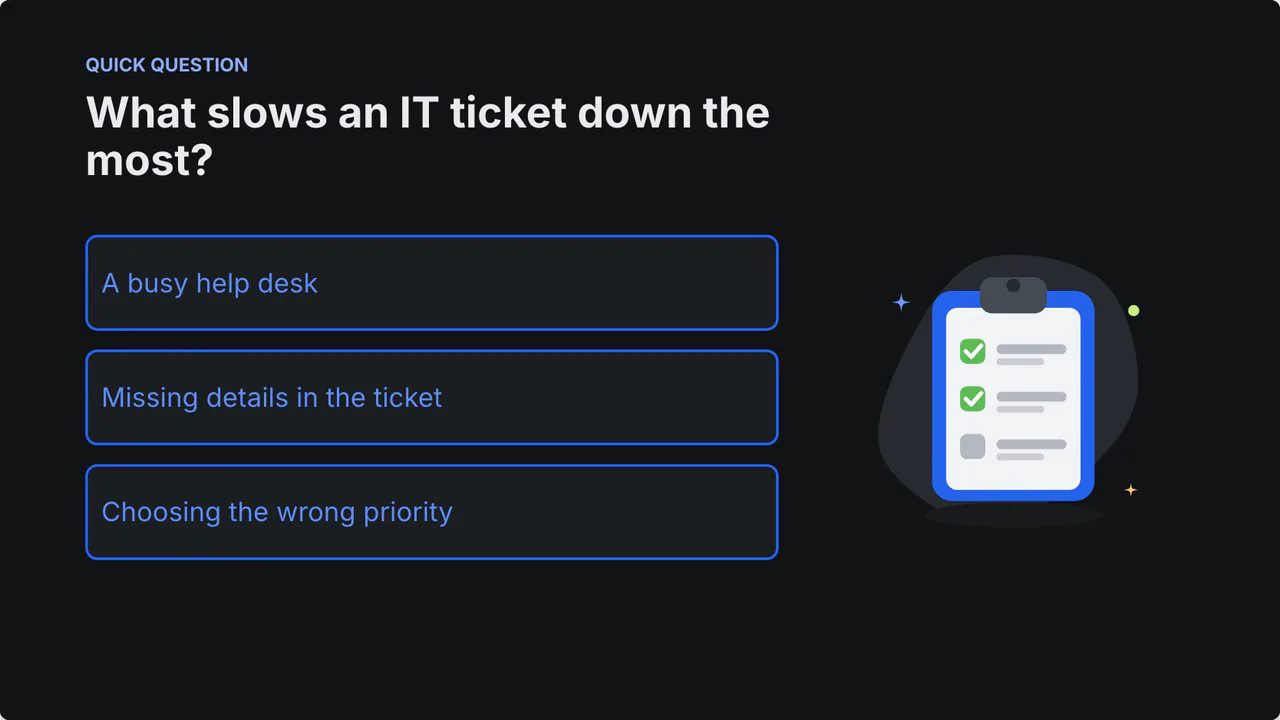
A question to start
“What slows an IT ticket down the most?” Learners guess first, then see the answer: missing details, not a busy help desk.
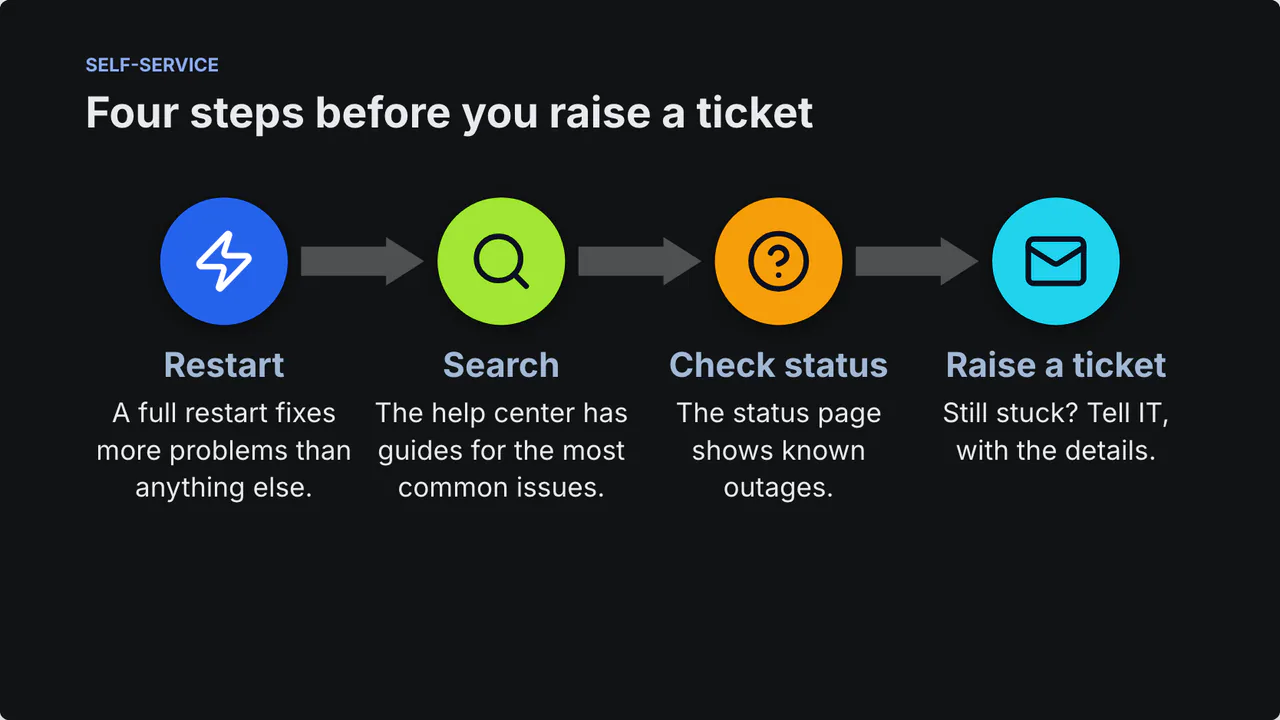
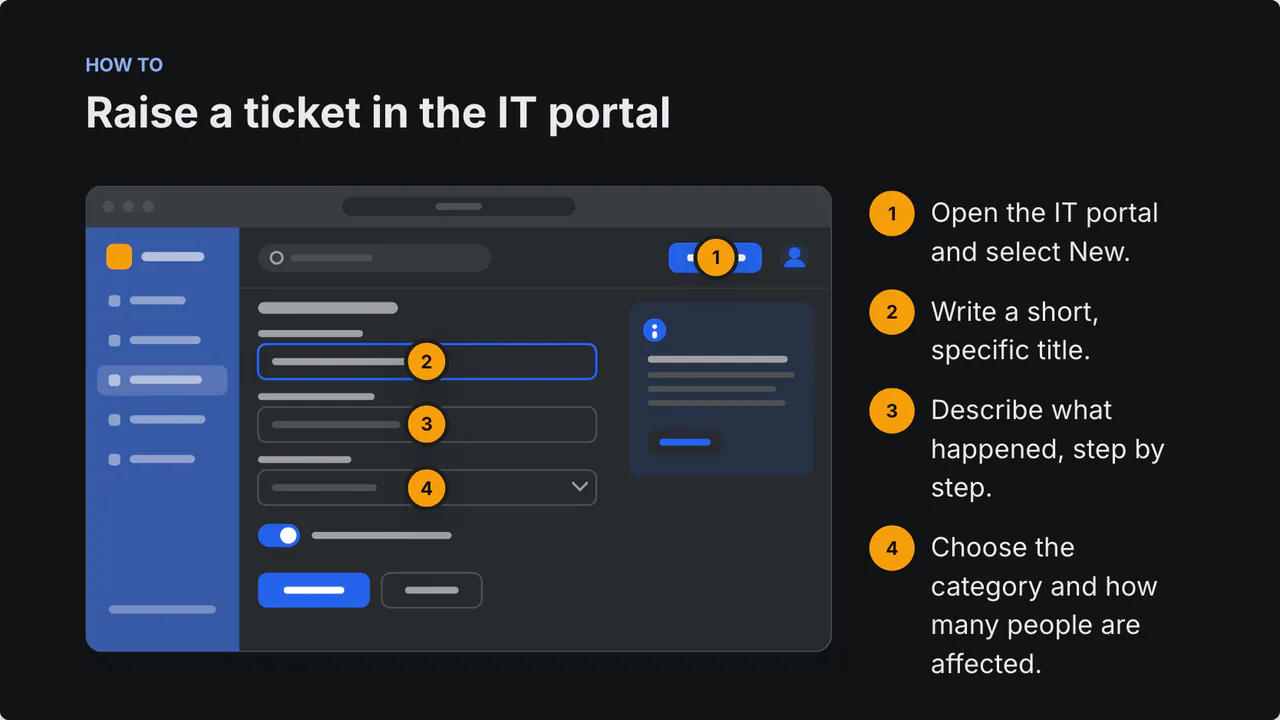
Self-service first
Four steps before a ticket — restart, search, check status, raise a ticket — then the portal’s new ticket form in four numbered steps.
Priorities and response times
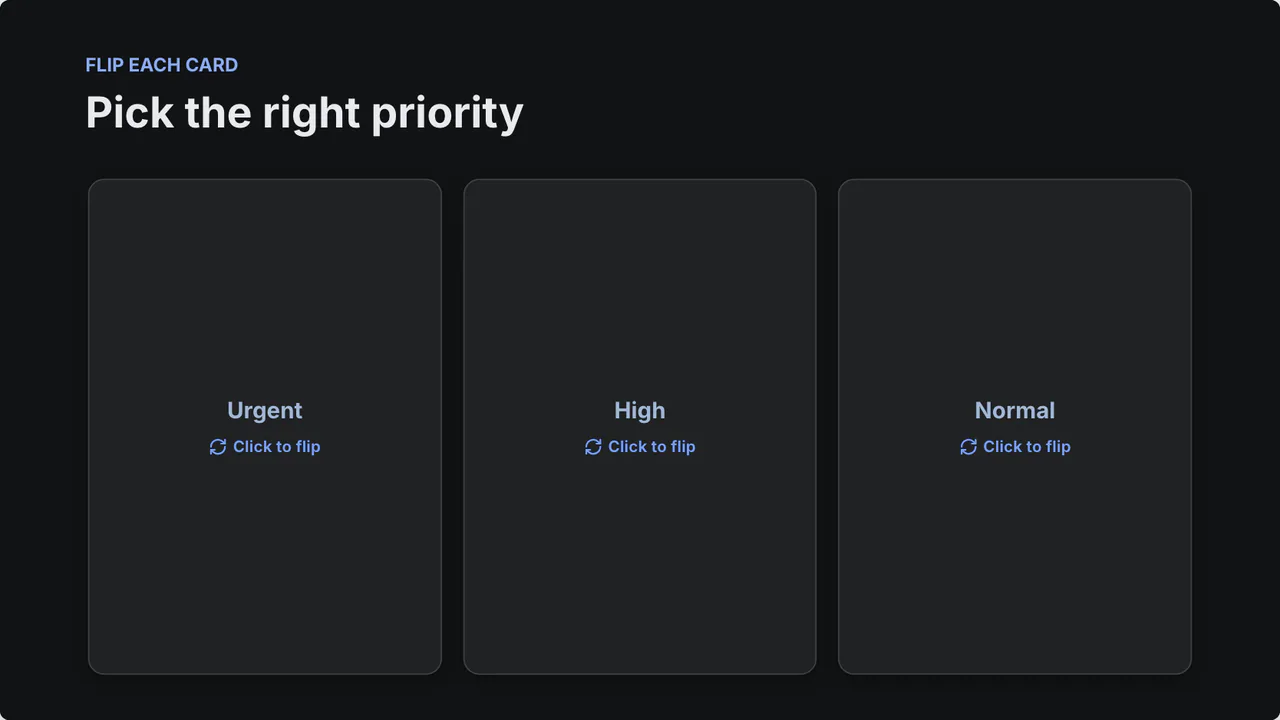
A table from P1 Critical, answered within 30 minutes, to P4 Low, within 3 working days — then flip cards to pick the right one.
A good ticket, a bad ticket
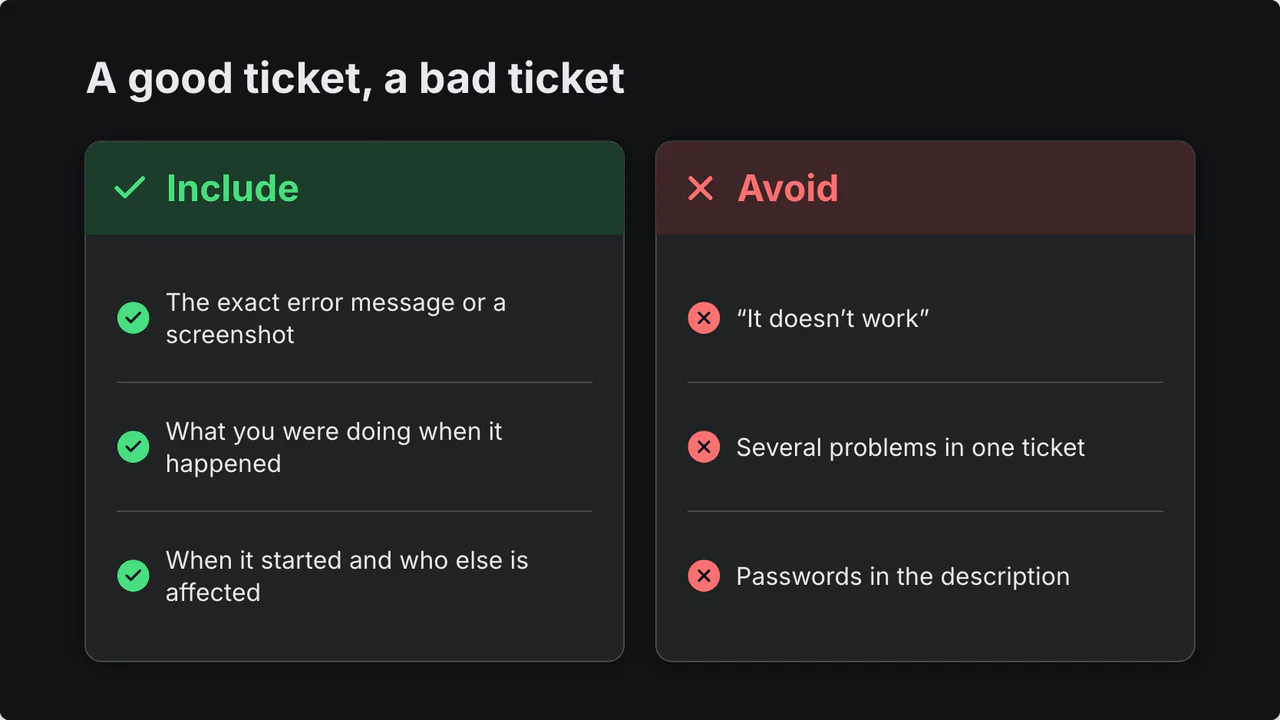
Three things to include and three to avoid, side by side — the error message in, “It doesn’t work” and passwords out.
A chat with the service desk
Sam from IT asks for more about “Laptop slow”. Learners pick a reply and see how each one speeds up or slows down the fix.
Two habits IT will thank you for
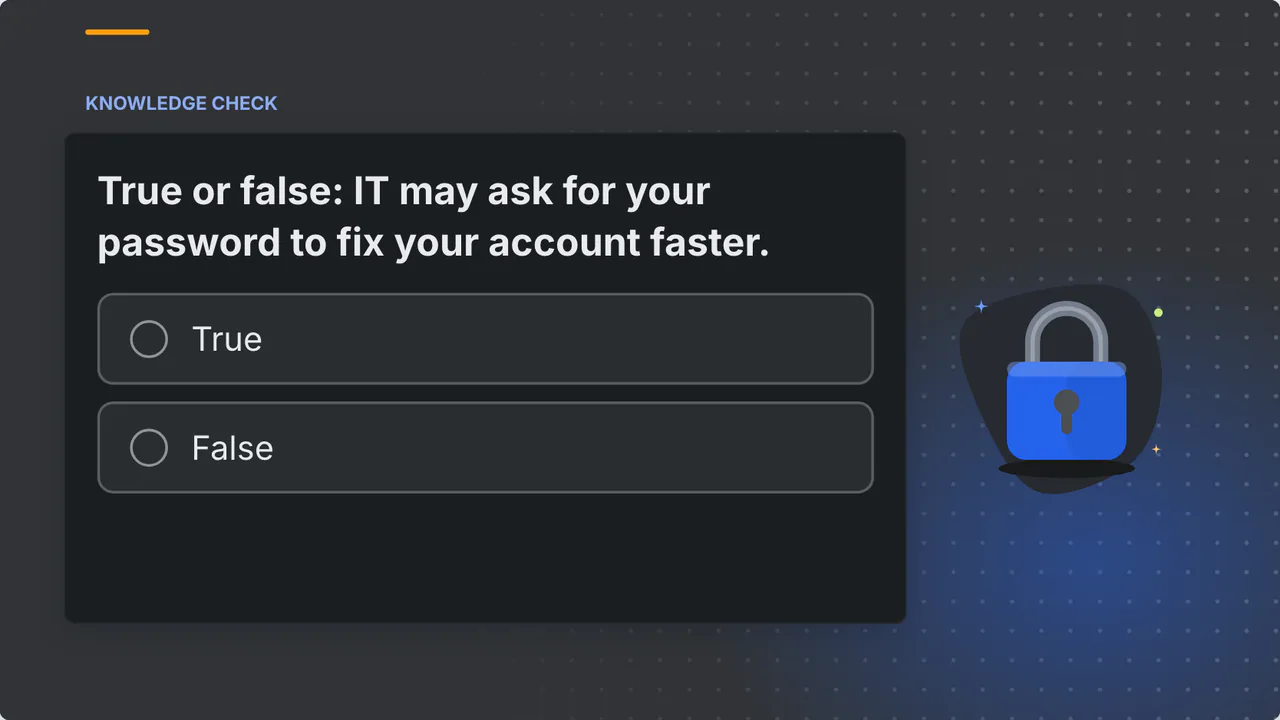
How to screenshot an error on Windows and on a Mac, and why IT will never ask for your password.
A memory game
Turn over cards to match four security terms — phishing, backup, firewall, two-step sign-in — with what they mean.
A quiz and a checklist
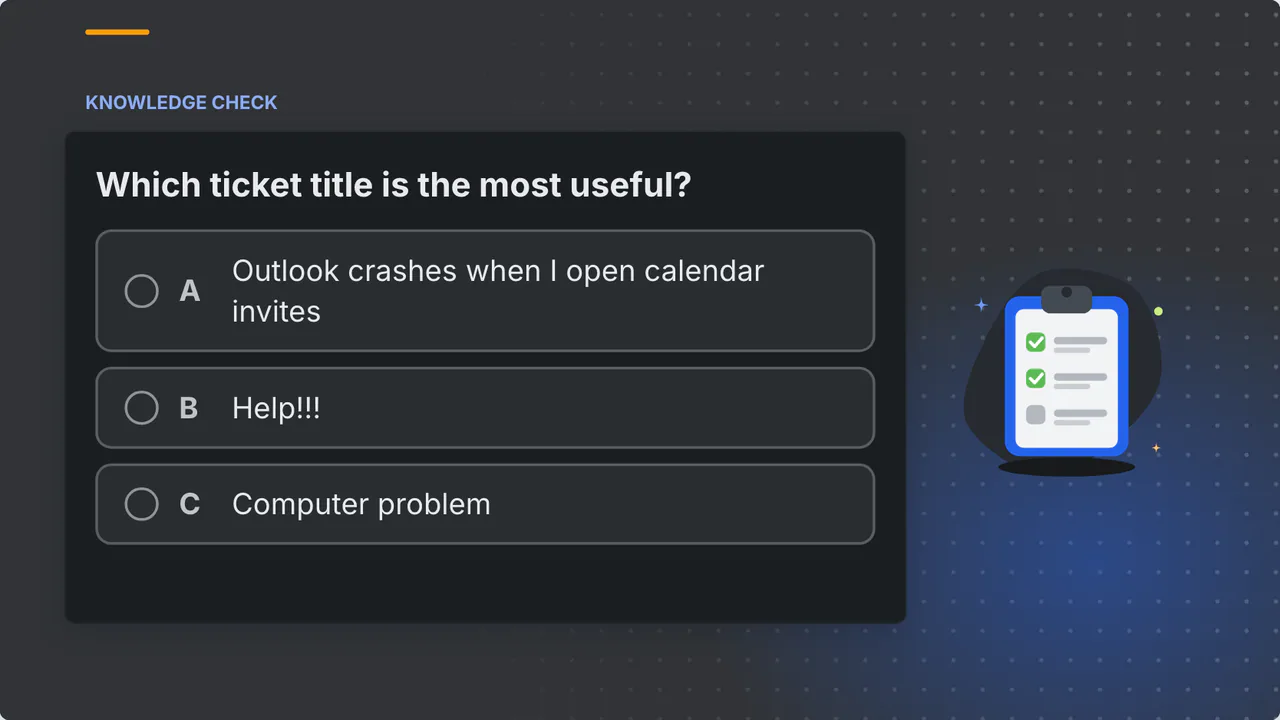
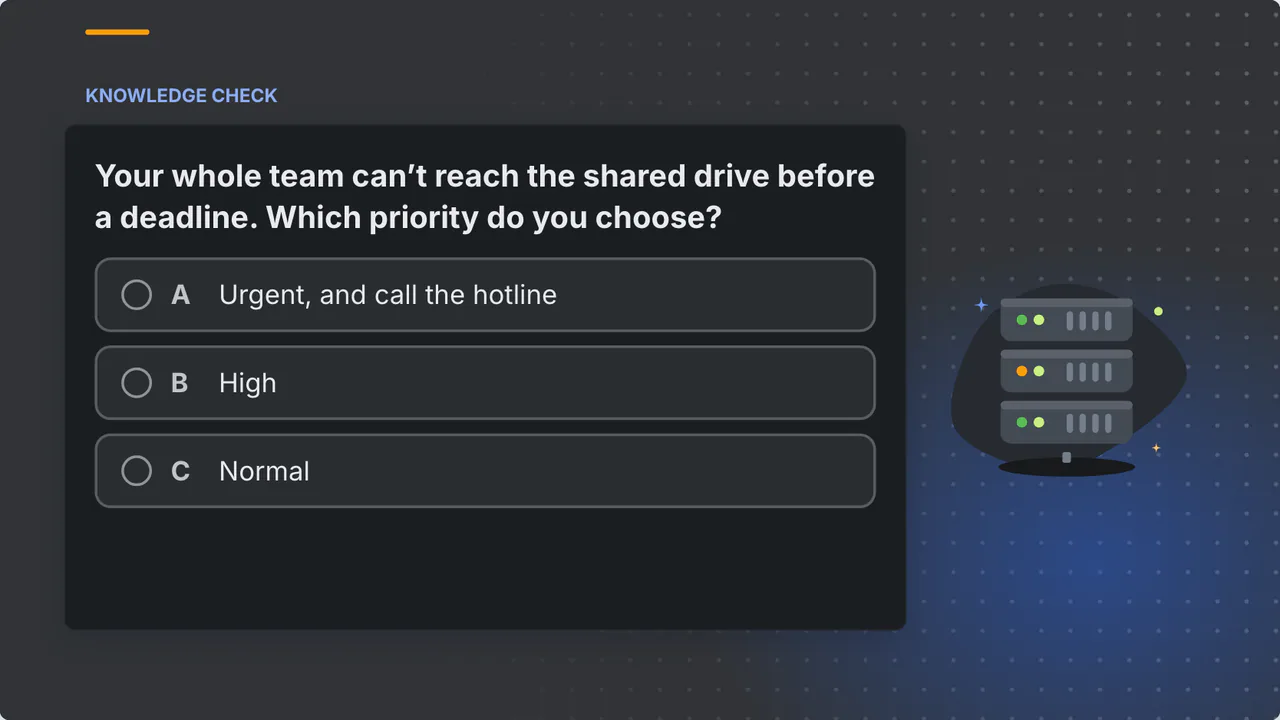
Three questions with an 80% pass mark, then a two-column checklist to use before selecting Submit.
After the course, learners can
- Try four self-service steps before raising a ticket: restart, search the help center, check the status page
- Raise a ticket in the IT portal with a specific title and the steps that led to the problem
- Choose the right priority, from a request to an urgent outage, and know when to call the hotline
- Include what IT needs — the error message or a screenshot, when it started, who else is affected
- Never share a password in a ticket or a chat
Made for
- All employees
- How to ask IT for help the right way, so tickets are solved on the first reply.
- New starters
- Part of day-one onboarding: where the IT portal is and what to put in a ticket.
- IT service desks
- Fewer “it doesn’t work” tickets and fewer back-and-forth messages.
- Remote and hybrid teams
- Self-service steps and a clear route to IT for people who can’t walk over to the desk.
From template to your own course in minutes
Everything in the template can be changed in Lumesson — by hand, or by asking Lume AI.
- 1
Open it in Lumesson
Home ▸ Templates ▸ Getting IT help fast. Every slide, question and picture can be changed — on the Free plan too.
Learn more - 2
Record your real IT portal
Record raising a ticket in your own service desk tool and Lumesson turns it into a simulation people watch, try and are tested on — in place of the sample form.
Learn more - 3
Use your own priorities
Ask the Assistant: “Change the priorities to our four levels and response times, add our hotline number and a slide on how to request new software.” It edits the real course and lists what it changed.
Learn more - 4
Put it in your brand
Pick a brand kit and your logo, colours and fonts go onto every slide at once.
Learn more - 5
Narrate and caption it
Natural AI voices or your Mac’s own voices for every slide, and captions for the whole course in one step.
Learn more - 6
Translate it for every office
A copy in Spanish, German or Japanese, with its narration voiced again and a list of anything to check.
Learn more - 7
Publish to your LMS
SCORM 1.2 or 2004, xAPI, cmi5 or HTML5. Completion and the quiz score go to your LMS — or put the HTML5 course on your intranet next to the IT portal.
Learn more
Getting IT help fast: the details
| Length | About 15 minutes |
|---|---|
| Structure | 4 parts, 16 slides |
| Interactions | Flip Cards, Diagram, Table |
| Assessment | 3 questions: Multiple choice, True or false |
| Results | A results slide with the learner’s score and pass or fail |
| Publish to | SCORM 1.2, SCORM 2004, xAPI, cmi5, HTML5 — or a video, Word or PDF |
| Phones | A phone layout for every slide in one click |
| Language | English — translate the whole course with AI in one step |
| Editing | Every slide, picture, question and setting can be changed |
| Price | Free with Lumesson (the Free plan adds a small “Made with Lumesson” mark) |
Other courses to start from
 IT & softwareGetting started with a new appA free software training course for any new app: a screen tour, tasks on screenshots, click-on-the-screen practice, shortcuts and a graded quiz. Play it now.
 OnboardingEmployee onboardingA free employee onboarding course for a new hire’s first week: values, a buddy, the first 90 days, a first-day plan, a scenario and a quiz. Play it now.
 ComplianceCybersecurity awarenessA free cybersecurity awareness training course: passwords, MFA, spotting phishing, a secure desk, a timed game and a four-question quiz. Play it now.
Read more
Software training for employees: a rollout plan that actually works
Software training for employees: plan a new system rollout by role, give people safe practice with simulations, add videos and guides, and measure results.
Read the guideGuideEmployee onboarding training: a course, a welcome video and a 30-day plan
Plan employee onboarding training that works: an onboarding course, a welcome video, software walkthroughs, a checklist and a sample 30-day onboarding outline.
Read the guideGuideHow to create a software simulation from one screen recording
A step-by-step guide to software simulations: plan the task, record it once, clean up the steps, hide private data and publish View, Try and Test modes.
Read the guideFrequently asked questions
Is this IT help desk training template free?
Yes. Every course template comes with Lumesson, including the Free plan, which has every authoring feature. Courses published on Free carry a small “Made with Lumesson” mark; a one-time Lifetime licence removes it.
Can I upload it to my LMS?
Yes. Publish it as SCORM 1.2, SCORM 2004, xAPI or cmi5 and upload the package to your LMS: it reports completion and the quiz score. You can also publish HTML5 for your intranet or IT portal.
Is it for help desk agents or for employees?
For employees who ask IT for help: how to try self-service, raise a clear ticket and choose the right priority. Service desk teams use it to get better tickets; for agent training, change the scenario and questions to the agent’s side of the chat.
Can I show our own ticketing system?
Yes. Replace the sample screenshots with your own, or record raising a ticket in your real portal: Lumesson turns the recording into an interactive simulation with watch, try and test modes.
Can I change the priorities and response times?
Yes. The table, the flip cards and the questions are ordinary slides you can edit, or ask the Assistant to change them all to match your service levels at once.
How long does the course take?
About 15 minutes, including the quiz. It also works as a short refresher after a new IT portal goes live.
Make “Get IT Help, Fast” your own
Download Lumesson free for Mac, open the template from Home ▸ Templates and change anything — by hand or by asking Lume AI.