 Lumesson
Product training template
A 20-minute product launch course for sales and support teams, built around a sample app called Nova: three features, the benefit behind each one, a demo, the launch timeline, three objections and a discovery call to win — then a short quiz and a launch kit. Play it below, then make it about your product.
- 20 minto complete
- 14slides in 4 parts
- 3questions, 3 kinds
- SCORMxAPI · cmi5 · HTML5
Already have Lumesson? Open this template in the app
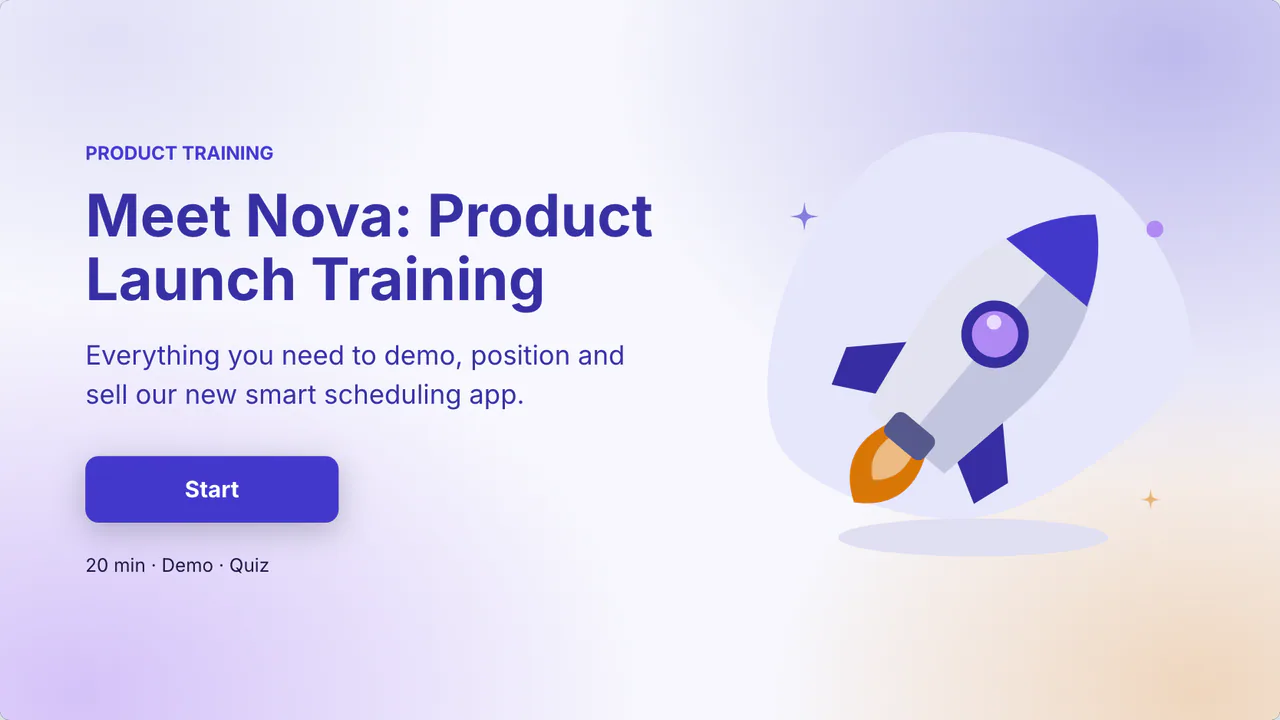 Play the course
Take “Meet Nova: Product Launch Training” as a learner
This is the real course, published from Lumesson as HTML5. Click through it, try every activity and take the test — nothing you do is recorded.
Open full screenWorks on phones and tablets too
14 slides in 4 parts
A free product launch training course for sales and support: features vs. benefits, a demo, objection handling and a discovery-call scenario. Play it now.
Introduction
2 slidesThe product
4 slidesSelling Nova
3 slidesAssessment
5 slidesA look at the course
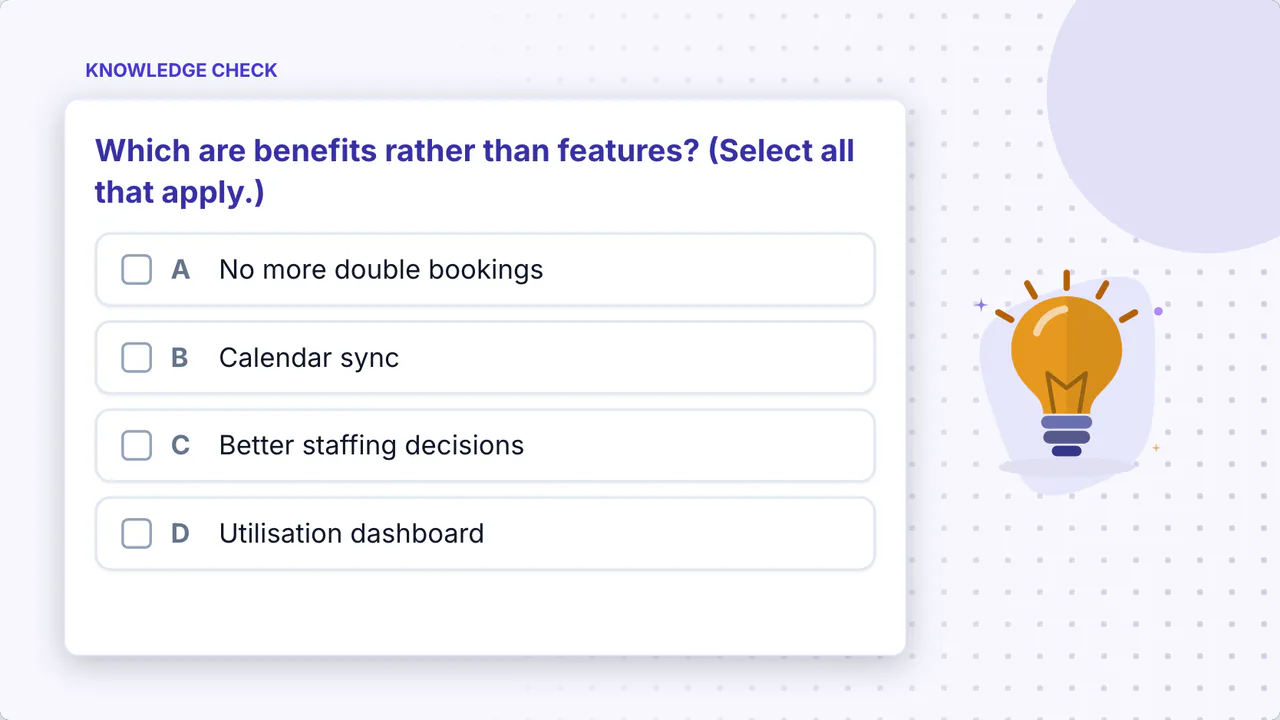
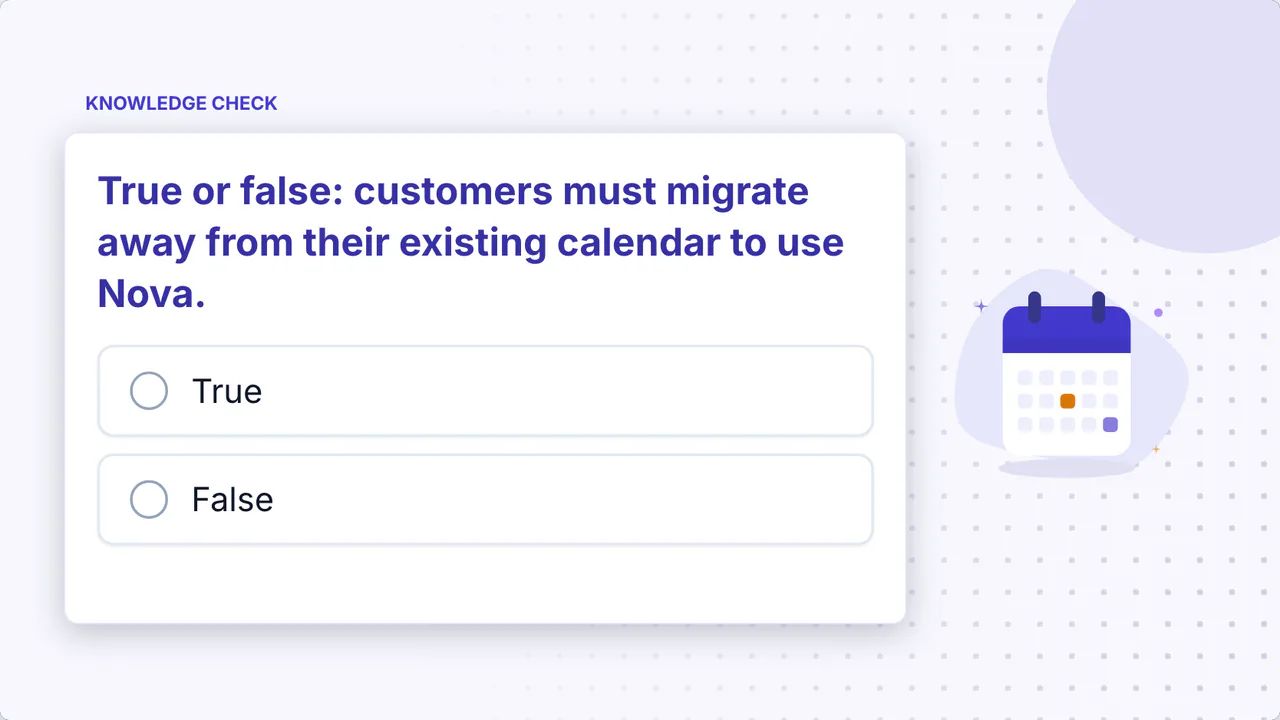
Learning by doing, not by reading
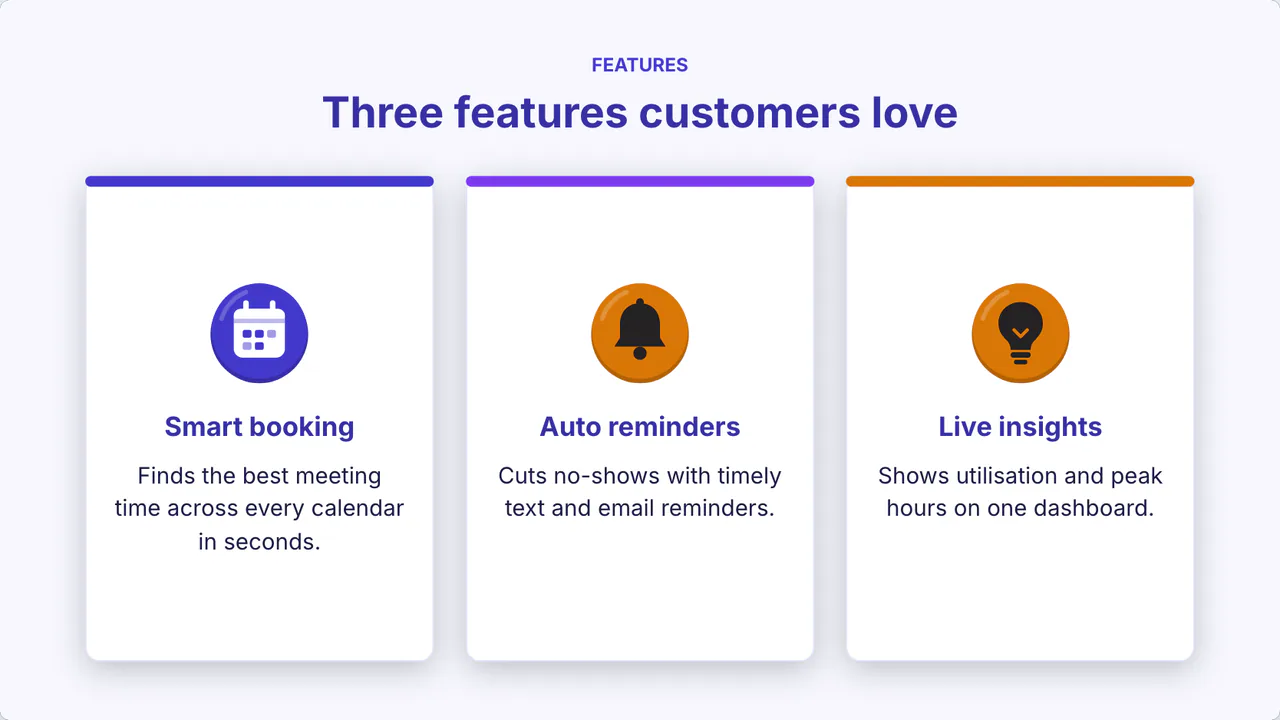
Three features customers love
Smart booking, auto reminders and live insights, each on its own card with what it does.
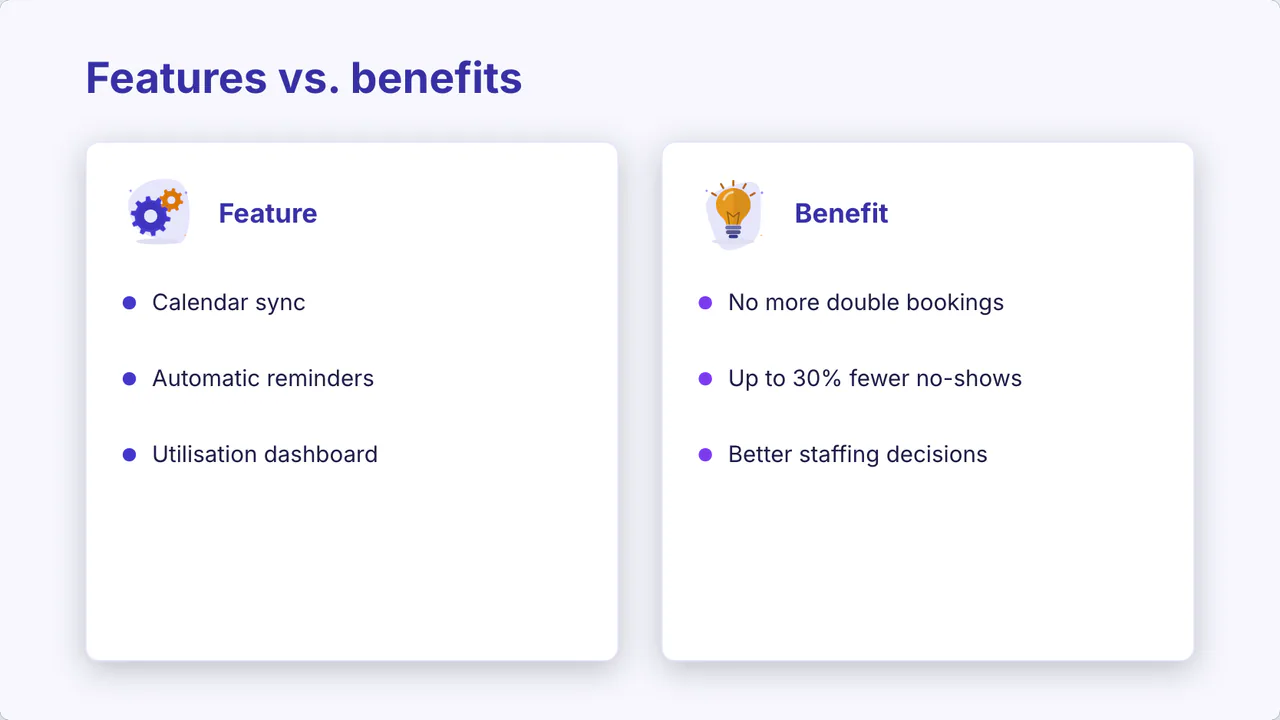
Features vs. benefits
Two columns: calendar sync means no more double bookings; reminders mean up to 30% fewer no-shows.
A 3-minute demo
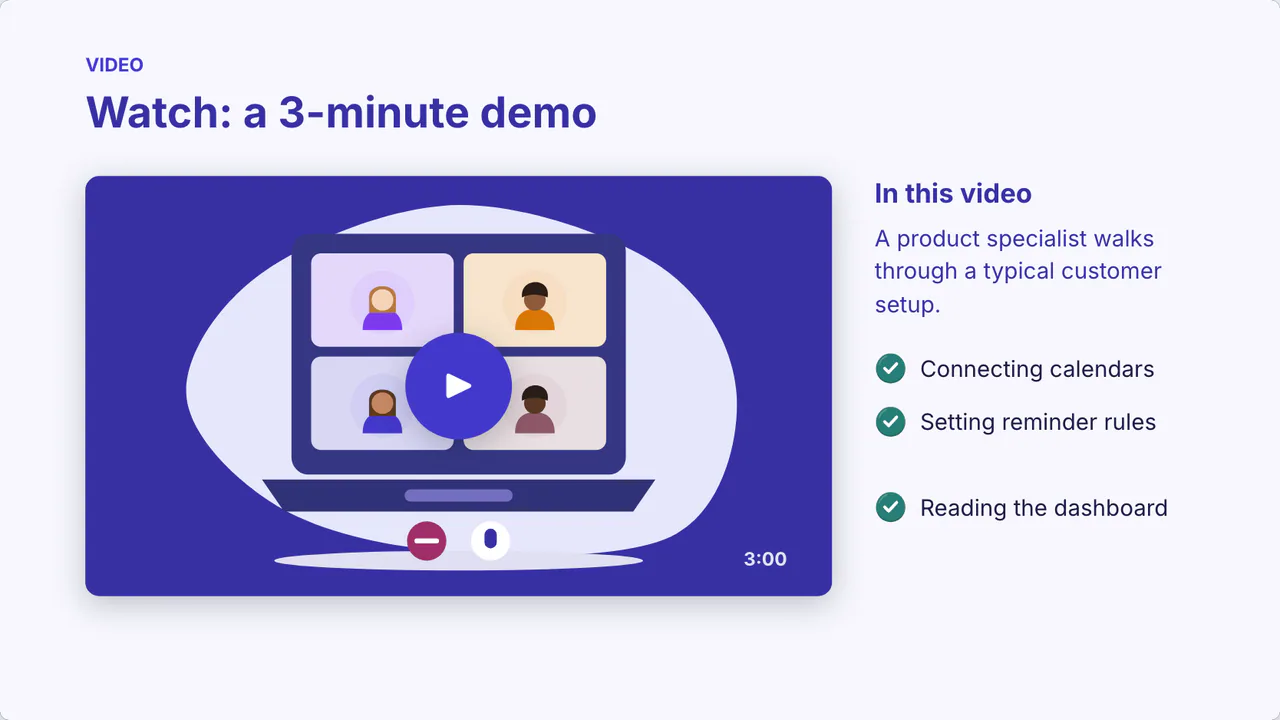
A video frame for a product walkthrough, with what to look for: connecting calendars, setting reminder rules, reading the dashboard.
The launch timeline
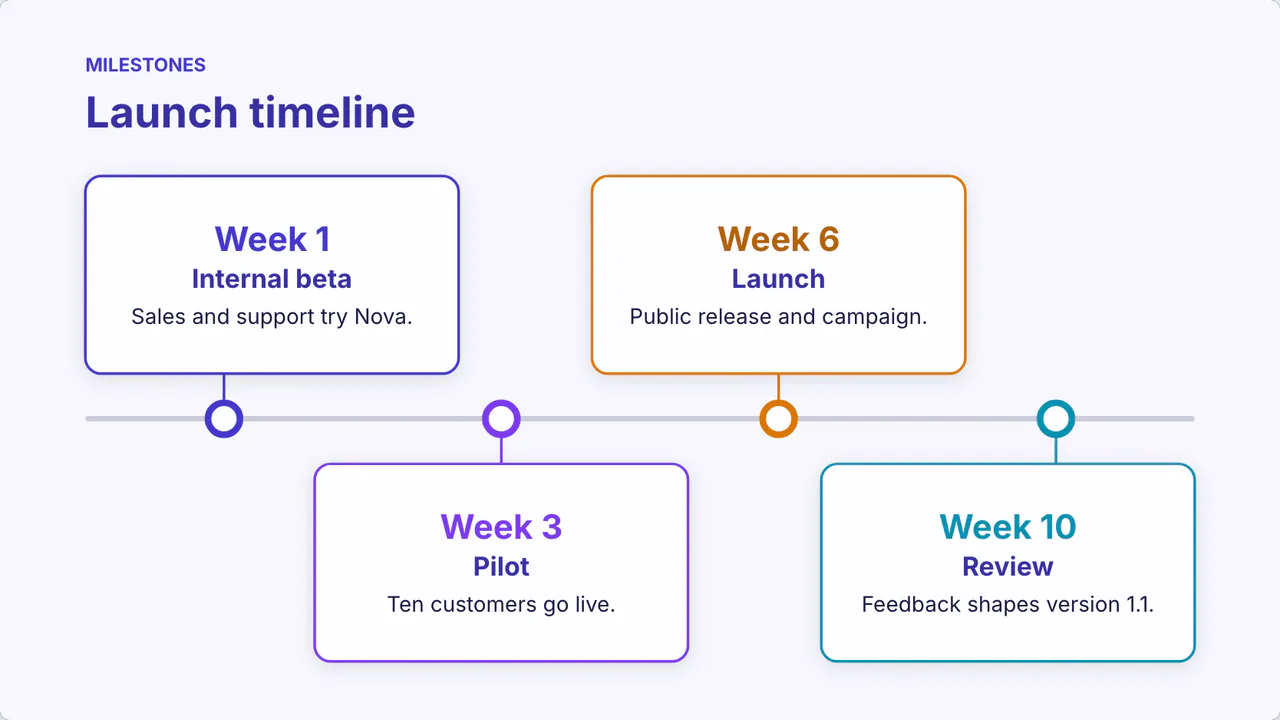
From internal beta in week 1 to a pilot with ten customers, the public launch in week 6 and a review in week 10.
Handling objections
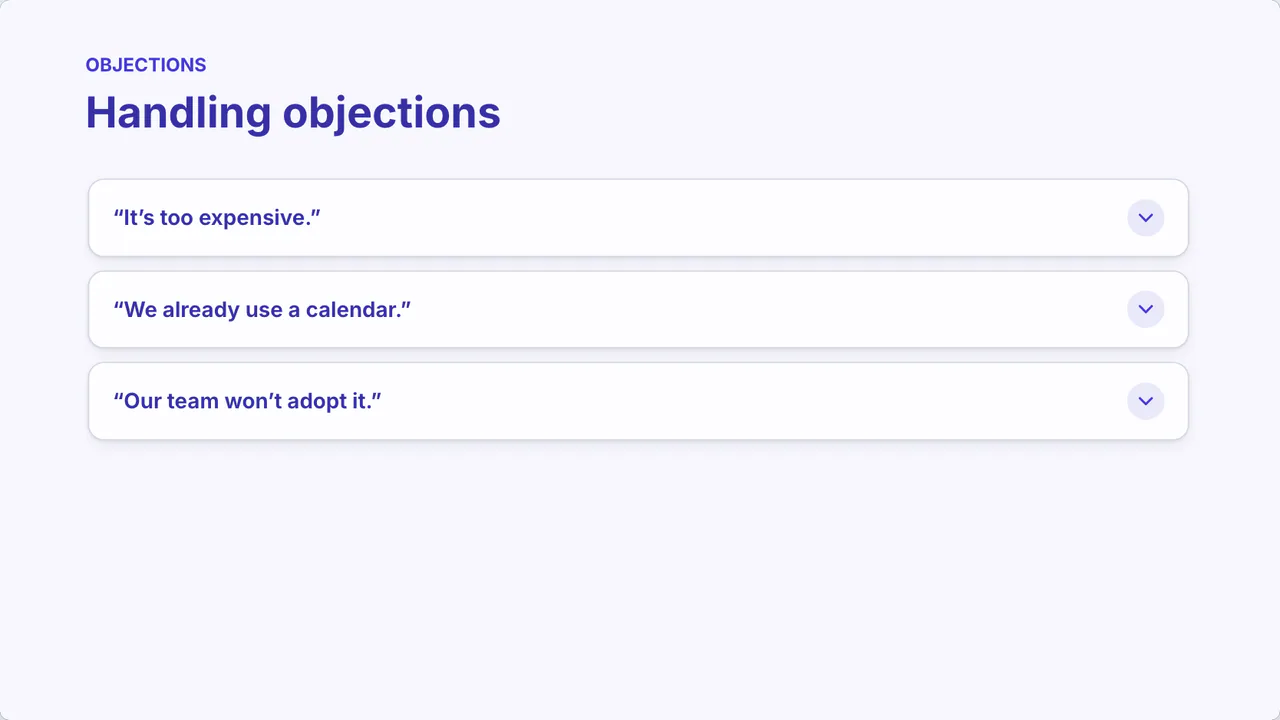
“It’s too expensive.” “We already use a calendar.” “Our team won’t adopt it.” Learners open each one to see the answer.
The discovery call
Dana, a clinic manager, loses ten appointments a week to no-shows. Learners choose how to respond — a feature dump, a discount, or her real problem.
A quiz of three kinds
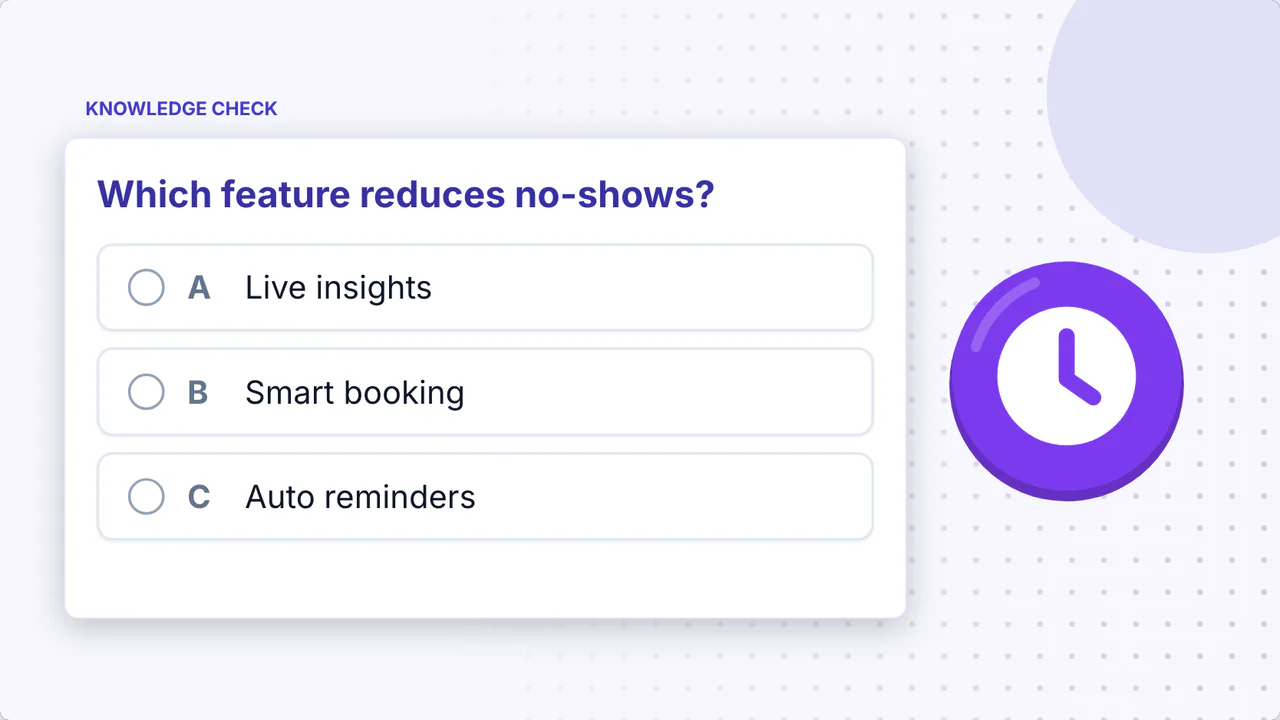
Multiple choice, multiple response and true or false, with an 80% pass mark, review and retry.
A launch kit
Four links to finish on: the demo script, the battle card, pricing and customer stories.
After the course, learners can
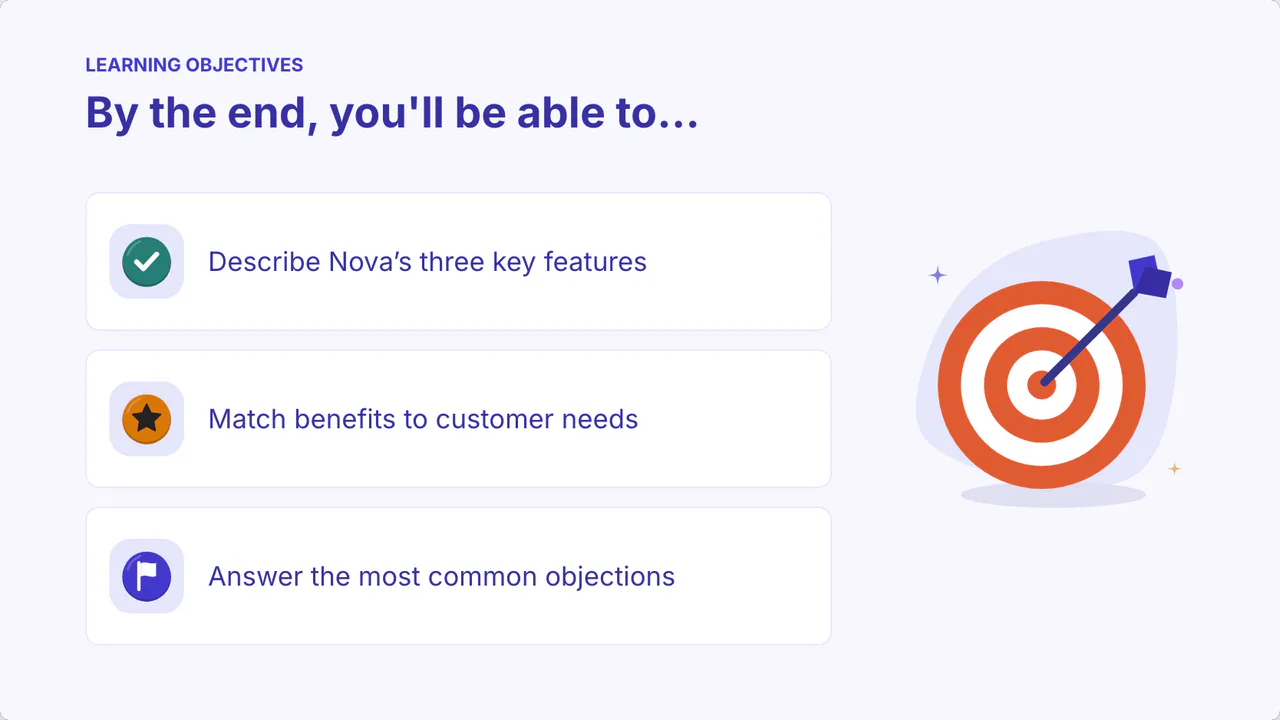
- Describe the product’s three key features in a sentence each
- Tell a feature from a benefit, and match benefits to what a customer needs
- Answer the three most common objections: price, “we already have one” and adoption
- Run a discovery call that starts from the customer’s problem, not a feature list
- Know the launch timeline and where to find the demo script, battle card and pricing
Made for
- Sales teams
- Everything a rep needs before their first demo of a new product.
- Customer support
- The features and the answers customers will ask about on launch day.
- Partners & resellers
- The same product story for everyone who sells it, wherever they are.
- Product marketing
- A ready-made structure for every launch: features, benefits, objections, practice.
From template to your own course in minutes
Everything in the template can be changed in Lumesson — by hand, or by asking Lume AI.
- 1
Open it in Lumesson
Home ▸ Templates ▸ Product training. Every slide, question and picture can be changed — on the Free plan too.
Learn more - 2
Put it in your brand
Pick a brand kit and your logo, colours and fonts go onto every slide at once.
Learn more - 3
Swap Nova for your product
Ask the Assistant: “Replace Nova with our new product, Halo, a smart thermostat for small offices. Write its three features, their benefits and the objections our installers hear most.” It edits the real course and lists what it changed.
Learn more - 4
Start from your launch deck
Already have slides from product marketing? Import the PowerPoint and turn it into interactive lessons alongside the template.
Learn more - 5
Record the demo
Fill the video frame with a screen recording that zooms in where you click, with a smooth cursor, captions and your voice.
Learn more - 6
Let reps try the product
Record a task in the product once; reps watch it, try it and prove it in a software simulation before they show it to a customer.
Learn more - 7
Link your real launch kit
Point the four launch-kit links to your own demo script, battle card, price list and customer stories.
Learn more - 8
Publish to your LMS
SCORM 1.2 or 2004, xAPI, cmi5 or HTML5. Completion and the quiz score go to your LMS, so you know who is ready to sell.
Learn more
Product training: the details
| Length | About 20 minutes |
|---|---|
| Structure | 4 parts, 14 slides |
| Interactions | Accordion, Diagram |
| Assessment | 3 questions: Multiple choice, Multiple response, True or false |
| Results | A results slide with the learner’s score and pass or fail |
| Publish to | SCORM 1.2, SCORM 2004, xAPI, cmi5, HTML5 — or a video, Word or PDF |
| Phones | A phone layout for every slide in one click |
| Language | English — translate the whole course with AI in one step |
| Editing | Every slide, picture, question and setting can be changed |
| Price | Free with Lumesson (the Free plan adds a small “Made with Lumesson” mark) |
Other courses to start from
 SalesSales NegotiationA free sales negotiation training course: target, walk-away and BATNA, a four-step method, a discount-request scenario and a graded quiz. Play it now.
 OnboardingEmployee onboardingA free employee onboarding course for a new hire’s first week: values, a buddy, the first 90 days, a first-day plan, a scenario and a quiz. Play it now.
 IT & softwareGetting started with a new appA free software training course for any new app: a screen tour, tasks on screenshots, click-on-the-screen practice, shortcuts and a graded quiz. Play it now.
Read more
Software training for employees: a rollout plan that actually works
Software training for employees: plan a new system rollout by role, give people safe practice with simulations, add videos and guides, and measure results.
Read the guideGuideHow to make a training video people actually finish
How to make a training video people finish: plan and script it, record your screen on a Mac, add zoom, captions and narration, hide private data, export MP4.
Read the guideGuideHow to create a software simulation from one screen recording
A step-by-step guide to software simulations: plan the task, record it once, clean up the steps, hide private data and publish View, Try and Test modes.
Read the guideFrequently asked questions
Is this product training template free?
Yes. Every course template comes with Lumesson, including the Free plan, which has every authoring feature. Courses published on Free carry a small “Made with Lumesson” mark; a one-time Lifetime licence removes it.
Can I upload it to my LMS?
Yes. Publish it as SCORM 1.2, SCORM 2004, xAPI or cmi5 and upload the package to your LMS or partner portal: it reports completion and the quiz score. You can also publish HTML5 for a website or intranet.
What is Nova?
Nova is a made-up smart scheduling app, so the course is complete and playable as it is. Replace it with your own product — the structure of features, benefits, objections and a discovery call works for software, devices and services alike.
Can I show our real product in it?
Yes. Record a demo video of your product with auto-zoom and captions, or a software simulation that reps click through themselves, and add it to the course.
Can I reuse it for every launch?
Yes. Keep the course as your launch template: duplicate it for each new product or release, and ask the Assistant to rewrite the features, benefits and objections from your notes.
How long does the course take?
About 20 minutes, including a three-question quiz. Reps can take it on their phones between calls.
Make “Meet Nova: Product Launch Training” your own
Download Lumesson free for Mac, open the template from Home ▸ Templates and change anything — by hand or by asking Lume AI.